
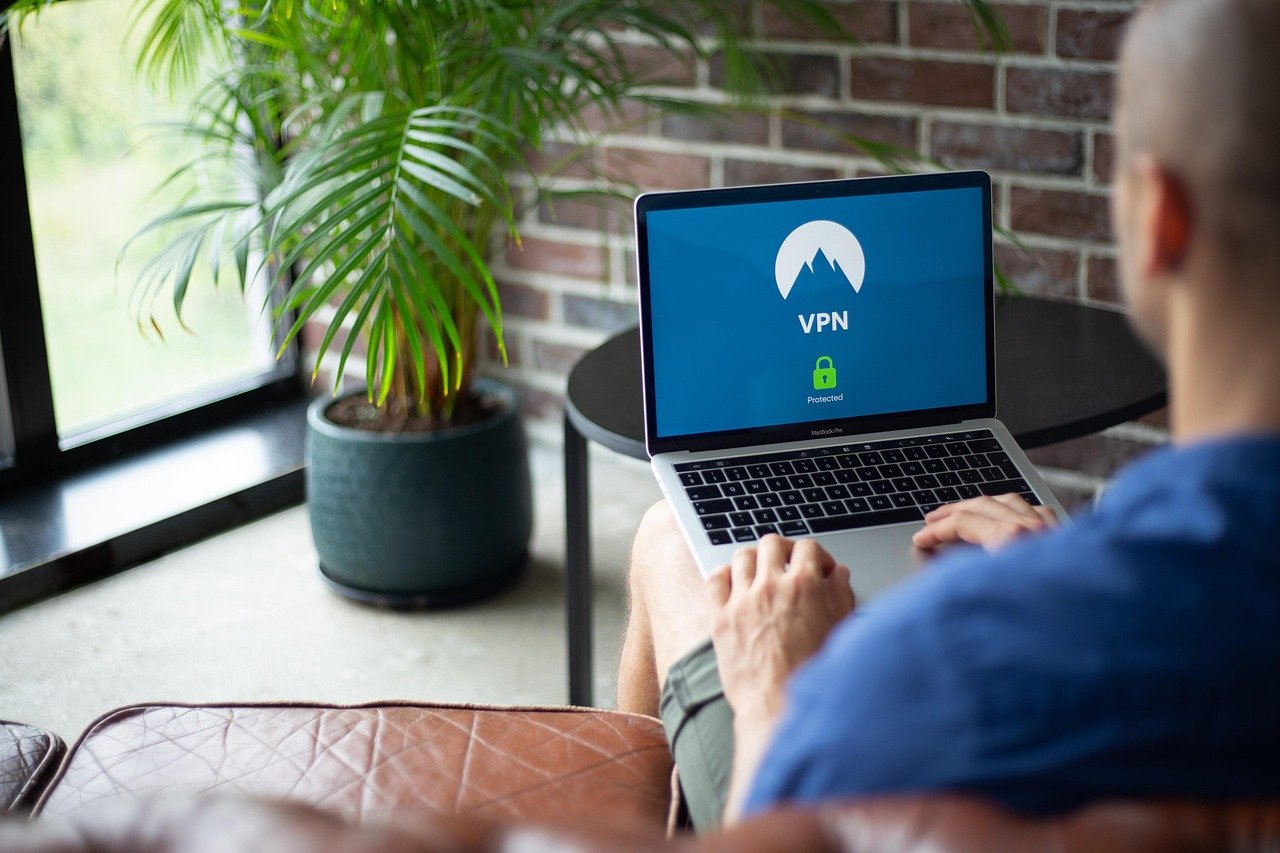
Streaming your favorite movies, TV shows, and sporting events online has become a global pastime. However, geo-restrictions, ISP throttling, and privacy concerns can quickly turn your streaming experience sour. A Virtual Private Network (VPN) can be your secret weapon, unlocking a world of content and protecting your digital footprint. This comprehensive guide explores how a VPN enhances your streaming experience, the benefits it offers, and how to choose the right one for your needs.
Why Use a VPN for Streaming?
Access Geo-Restricted Content
Streaming services often have different content libraries based on your geographical location. This is due to licensing agreements and regional regulations. A VPN allows you to bypass these restrictions by connecting to a server in another country, effectively masking your IP address and making it appear as if you are browsing from that location.
- Example: Want to watch a show only available on Netflix US? Connect to a US-based VPN server and access the American Netflix library.
- Tip: Experiment with different server locations to find the one that unlocks the content you desire.
Bypass ISP Throttling
Internet Service Providers (ISPs) sometimes throttle bandwidth for certain types of traffic, including streaming. This can lead to buffering, lag, and a frustrating viewing experience. A VPN encrypts your internet traffic, preventing your ISP from seeing what you’re doing online and, therefore, hindering their ability to throttle your connection.
- Benefit: Enjoy smoother streaming without annoying interruptions.
- Consider: Run a speed test with and without the VPN to see if throttling is an issue.
Enhance Privacy and Security
When you stream content without a VPN, your IP address and browsing activity are visible to your ISP and potentially other third parties. A VPN encrypts your data and hides your IP address, providing a layer of privacy and security.
- Protection: Shield your viewing habits from prying eyes.
- Peace of Mind: Stream with the knowledge that your data is protected.
Unblock Streaming Services on Restricted Networks
Some networks, such as those in schools or workplaces, may block access to certain streaming services. A VPN can circumvent these restrictions, allowing you to access your favorite content regardless of network limitations.
- Convenience: Stream your shows even on restrictive networks.
- Accessibility: Stay entertained wherever you are.
Key Features to Look for in a Streaming VPN
Server Network and Locations
A wide range of servers and locations is crucial for accessing different content libraries and ensuring reliable connections.
- Requirement: Look for a VPN with servers in multiple countries, especially in regions with popular streaming services.
- Example: Ensure availability of servers in the US, UK, Canada, and Australia for accessing their respective streaming platforms.
Speed and Bandwidth
Fast connection speeds and unlimited bandwidth are essential for smooth, buffer-free streaming.
- Minimum Requirement: Opt for a VPN that offers consistently fast speeds and unlimited data transfer.
- Testing: Take advantage of free trials or money-back guarantees to test the VPN’s performance with your streaming services.
Compatibility with Streaming Devices
The VPN should be compatible with a variety of devices, including computers, smartphones, tablets, smart TVs, and streaming devices like Roku, Amazon Fire TV Stick, and Apple TV.
- Consideration: Check if the VPN offers dedicated apps for your specific devices.
- Installation: Ensure the VPN provides easy-to-follow installation instructions.
Strong Encryption and Security Protocols
Robust encryption and security protocols are vital for protecting your privacy and data.
- Essential: Ensure the VPN uses strong encryption protocols like AES-256 and supports secure protocols like OpenVPN or WireGuard.
- Privacy Policy: Review the VPN’s privacy policy to understand how they handle your data. Look for “no-logs” policies.
User-Friendliness and Customer Support
An intuitive interface and reliable customer support are important for a seamless experience.
- Ease of Use: Choose a VPN with a user-friendly interface that is easy to navigate.
- Support Options: Look for a VPN that offers multiple support channels, such as live chat, email, and a comprehensive knowledge base.
How to Set Up and Use a VPN for Streaming
Choosing a VPN Provider
Research and compare different VPN providers based on the features outlined above. Read reviews and consider free trials before making a decision.
- Research: Compare prices, server locations, speed test results, and user reviews.
- Testing: Utilize free trials to test the VPN’s performance with your streaming services.
Installing the VPN App
Download and install the VPN app on your device. Follow the instructions provided by the VPN provider.
- Direct Download: Obtain the app directly from the VPN provider’s website or authorized app stores.
- Follow Instructions: Carefully follow the installation instructions.
Connecting to a Server
Open the VPN app and connect to a server in the desired location.
- Server Selection: Choose a server location based on the content you want to access.
- One-Click Connect: Many VPNs offer a one-click connect feature for ease of use.
Testing Your Connection
Verify that your IP address has changed and that you can access the desired content.
- IP Address Check: Use a website like “whatismyip.com” to confirm that your IP address has changed.
- Content Access: Attempt to access the streaming service and verify that the desired content is available.
Troubleshooting Common Issues
If you encounter issues, try the following:
- Switch Servers: Try connecting to a different server location.
- Clear Cache: Clear your browser cache and cookies.
- Contact Support: Contact the VPN provider’s customer support for assistance.
Popular Streaming Services and VPN Compatibility
Netflix
Netflix is one of the most popular streaming services, but its content library varies by region. A VPN can help you access different Netflix libraries, but Netflix actively blocks VPNs.
- VPN Compatibility: Choose a VPN that is known to work with Netflix.
- Server Rotation: Some VPNs regularly update their server IPs to bypass Netflix’s VPN detection.
Hulu
Hulu also offers different content based on your location. A VPN can bypass these restrictions, but Hulu also actively detects and blocks VPNs.
- US Servers: Connect to a US-based server for accessing Hulu.
- Reputable VPNs: Select a reputable VPN that is known to work with Hulu.
Amazon Prime Video
Amazon Prime Video’s content also varies by region. A VPN can help you access different libraries, but Amazon also attempts to block VPNs.
- Regional Libraries: Access different regional Prime Video libraries using a VPN.
- Trial and Error: Experiment with different servers to find one that works.
Other Streaming Services
Other popular streaming services like Disney+, HBO Max, BBC iPlayer, and sports streaming platforms also have geo-restrictions that a VPN can bypass.
- Service-Specific Servers: Some VPNs offer servers specifically optimized for certain streaming services.
- Consistent Updates: Choose a VPN that regularly updates its servers to maintain compatibility with streaming services.
Conclusion
A VPN is a valuable tool for enhancing your streaming experience. It allows you to access geo-restricted content, bypass ISP throttling, protect your privacy, and unblock streaming services on restricted networks. By choosing a VPN with the right features, such as a wide server network, fast speeds, strong encryption, and compatibility with your devices, you can unlock a world of entertainment and enjoy a seamless streaming experience. Remember to research and test different VPN providers to find the one that best suits your needs. Enjoy your shows!



