
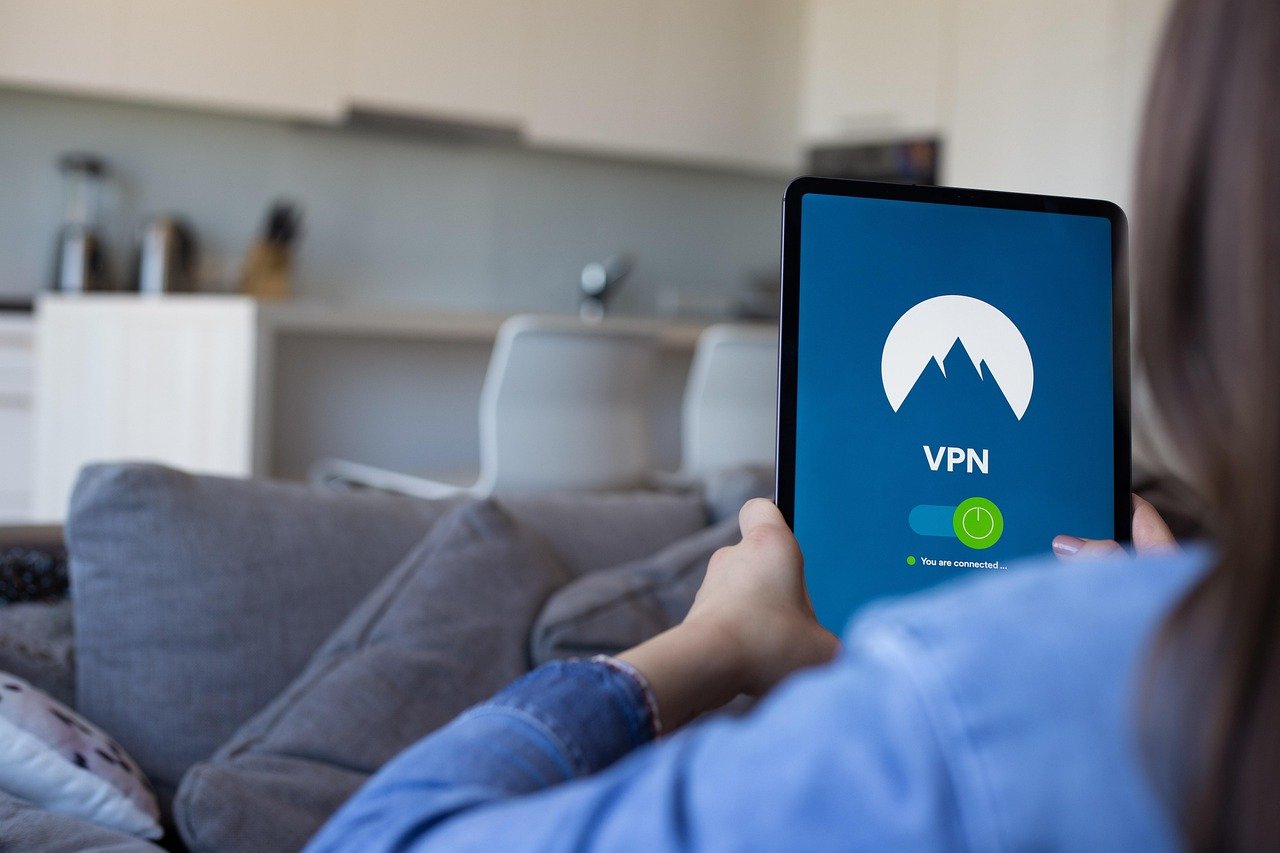
A VPN (Virtual Private Network) is often touted as a security solution, and while it does enhance your online privacy by masking your IP address and encrypting your data, it’s crucial to understand that it doesn’t offer complete protection. Think of it as a strong lock on your front door – important, but not enough if your windows are wide open. This is where a VPN firewall comes in, adding an extra layer of security and ensuring your online activity remains safe and secure. Let’s delve into the world of VPN firewalls and explore how they can protect your digital life.
What is a VPN Firewall?
Understanding the Basics
A VPN firewall combines the security features of a traditional firewall with the privacy benefits of a VPN. A traditional firewall monitors incoming and outgoing network traffic based on pre-defined security rules, blocking potentially malicious connections. A VPN, on the other hand, encrypts your internet traffic and routes it through a secure server, masking your IP address and location. A VPN firewall essentially integrates these two technologies.
How Does it Work?
- Filtering Traffic: The firewall component examines all data packets passing through the VPN connection, identifying and blocking suspicious activity. This includes malware, viruses, and other threats.
- Controlling Access: It allows you to define specific rules for which applications and services can access the internet through the VPN. This can prevent unauthorized applications from bypassing the VPN connection and exposing your data.
- Kill Switch Functionality: While many VPNs offer a built-in kill switch, a VPN firewall often provides a more robust and reliable version. If the VPN connection drops unexpectedly, the firewall instantly blocks all internet traffic, preventing your IP address and data from being exposed.
Why You Need a VPN Firewall
Without a firewall in conjunction with your VPN, you are still vulnerable. Here’s why:
- IP Leaks: A VPN might experience occasional dropouts or technical glitches, momentarily exposing your real IP address. A firewall acts as a failsafe, blocking traffic during these periods.
- Malware Protection: While a VPN encrypts your data, it doesn’t actively scan for or block malware. A firewall adds this essential layer of protection.
- Application Control: Without a firewall, any application on your device can potentially bypass the VPN and connect directly to the internet. A VPN firewall allows you to control which applications are allowed to use the VPN.
Different Types of VPN Firewalls
Software-Based Firewalls
- Description: These are applications installed on your device that work in conjunction with your VPN software.
- Examples: Many third-party firewall applications offer VPN integration, allowing you to configure specific rules for your VPN connection. Some VPN providers also include built-in firewall features within their software.
- Pros: Relatively easy to set up and configure, offering a good balance of security and flexibility.
- Cons: Can consume system resources, potentially impacting performance. The effectiveness depends on the quality and configuration of the firewall software.
Hardware-Based Firewalls
- Description: These are physical devices that sit between your network and the internet, providing a more robust and comprehensive level of security.
- Examples: Routers with built-in firewall capabilities, dedicated firewall appliances.
- Pros: Offer superior performance and security compared to software-based firewalls. They protect your entire network, not just a single device.
- Cons: More expensive and complex to set up and configure. May require technical expertise.
VPN Router Firewalls
- Description: These are routers pre-configured with VPN software and advanced firewall settings.
- Examples: Routers from companies like ExpressVPN, NordVPN, and flashed routers with custom firmware like DD-WRT or Tomato.
- Pros: Offer a convenient and user-friendly way to protect your entire network with both VPN and firewall functionality.
- Cons: Can be more expensive than standard routers. Performance may be limited by the router’s hardware capabilities.
Configuring Your VPN Firewall for Optimal Security
Step-by-Step Guide
Practical Tips for Enhanced Security
- Use a strong password: Protect your VPN and firewall settings with a strong, unique password.
- Enable two-factor authentication: If available, enable two-factor authentication for your VPN and firewall accounts.
- Limit access: Restrict access to your VPN and firewall settings to only authorized users.
- Regularly test your setup: Periodically test your kill switch and firewall rules to ensure they are working correctly.
Example Scenario
Imagine you’re using a public Wi-Fi network at a coffee shop. You connect to your VPN for privacy, but a malicious application on your laptop attempts to connect to the internet without using the VPN. Your VPN firewall blocks this connection, preventing your real IP address and data from being exposed. If the VPN connection were to drop, the kill switch feature in the firewall would immediately block all internet traffic, ensuring your online activity remains protected.
VPN Firewall Best Practices
Choosing a Reputable VPN Provider
- Research: Thoroughly research VPN providers and choose one with a strong reputation for security and privacy.
- No-logs policy: Ensure the VPN provider has a strict no-logs policy, meaning they don’t track your online activity.
- Transparency: Look for providers that are transparent about their security practices and have undergone independent security audits.
Regularly Auditing Your Security Setup
- Review Logs: Regularly review your firewall logs to identify and address any suspicious activity.
- Penetration Testing: Consider conducting penetration testing to identify vulnerabilities in your security setup.
- Stay Informed: Stay informed about the latest security threats and best practices.
Understanding the Limitations
- No Silver Bullet: A VPN firewall is not a silver bullet and does not guarantee complete protection. It’s important to practice safe browsing habits and be aware of potential security risks.
- User Error: Misconfigured firewall settings can weaken your security. Ensure you understand how to properly configure your VPN firewall.
- Zero-Day Exploits: Firewalls are not always effective against zero-day exploits, which are vulnerabilities that are unknown to the software vendor.
Conclusion
A VPN firewall is an essential tool for enhancing your online security and privacy. By combining the encryption benefits of a VPN with the traffic filtering capabilities of a firewall, you can create a more robust and comprehensive security setup. While it’s not a foolproof solution, a properly configured VPN firewall significantly reduces your risk of exposure to malware, IP leaks, and other online threats. Remember to choose a reputable VPN provider, configure your firewall settings carefully, and stay informed about the latest security threats. Taking these steps will help you protect your digital life and enjoy a safer online experience.


