
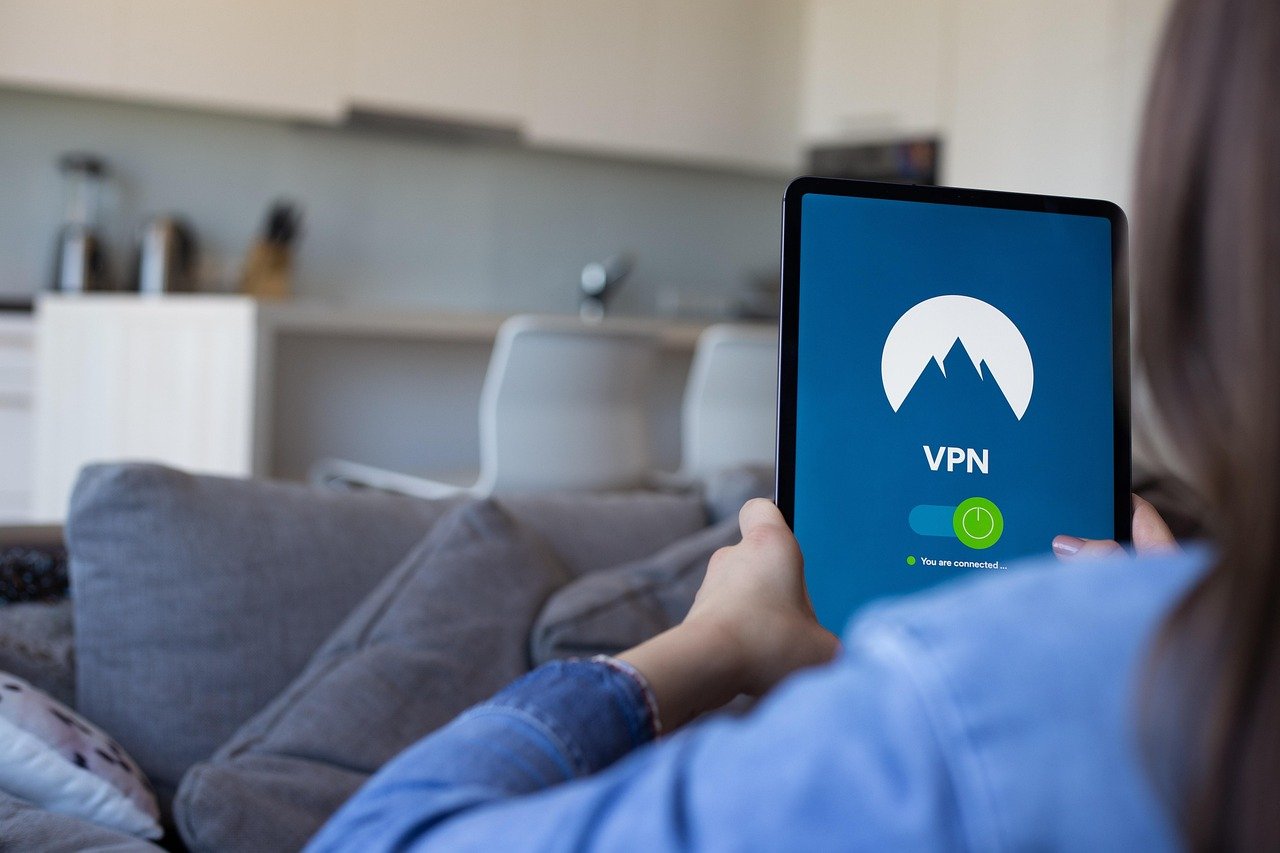
Choosing the right Virtual Private Network (VPN) can feel like navigating a maze. With countless providers promising online security, privacy, and unrestricted access, it’s crucial to sift through the marketing hype and find a VPN that truly meets your needs. This guide will walk you through the essential aspects of VPN reviews, helping you make an informed decision and protect your digital life.
Understanding VPN Reviews: What to Look For
A VPN review shouldn’t just tell you what a VPN claims to do; it should rigorously test and analyze its performance. Focus on reviews that delve into the technical aspects and provide unbiased assessments.
Security Features: The Foundation of a Good VPN
The primary reason people use VPNs is for security. A solid VPN review will scrutinize the following:
- Encryption Standards: Look for AES-256 encryption, the industry standard, or WireGuard, a newer, faster protocol.
- VPN Protocols: Understand the differences between protocols like OpenVPN, IKEv2/IPsec, and WireGuard. OpenVPN is generally considered secure and reliable, while WireGuard offers excellent speed and performance.
- Kill Switch: A crucial feature that automatically disconnects your internet connection if the VPN drops, preventing your IP address from being exposed.
- DNS Leak Protection: Ensures that your DNS requests are routed through the VPN server and not your ISP, protecting your browsing activity. Check reviews that perform DNS leak tests.
- IPv6 Leak Protection: Similar to DNS leak protection, this prevents your IPv6 address from leaking.
- Example: A review might state, “We tested [VPN Name] using Wireshark and confirmed that it successfully prevents both DNS and IPv6 leaks when connected to its US servers.”
Privacy Policy: Protecting Your Data
A VPN’s privacy policy is just as important as its security features. A trustworthy VPN will have a clear and transparent policy outlining what data they collect (if any) and how they use it.
- No-Logs Policy: The gold standard. This means the VPN doesn’t log your browsing activity, IP address, connection timestamps, or any other identifying information.
- Jurisdiction: Consider the VPN’s location. Some countries have stricter data retention laws than others. VPNs based in privacy-friendly countries (e.g., Switzerland, Panama) are generally preferred.
- Independent Audits: Look for VPNs that have undergone independent security audits to verify their no-logs policy and security practices.
- Example: “According to its privacy policy and confirmed by an independent audit by [Auditing Firm], [VPN Name] maintains a strict no-logs policy, meaning they do not track your online activity.”
Performance and Speed: Fast and Reliable Connections
A VPN can impact your internet speed, so it’s essential to choose one that offers good performance.
- Server Network: A large and diverse server network allows you to connect to servers closer to your location, improving speed and reducing latency.
- Speed Tests: Reputable reviews will conduct speed tests to measure download speeds, upload speeds, and latency when connected to different VPN servers.
- Protocol Performance: Different protocols offer varying speeds. WireGuard is often the fastest, followed by IKEv2/IPsec and then OpenVPN.
- Example: “We tested [VPN Name]’s speed using Speedtest.net and found that it reduced download speeds by an average of 20% when connected to US servers and 35% when connected to servers in Europe. WireGuard protocol offered the best performance.”
Evaluating User Experience and Support
Beyond the technical aspects, consider how easy a VPN is to use and whether it offers reliable customer support.
Ease of Use: Intuitive Apps and Setup
- User Interface: A clean and intuitive interface makes it easy to connect to servers, adjust settings, and manage your VPN connection.
- Cross-Platform Compatibility: Ensure the VPN supports all your devices (Windows, macOS, iOS, Android, etc.).
- Simultaneous Connections: Check how many devices you can connect to the VPN simultaneously.
Customer Support: Help When You Need It
- Availability: 24/7 live chat support is ideal, but email and ticket support are also acceptable.
- Responsiveness: How quickly does the support team respond to inquiries?
- Knowledge Base: A comprehensive knowledge base with FAQs and tutorials can help you troubleshoot common issues.
- Example: “We contacted [VPN Name]’s customer support via live chat and received a helpful and informative response within minutes. Their knowledge base also provides detailed guides for setting up the VPN on various devices.”
Features Beyond the Basics
Some VPNs offer additional features that can enhance your security and privacy.
Specialty Servers
- Dedicated IP Servers: Provide a static IP address that only you use, reducing the risk of being blacklisted by websites.
- Double VPN (Multi-Hop) Servers: Route your traffic through two VPN servers for enhanced security.
- Obfuscated Servers: Mask your VPN traffic to bypass censorship and VPN blocking.
Additional Privacy Tools
- Ad Blocker: Blocks ads and trackers, improving your browsing experience and protecting your privacy.
- Malware Protection: Scans websites and files for malware, preventing you from downloading harmful content.
- Split Tunneling: Allows you to choose which apps and websites use the VPN connection and which use your regular internet connection.
- Example: “[VPN Name] offers split tunneling, allowing you to route your streaming traffic through the VPN while using your local connection for online gaming, minimizing latency.”
Cost and Value: Balancing Price and Features
VPN prices vary widely. Consider your needs and budget when choosing a VPN.
Subscription Plans
- Monthly Plans: Offer flexibility but are generally more expensive than longer-term plans.
- Annual or Multi-Year Plans: Provide significant discounts.
- Free VPNs: Often come with limitations, such as data caps, speed restrictions, and potential security risks. They may also log your data or display intrusive ads.
Money-Back Guarantee
- A money-back guarantee allows you to try the VPN risk-free and get a refund if you’re not satisfied. The length of the guarantee varies, but 30 days is common.
Feature Comparison
- Compare the features of different VPNs to see which one offers the best value for your money. Consider the number of simultaneous connections, server locations, and available security features.
- Example: “[VPN Name] offers a 30-day money-back guarantee, allowing you to test the service risk-free. Their annual plan offers the best value, with a significant discount compared to the monthly subscription.”
Conclusion
Choosing the right VPN is a critical step in protecting your online privacy and security. By carefully evaluating VPN reviews and considering factors such as security features, privacy policies, performance, user experience, and cost, you can find a VPN that meets your specific needs and provides a secure and reliable online experience. Remember to prioritize VPNs with strong encryption, a strict no-logs policy, and a proven track record of security and reliability.


