
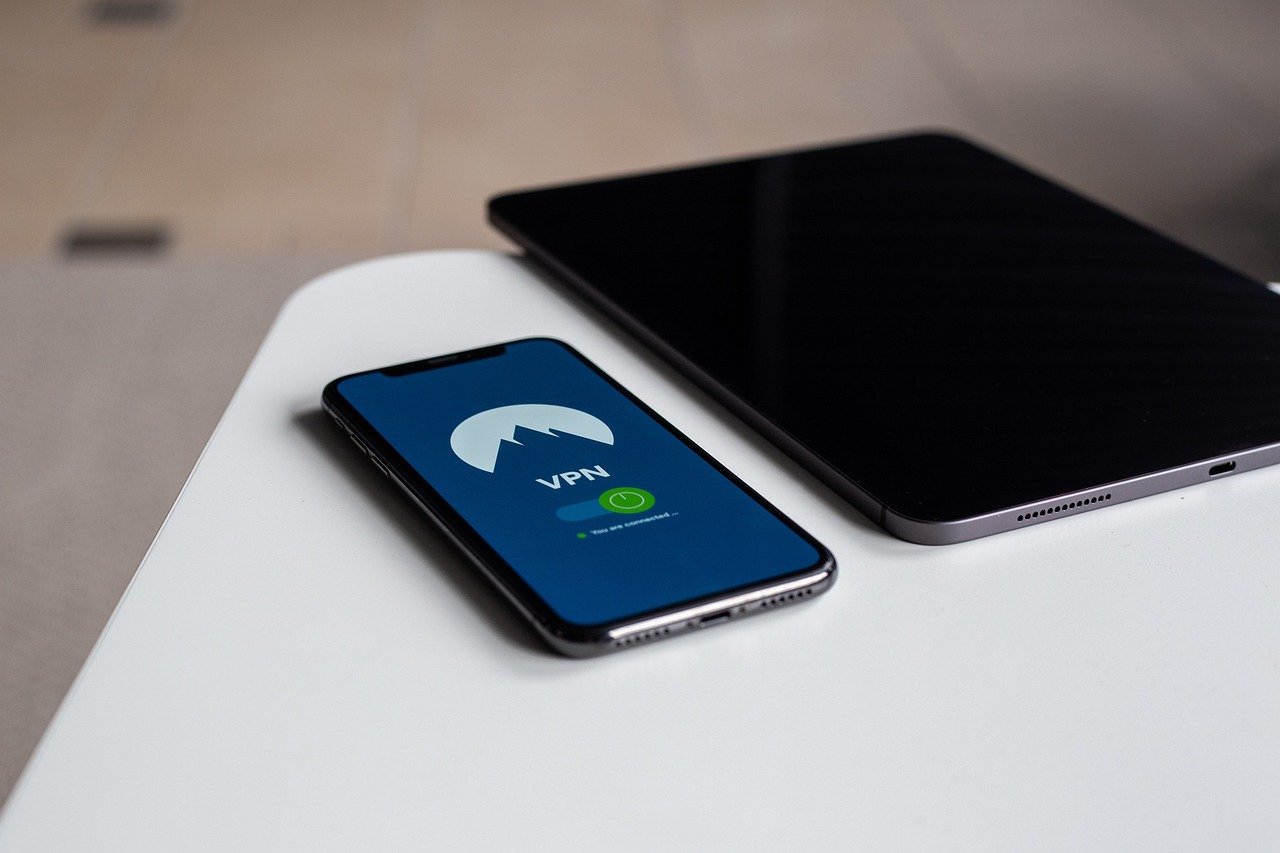
Gaming online is an exhilarating experience, connecting you with players worldwide and immersing you in dynamic virtual worlds. But with increasing concerns about security, privacy, and access to content, many gamers are turning to VPNs (Virtual Private Networks) to enhance their gaming experience. This guide explores the world of VPNs for gaming, covering benefits, best practices, and how to choose the right one for your needs.
What is a VPN and Why Use it for Gaming?
Understanding VPN Basics
A VPN creates a secure, encrypted connection between your device and a remote server, masking your IP address and routing your internet traffic through this server. This offers several advantages for gamers, including increased security and the ability to bypass geographical restrictions.
- Security Enhancement: A VPN encrypts your internet traffic, protecting you from potential DDoS attacks, swatting, and other malicious activities that can disrupt your gaming sessions.
- IP Address Masking: By masking your IP address, a VPN makes it difficult for others to track your location or identify your online activities.
- Bypassing Geo-Restrictions: Some games or content may be restricted in your region. A VPN allows you to connect to servers in different countries, unlocking access to these games or content.
- Improved Ping Times (Potentially): While not always the case, connecting to a VPN server closer to the game server’s location might reduce ping times and improve gameplay.
Common Gaming Scenarios Where VPNs Are Useful
- Protecting Against DDoS Attacks: During competitive gaming, especially in ranked matches, competitors might try to DDoS your connection to gain an unfair advantage. A VPN can help mitigate these attacks by masking your IP address.
- Accessing Region-Locked Games and Content: Some games release in certain regions before others, or have exclusive content only available in specific countries. A VPN allows you to connect to a server in that region and access this content. For example, accessing a Japanese release before it’s available in North America.
- Playing on Foreign Servers: Connect with friends or participate in tournaments hosted on servers located in different countries.
- Bypassing IP Bans: If you’ve been unjustly banned from a game server, a VPN can provide you with a new IP address, allowing you to circumvent the ban.
- Avoiding Bandwidth Throttling: Some ISPs throttle bandwidth for specific types of traffic, including online gaming. A VPN can help bypass this throttling by encrypting your traffic and making it harder for the ISP to identify your gaming activity.
Benefits of Using a VPN for Gaming
Enhanced Security and Privacy
- DDoS Protection: A VPN can mask your real IP address, making it harder for malicious actors to target your connection with a DDoS attack.
- Data Encryption: All your internet traffic is encrypted, protecting your personal information from being intercepted by hackers or snoops.
- Privacy from ISPs: A VPN prevents your ISP from tracking your online activities, ensuring your gaming habits remain private.
- Protection on Public Wi-Fi: When gaming on public Wi-Fi networks, a VPN encrypts your data and protects you from potential security vulnerabilities.
Bypassing Geographical Restrictions
- Access to Region-Locked Games: Unlock access to games that are not yet available in your region or that have exclusive content in certain countries.
Example: Accessing a beta version of a game only available in Europe.
- Playing on Foreign Servers: Connect to servers in different countries to play with friends or participate in international tournaments.
- Unlocking Regional Content: Access DLC or other in-game content that may be restricted to specific regions.
Example: Gaining access to in-game items or events only accessible through a South Korean IP address.
Improved Ping and Performance (Situational)
- Optimizing Routing: In some cases, a VPN can provide a more direct route to the game server, reducing latency and improving ping times. This is especially true if your ISP’s routing is inefficient.
* Example: Connecting to a VPN server in Chicago when the game server is also located there, potentially offering a faster connection than your ISP’s default route from Los Angeles.
- Bypassing ISP Throttling: As mentioned earlier, a VPN can help bypass bandwidth throttling imposed by your ISP, leading to improved performance. However, this is not guaranteed and depends on your ISP’s practices.
Choosing the Right VPN for Gaming
Key Features to Consider
- Server Locations: Choose a VPN with a wide range of server locations, especially in regions where the games you play are hosted.
- Speed and Latency: Opt for a VPN that offers fast connection speeds and low latency (ping). Look for reviews and speed tests to gauge performance.
- Security Protocols: Ensure the VPN uses strong encryption protocols like OpenVPN or WireGuard for optimal security.
- No-Logs Policy: Select a VPN with a strict no-logs policy, meaning they don’t track or store your online activities.
- Bandwidth Limits: Make sure the VPN offers unlimited bandwidth to avoid interruptions during long gaming sessions.
- Simultaneous Connections: Consider the number of devices you can connect simultaneously, especially if you want to protect multiple devices or share the VPN with family members.
- Price: VPNs range in price, so find one that fits your budget while offering the features you need.
Top VPN Recommendations for Gaming
- ExpressVPN: Known for its fast speeds, wide server network, and strong security features. Often regarded as a premium option.
- NordVPN: Offers a large number of servers and specialized servers for gaming and streaming.
- Surfshark: An affordable option with unlimited simultaneous connections and a user-friendly interface.
- Private Internet Access (PIA): Highly customizable with advanced settings and a large server network.
Testing and Optimizing Your VPN Connection
- Speed Tests: Run speed tests with and without the VPN to assess its impact on your connection speed. Use websites like Speedtest.net.
- Ping Tests: Check your ping to the game server with and without the VPN to determine if it improves performance. Many games have built-in ping displays.
- Experiment with Server Locations: Try connecting to different server locations to find the one that provides the lowest latency.
- Adjust VPN Settings: Explore the VPN’s settings to optimize performance, such as changing the encryption protocol or server location.
- Check for IP Leaks: Use online tools to verify that your real IP address is not being leaked while using the VPN.
Potential Drawbacks and How to Mitigate Them
Increased Latency (Ping)
- Reason: VPNs add an extra layer of routing, which can increase latency.
- Mitigation: Choose a VPN with fast servers and optimize your connection by selecting a server location that is geographically close to the game server.
Reduced Speed
- Reason: Encryption and routing can reduce internet speed.
- Mitigation: Select a VPN with fast servers and a lightweight encryption protocol. Close other bandwidth-intensive applications while gaming.
Compatibility Issues
- Reason: Some games or anti-cheat systems may not be compatible with VPNs.
- Mitigation: Check the VPN’s compatibility with the games you play. If you encounter issues, try a different VPN or contact the VPN’s support team.
Cost
- Reason: Quality VPN services often require a subscription fee.
- Mitigation: Compare prices and features of different VPNs to find the best value for your needs. Consider long-term subscriptions for better discounts.
Conclusion
Using a VPN for gaming can significantly enhance your online experience by providing increased security, privacy, and access to content. By understanding the benefits, choosing the right VPN, and optimizing your connection, you can enjoy a safer, more private, and unrestricted gaming experience. While potential drawbacks like increased latency exist, they can be mitigated by selecting a high-quality VPN and carefully configuring its settings. Ultimately, a VPN is a valuable tool for any serious gamer looking to protect their connection and unlock the full potential of their online gaming sessions.



