
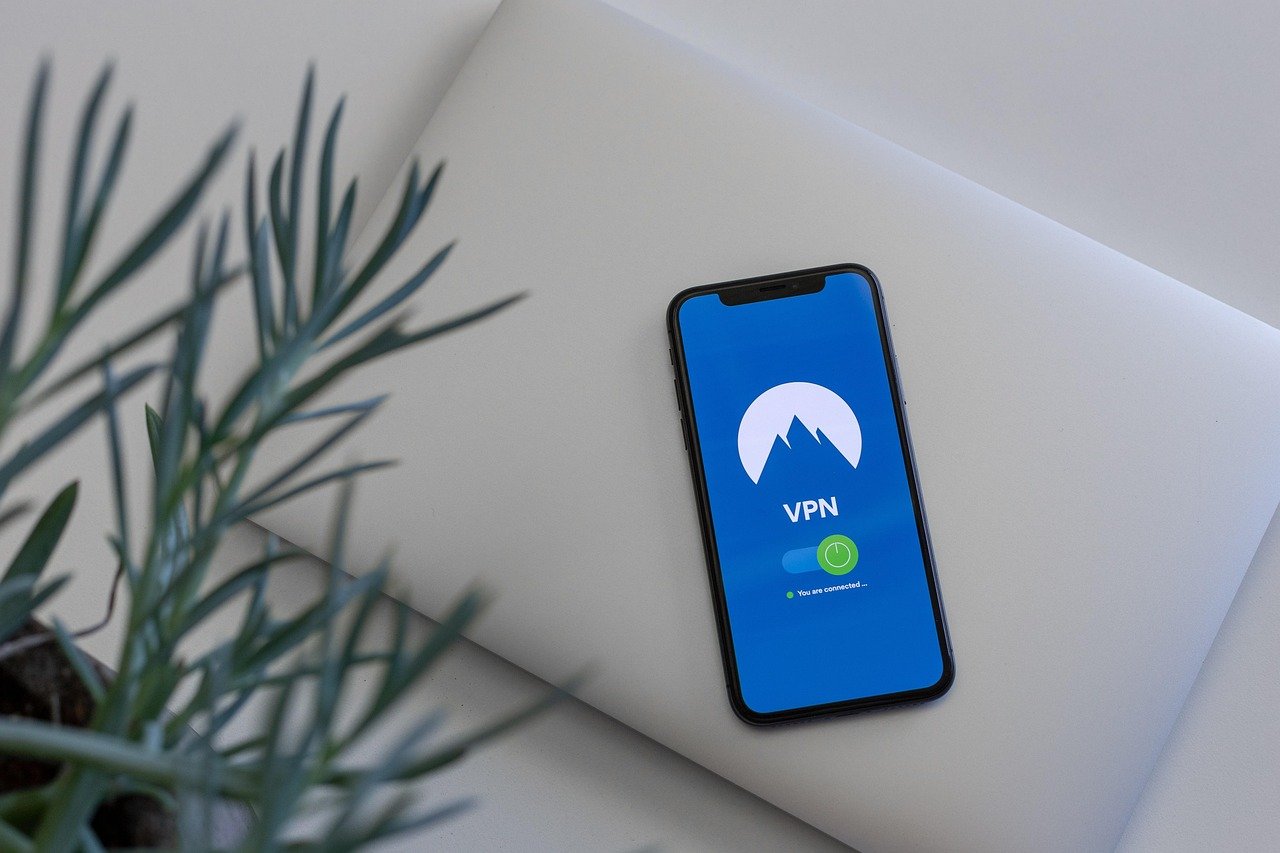
Mobile devices have become indispensable tools for communication, entertainment, and productivity. However, their constant connectivity also makes them vulnerable to various online threats. Securing your mobile device with a Virtual Private Network (VPN) is no longer a luxury but a necessity. Let’s explore why and how a VPN can significantly enhance your mobile security and privacy.
What is a VPN and Why Use it on Mobile?
Understanding VPN Basics
A VPN creates a secure, encrypted connection between your device and the internet. It essentially acts as a tunnel, masking your IP address and encrypting your data, making it difficult for third parties to intercept your online activity.
Benefits of Using a VPN on Mobile Devices
Using a VPN on your mobile device offers numerous advantages:
- Enhanced Security on Public Wi-Fi: Public Wi-Fi networks are often unsecured, making them prime targets for hackers. A VPN encrypts your data, protecting it from eavesdropping and man-in-the-middle attacks.
- Privacy Protection: A VPN hides your IP address, preventing websites, advertisers, and even your ISP from tracking your location and browsing history.
- Bypassing Geo-Restrictions: Access content and services that might be restricted in your current location, such as streaming services or social media platforms.
- Secure Online Transactions: Protect your financial information when making online purchases or using banking apps on your mobile device.
- Data Encryption: All data transmitted through the VPN is encrypted, providing an extra layer of security against data breaches and cyber threats.
Practical Example
Imagine you’re traveling abroad and want to access your favorite streaming service, but it’s not available in that country. A VPN allows you to connect to a server in your home country, effectively masking your location and granting you access.
Choosing the Right VPN for Your Mobile Device
Factors to Consider
Selecting the right VPN for your mobile device requires careful consideration of several factors:
- Security Protocols: Look for VPNs that use strong encryption protocols like OpenVPN, IKEv2, or WireGuard.
- No-Logs Policy: Ensure the VPN provider has a strict no-logs policy, meaning they don’t track or store your online activity.
- Server Locations: Choose a VPN with a wide range of server locations to bypass geo-restrictions and improve connection speeds.
- Speed and Performance: Opt for a VPN that offers fast and reliable connections, especially if you plan to use it for streaming or downloading.
- User Interface: The mobile app should be user-friendly and easy to navigate.
- Price: VPN prices vary. Consider free (usually limited) or paid options based on your budget and needs.
Recommended VPN Providers
Here are a few popular and reliable VPN providers for mobile devices:
- NordVPN: Known for its strong security features and extensive server network.
- ExpressVPN: Offers fast speeds and a user-friendly interface.
- Surfshark: Provides unlimited device connections and a budget-friendly option.
- CyberGhost: Features dedicated servers for streaming and torrenting.
Free vs. Paid VPNs
While free VPNs might seem appealing, they often come with limitations and potential risks:
- Limitations: Limited server locations, data caps, and slower speeds.
- Risks: Some free VPNs may log your data or inject ads, compromising your privacy and security.
- Security Concerns: Not all free VPNs offer the same level of encryption and security as paid options.
For enhanced security and performance, a paid VPN is generally the better choice.
Setting Up a VPN on Your Mobile Device
Installation and Configuration
Setting up a VPN on your mobile device is usually straightforward:
- Download the VPN App: Install the VPN app from the App Store (iOS) or Google Play Store (Android).
- Create an Account: Sign up for an account with the VPN provider.
- Connect to a Server: Choose a server location and connect to the VPN.
- Verify Your Connection: Use a website like WhatIsMyIP.com to confirm your IP address has been changed.
Configuring VPN Settings
Most VPN apps offer customizable settings to enhance your experience:
- Auto-Connect: Configure the VPN to automatically connect when you join an unsecured Wi-Fi network.
- Kill Switch: Enable the kill switch to disconnect your internet connection if the VPN drops, preventing data leaks.
- Split Tunneling: Choose which apps use the VPN connection and which use your regular internet connection.
Troubleshooting Common Issues
If you encounter issues with your VPN connection, try these troubleshooting steps:
- Check Your Internet Connection: Ensure you have a stable internet connection.
- Try a Different Server: Switch to a different server location to see if it resolves the issue.
- Restart the VPN App: Close and reopen the VPN app.
- Update the VPN App: Make sure you’re using the latest version of the app.
Mobile Security Best Practices with VPN
Combining VPN with Other Security Measures
Using a VPN is an excellent step towards securing your mobile device, but it’s not a complete solution. Combine it with other security measures for comprehensive protection:
- Strong Passwords: Use strong, unique passwords for all your online accounts.
- Two-Factor Authentication (2FA): Enable 2FA wherever possible to add an extra layer of security.
- Regular Software Updates: Keep your operating system and apps updated to patch security vulnerabilities.
- Antivirus Software: Install a reputable antivirus app to protect against malware and viruses.
- Be Cautious of Phishing: Be wary of suspicious emails, links, and attachments.
Staying Safe on Public Wi-Fi
When using public Wi-Fi, take these precautions:
- Always Use a VPN: Connect to your VPN before browsing the internet.
- Disable File Sharing: Turn off file sharing and network discovery.
- Use HTTPS: Ensure websites use HTTPS encryption (look for the padlock icon in the address bar).
- Avoid Sensitive Transactions: Refrain from making online purchases or accessing banking apps on unsecured networks.
Protecting Your Privacy on Mobile
To enhance your privacy on your mobile device:
- Review App Permissions: Regularly check app permissions and revoke access to unnecessary data.
- Limit Location Tracking: Disable location services for apps that don’t need them.
- Use a Private Browser: Consider using a privacy-focused browser like DuckDuckGo or Brave.
- Clear Browsing History: Regularly clear your browsing history, cookies, and cache.
Conclusion
Protecting your mobile device with a VPN is a smart investment in your online security and privacy. By encrypting your data, hiding your IP address, and bypassing geo-restrictions, a VPN offers a crucial layer of defense against cyber threats and surveillance. Choosing the right VPN provider and combining it with other security best practices ensures a safer and more private mobile experience. Take control of your mobile security today and enjoy the internet with peace of mind.



