
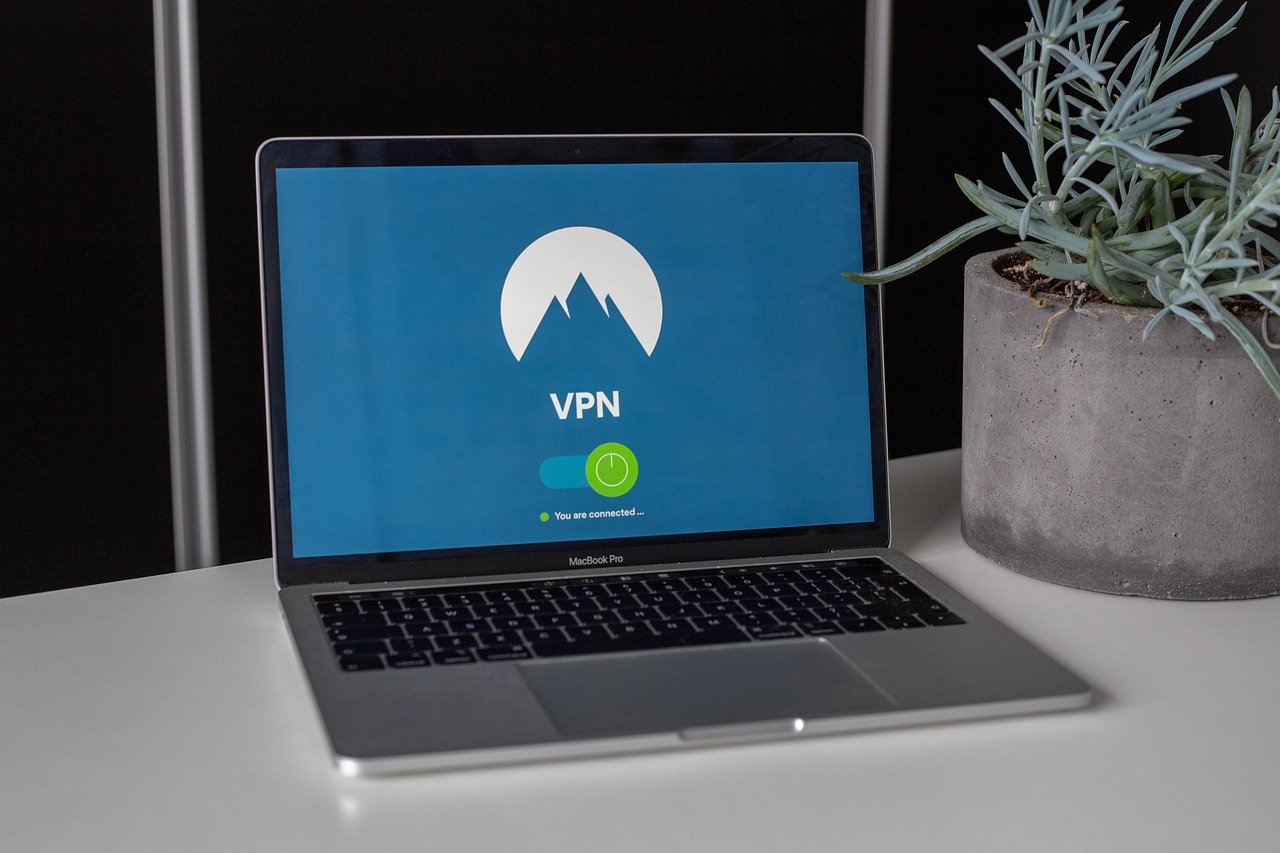
Netflix, the king of streaming entertainment, offers a treasure trove of movies and TV shows. However, the content library varies significantly from country to country due to licensing agreements. This geographical restriction can be frustrating for avid watchers who want access to a wider range of titles or need to catch up on their favorites while traveling. That’s where VPNs (Virtual Private Networks) come into play, offering a potential solution to unlock a global world of entertainment. But navigating the world of VPNs and Netflix can be tricky, so let’s dive into the details.
What is a VPN and How Does it Work with Netflix?
Understanding VPNs
A VPN creates a secure, encrypted connection between your device and a remote server operated by the VPN provider. This connection masks your real IP address, replacing it with the IP address of the VPN server. In simpler terms, it makes it appear as if you are browsing the internet from the location of the VPN server.
- Encryption: VPNs encrypt your internet traffic, protecting your data from prying eyes like hackers or your ISP (Internet Service Provider).
- IP Masking: Hides your actual IP address, enhancing your online privacy.
- Location Spoofing: Allows you to connect to servers in different countries, making it seem like you are located there.
How VPNs Interact with Netflix
Netflix uses your IP address to determine your geographical location and, subsequently, the content library you are allowed to access. When you connect to a VPN server in, say, the UK, Netflix sees the UK IP address and grants you access to the UK Netflix library. This theoretically unlocks a broader selection of shows and movies.
Example: Imagine you want to watch “The Office (US),” which might not be available in your local Netflix library. By connecting to a US-based VPN server, you can potentially access the US Netflix catalog and enjoy your favorite sitcom.
The Netflix VPN Ban
It’s crucial to understand that Netflix actively tries to detect and block VPN usage. They do this by identifying and blacklisting IP addresses that are known to belong to VPN providers. This is to comply with their licensing agreements. It’s a cat-and-mouse game: VPN providers are constantly finding new IP addresses that work, while Netflix is trying to block them.
Choosing the Right VPN for Netflix
Key Features to Look For
Not all VPNs are created equal when it comes to bypassing the Netflix VPN ban. Here are some essential features to consider:
- Server Network: A large and diverse server network increases your chances of finding a server that works with Netflix in your desired region. More servers mean less crowding and better speeds.
- Speed and Bandwidth: Streaming video requires a fast and stable internet connection. Choose a VPN that offers high-speed servers and unlimited bandwidth to avoid buffering.
- Netflix-Optimized Servers: Some VPN providers specifically optimize certain servers for Netflix. These servers are regularly tested and updated to bypass Netflix’s VPN detection.
- Strong Encryption: Ensure the VPN uses robust encryption protocols (e.g., AES-256) to protect your data.
- No-Logs Policy: A strict no-logs policy ensures that the VPN provider doesn’t track or store your browsing activity, including your Netflix viewing habits.
- Customer Support: Responsive and helpful customer support is crucial if you encounter any issues connecting to Netflix.
Recommended VPN Providers
While no VPN can guarantee 100% success with Netflix all the time, some providers are generally more reliable than others. Here are a few popular options known for their Netflix compatibility:
- ExpressVPN: Consistently ranked as one of the best VPNs for Netflix, known for its speed, reliability, and extensive server network.
- NordVPN: Offers a large server network and specialized servers designed to bypass geo-restrictions.
- Surfshark: A budget-friendly option that allows unlimited device connections and often works well with Netflix.
- CyberGhost: Provides dedicated streaming servers optimized for Netflix and other streaming platforms.
Important Note: Always check the VPN provider’s website or contact their customer support to confirm that they currently support Netflix access in your desired region. VPN compatibility can change frequently.
How to Use a VPN with Netflix
Step-by-Step Guide
Using a VPN with Netflix is generally straightforward:
Troubleshooting Tips
If you encounter issues, try these troubleshooting steps:
- Clear Your Browser Cache and Cookies: Old data stored in your browser can reveal your actual location.
- Try a Different Server: Netflix may have blocked the IP address of the server you are using. Try connecting to a different server in the same country.
- Restart Your Device: Sometimes, a simple restart can resolve connectivity issues.
- Contact VPN Support: If you’ve tried everything else, reach out to your VPN provider’s customer support for assistance.
- Check for VPN Updates: Make sure you’re using the latest version of the VPN app, as updates often include improvements to bypass Netflix’s VPN detection.
Is Using a VPN with Netflix Legal?
Understanding the Legal Landscape
Using a VPN itself is generally legal in most countries. However, using a VPN to bypass geographical restrictions on streaming services like Netflix is a grey area. Netflix’s terms of service prohibit the use of VPNs to access content outside of your region.
Potential Consequences
While Netflix hasn’t been known to take legal action against individual users for using VPNs, they may take the following measures:
- Account Suspension: In rare cases, Netflix may suspend or terminate your account if they detect persistent VPN usage.
- IP Address Blocking: More commonly, Netflix will simply block the IP address of the VPN server you are using, preventing you from accessing their content.
Disclaimer: This information is for educational purposes only and does not constitute legal advice. It is your responsibility to understand and comply with the terms of service of any streaming platform you use.
The Future of VPNs and Streaming
Staying Ahead of the Curve
The battle between VPN providers and streaming services like Netflix is likely to continue. VPN providers will continue to develop new techniques to bypass VPN detection, while Netflix will continue to improve their detection methods.
- Advanced Obfuscation: VPNs may use more sophisticated obfuscation techniques to disguise their traffic and make it harder for Netflix to identify VPN connections.
- SmartDNS: Some services use SmartDNS technology, which is designed to bypass geo-restrictions without the encryption overhead of a full VPN, potentially offering faster speeds.
Ethical Considerations
As consumers, it’s important to consider the ethical implications of using VPNs to bypass geographical restrictions. While accessing content that isn’t available in your region might seem harmless, it can potentially impact content creators and distributors.
Conclusion
Using a VPN to access Netflix libraries in other countries can unlock a world of entertainment, but it’s important to choose the right VPN, understand the risks, and be aware of Netflix’s policies. While it’s not a guaranteed solution, a reliable VPN with a large server network and Netflix-optimized servers can significantly improve your chances of success. Remember to prioritize your online security and privacy, and always be mindful of the terms of service of the streaming platforms you use. The landscape is ever-changing, so staying informed and adaptable is key to enjoying your favorite shows and movies from anywhere in the world.


