
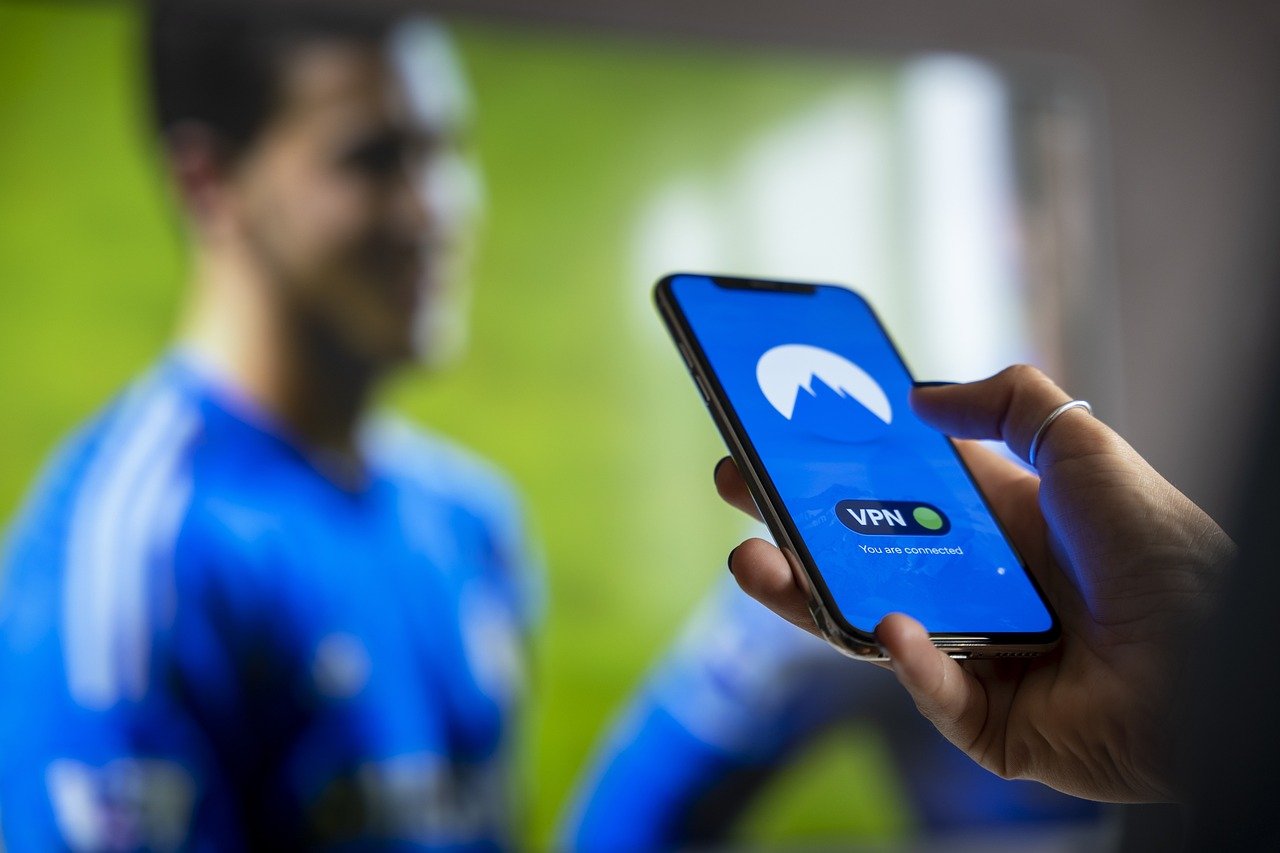
Have you ever tried to watch a show online, only to be met with a frustrating message saying it’s not available in your region? Or maybe you’re traveling abroad and can’t access your favorite streaming service like Netflix, Hulu, or BBC iPlayer? This is where geo-unblocking comes to the rescue. It’s a technique that allows you to bypass geographical restrictions and access content that would otherwise be unavailable in your location. This guide will walk you through everything you need to know about geo-unblocking, how it works, and how to use it safely and effectively.
Understanding Geo-Restrictions and Geo-Unblocking
What are Geo-Restrictions?
Geo-restrictions, also known as geographical restrictions, are technologies used by websites and online services to restrict access to content based on a user’s geographical location. This is primarily determined by the user’s IP address, which reveals their approximate location.
- Copyright Laws: Content owners often license their content on a country-by-country basis. Geo-restrictions ensure they comply with these licensing agreements.
- Distribution Agreements: Similar to copyright, distribution agreements might limit where content can be legally shown.
- Censorship: Governments may impose geo-restrictions to block access to certain websites or content deemed inappropriate or politically sensitive.
- Pricing Strategies: Companies might offer different prices for products or services in different regions. Geo-restrictions can help enforce these price variations.
How Geo-Unblocking Works
Geo-unblocking techniques allow users to circumvent these restrictions and access content from different regions. The most common methods involve masking or changing your IP address to appear as if you are accessing the internet from a different location.
- Virtual Private Networks (VPNs): A VPN encrypts your internet traffic and routes it through a server in a location of your choice. This effectively hides your real IP address and replaces it with the IP address of the VPN server.
- Proxy Servers: Similar to VPNs, proxy servers act as intermediaries between your device and the internet. However, they typically offer less encryption than VPNs.
- Smart DNS: Smart DNS services redirect only the traffic associated with accessing geo-restricted content, while leaving the rest of your internet traffic untouched. This can result in faster speeds compared to VPNs, but they don’t offer the same level of encryption.
- Tor Browser: Tor routes your internet traffic through a network of volunteer-operated servers, providing anonymity and allowing you to bypass censorship. However, Tor can be significantly slower than other geo-unblocking methods.
Methods for Geo-Unblocking: VPNs, Proxies, and Smart DNS
VPNs: The Comprehensive Solution
VPNs are widely regarded as the most reliable and secure geo-unblocking method. They encrypt your entire internet connection and route it through a server in a chosen location.
- Security: VPNs encrypt your data, protecting it from eavesdropping and ensuring your online privacy.
- Versatility: VPNs can be used to bypass geo-restrictions on various platforms, including streaming services, social media, and websites.
- Ease of Use: Many VPN providers offer user-friendly apps for desktop and mobile devices, making it easy to connect to a server in your desired location.
Example: You’re traveling in China and want to access Facebook, which is blocked. You can connect to a VPN server in the US, and your internet traffic will be routed through the US, allowing you to access Facebook as if you were in the US.
Proxy Servers: A Faster, Less Secure Option
Proxy servers act as intermediaries between your device and the internet, but they typically don’t offer the same level of encryption as VPNs.
- Speed: Proxies can sometimes be faster than VPNs because they don’t encrypt your data.
- Cost: Many proxy servers are free, but free proxies are often unreliable and may pose security risks.
- Limited Security: Proxies don’t encrypt your internet traffic, so your data is vulnerable to interception.
Example: You might use a proxy server to quickly access a news website that’s blocked in your region. However, avoid using proxies for sensitive activities like online banking, as your data won’t be encrypted.
Smart DNS: Unblocking Streaming Services
Smart DNS services are specifically designed to unblock streaming services. They only redirect the traffic associated with accessing geo-restricted content, leaving the rest of your internet traffic untouched.
- Speed: Smart DNS is generally faster than VPNs because it doesn’t encrypt your data.
- Ease of Setup: Setting up Smart DNS can be more complicated than using a VPN, but many providers offer detailed instructions.
- Streaming Focus: Smart DNS is primarily designed for unblocking streaming services and may not work for other types of geo-restricted content.
Example: You’re in the US and want to watch BBC iPlayer. You can configure your Smart DNS settings to route your BBC iPlayer traffic through a UK server, allowing you to access the service.
Choosing the Right Geo-Unblocking Method
Factors to Consider
Selecting the right geo-unblocking method depends on your specific needs and priorities.
- Security: If security and privacy are your top concerns, a VPN is the best choice.
- Speed: If you prioritize speed and only need to unblock streaming services, Smart DNS may be a better option.
- Cost: Free proxies are available, but they often come with security risks. Paid VPNs and Smart DNS services typically offer better performance and security.
- Ease of Use: VPNs generally offer the most user-friendly experience, with easy-to-use apps for various devices.
- Content Type: Some services are better suited for particular types of content.
Comparing VPN, Proxy, and Smart DNS
| Feature | VPN | Proxy | Smart DNS |
|——————|————————–|————————–|————————–|
| Security | High (Encryption) | Low (No Encryption) | Medium (Partial Redirection) |
| Speed | Generally Slower | Potentially Faster | Faster |
| Cost | Paid | Free/Paid | Paid |
| Ease of Use | Easy | Moderate | Moderate |
| Content | All Types | All Types | Streaming Services |
Potential Risks and Precautions
Security Risks
Using geo-unblocking methods can expose you to certain security risks, especially if you choose free or unreliable services.
- Malware: Free VPNs and proxies may contain malware or track your online activity.
- Data Logging: Some services may log your browsing history or personal information.
- DNS Leaks: DNS leaks can reveal your real IP address, even when using a VPN or proxy.
- Man-in-the-Middle Attacks: Unencrypted connections can be vulnerable to man-in-the-middle attacks.
Legal Considerations
While geo-unblocking is generally legal, it may violate the terms of service of some websites and streaming services.
- Terms of Service Violations: Some services may prohibit the use of VPNs or other geo-unblocking methods.
- Copyright Infringement: Accessing content that is not licensed in your region may constitute copyright infringement.
- Government Regulations: In some countries, using VPNs is illegal or restricted.
How to Stay Safe
To mitigate these risks, follow these precautions:
- Choose a Reputable Provider: Select a VPN or Smart DNS provider with a strong reputation for security and privacy.
- Read the Terms of Service: Familiarize yourself with the terms of service of the websites and services you access.
- Use Strong Passwords: Protect your accounts with strong, unique passwords.
- Enable Two-Factor Authentication: Add an extra layer of security to your accounts with two-factor authentication.
- Keep Your Software Updated: Keep your operating system, web browser, and security software up to date.
Best Practices for Effective Geo-Unblocking
Choosing the Right Server Location
Selecting the appropriate server location is crucial for effective geo-unblocking.
- Content Availability: Choose a server in a country where the content you want to access is available. For example, if you want to watch BBC iPlayer, connect to a server in the UK.
- Server Speed: Choose a server that is close to your physical location to minimize latency and improve speed.
- Server Load: Avoid servers that are heavily loaded, as they may be slow and unreliable.
Troubleshooting Common Issues
Sometimes geo-unblocking may not work as expected. Here are some common issues and how to troubleshoot them:
- IP Address Leaks: Check for IP address leaks using a tool like ipleak.net. If your real IP address is leaking, try switching to a different server or contacting your VPN provider.
- DNS Leaks: Similarly, check for DNS leaks and ensure that your VPN or Smart DNS is properly configured to prevent them.
- Cookie and Cache Issues: Clear your browser’s cookies and cache, as they may contain information that reveals your real location.
- Browser Extensions: Disable any browser extensions that may be interfering with your VPN or Smart DNS connection.
Conclusion
Geo-unblocking can open a world of content that would otherwise be inaccessible. Whether you choose a VPN for maximum security, a proxy for speed, or Smart DNS for streaming, understanding the options and potential risks is key. By taking the necessary precautions and following best practices, you can enjoy your favorite content from anywhere in the world safely and effectively. Remember to always prioritize your online security and respect the terms of service of the websites and services you use.



