
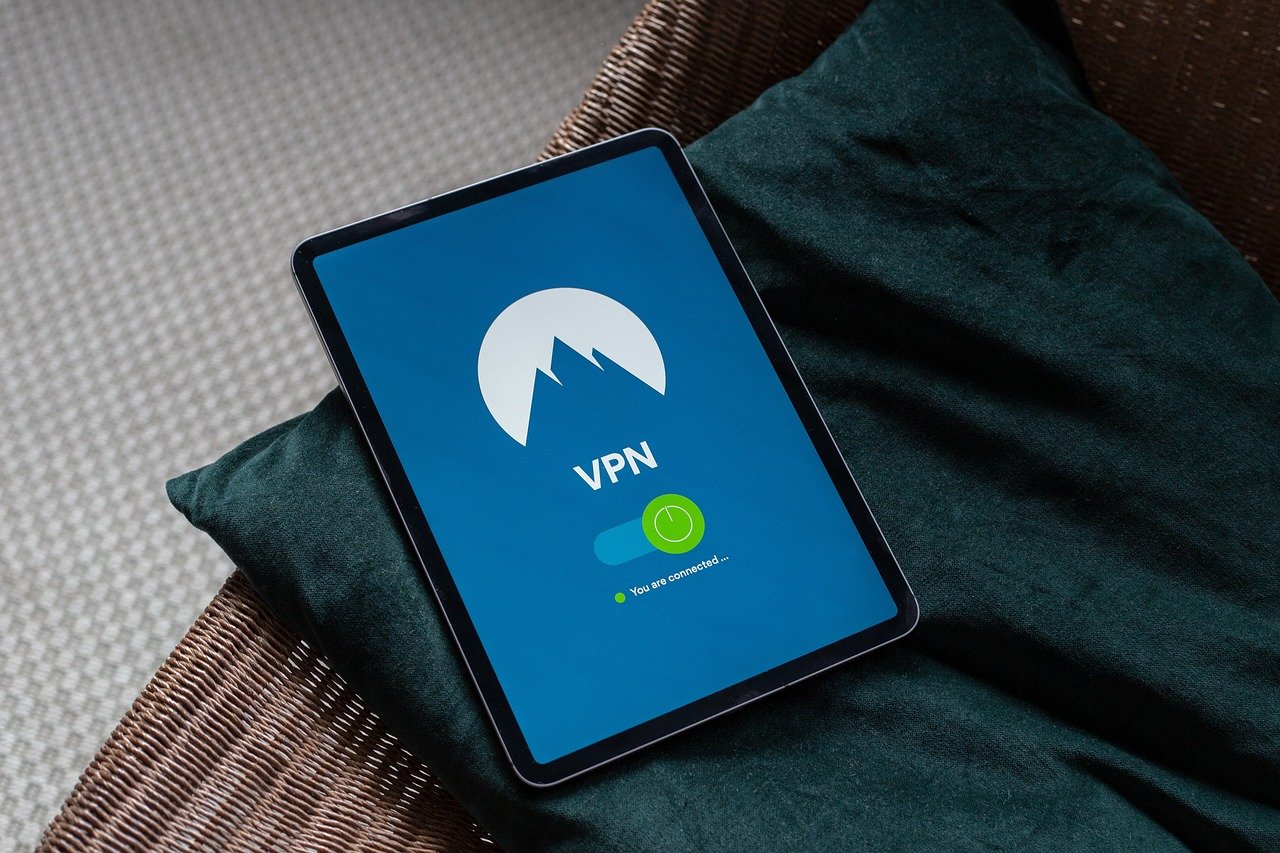
Protecting your online activity on your iPhone or iPad is more important than ever. With the increasing number of cyber threats and data breaches, a Virtual Private Network (VPN) for iOS is a crucial tool to safeguard your personal information, browse securely, and access content from anywhere in the world. This comprehensive guide will walk you through everything you need to know about VPNs for iOS, helping you choose the best one for your needs and ensuring a secure and private online experience.
Understanding VPNs and Why You Need One on iOS
What is a VPN?
A VPN (Virtual Private Network) creates a secure, encrypted connection between your device and a remote server. This effectively masks your IP address, making it difficult to track your online activity. Think of it as a private tunnel for your internet traffic, shielding it from prying eyes.
- Hides your IP address: Replaces your real IP address with one from the VPN server.
- Encrypts your data: Scrambles your data, making it unreadable to hackers or ISPs.
- Bypasses geo-restrictions: Allows you to access content that may be blocked in your region.
Why Use a VPN on Your iPhone or iPad?
While iOS is generally considered secure, it’s not impervious to online threats. Using a VPN adds an extra layer of security, protecting you from various risks:
- Public Wi-Fi Security: Public Wi-Fi hotspots are often unsecured, making them vulnerable to eavesdropping. A VPN encrypts your connection, protecting your data on public networks in cafes, airports, and hotels.
- Privacy Protection: ISPs (Internet Service Providers) can track your browsing history and sell this data to advertisers. A VPN prevents this by masking your IP address and encrypting your traffic.
- Bypassing Geo-Restrictions: Access content that is only available in certain regions, such as streaming services or news websites. For example, you can use a VPN to watch BBC iPlayer from outside the UK or access US Netflix.
- Avoiding Price Discrimination: Some websites or services may adjust prices based on your location. A VPN can help you bypass this by masking your true location.
- Enhanced Security: Protects against phishing attacks, malware, and other online threats.
Statistics Highlighting the Importance of VPN Usage
- According to a 2023 report by Statista, the global VPN market is expected to reach $77.1 billion by 2029.
- A survey by GlobalWebIndex found that over 30% of internet users worldwide use a VPN.
- Data breaches are on the rise, with the average cost of a data breach in 2023 exceeding $4.45 million, according to IBM’s Cost of a Data Breach Report.
Choosing the Right VPN for Your iOS Device
Key Features to Look For
Selecting the right VPN for your iOS device involves considering several factors. Here’s what to look for:
- Strong Encryption: Look for VPNs that use AES-256 encryption, which is considered the industry standard.
- No-Logs Policy: A strict no-logs policy ensures that the VPN provider doesn’t track or store your browsing activity. Read the privacy policy carefully to verify this.
- Fast Server Speeds: Fast server speeds are crucial for streaming, downloading, and browsing without lag.
- Wide Server Network: A large number of servers in various locations provides more options for bypassing geo-restrictions and finding optimal connection speeds.
- User-Friendly iOS App: A well-designed and easy-to-use iOS app makes connecting to the VPN simple and convenient.
- Multiple Device Support: If you have multiple devices, choose a VPN that allows simultaneous connections on several devices.
- Kill Switch: A kill switch automatically disconnects your internet connection if the VPN connection drops, preventing your data from being exposed.
- Customer Support: Reliable customer support is essential in case you encounter any issues. Look for VPNs that offer 24/7 live chat or email support.
Top VPN Providers for iOS
Here are a few recommended VPN providers for iOS, based on the criteria above:
- ExpressVPN: Known for its fast speeds, strong security, and user-friendly app.
- NordVPN: Offers a wide range of features, including a kill switch, double VPN, and Onion Over VPN.
- Surfshark: A budget-friendly option that allows unlimited simultaneous connections.
- CyberGhost: Easy to use and offers dedicated servers for streaming and torrenting.
- Private Internet Access (PIA): Highly customizable and offers advanced features for experienced users.
Free vs. Paid VPNs: What’s the Difference?
While free VPNs may seem appealing, they often come with significant limitations and risks:
- Limited Bandwidth: Free VPNs typically impose data caps, restricting your usage.
- Slower Speeds: Free VPNs often have overcrowded servers, resulting in slower connection speeds.
- Privacy Concerns: Some free VPNs may log your browsing activity and sell it to third parties.
- Security Risks: Free VPNs may not use strong encryption or may contain malware.
- Advertisements: Many free VPNs display intrusive ads, which can be annoying and potentially harmful.
- Recommendation: It’s generally best to opt for a paid VPN provider that offers better security, faster speeds, and more reliable service. The cost is usually worth the added protection and features.
Setting Up and Using a VPN on Your iOS Device
Downloading and Installing the VPN App
Configuring the VPN Connection
Testing Your VPN Connection
After connecting to the VPN, it’s essential to verify that the connection is working correctly:
- Check your IP address: Visit a website like “whatismyipaddress.com” to confirm that your IP address has changed to the VPN server’s IP address.
- Test for DNS leaks: Use a DNS leak test tool to ensure that your DNS requests are being routed through the VPN server.
- Browse the internet: Browse a few websites to confirm that you can access them without any issues.
Practical Tips for Using a VPN on iOS
- Enable the kill switch: If your VPN app has a kill switch feature, enable it to prevent data leaks in case the VPN connection drops.
- Use automatic connection: Configure the VPN app to automatically connect whenever you connect to an unsecured Wi-Fi network.
- Experiment with different server locations: Try different server locations to find the fastest and most reliable connection.
- Update the VPN app regularly: Keep the VPN app updated to ensure that you have the latest security patches and features.
- Contact customer support: If you encounter any issues, don’t hesitate to contact the VPN provider’s customer support team for assistance.
Troubleshooting Common VPN Issues on iOS
Connection Problems
- Check your internet connection: Ensure that you have a stable internet connection before connecting to the VPN.
- Try a different server location: The server you are trying to connect to may be down or experiencing issues. Try connecting to a different server location.
- Restart the VPN app: Close and reopen the VPN app to refresh the connection.
- Restart your device: Restarting your iPhone or iPad can sometimes resolve connectivity issues.
Slow Speeds
- Choose a server closer to your location: Servers that are geographically closer to you typically offer faster speeds.
- Avoid peak hours: Connection speeds may be slower during peak hours when more users are online.
- Change VPN protocol: Some VPNs offer different protocols, such as OpenVPN, IKEv2, or WireGuard. Experiment with different protocols to find the one that offers the best speeds.
- Close unnecessary apps: Close any apps that are consuming bandwidth in the background.
VPN Not Working with Specific Apps
- Try a different server: Some apps may block VPN connections from certain server locations.
- Check the VPN settings: Make sure that the VPN app is configured correctly and that it’s not conflicting with other apps.
- Contact the VPN provider: The VPN provider may have specific instructions or recommendations for using the VPN with certain apps.
Battery Drain
- Disable “Connect on Demand”: If your VPN app is constantly trying to connect, it can drain your battery. Disable the “Connect on Demand” feature if it’s not necessary.
- Close the VPN app when not in use: Close the VPN app when you’re not actively using it to conserve battery life.
- Optimize battery settings:* Enable battery optimization features on your iPhone or iPad to reduce battery drain.
Conclusion
Using a VPN on your iOS device is a smart way to protect your privacy, secure your data, and access content from around the world. By understanding the benefits of a VPN, choosing the right provider, and following the steps outlined in this guide, you can enjoy a safer and more private online experience on your iPhone or iPad. Take action today to enhance your online security and safeguard your personal information with a reliable VPN.


