
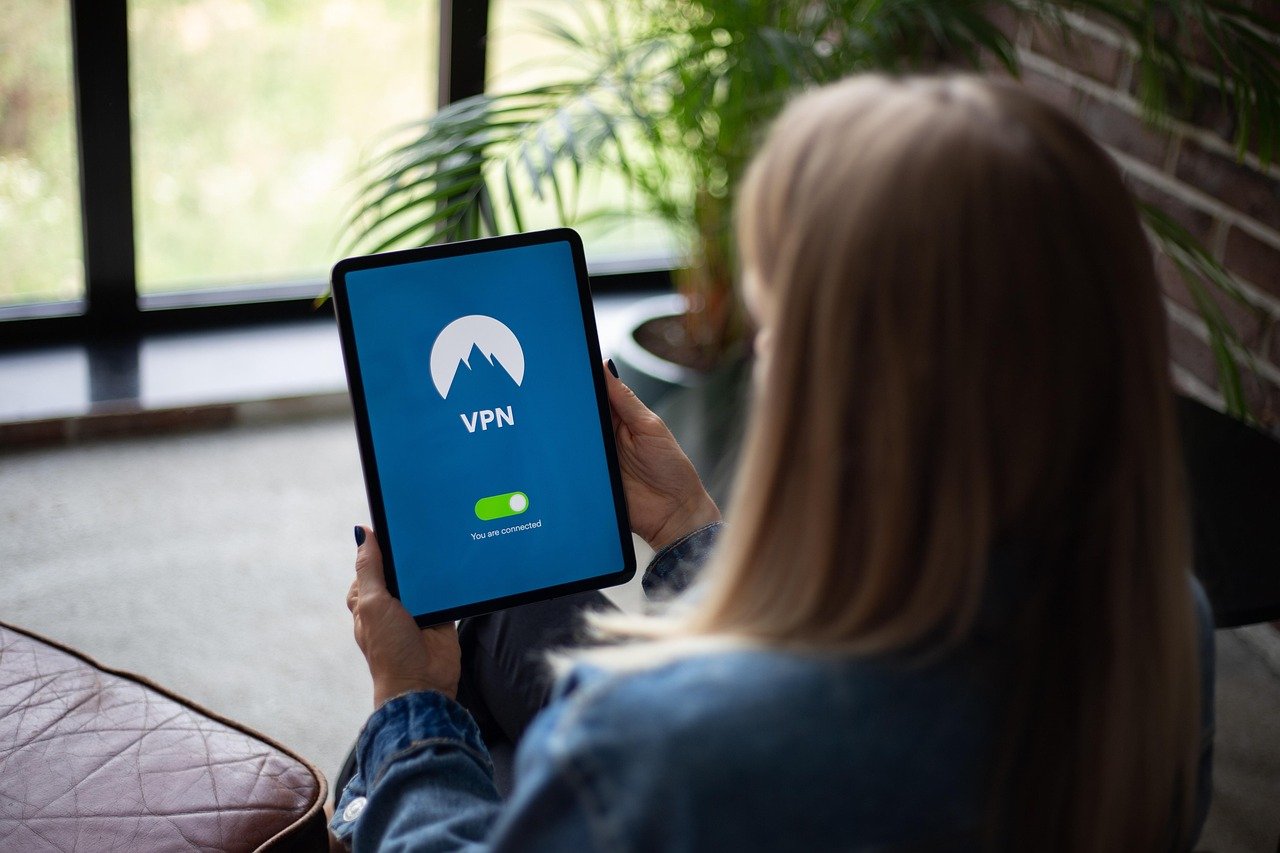
Are you concerned about your online privacy and security? In today’s digital age, protecting your data is more crucial than ever. A VPN subscription can be a powerful tool in safeguarding your online activities, providing enhanced security and anonymity. This guide will explore the benefits, features, and practical applications of VPN subscriptions, helping you make an informed decision about whether a VPN is right for you.
What is a VPN and Why Do You Need One?
Understanding VPN Basics
A Virtual Private Network (VPN) creates a secure, encrypted connection over a less secure network. Imagine it as a private tunnel for your internet traffic. All data transmitted through this tunnel is encrypted, making it unreadable to anyone who might be snooping on your connection. This includes your Internet Service Provider (ISP), hackers, and even government agencies.
The Growing Need for Online Privacy
Data breaches and online surveillance are becoming increasingly common. Here’s why you should consider a VPN:
- Privacy Protection: A VPN masks your IP address, making it difficult to track your online activities back to you.
- Security on Public Wi-Fi: Public Wi-Fi networks are notoriously insecure. A VPN encrypts your data, preventing hackers from intercepting sensitive information like passwords and credit card details.
- Bypassing Geo-Restrictions: Access content that is region-locked, such as streaming services or websites only available in certain countries.
- Avoiding ISP Throttling: Some ISPs may throttle bandwidth for certain types of traffic, like streaming video. A VPN can help bypass this throttling.
- Safe Torrenting: Protect your identity while torrenting files.
For example, consider using a VPN when connecting to the internet at a coffee shop or airport. Without a VPN, your data is vulnerable to interception. A VPN adds a crucial layer of security.
Choosing the Right VPN Subscription
Key Features to Look For
Not all VPNs are created equal. Here’s what to look for when choosing a VPN subscription:
- Strong Encryption: Look for VPNs that use AES-256 encryption, which is considered the industry standard.
- No-Logs Policy: Ensure the VPN provider has a strict no-logs policy, meaning they don’t track or store your online activities. This is crucial for privacy.
- Server Locations: A wide range of server locations allows you to connect to different countries, bypassing geo-restrictions and improving speed.
- Speed and Bandwidth: Choose a VPN that offers fast connection speeds and unlimited bandwidth to avoid buffering and slowdowns.
- Multiple Device Support: Most VPN providers offer support for multiple devices, allowing you to protect your computer, phone, and tablet with a single subscription.
- Kill Switch: A kill switch automatically disconnects your internet connection if the VPN connection drops, preventing your data from being exposed.
- User-Friendly Interface: Opt for a VPN with a simple and intuitive interface that is easy to use, even for beginners.
- Customer Support: Reliable customer support is essential in case you encounter any issues.
Comparing VPN Providers
Researching different VPN providers is critical. Some popular options include:
- NordVPN: Known for its strong security features, vast server network, and user-friendly interface.
- ExpressVPN: Praised for its fast speeds, reliable performance, and excellent customer support.
- Surfshark: An affordable option that offers unlimited device connections and a range of features.
- CyberGhost: Features a user-friendly interface and pre-configured profiles for different activities, such as streaming and torrenting.
Compare the pricing, features, and reviews of different VPN providers to find the best fit for your needs. Free VPNs often have limitations and may compromise your privacy. Investing in a reputable paid VPN service is generally recommended.
Setting Up and Using Your VPN
Installation and Configuration
Most VPN providers offer easy-to-use apps for various platforms, including Windows, macOS, iOS, and Android.
Once connected, your internet traffic will be routed through the VPN server, encrypting your data and masking your IP address.
Optimizing Your VPN Experience
- Choose a Server Close to Your Location: Selecting a server location that is geographically close to you will typically result in faster connection speeds.
- Experiment with Different Protocols: VPNs use different protocols, such as OpenVPN, IKEv2, and WireGuard. Experiment with different protocols to find the one that offers the best balance of speed and security for your network. WireGuard is generally regarded as one of the fastest.
- Enable the Kill Switch: Make sure the kill switch feature is enabled to prevent your data from being exposed if the VPN connection drops.
- Regularly Update Your VPN App: Keep your VPN app updated to ensure you have the latest security patches and features.
For example, if you are located in New York and want to access US-based content, choose a server located in New York or a nearby state. This will minimize latency and improve your browsing experience.
Understanding VPN Limitations and Best Practices
Limitations of VPNs
While VPNs offer significant security and privacy benefits, they are not a silver bullet.
- VPNs Can’t Protect Against Malware: A VPN will not protect you from malware or viruses. You still need to use antivirus software and practice safe browsing habits.
- VPNs Can Be Slow: Encrypting your data and routing it through a VPN server can sometimes slow down your internet connection.
- VPN Providers Can Still Log Your Data: Choose a VPN provider with a strict no-logs policy and a strong reputation for privacy. Even then, you must trust that they are being truthful.
- VPNs Don’t Make You Completely Anonymous: While a VPN masks your IP address, other techniques like browser fingerprinting can still be used to track you online.
Best Practices for Online Security
- Use Strong Passwords: Use strong, unique passwords for all your online accounts. Consider using a password manager to help you create and store your passwords securely.
- Enable Two-Factor Authentication: Enable two-factor authentication (2FA) whenever possible to add an extra layer of security to your accounts.
- Be Careful What You Click On: Avoid clicking on suspicious links or downloading files from untrusted sources.
- Keep Your Software Updated: Keep your operating system, web browser, and other software updated to patch security vulnerabilities.
- Be Mindful of Your Online Activity: Be aware of the information you share online and the websites you visit.
Consider the following scenario: You use a VPN while browsing the internet but accidentally download malware from a suspicious website. The VPN will not protect you from the malware. You still need to use antivirus software to remove the malware from your device.
VPN Use Cases Beyond Security and Privacy
Bypassing Censorship
In countries with strict internet censorship, VPNs can be used to access blocked websites and social media platforms.
- Accessing News and Information: VPNs can allow access to independent news sources that may be blocked by the government.
- Connecting with Family and Friends: VPNs can enable communication with family and friends who live in countries with internet censorship.
- Promoting Freedom of Speech: VPNs can help promote freedom of speech and access to information in countries where it is restricted.
Remote Work and Secure Access
VPNs are also essential for remote workers who need to access company resources securely.
- Secure Access to Company Networks: VPNs create a secure connection to the company network, allowing remote workers to access files, applications, and other resources as if they were in the office.
- Protecting Sensitive Data: VPNs encrypt data transmitted between the remote worker’s device and the company network, protecting it from interception.
- Maintaining Compliance: VPNs can help companies comply with data privacy regulations, such as GDPR and HIPAA, by ensuring that sensitive data is protected.
For example, a journalist reporting from a country with internet censorship can use a VPN to access blocked websites and protect their identity while communicating with sources.
Conclusion
A VPN subscription is a valuable tool for enhancing your online privacy and security. By encrypting your data, masking your IP address, and bypassing geo-restrictions, a VPN can help protect you from online surveillance, hackers, and censorship. When choosing a VPN, consider factors such as encryption strength, no-logs policy, server locations, and speed. Remember that a VPN is not a complete solution for online security, and it’s essential to practice safe browsing habits and use other security measures in conjunction with a VPN. By understanding the benefits and limitations of VPNs, you can make an informed decision about whether a VPN subscription is right for you and how to use it effectively.



