
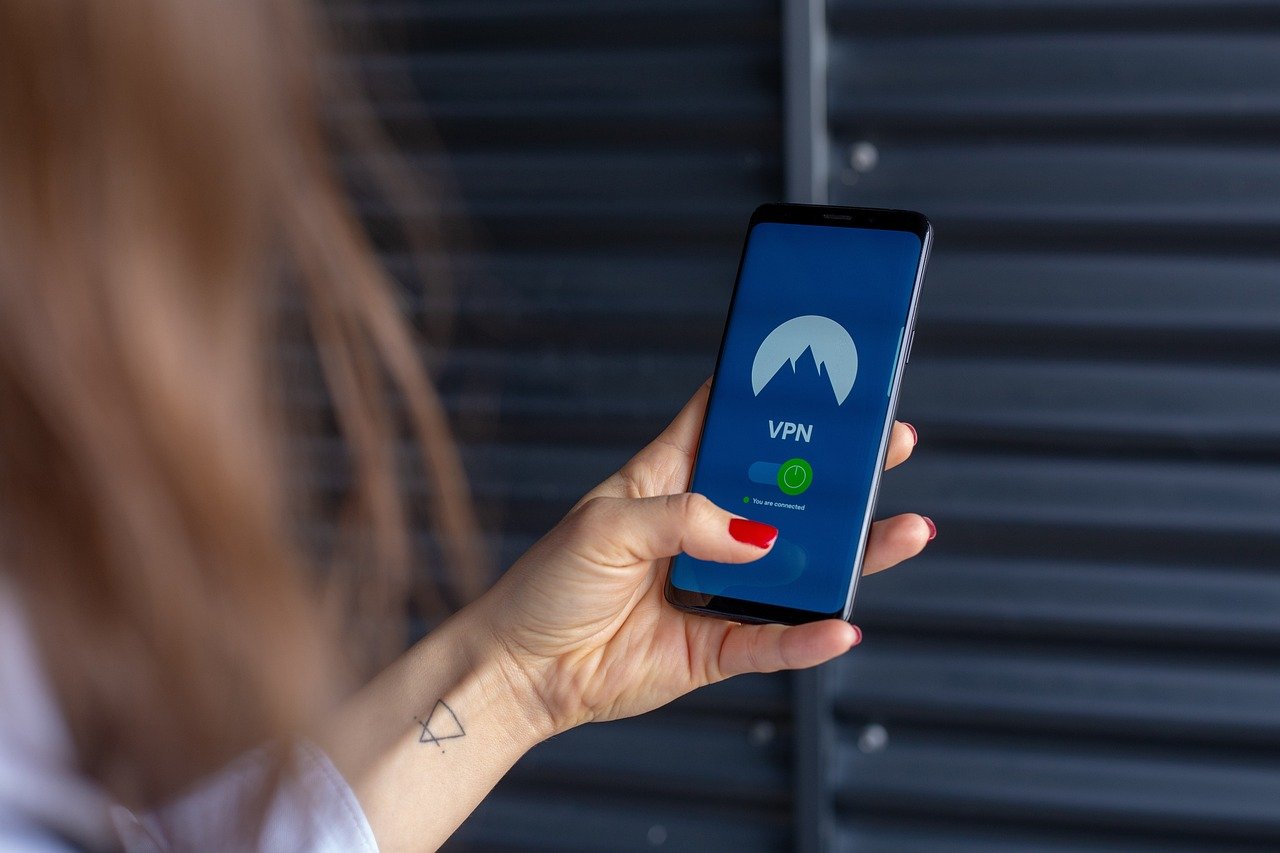
Protecting your privacy online is more crucial than ever, especially when you’re browsing, banking, or communicating on your iPhone or iPad. A Virtual Private Network (VPN) for iOS devices provides a secure and encrypted connection, shielding your data from prying eyes and unlocking a world of benefits beyond simple privacy. This comprehensive guide will walk you through everything you need to know about using a VPN on your iOS device, from understanding its benefits to choosing the right provider.
Why Use a VPN on Your iOS Device?
Enhanced Security on Public Wi-Fi
Public Wi-Fi networks, found in coffee shops, airports, and hotels, are notoriously insecure. They lack proper encryption, making them vulnerable to hackers who can intercept your personal data. A VPN encrypts your internet traffic, making it unreadable to anyone monitoring the network.
- Example: Imagine you’re checking your bank account on a public Wi-Fi network. Without a VPN, a hacker could potentially steal your login credentials. A VPN encrypts this information, rendering it useless to them.
- Actionable Takeaway: Always use a VPN when connecting to public Wi-Fi networks to safeguard your sensitive data.
Protecting Your Privacy
ISPs (Internet Service Providers) can track your online activity and sell this data to advertisers. A VPN masks your IP address, making it difficult to track your online movements.
- Example: Without a VPN, your ISP can see every website you visit and every app you use. A VPN hides your IP address and encrypts your traffic, preventing your ISP from monitoring your online activity.
- Actionable Takeaway: Use a VPN to prevent your ISP from tracking your online activity and selling your data.
Accessing Region-Restricted Content
Many streaming services, websites, and apps offer different content based on your geographical location. A VPN allows you to bypass these restrictions by connecting to a server in another country.
- Example: You want to watch a TV show that’s only available on Netflix in the UK. By connecting to a VPN server in the UK, you can access the UK Netflix library and stream the show.
- Actionable Takeaway: Use a VPN to access content that’s not available in your region.
Bypassing Censorship
In some countries, internet access is heavily censored, with certain websites and apps blocked. A VPN can circumvent these restrictions, allowing you to access information and communicate freely.
- Example: If you are traveling to a country with restricted internet access, a VPN can help you bypass these restrictions and access websites like Google, Facebook, and Twitter.
- Actionable Takeaway: Use a VPN to bypass internet censorship and access blocked websites and apps.
Choosing the Right VPN for iOS
Security Features
Look for a VPN that offers strong encryption protocols, such as AES-256, and includes features like a kill switch to prevent data leaks if the VPN connection drops.
- AES-256 Encryption: This is the industry standard for encryption and is considered virtually unbreakable.
- Kill Switch: Automatically disconnects your internet connection if the VPN connection drops, preventing your data from being exposed.
- Actionable Takeaway: Prioritize VPNs with robust security features to protect your data.
Privacy Policy
Carefully review the VPN provider’s privacy policy to understand how they handle your data. Choose a VPN that has a strict no-logs policy, meaning they don’t track or store your online activity.
- No-Logs Policy: Ensures that the VPN provider doesn’t collect or store any data about your online activity, such as websites visited or apps used.
- Audited Privacy Policy: Look for VPNs that have had their privacy policies independently audited by a third party.
- Actionable Takeaway: Select a VPN with a clear and transparent no-logs policy.
Server Locations
A wide range of server locations allows you to connect to servers in different countries, bypassing geo-restrictions and improving your connection speed.
- Global Server Network: Offers servers in numerous countries, providing greater flexibility and access to content.
- Server Speed: Choose a VPN with fast servers to ensure a smooth browsing and streaming experience.
- Actionable Takeaway: Opt for a VPN with a diverse and fast server network.
Ease of Use
The VPN app should be user-friendly and easy to navigate, with a simple interface for connecting to servers and managing settings.
- Intuitive Interface: A well-designed app makes it easy to connect to servers and adjust settings.
- One-Click Connection: Allows you to connect to the VPN server with a single tap.
- Actionable Takeaway: Choose a VPN with a user-friendly app that’s easy to use.
Cost and Subscription Options
VPN pricing varies depending on the provider and subscription length. Consider your budget and usage needs when choosing a VPN plan.
- Free vs. Paid VPNs: Free VPNs often have limitations, such as slower speeds, limited server locations, and data caps. Paid VPNs offer better performance, more features, and stronger security.
- Subscription Length: Longer subscriptions typically offer better discounts.
- Actionable Takeaway: Weigh the pros and cons of free and paid VPNs and choose a plan that meets your needs.
Setting Up a VPN on Your iOS Device
Installing the VPN App
Download the VPN app from the App Store and follow the installation instructions.
- App Store Download: Search for the VPN app in the App Store and tap “Get” to download and install it.
- Permissions: Grant the app the necessary permissions, such as access to your network settings.
- Actionable Takeaway: Ensure the app is downloaded from a trusted source.
Configuring the VPN Connection
Open the VPN app and follow the setup instructions. You may need to create an account and choose a subscription plan.
- Account Creation: Create an account with the VPN provider using your email address and a strong password.
- Subscription Activation: Activate your subscription plan by entering your payment information.
- Actionable Takeaway: Use a strong, unique password for your VPN account.
Connecting to a VPN Server
Select a server location and connect to the VPN. The app will typically display a notification when the connection is established.
- Server Selection: Choose a server location from the list provided in the app.
- Connection Status: The app will display a message indicating whether the VPN is connected or disconnected.
- Actionable Takeaway: Test the VPN connection by visiting a website that displays your IP address.
Troubleshooting Common VPN Issues on iOS
Connection Problems
If you’re having trouble connecting to the VPN, try switching to a different server or restarting the app.
- Server Overload: Some servers may be overloaded with users, causing connection problems. Try switching to a different server location.
- App Restart: Restarting the VPN app can often resolve connection issues.
- Actionable Takeaway: Check your internet connection and ensure the VPN app is up to date.
Slow Speeds
VPNs can sometimes slow down your internet speed due to encryption. Try connecting to a server that’s closer to your location or switching to a different protocol.
- Server Distance: Connecting to a server that’s far away from your location can increase latency and slow down your speed.
- VPN Protocol: Some VPN protocols are faster than others. Experiment with different protocols to find one that provides the best speed.
- Actionable Takeaway: Ensure you are not using a free VPN, as these often throttle speeds.
Battery Drain
VPNs can consume battery power due to the ongoing encryption process. To minimize battery drain, disconnect from the VPN when you’re not using it.
- Background Activity: Limit background activity for the VPN app to reduce battery consumption.
- Automatic Connection: Disable automatic VPN connection when you’re not using public Wi-Fi.
- Actionable Takeaway: Monitor battery usage and adjust settings to optimize battery life.
Conclusion
Using a VPN on your iOS device is an essential step towards protecting your online privacy and security. By understanding the benefits of a VPN, choosing the right provider, and properly configuring your connection, you can enjoy a safer and more unrestricted internet experience. Embrace the power of VPNs to safeguard your data, bypass geo-restrictions, and browse with peace of mind on your iPhone and iPad.


