
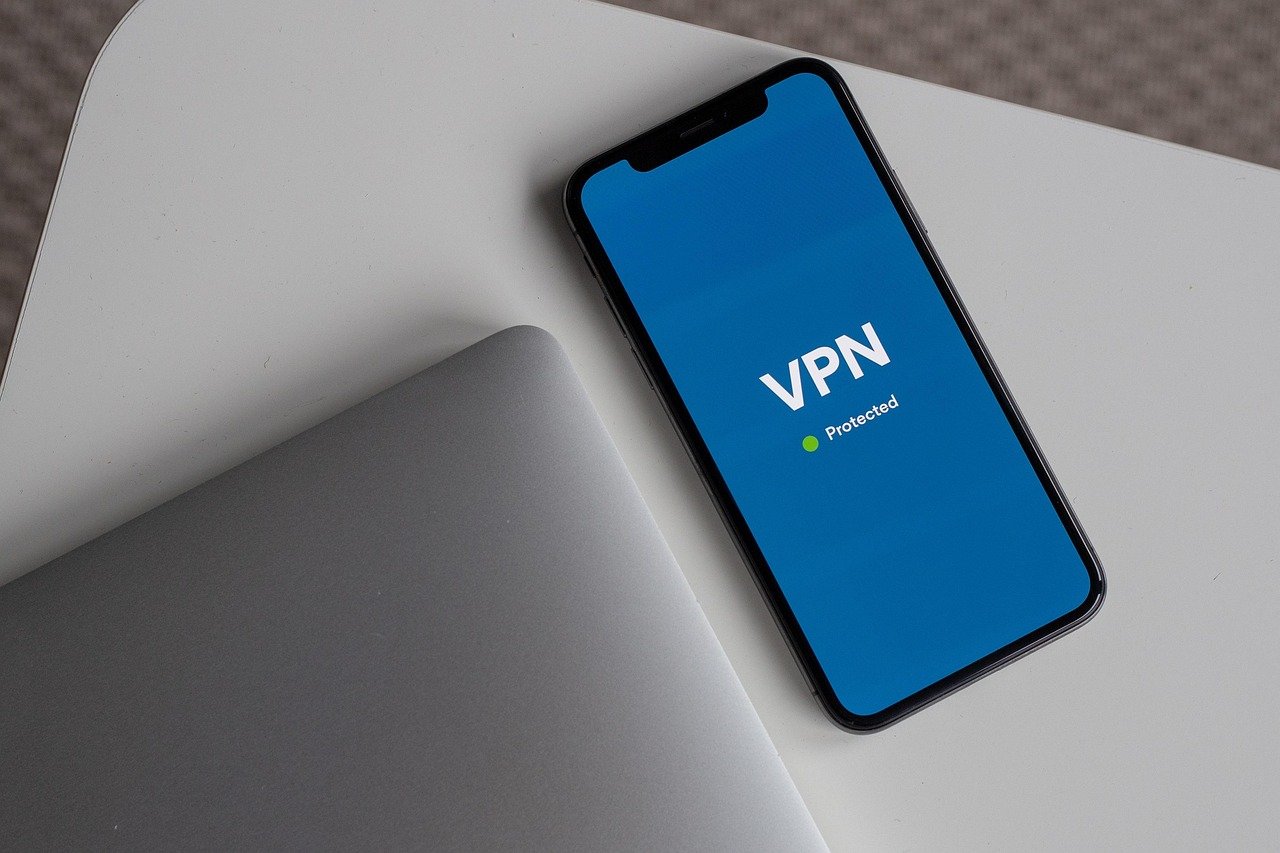
Choosing the right VPN can feel like navigating a maze. With so many providers, plans, and features, it’s easy to get lost in the technical jargon. This comprehensive guide will demystify VPN plans, helping you understand the different options available and select the one that best suits your needs. We’ll delve into pricing models, features, and crucial considerations to ensure you make an informed decision and safeguard your online privacy.
Understanding VPN Pricing Models
VPN providers offer a variety of pricing structures, each designed to cater to different user needs and budgets. Understanding these models is crucial for making an informed decision.
Monthly Subscriptions
- Pros: Monthly subscriptions offer the highest degree of flexibility. You can cancel at any time, making them ideal for short-term needs or for testing a service before committing to a longer plan. They are also useful if you only need a VPN sporadically.
- Cons: Monthly plans are typically the most expensive option on a per-month basis.
- Example: A provider might charge $12.99 per month for their standard plan. This is a good option if you’re unsure how frequently you’ll use the VPN.
Annual Subscriptions
- Pros: Annual subscriptions offer significant cost savings compared to monthly plans. They’re a good choice if you know you’ll need a VPN for at least a year.
- Cons: Requires a larger upfront payment. If you cancel mid-year, you may not receive a full refund, depending on the provider’s policy.
- Example: An annual subscription might cost $69.99, effectively reducing the monthly cost to around $5.83. This is a considerable saving compared to the monthly rate.
Multi-Year Subscriptions
- Pros: Multi-year subscriptions (e.g., 2-year or 3-year plans) offer the deepest discounts. They’re ideal for users looking for long-term privacy protection at the lowest possible cost.
- Cons: Requires the largest upfront investment and ties you to a specific provider for an extended period.
- Example: A 2-year plan might cost $89.99, bringing the monthly equivalent down to just $3.75.
Free VPNs: Use with Caution
- Pros: No upfront cost.
- Cons: Often come with significant limitations, including slower speeds, data caps, intrusive advertising, and potential security risks. Some free VPNs may even log and sell your data. Limited server locations and fewer features are also common.
- Example: Avoid VPNs that aggressively push advertisements or require extensive personal information. Reputable free VPNs often offer a limited version of their paid service.
- Actionable Takeaway: Evaluate your long-term needs and budget to determine the most cost-effective pricing model. Don’t sacrifice security for price – research free VPNs thoroughly before using them.
Understanding Different VPN Plan Features
Beyond price, VPN plans differ significantly in terms of features. These features directly impact your security, performance, and overall user experience.
Security Protocols
- OpenVPN: A highly secure and widely used open-source protocol. It’s considered the industry standard for VPN security.
- IKEv2/IPsec: Another secure protocol, often faster than OpenVPN, making it suitable for mobile devices.
- WireGuard: A modern protocol known for its speed and efficiency. It’s gaining popularity and becoming a preferred choice for many users.
- Example: Ensure your VPN plan supports at least one of these protocols. Many providers allow you to choose your preferred protocol within the app settings.
Server Locations
- Importance: The number and location of servers affect your ability to bypass geo-restrictions and achieve optimal speeds. More server locations give you more options for connecting to a server closer to your actual location, which can improve performance.
- Considerations: Choose a provider with servers in regions where you need access to content or services.
- Example: If you frequently access content from the UK, ensure the VPN has multiple servers located in the UK.
Simultaneous Connections
- Definition: Refers to the number of devices you can connect to the VPN service at the same time.
- Importance: Essential for households with multiple users or individuals who want to protect their computers, phones, and tablets simultaneously.
- Example: Some plans allow 5-6 simultaneous connections, while others offer unlimited connections.
Bandwidth and Data Caps
- Bandwidth: Refers to the speed at which data can be transferred.
- Data Caps: Limit the amount of data you can use per month.
- Importance: Choose a plan with unlimited bandwidth and no data caps to avoid interruptions and maintain consistent performance.
- Example: Avoid plans with low bandwidth limits, as they can significantly impact your streaming and browsing experience.
Kill Switch
- Definition: A security feature that automatically disconnects your internet connection if the VPN connection drops, preventing your data from being exposed.
- Importance: Crucial for maintaining privacy and security, especially when using public Wi-Fi networks.
- Example: Ensure the VPN app has a kill switch setting that you can enable.
No-Logs Policy
- Definition: A commitment from the VPN provider not to log your browsing activity, IP address, or other sensitive information.
- Importance: Essential for ensuring your privacy. Look for providers with a proven track record and independent audits to verify their no-logs policy.
- Example: Look for VPNs that have undergone third-party audits to verify their no-logs claims.
- Actionable Takeaway: Prioritize security features like strong protocols and a kill switch. Check the server locations and simultaneous connection limits to ensure the plan meets your needs.
Analyzing VPN Plan Compatibility
Compatibility is another critical aspect to consider when choosing a VPN plan. You need to ensure the VPN is compatible with your devices and operating systems.
Device Compatibility
- Supported Platforms: Most VPN providers offer apps for Windows, macOS, iOS, and Android. Some also support Linux and routers.
- Importance: Ensure the VPN supports all the devices you intend to use it on.
- Example: If you primarily use a Mac and an iPhone, choose a VPN with native apps for both macOS and iOS.
Router Compatibility
- Benefits: Installing a VPN on your router protects all devices connected to your network, including smart TVs, gaming consoles, and IoT devices.
- Considerations: Requires a router that supports VPN configurations.
- Example: Check if the VPN provider offers instructions or support for setting up the VPN on your specific router model.
Browser Extensions
- Convenience: Browser extensions provide a quick and easy way to connect to the VPN and manage settings directly from your browser.
- Limitations: Typically only protect browser traffic, not the entire device.
- Example: Use browser extensions for quickly enabling VPN protection when browsing the web.
- Actionable Takeaway: Verify that the VPN is compatible with all your devices and consider router compatibility for comprehensive protection.
Considering Additional VPN Features
Beyond the core features, some VPN plans offer additional functionalities that can enhance your experience.
Split Tunneling
- Definition: Allows you to choose which apps or websites use the VPN connection and which use your regular internet connection.
- Benefits: Useful for optimizing speed and performance by routing only sensitive traffic through the VPN.
- Example: Use split tunneling to exclude streaming services from the VPN connection to avoid potential speed reductions.
Dedicated IP Addresses
- Definition: Assigns you a unique IP address that is not shared with other VPN users.
- Benefits: Can improve online reputation and reduce the likelihood of being blocked by websites or services.
- Example: Use a dedicated IP address for activities that require a consistent online identity, such as online banking or accessing secure corporate networks.
Obfuscation
- Definition: Hides the fact that you’re using a VPN, making it harder for websites and internet service providers to detect and block your connection.
- Benefits: Useful in countries with strict internet censorship or when trying to bypass VPN blocks.
- Example: Enable obfuscation when using a VPN in countries where VPNs are restricted.
Double VPN (Multi-Hop)
- Definition: Routes your traffic through two VPN servers instead of one, adding an extra layer of encryption and security.
- Benefits: Enhances privacy and anonymity but can also reduce speed.
- Example: Use double VPN when handling highly sensitive information or engaging in activities that require maximum privacy.
- Actionable Takeaway: Explore additional features like split tunneling and dedicated IP addresses to customize your VPN experience.
Evaluating VPN Provider Reputation and Support
The reputation and support offered by a VPN provider are just as important as the features they offer.
User Reviews and Ratings
- Importance: Read user reviews and ratings on reputable websites and forums to get an unbiased perspective on the provider’s performance, reliability, and customer service.
- Example: Check reviews on sites like Trustpilot, CNET, and Reddit.
Customer Support
- Availability: Look for providers that offer 24/7 customer support via live chat, email, or phone.
- Responsiveness: Test the responsiveness of the support team by asking a question before subscribing.
- Example: Contact the support team with a technical question to gauge their responsiveness and helpfulness.
Money-Back Guarantee
- Purpose: Allows you to try the VPN service risk-free for a specified period (e.g., 30 days).
- Importance: Provides an opportunity to evaluate the VPN’s performance and features before committing to a longer subscription.
- Example: Take advantage of the money-back guarantee to test the VPN’s speed, security, and compatibility with your devices.
- Actionable Takeaway:* Research the provider’s reputation and test their customer support before subscribing. Always look for a money-back guarantee to ensure you can get a refund if you’re not satisfied.
Conclusion
Choosing the right VPN plan requires careful consideration of your individual needs, budget, and priorities. By understanding the different pricing models, features, compatibility requirements, and provider reputation, you can make an informed decision and select a VPN that effectively protects your online privacy and security. Remember to always prioritize security features, evaluate compatibility with your devices, and research the provider’s reputation before committing to a subscription.



