
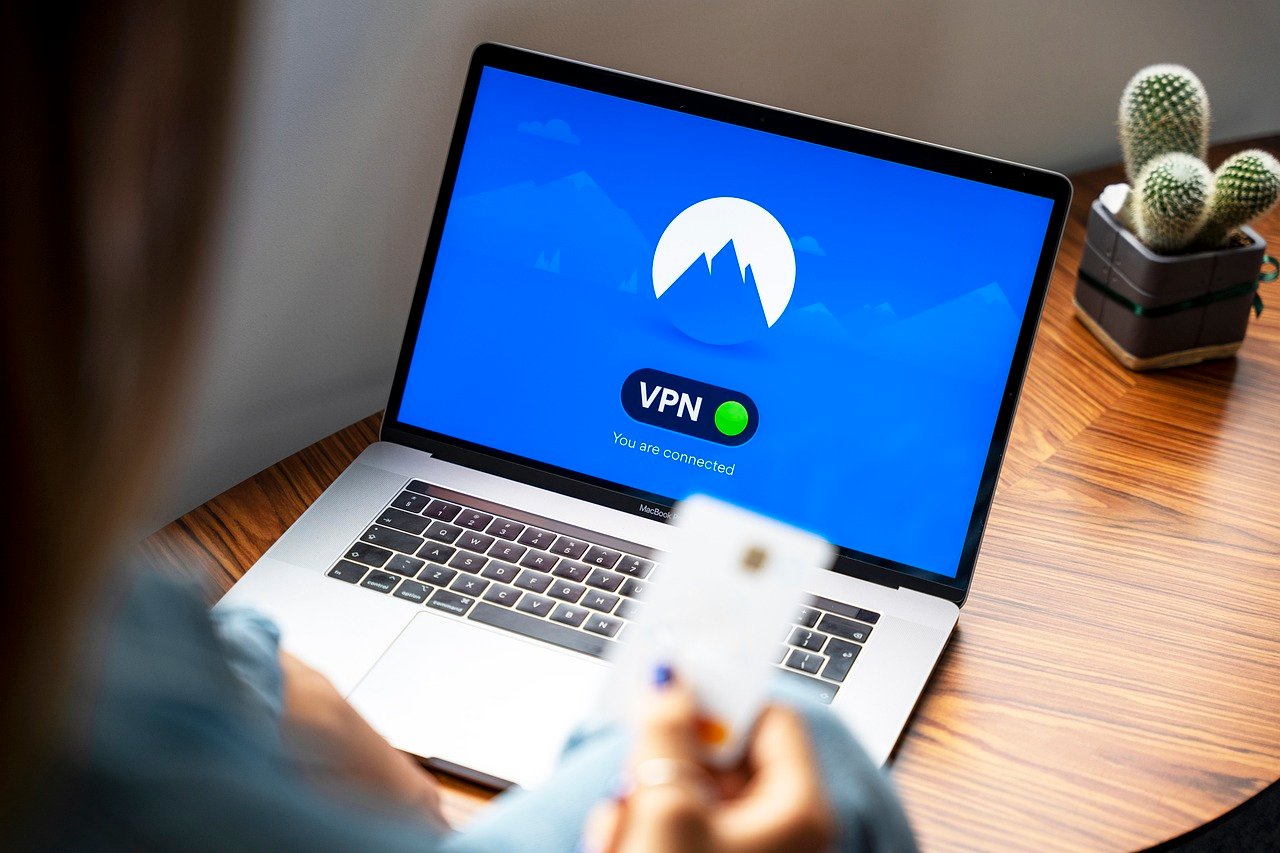
Mobile devices have become indispensable tools for navigating our daily lives, carrying sensitive data from banking details to personal conversations. However, this convenience comes with inherent security risks, particularly when using public Wi-Fi networks. A Virtual Private Network (VPN) for mobile devices can be a crucial tool in securing your data and maintaining your privacy in this increasingly connected world.
What is a Mobile VPN?
A mobile VPN functions similarly to a desktop VPN, creating an encrypted tunnel for your internet traffic. This tunnel shields your data from prying eyes, masking your IP address and allowing you to browse the web securely and anonymously on your smartphone or tablet. It routes your data through a VPN server, encrypting the connection between your device and the server before it reaches the wider internet.
How it Works
- Encryption: A mobile VPN encrypts all the data transmitted between your device and the VPN server. This encryption makes it unreadable to hackers, ISPs, or government agencies intercepting your data on public networks. Common encryption protocols include AES-256, known for its robust security.
- IP Address Masking: The VPN server assigns you a new IP address, masking your real IP address and location. This makes it more difficult for websites and online services to track your browsing activities.
- Secure Tunneling: A secure “tunnel” is created, protecting your data from being intercepted while it’s in transit. This is particularly important when using public Wi-Fi hotspots which are notoriously insecure.
- Example: Imagine you’re checking your bank account on a coffee shop’s Wi-Fi. Without a VPN, your login credentials and banking details could be vulnerable to interception. With a VPN, this data is encrypted, making it nearly impossible for hackers to decipher it.
Key Benefits of Using a Mobile VPN
- Enhanced Security on Public Wi-Fi: Provides a secure connection when using public Wi-Fi hotspots, protecting your data from potential eavesdroppers.
- Privacy Protection: Masks your IP address, making it harder for websites and online services to track your location and browsing habits.
- Access to Geo-Restricted Content: Allows you to access content that is blocked or restricted in your current location.
- Bypass Censorship: Can help bypass internet censorship in countries with restrictive internet policies.
- Secure Online Transactions: Protects your financial information when making online purchases or banking transactions on your mobile device.
Why You Need a VPN on Your Phone
The risks associated with using unsecured mobile networks are substantial. Hackers can easily intercept data transmitted over public Wi-Fi, potentially gaining access to your passwords, financial information, and personal data. A mobile VPN mitigates these risks and offers numerous advantages in an increasingly interconnected world.
Threats on Mobile Devices
- Man-in-the-Middle Attacks: Hackers can intercept communication between your device and a website, stealing sensitive information.
- Unsecured Wi-Fi Hotspots: Public Wi-Fi networks often lack proper security measures, making them vulnerable to attacks.
- Data Tracking: Websites and apps constantly track your location and browsing habits, collecting data about your activities.
- Example: Someone sitting in the same coffee shop as you, using readily available hacking tools, could potentially intercept your data if you’re not using a VPN. They could gain access to your social media accounts, email, or even bank details.
Scenarios Where a Mobile VPN is Essential
- Traveling Abroad: Protect your data when connecting to unfamiliar Wi-Fi networks in hotels, airports, and cafes.
- Using Public Wi-Fi: Secure your connection when using public Wi-Fi hotspots in coffee shops, libraries, or airports.
- Accessing Sensitive Information: Protect your financial data and personal information when banking online or making purchases.
- Bypassing Geo-Restrictions: Access content that is blocked or restricted in your current location, such as streaming services or news websites.
Choosing the Right Mobile VPN
Selecting the appropriate mobile VPN is crucial to ensure maximum security and performance. Consider the following factors when making your decision.
Factors to Consider
- Security Protocols: Look for VPNs that use strong encryption protocols, such as AES-256, and support protocols like OpenVPN or WireGuard.
- No-Logs Policy: Choose a VPN provider with a strict no-logs policy, meaning they don’t track or store your browsing activities.
- Server Locations: Opt for a VPN with a wide range of server locations to bypass geo-restrictions and improve connection speeds.
- Speed and Performance: Test the VPN’s speed and performance to ensure it doesn’t significantly slow down your internet connection.
- User-Friendliness: Choose a VPN app with a user-friendly interface that is easy to set up and use on your mobile device.
- Price: Compare the pricing plans of different VPN providers and choose one that fits your budget.
- Example: NordVPN, Surfshark, and ExpressVPN are widely considered reputable VPN providers that offer strong security features, a no-logs policy, and a wide range of server locations. They often have user-friendly mobile apps and offer competitive pricing plans.
Free vs. Paid VPNs
- Free VPNs: Often come with limitations, such as slower speeds, limited server locations, and data caps. Some free VPNs may also collect and sell your data to third parties.
- Paid VPNs: Offer better security, faster speeds, more server locations, and a strict no-logs policy. They also provide customer support and regular updates to ensure optimal performance.
- Recommendation: While free VPNs may seem tempting, investing in a paid VPN is generally recommended for better security, privacy, and performance. Think of it as an investment in your online safety.
Setting Up and Using a Mobile VPN
Setting up a mobile VPN is a straightforward process that typically involves downloading the VPN app, creating an account, and connecting to a VPN server.
Step-by-Step Guide
Tips for Optimal Use
- Connect Before Using Public Wi-Fi: Always connect to a VPN server before using public Wi-Fi hotspots.
- Choose a Server Location: Select a server location that is geographically close to you for optimal speed and performance.
- Enable Auto-Connect: Enable the auto-connect feature to automatically connect to a VPN server when you connect to an unsecured Wi-Fi network.
- Check for Leaks: Periodically check for IP address or DNS leaks to ensure your VPN is working correctly. Many websites offer free leak testing services.
- Keep the App Updated: Keep the VPN app updated to ensure you have the latest security patches and features.
Mobile VPN and Device Performance
While VPNs offer enhanced security and privacy, they can sometimes impact device performance. Here’s how to mitigate these potential issues:
Potential Impact on Battery Life
- Encryption Overhead: The encryption process can consume more battery power, especially on older devices.
- Continuous Connection: Maintaining a constant VPN connection can also drain battery life.
- Mitigation:
– Connect to the VPN only when necessary, such as when using public Wi-Fi or accessing sensitive information.
– Choose a VPN protocol that is optimized for speed and battery life, such as WireGuard.
– Close the VPN app when not in use to prevent it from running in the background.
Speed Considerations
- Server Distance: Connecting to a VPN server that is far away from your actual location can increase latency and slow down your internet connection.
- Server Load: Overcrowded VPN servers can also cause performance issues.
- Mitigation:
– Choose a VPN server that is geographically close to your location for optimal speed.
– Experiment with different server locations to find one that offers the best performance.
– Consider upgrading to a faster VPN plan with more server capacity.
Conclusion
Mobile VPNs are no longer a luxury but a necessity in today’s digital landscape. By encrypting your data, masking your IP address, and providing a secure connection, a mobile VPN helps protect your privacy and security when using public Wi-Fi or accessing sensitive information on your mobile device. Choosing the right VPN and following best practices will ensure that you can enjoy the benefits of enhanced security without sacrificing performance. Investing in a reputable mobile VPN is a crucial step in safeguarding your digital life.



