
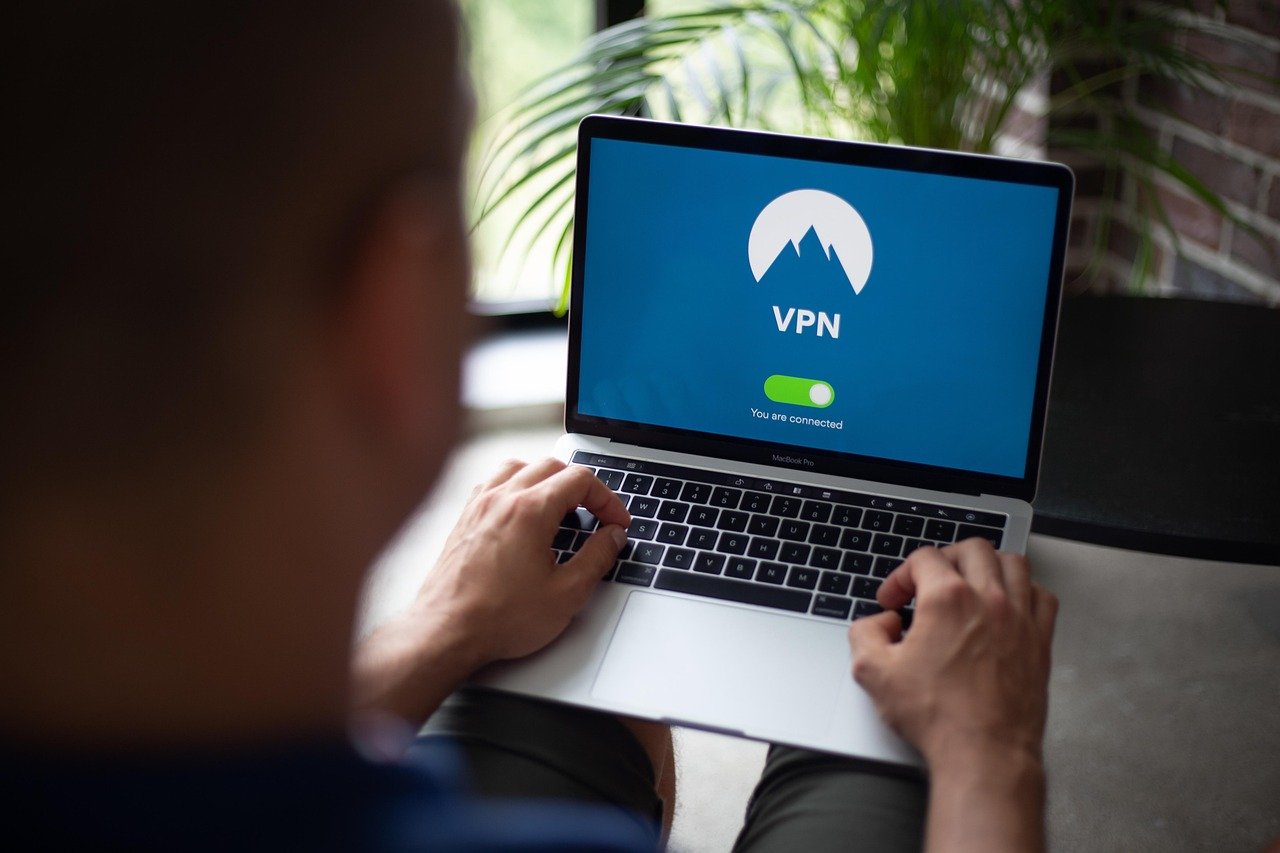
Imagine surfing the internet without a locked door, every website you visit potentially tracking your activity, and your personal data vulnerable to prying eyes. In today’s digital age, a Virtual Private Network (VPN) provider is more than just a luxury; it’s a crucial tool for online security, privacy, and freedom. This comprehensive guide will delve into the world of VPNs, explaining how they work, why you need one, and how to choose the best VPN provider for your needs.
What is a VPN and How Does it Work?
A VPN, or Virtual Private Network, creates a secure, encrypted connection over a less secure network, like the public internet. It essentially acts as a tunnel, shielding your online activity from eavesdroppers and masking your IP address, making it harder to trace your online identity.
The Technical Process Explained
- Encryption: A VPN encrypts your data before it leaves your device, making it unreadable to anyone intercepting it. Common encryption protocols include AES (Advanced Encryption Standard), considered highly secure.
- IP Masking: Your IP address, which reveals your location and internet service provider (ISP), is replaced with the VPN server’s IP address. This effectively hides your true location.
- Tunneling Protocols: These protocols establish the secure connection between your device and the VPN server. Examples include OpenVPN (widely regarded as the most secure), IKEv2/IPsec (fast and stable), and WireGuard (a newer protocol known for its speed and security).
Practical Example
Think of it like sending a letter. Without a VPN, your address is clearly visible on the envelope (your IP address), and anyone can read the contents (your data). With a VPN, the letter is put inside a locked box (encryption), and the return address is a PO box (VPN server’s IP address). This makes it much harder to identify you and read the contents of your message.
Why You Need a VPN
The benefits of using a VPN are multifaceted, ranging from enhanced security to circumventing geo-restrictions.
Enhanced Online Security
- Protection on Public Wi-Fi: Public Wi-Fi hotspots are notorious for their lack of security. VPNs encrypt your data, protecting you from hackers trying to steal your passwords, financial information, or personal data. Example: Using a VPN at a coffee shop prevents someone from intercepting your credit card information when you make an online purchase.
- Defense Against Malware and Phishing: Some VPN providers offer built-in malware and phishing protection, alerting you to potentially dangerous websites. This provides an extra layer of security beyond your regular antivirus software.
- Preventing ISP Tracking: Your ISP can track your browsing history and potentially sell that data to advertisers. A VPN prevents this by encrypting your traffic, making it impossible for your ISP to see what websites you are visiting. In the US, ISPs are allowed to sell your browsing data without your explicit consent.
Increased Privacy
- Anonymous Browsing: By masking your IP address and encrypting your traffic, a VPN makes it more difficult for websites and online services to track your online activity.
- Bypassing Censorship: In countries with strict internet censorship, a VPN can bypass restrictions and allow you to access blocked websites and content.
- Preventing Price Discrimination: Some websites may change prices based on your location. A VPN can help you find better deals by allowing you to browse from different virtual locations. For example, booking a flight using a VPN server in a country with lower average income might result in a cheaper price.
Accessing Geo-Restricted Content
- Streaming Services: Many streaming services, like Netflix, have different libraries of content depending on your location. A VPN allows you to access content that is not available in your region.
- Sports Events: Certain sports events may be blacked out in your area. A VPN can bypass these restrictions by allowing you to connect to a server in a location where the event is being broadcast.
- Regional News and Information: Access news and information from different countries without geographical limitations.
Choosing the Right VPN Provider
Selecting the right VPN provider is crucial for ensuring optimal security, privacy, and performance. Here are some key factors to consider:
Security Features
- Encryption Protocol: Opt for a VPN that uses strong encryption protocols like AES-256.
- Kill Switch: A kill switch automatically disconnects your internet connection if the VPN connection drops, preventing your data from being exposed.
- DNS Leak Protection: Ensure the VPN provider offers DNS leak protection to prevent your DNS requests from being exposed to your ISP.
- No-Logs Policy: A strict no-logs policy means the VPN provider does not track or store any of your online activity. This is a critical feature for privacy.
Performance and Speed
- Server Locations: Choose a VPN provider with servers located in countries relevant to your needs. The closer the server is to your actual location, the better the speed will be.
- Bandwidth Limitations: Ensure the VPN provider does not impose bandwidth limitations, which can slow down your internet speed.
- Protocol Choice: Protocols like WireGuard are generally faster than older protocols like OpenVPN, but OpenVPN is still considered highly secure.
Privacy Policy and Jurisdiction
- Data Retention: Carefully review the VPN provider’s privacy policy to understand what data they collect and how they use it.
- Jurisdiction: The VPN provider’s jurisdiction (the country where they are based) is important because it determines which laws they are subject to. Choose a provider based in a country with strong privacy laws, outside of the “14 Eyes” intelligence alliance.
- Independent Audits: Look for VPN providers that have undergone independent audits to verify their no-logs policy and security practices.
Pricing and Customer Support
- Subscription Plans: Compare the pricing of different VPN providers and choose a plan that fits your budget and needs.
- Trial Period or Money-Back Guarantee: Opt for a VPN provider that offers a trial period or a money-back guarantee, allowing you to test the service before committing to a long-term subscription.
- Customer Support: Ensure the VPN provider offers reliable customer support, preferably with 24/7 availability.
Setting Up and Using a VPN
Setting up and using a VPN is typically a straightforward process. Most VPN providers offer user-friendly apps for various devices.
Installation and Configuration
- Download and Install the App: Download the VPN app from the provider’s website or app store and install it on your device.
- Create an Account: Create an account with the VPN provider and choose a subscription plan.
- Connect to a Server: Open the app and connect to a server location of your choice.
- Verify Your Connection: Verify that your IP address has been changed by visiting a website like whatismyipaddress.com.
Best Practices
- Choose a Strong Password: Use a strong and unique password for your VPN account.
- Enable the Kill Switch: Always enable the kill switch to protect your data in case the VPN connection drops.
- Keep Your App Updated: Keep your VPN app updated to ensure you have the latest security patches and features.
- Use Two-Factor Authentication: Enable two-factor authentication (2FA) for your VPN account to add an extra layer of security.
Conclusion
In an increasingly interconnected world, a VPN provider is an essential tool for safeguarding your online security, privacy, and freedom. By understanding how VPNs work, the benefits they offer, and how to choose the right provider, you can take control of your online experience and protect yourself from the many threats that exist in the digital landscape. Don’t wait until it’s too late; invest in a reliable VPN provider today and enjoy a safer, more private, and unrestricted internet experience.


