
In today’s hyper-connected world, the idea of truly private online activity feels increasingly like a relic of the past. From targeted advertising to potential data breaches, our online footprints are constantly being tracked. But what if you could browse the internet with a cloak of anonymity, shielding your data from prying eyes? Anonymous browsing offers a way to regain control over your digital privacy and experience the internet on your own terms. This guide will delve into the methods, benefits, and considerations surrounding anonymous browsing, empowering you to make informed choices about your online security.
Understanding Anonymous Browsing
What is Anonymous Browsing?
Anonymous browsing is the practice of using specific tools and techniques to conceal your online identity and activity. It aims to prevent websites, internet service providers (ISPs), governments, and advertisers from tracking your browsing history, location, and personal information. While complete anonymity online is virtually impossible, these methods significantly reduce the amount of data exposed.
Why Should You Consider Anonymous Browsing?
There are several compelling reasons why someone might choose to browse anonymously:
- Protecting Personal Information: Prevents the collection and use of sensitive data, such as browsing habits, search queries, and financial information.
- Circumventing Censorship: Allows access to websites and content that may be blocked or restricted in certain regions or by certain organizations.
- Preventing Targeted Advertising: Reduces the likelihood of being targeted with personalized ads based on browsing history.
- Enhancing Security: Reduces the risk of being targeted by cybercriminals who might exploit personal information.
- Maintaining Privacy: Allows for unrestricted research and exploration of sensitive topics without fear of judgment or repercussions.
Common Misconceptions
It’s important to note that anonymous browsing is not a foolproof solution for total online privacy. Some common misconceptions include:
- Anonymous browsing equals complete invisibility: While it significantly reduces tracking, sophisticated methods can still potentially identify you.
- Anonymous browsing protects against all threats: It primarily focuses on concealing your identity, not necessarily protecting against malware or phishing attacks.
- Anonymous browsing is only for illegal activities: It has legitimate uses for protecting privacy and accessing information freely.
Tools and Techniques for Anonymous Browsing
Virtual Private Networks (VPNs)
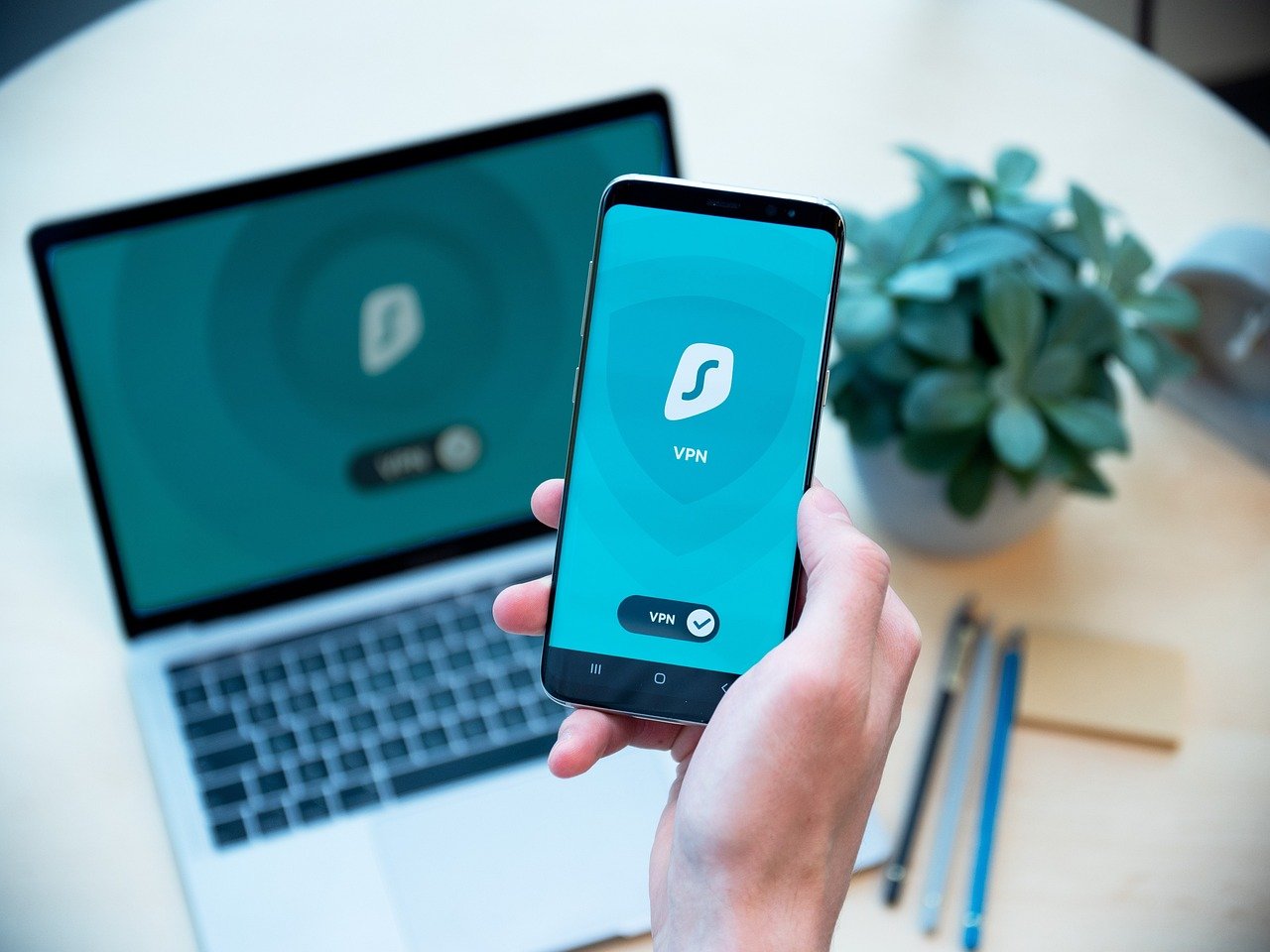
A VPN encrypts your internet traffic and routes it through a server in a different location, masking your IP address. This makes it difficult for websites and ISPs to track your actual location and browsing activity.
- How VPNs Work: A VPN creates a secure tunnel between your device and a VPN server, encrypting all data transmitted through that tunnel.
- Choosing a VPN: Look for VPN providers with a strict no-logs policy, a wide range of server locations, strong encryption protocols (like OpenVPN or WireGuard), and a reputation for reliability.
- Example: Using NordVPN or ExpressVPN to connect to a server in another country before browsing.
The Tor Browser
Tor (The Onion Router) is a free and open-source software that anonymizes your web traffic by routing it through a network of volunteer-operated servers. Each server in the network only knows the IP address of the previous and next server, making it extremely difficult to trace the origin of the traffic.
- How Tor Works: Tor uses a multi-layered encryption process, similar to peeling an onion (hence the name). Each layer of encryption is removed by a different server in the Tor network.
- Using Tor: Download and install the Tor Browser from the official Tor Project website. Be aware that Tor can significantly slow down your internet speed due to the multiple layers of encryption and routing.
- Example: Using the Tor Browser to access a website that is blocked in your country.
Proxy Servers
A proxy server acts as an intermediary between your device and the internet. When you use a proxy server, your internet traffic is routed through the proxy server, which then makes requests on your behalf. This masks your IP address, but it doesn’t encrypt your traffic like a VPN.
- Types of Proxy Servers: There are various types of proxy servers, including HTTP proxies, SOCKS proxies, and transparent proxies.
- Limitations of Proxies: Unlike VPNs, many proxy servers do not encrypt your data, leaving it vulnerable to interception. Free proxy servers can also be unreliable and may log your browsing activity.
- Example: Using a web-based proxy to access a website from a different IP address.
Anonymous Search Engines
Traditional search engines like Google track your search queries and use them to personalize ads and search results. Anonymous search engines, such as DuckDuckGo, do not track your search history or collect personal information.
- DuckDuckGo: This search engine prides itself on its privacy-focused approach. It doesn’t track your searches, show personalized ads, or store your personal information.
- Startpage: This search engine provides Google search results but removes all tracking elements, providing an anonymous search experience.
- Example: Using DuckDuckGo to search for information on a sensitive topic without fear of being tracked.
Best Practices for Anonymous Browsing
Combine Multiple Methods
For enhanced anonymity, consider combining multiple techniques. For example, you can use a VPN in conjunction with the Tor Browser for an extra layer of protection.
Disable Location Services
Disable location services on your browser and operating system to prevent websites from tracking your physical location.
Use Privacy-Focused Browsers and Extensions
Use browsers like Firefox Focus or Brave, which are designed with privacy in mind. Install privacy-enhancing browser extensions, such as Privacy Badger or uBlock Origin, to block trackers and unwanted scripts.
Be Mindful of Cookies
Cookies are small files that websites store on your computer to track your browsing activity. Clear your cookies regularly or use a browser extension to manage them.
Avoid Logging into Accounts
Whenever possible, avoid logging into your online accounts (e.g., email, social media) while browsing anonymously. Logging in can potentially reveal your identity, even if you are using a VPN or Tor.
Regularly Review Privacy Settings
Check and adjust the privacy settings on your browsers, operating system, and social media accounts to limit the amount of personal information shared.
Limitations and Considerations
Speed and Performance
Anonymous browsing methods, such as VPNs and Tor, can sometimes slow down your internet speed due to encryption and routing.
Trusting Your Provider
When using a VPN or proxy server, you are essentially trusting that provider with your data. Choose a reputable provider with a strong track record of protecting user privacy.
Not a Substitute for Security
Anonymous browsing is not a substitute for good security practices. Always use strong passwords, keep your software updated, and be wary of phishing scams.
Legal Implications
In some jurisdictions, using certain anonymous browsing tools or techniques may be restricted or illegal. Be aware of the laws in your country or region.
Conclusion
Anonymous browsing offers valuable tools for protecting your online privacy and accessing information freely. By understanding the methods available and following best practices, you can regain control over your digital footprint. However, it is crucial to recognize the limitations and potential risks involved and to use these tools responsibly and ethically. As the digital landscape continues to evolve, staying informed and proactive about your online privacy is more important than ever.


