
Have you ever been online, ready to access a website for information, entertainment, or crucial work tasks, only to be met with a frustrating “Blocked” message? Whether it’s due to geographical restrictions, network policies, or censorship, encountering blocked websites is a common issue. This comprehensive guide explores the various methods to bypass these blocks, understand why they exist, and ensure you can access the content you need while staying safe and secure online.
Understanding Website Blocking
Website blocking can stem from various sources, each with its own motivations and methods. Understanding the reasons behind these blocks is the first step in finding the right solution to unblock websites.
Common Reasons for Website Blocking
- Geographic Restrictions (Geo-blocking): Content providers may block access to their websites or specific content based on the user’s location. This is often due to licensing agreements, distribution rights, or local regulations.
Example: A streaming service may only offer certain shows in specific countries due to licensing agreements.
- Network Policies: Schools, workplaces, and public Wi-Fi hotspots often implement website blocking to prevent access to distracting, inappropriate, or bandwidth-intensive content.
Example: A school network might block social media sites to reduce distractions during class.
- Government Censorship: Some governments restrict access to specific websites to control information flow, suppress dissenting voices, or promote certain ideologies.
Example: Blocking access to news websites reporting on sensitive political issues.
- Malware and Security: Websites hosting malicious content (malware, phishing scams) can be blocked by your ISP or antivirus software to protect your device.
- Parental Controls: Parents can use website blocking to restrict their children’s access to inappropriate or harmful content online.
Types of Website Blocking
- IP Address Blocking: The most common method. The website server blocks requests originating from specific IP addresses or ranges.
- DNS Filtering: This method blocks access by manipulating the Domain Name System (DNS) resolution. When you try to access a blocked website, the DNS server redirects you to a different page or an error message.
- URL Filtering: Specific URLs or keywords are blocked, preventing access to pages containing those elements.
- Deep Packet Inspection (DPI): This advanced technique analyzes the content of data packets to identify and block specific protocols or applications (like VPN traffic or certain streaming services).
Methods to Unblock Websites
Several methods can bypass website blocks, each with its own advantages and disadvantages. It’s important to choose the method that best suits your needs and technical expertise.
Using a Virtual Private Network (VPN)
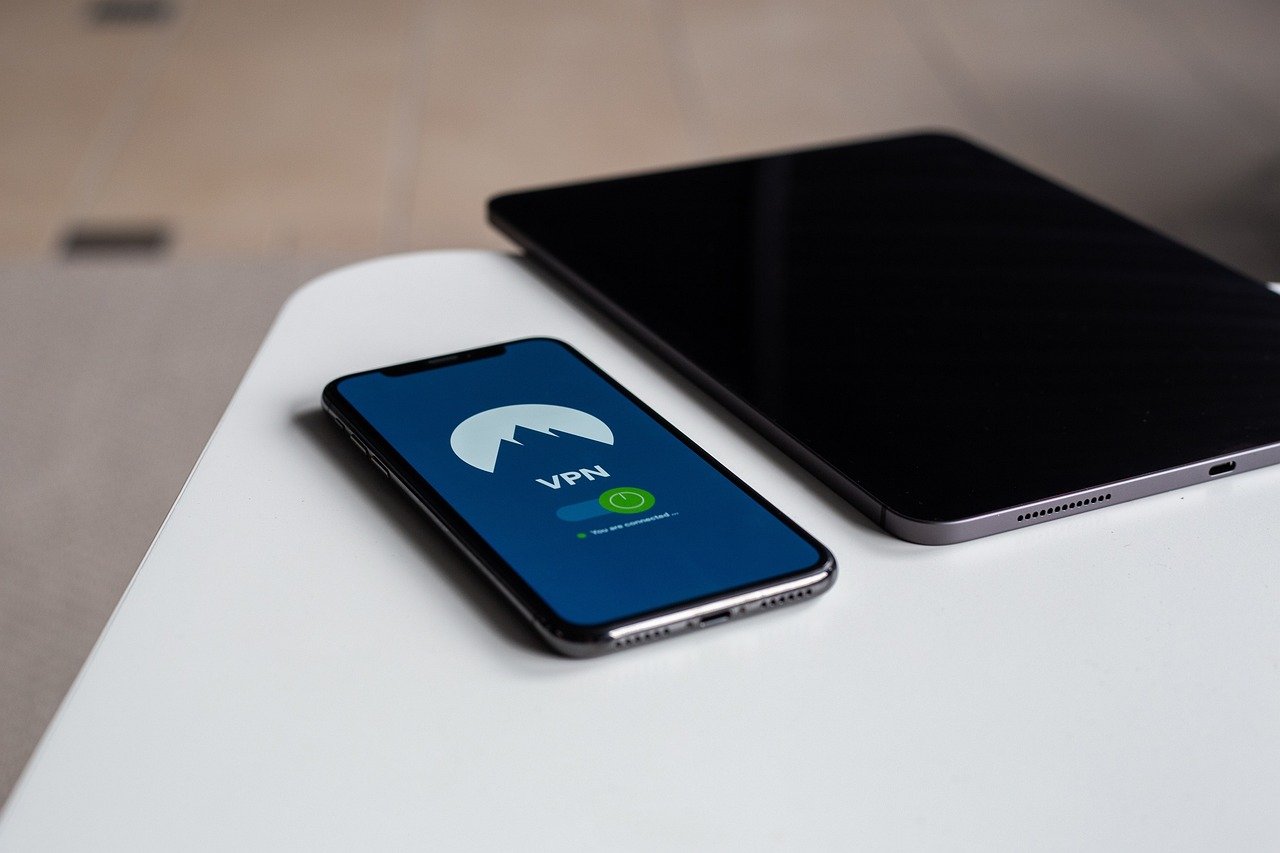
A VPN encrypts your internet traffic and routes it through a server in a different location, effectively masking your IP address and making it appear as if you’re browsing from that location.
- How it Works: The VPN creates a secure tunnel between your device and the VPN server. All your internet traffic is encrypted and sent through this tunnel, bypassing any local restrictions.
- Benefits:
Security: Encryption protects your data from eavesdropping, especially on public Wi-Fi.
Privacy: Masks your IP address, making it difficult to track your online activity.
Access Geo-Restricted Content: Allows you to access content that is only available in certain countries.
- Considerations:
Cost: Most reputable VPN services require a subscription fee.
Speed: VPNs can sometimes slow down your internet speed due to encryption.
Legality: In some countries, using VPNs is restricted or illegal.
Example: Suppose you are traveling in a country where a news website is blocked. By connecting to a VPN server in your home country, you can bypass the censorship and access the news website as if you were back home.
Using a Proxy Server
A proxy server acts as an intermediary between your device and the internet. When you access a website through a proxy server, your request is first sent to the proxy server, which then forwards it to the website. The website then sends the response back to the proxy server, which then forwards it to you.
- How it Works: Your device connects to the proxy server, and the proxy server connects to the website on your behalf. This masks your IP address.
- Benefits:
Relatively Simple: Easier to set up than a VPN in some cases.
Bypass Basic Restrictions: Can bypass simple IP address-based blocks.
Often Free Options: Many free proxy servers are available.
- Considerations:
Security: Free proxy servers may not be secure and could log your data.
Speed: Proxy servers can be slow and unreliable.
Limited Encryption: Most proxy servers don’t offer strong encryption.
Example: If your school network blocks access to a specific gaming website, you could use a web proxy to access it. However, remember to be aware of your school’s internet usage policy.
Using the Tor Browser
Tor (The Onion Router) is a free and open-source software that enables anonymous communication. It works by routing your internet traffic through a network of volunteer-operated servers, making it difficult to trace your online activity.
- How it Works: Tor encrypts your data and routes it through multiple relays (servers) around the world, making it extremely difficult to track your IP address.
- Benefits:
High Anonymity: Provides a high level of anonymity by masking your IP address and encrypting your traffic.
Access to .onion Sites: Allows access to websites hosted on the Tor network (dark web).
Free to Use: Tor is a free and open-source project.
- Considerations:
Slow Speed: Tor can be significantly slower than a VPN or proxy due to the multiple relays.
Not Suitable for All Activities: Not ideal for streaming videos or downloading large files.
Association with Illegal Activities: Due to its anonymity, Tor is sometimes used for illegal activities.
Example: Tor is often used by journalists and activists in countries with strict censorship to communicate securely and access information freely.
Changing Your DNS Server
Sometimes, website blocking is implemented at the DNS level. Changing your DNS server to a public DNS server (like Google DNS or Cloudflare DNS) can bypass these restrictions.
- How it Works: Your device uses DNS servers to translate domain names (like google.com) into IP addresses. By switching to a different DNS server, you can bypass the DNS-based blocks imposed by your ISP.
- Benefits:
Relatively Simple: Easy to change your DNS settings on your computer or router.
Faster Than VPN/Tor: Generally faster than using a VPN or Tor.
Free: Public DNS servers are free to use.
- Considerations:
Limited Effectiveness: May not bypass more sophisticated blocking methods.
Privacy Concerns: Some DNS providers may log your browsing activity.
- How to Change DNS settings (Windows Example):
1. Go to Control Panel -> Network and Internet -> Network and Sharing Center
2. Click on your active network connection.
3. Click ‘Properties’.
4. Select ‘Internet Protocol Version 4 (TCP/IPv4)’ and click ‘Properties’.
5. Select ‘Use the following DNS server addresses’.
6. Enter the DNS server addresses (e.g., Google DNS: 8.8.8.8 and 8.8.4.4).
7. Click ‘OK’ and close the windows.
Using URL Shorteners or Archived Versions
If only specific pages or content on a website are blocked, you can try using URL shorteners or accessing archived versions of the page.
- URL Shorteners: Services like Bitly or TinyURL can create a shorter URL for the blocked page, which may bypass simple URL filtering.
- Archived Versions (Wayback Machine): The Wayback Machine allows you to view archived versions of websites, even if the current version is blocked.
Staying Safe While Unblocking Websites
While unblocking websites can provide access to valuable information, it’s crucial to prioritize your online safety and security.
Security Risks and Mitigation
- Malware: Be cautious when visiting unfamiliar or suspicious websites, as they may contain malware. Use a reputable antivirus program and keep it updated.
- Phishing: Be wary of phishing scams that attempt to steal your personal information. Never enter sensitive information on websites that you don’t trust.
- Tracking: Some websites track your online activity. Use privacy-focused browsers or browser extensions to limit tracking.
- Data Logging: Free VPN and proxy services may log your data and sell it to third parties. Choose reputable and trustworthy services.
- HTTPS Everywhere: Ensure that the websites you visit use HTTPS (Hypertext Transfer Protocol Secure) to encrypt your data in transit. Look for the padlock icon in the address bar.
Legal Considerations
- Check Local Laws: In some countries, using VPNs or other methods to bypass censorship is illegal. Be aware of the laws in your jurisdiction.
- Respect Website Terms of Service: Even if you can unblock a website, respect its terms of service and avoid engaging in activities that violate those terms.
Conclusion
Unblocking websites can be a necessity in various situations, whether it’s to access geo-restricted content, bypass network restrictions, or navigate censorship. Understanding the reasons behind website blocking and the methods to circumvent it is crucial for maintaining access to the information you need. By using tools like VPNs, proxy servers, Tor, and alternative DNS servers, you can overcome these barriers while prioritizing your online safety and security. Remember to choose the method that best suits your needs and always be mindful of the potential risks involved. Stay informed, stay safe, and stay connected.


