
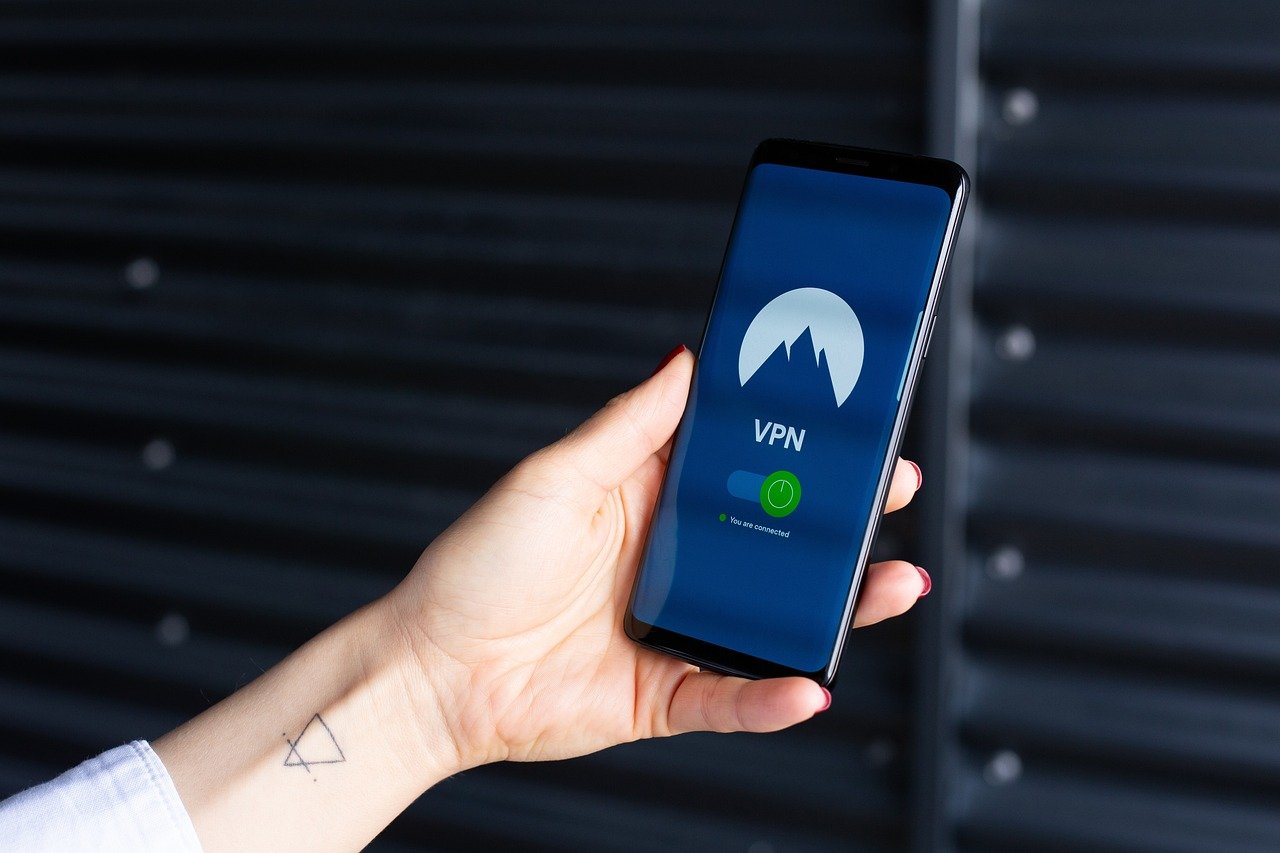
Choosing the right VPN plan can feel like navigating a complex maze. With so many providers offering varying features, prices, and performance, it’s crucial to understand your needs and what each plan offers before committing. This comprehensive guide will break down the different types of VPN plans available, helping you make an informed decision that aligns with your online security and privacy requirements.
Understanding VPN Plans: A Comprehensive Guide
What is a VPN Plan?
A VPN plan is a subscription service that provides access to a Virtual Private Network (VPN). This service encrypts your internet traffic and routes it through a server in a location of your choice, masking your IP address and protecting your data from prying eyes. Think of it as a secure tunnel for your online activity.
- A VPN plan typically includes:
Access to VPN servers in various locations.
Encryption protocols to secure your data.
Software or apps for different devices (Windows, macOS, iOS, Android).
Customer support.
- VPN providers offer different plans based on:
The length of the subscription (monthly, yearly, etc.).
The number of devices that can be connected simultaneously.
The features included (e.g., ad blocking, malware protection).
Benefits of Using a VPN
Using a VPN provides numerous advantages, particularly in today’s digital landscape.
- Enhanced Security: Encrypts your internet traffic, making it unreadable to hackers and ISPs. This is especially important when using public Wi-Fi networks, which are notoriously insecure. Example: When you connect to a coffee shop’s Wi-Fi, a VPN prevents anyone on the same network from intercepting your passwords or personal information.
- Improved Privacy: Masks your IP address, making it difficult for websites and advertisers to track your online activity. This helps prevent targeted advertising and protects your anonymity. Statistic: According to a recent study, 68% of internet users are concerned about their online privacy.
- Access to Geo-Restricted Content: Allows you to bypass geographical restrictions and access content that might be blocked in your region. Example: Accessing streaming services like Netflix or BBC iPlayer from different countries.
- Bypass Censorship: Can help you circumvent internet censorship and access blocked websites or social media platforms. This is particularly useful in countries with strict internet regulations.
- Secure File Sharing: Provides a secure environment for downloading torrents and sharing files anonymously.
Types of VPN Plans
VPN plans typically vary based on subscription length, features, and the number of supported devices.
Subscription Length: Short-Term vs. Long-Term
- Monthly Plans:
Pros: Offer flexibility and are ideal if you only need a VPN for a short period (e.g., while traveling).
Cons: Generally more expensive per month compared to longer-term plans.
Example: A monthly plan might cost $10-$15 per month.
- Yearly Plans:
Pros: More cost-effective in the long run, offering significant discounts compared to monthly plans.
Cons: Require a longer commitment.
Example: A yearly plan might cost $50-$80, averaging out to $4-$7 per month.
- Multi-Year Plans (2-3 Years):
Pros: The most affordable option per month, offering substantial savings.
Cons: Require a longer commitment and upfront payment.
Example: A 2-year plan might cost $70-$100 total, averaging out to $3-$4 per month.
Features and Add-ons
- Basic Plans:
Features: Standard encryption, access to VPN servers, and support for a limited number of devices.
Suitable For: Users who primarily need basic security and privacy protection.
- Advanced Plans:
Features: Include advanced features like ad blocking, malware protection, dedicated IP addresses, and multiple simultaneous connections.
Suitable For: Users who require enhanced security and privacy or those who need to connect multiple devices at the same time.
Example: Features like a “kill switch” which automatically disconnects you from the internet if the VPN connection drops.
- Dedicated IP VPN Plans:
Features: Provides a static IP address exclusively for your use.
Suitable For: Users who need a consistent IP address for accessing certain services or websites that require whitelisting.
Example: A business that needs to access a specific server that requires a static IP for security.
Free VPNs: Are They Worth It?
- Limitations: Free VPNs often have limitations in terms of bandwidth, server locations, and speed. Some may also log your data and display intrusive ads.
- Risks: Some free VPNs may contain malware or sell your data to third parties, compromising your security and privacy.
- Recommendation: While free VPNs may be suitable for very basic use, it’s generally recommended to opt for a reputable paid VPN for better security, privacy, and performance. It’s an investment in your online safety.
Choosing the Right VPN Plan: Key Considerations
Selecting the best VPN plan involves evaluating your specific needs and comparing different providers.
Assess Your Needs
- Purpose: What do you primarily need a VPN for? (e.g., streaming, privacy, security, bypassing censorship)
- Devices: How many devices do you need to connect simultaneously?
- Budget: How much are you willing to spend on a VPN plan?
- Server Locations: Which server locations do you need access to? (e.g., for accessing specific content)
- Technical Expertise: How comfortable are you with configuring and using VPN software?
Research VPN Providers
- Reputation: Read reviews and compare different providers to ensure they have a good reputation for security, privacy, and customer support.
- Security Features: Look for providers that offer strong encryption protocols (e.g., AES-256), a no-logs policy, and a kill switch.
- Speed and Performance: Check speed test results and user reviews to assess the VPN’s performance.
- Server Network: Consider the number and distribution of servers offered by the provider. A larger network typically means better performance and more options for bypassing geo-restrictions.
- Customer Support: Ensure the provider offers responsive and helpful customer support through live chat, email, or phone.
- Privacy Policy: Carefully review the VPN provider’s privacy policy to understand how they handle your data.
- Trial Period/Money-Back Guarantee: Many VPN providers offer a trial period or a money-back guarantee, allowing you to test the service before committing to a long-term plan.
Compare Plans and Features
- Price: Compare the pricing of different plans and consider the overall value for money.
- Features: Evaluate the features offered by each plan and choose the one that best meets your needs.
- Device Compatibility: Ensure the VPN provider offers apps for all the devices you plan to use it on.
- Bandwidth Limits: Check for any bandwidth limits that might affect your usage. Most reputable VPNs offer unlimited bandwidth.
Setting Up and Using Your VPN
Once you’ve chosen a VPN plan, setting it up and using it is generally straightforward.
Download and Install the VPN App
- Download: Download the VPN app from the provider’s website or app store (e.g., Google Play Store, Apple App Store).
- Install: Follow the instructions to install the app on your device.
- Login: Launch the app and log in using your account credentials.
Connect to a VPN Server
- Choose a Server Location: Select a server location from the list provided in the app. Consider factors like proximity to your actual location (for speed) or the location of the content you want to access.
- Connect: Click the “Connect” button to establish a VPN connection.
- Verify: Verify that the VPN connection is active by checking your IP address. You can use online tools like “whatismyip.com” to confirm that your IP address has changed.
Optimize Your VPN Experience
- Test Different Servers: Experiment with different server locations to find the one that provides the best speed and performance for your needs.
- Enable the Kill Switch: Enable the kill switch feature to prevent your data from being exposed if the VPN connection drops.
- Configure Auto-Connect: Configure the VPN app to automatically connect when you start your device or connect to an untrusted Wi-Fi network.
- Update Regularly: Keep the VPN app updated to ensure you have the latest security patches and features.
Conclusion
Choosing the right VPN plan requires careful consideration of your needs, budget, and the features offered by different providers. By understanding the various types of plans available, researching VPN providers, and assessing your specific requirements, you can make an informed decision that enhances your online security and privacy. Whether you need a VPN for basic security, streaming, or bypassing censorship, there’s a plan out there that fits your needs. Remember to prioritize reputable providers with strong security features and a clear privacy policy to ensure your data remains protected.



