
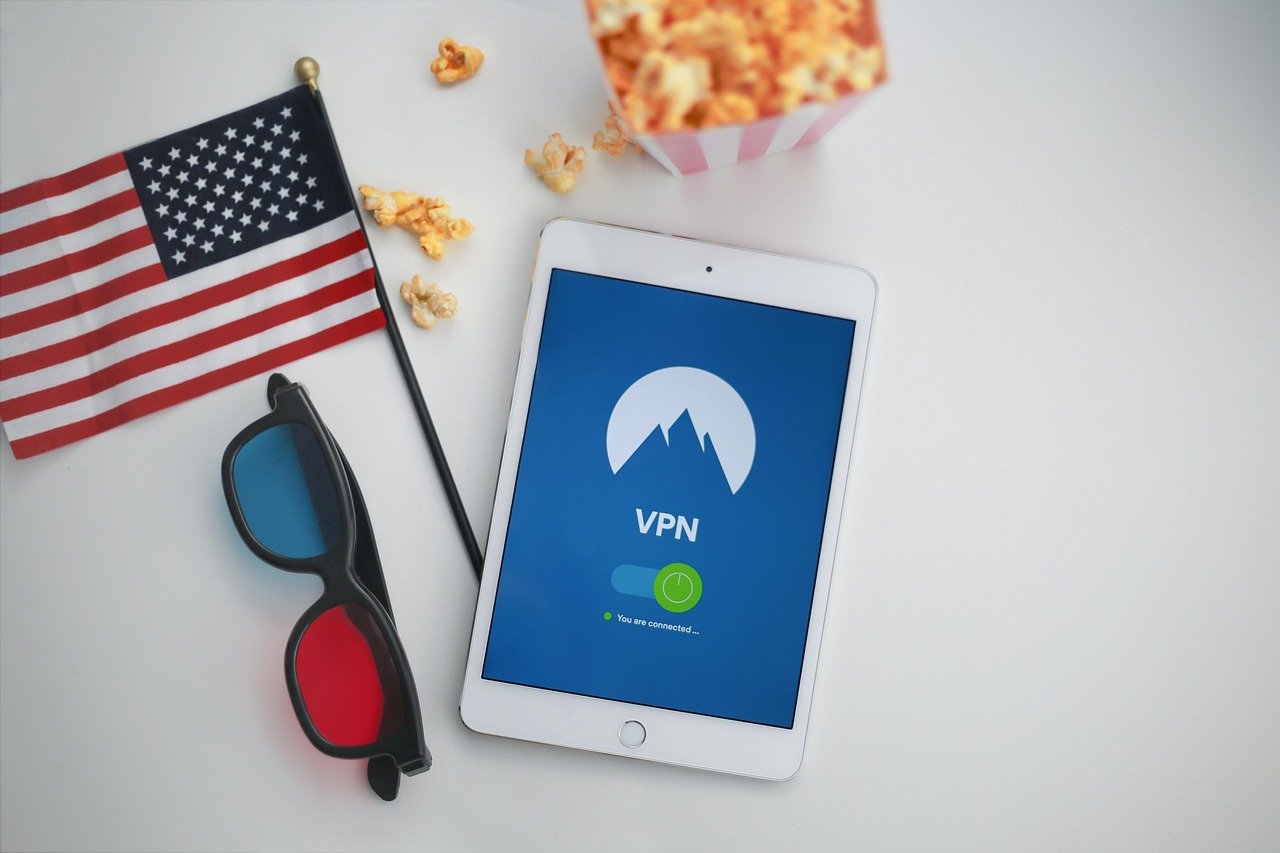
In today’s digital landscape, where data breaches are commonplace and targeted advertising is the norm, prioritizing your online privacy is no longer a luxury but a necessity. Fortunately, a new breed of applications is emerging: privacy-first apps. These apps are designed with user privacy as a core principle, offering a more secure and controlled online experience. This blog post will delve into the world of privacy-first apps, exploring their benefits, key features, and providing practical examples to help you take control of your digital footprint.
Understanding Privacy-First Apps
What Makes an App “Privacy-First”?
A privacy-first app is designed with the user’s data privacy as its primary concern, not as an afterthought. This means:
- Minimal Data Collection: They collect only the data strictly necessary for the app to function.
- End-to-End Encryption: Communication is encrypted, ensuring that only the sender and receiver can read the messages.
- Transparency: The app clearly outlines what data it collects and how it’s used in a simple, easy-to-understand privacy policy.
- Data Minimization: Data is stored for the shortest possible time, and often anonymized or pseudonymized where possible.
- Open-Source Code (Ideally): Allows independent security researchers to audit the code for vulnerabilities and privacy issues. While not always the case, open-source is often a strong indicator.
- Respecting User Choices: They give users control over their data and allow them to opt-out of data collection where feasible.
Why Should You Care About Privacy-First Apps?
Adopting privacy-first apps can offer significant benefits:
- Enhanced Security: Reduce the risk of data breaches and identity theft.
- Control Over Your Data: Regain control over the information collected about you and how it’s used.
- Reduced Tracking: Limit the ability of companies to track your online activity and build detailed profiles about you.
- Peace of Mind: Enjoy a more secure and private online experience.
- Support Ethical Development: Encourages developers to prioritize user privacy.
Communication and Messaging
Secure Messaging Apps
Secure messaging apps are a cornerstone of privacy-first communications. They utilize end-to-end encryption to protect your conversations from prying eyes.
- Signal: Widely regarded as one of the most secure messaging apps available. It’s open-source, end-to-end encrypted, and doesn’t store your data.
Example: Use Signal for all your sensitive conversations, replacing standard SMS messaging.
- Session: A decentralized messaging app that uses onion routing, making it even harder to trace your messages. It doesn’t require a phone number or email address to sign up.
Example: Ideal for users who want extreme anonymity and are comfortable with a slightly less user-friendly interface.
- Wire: A secure messaging app with a focus on collaboration and productivity, offering features for teams. It’s also end-to-end encrypted and has a clear privacy policy.
Example: Suitable for businesses and organizations that need secure communication channels.
Email Services Focused on Privacy
Traditional email providers often scan your emails to target you with ads. Privacy-focused email services offer encryption and other features to protect your inbox.
- ProtonMail: An end-to-end encrypted email service based in Switzerland, offering strong data protection under Swiss law.
Example: Migrate your sensitive email communications to ProtonMail to protect your privacy.
- Tutanota: Another encrypted email service based in Germany, focusing on ease of use and security.
Example: A great alternative to ProtonMail, especially for users who prefer a free plan with generous storage.
Browsing and Search
Privacy-Focused Web Browsers
Standard browsers often track your browsing activity and share it with third parties. Privacy-focused browsers block trackers and protect your data.
- Brave Browser: Blocks ads and trackers by default, significantly improving your privacy and browsing speed.
Example: Use Brave as your default browser to automatically block trackers and enjoy a faster, more private browsing experience. It also has a built-in crypto wallet.
- DuckDuckGo Browser: Blocks trackers and offers a private search engine. Available on mobile and desktop.
Example: Install the DuckDuckGo browser on your phone to protect your mobile browsing activity.
Private Search Engines
Standard search engines often track your searches and use them to personalize ads. Private search engines don’t track your searches or personalize results.
- DuckDuckGo: Doesn’t track your searches or personalize results, offering a more unbiased search experience.
Example: Use DuckDuckGo as your default search engine to avoid being tracked and targeted by ads.
- Startpage: Uses Google’s search results but removes all tracking, providing privacy-protected access to Google’s search power.
Example: For those who prefer Google’s search algorithm but are concerned about privacy, Startpage is a solid option.
VPNs and Security Tools
Virtual Private Networks (VPNs)
VPNs encrypt your internet traffic and mask your IP address, protecting your online activity from prying eyes.
- ProtonVPN: Developed by the same team as ProtonMail, offering a secure and reliable VPN service.
Example: Use ProtonVPN when connecting to public Wi-Fi networks to protect your data from hackers.
- Mullvad VPN: A privacy-focused VPN based in Sweden, known for its strong no-logs policy and commitment to transparency.
Example: For users seeking a highly reputable and secure VPN, Mullvad is an excellent choice.
Password Managers
Password managers help you create strong, unique passwords and store them securely, reducing the risk of password-related breaches.
- Bitwarden: An open-source password manager that offers end-to-end encryption and a variety of features.
Example: Use Bitwarden to generate and store strong passwords for all your online accounts.
- 1Password: A popular password manager that offers a user-friendly interface and strong security features.
Example: For users who value ease of use and a well-designed interface, 1Password is a good option.
Location Privacy
Mapping and Navigation
Standard mapping apps often track your location and store your location history. Privacy-focused alternatives prioritize your location privacy.
- Magic Earth: A privacy-focused mapping app that doesn’t track your location or collect personal data. It uses OpenStreetMap data.
Example: Use Magic Earth for navigation instead of Google Maps or Apple Maps to protect your location privacy.
- Organic Maps: An open-source, offline mapping app that doesn’t require an internet connection and doesn’t track your location. It is also based on OpenStreetMap.
* Example: Perfect for travel, especially in areas with limited data connectivity, as it keeps your location fully private.
Limiting Location Tracking on Your Phone
Beyond using privacy-first mapping apps, you can also limit location tracking on your phone:
- Review App Permissions: Regularly review and restrict location permissions for apps on your phone. Only grant location access to apps that genuinely need it.
- Disable Location Services: Turn off location services when you don’t need them.
- Use Fake GPS Apps (with caution): While not recommended for general use, “fake GPS” apps can spoof your location to prevent apps from tracking your real whereabouts. However, be aware of potential risks and use them judiciously.
Conclusion
Embracing privacy-first apps is a proactive step towards reclaiming control over your digital life. By understanding the benefits of these apps and integrating them into your daily routine, you can significantly enhance your online privacy and security. Remember to regularly review app permissions, update your software, and stay informed about the latest privacy threats. The digital landscape is constantly evolving, so continuous vigilance is key to maintaining a privacy-first approach. Prioritizing privacy isn’t just about protecting your data; it’s about empowering yourself in the digital age.



