
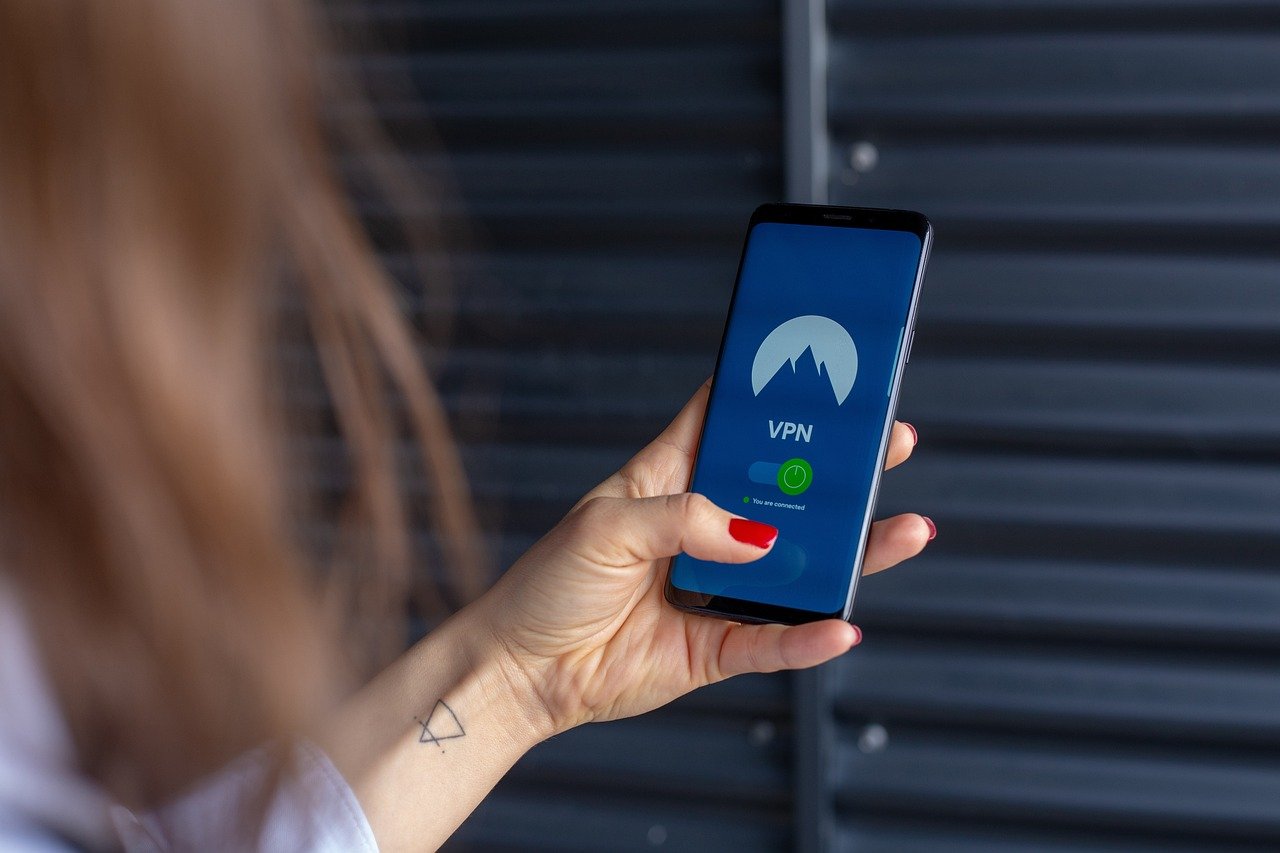
Virtual Private Networks (VPNs) have become essential tools for anyone looking to enhance their online privacy and security. But simply connecting to a VPN server isn’t enough to guarantee protection. Understanding the security features that underpin a robust VPN service is crucial. This blog post delves into the critical security features to look for when choosing a VPN, empowering you to make informed decisions and safeguard your digital life.
VPN Protocols: The Foundation of Security
What are VPN Protocols?
VPN protocols are the sets of rules and methods used to create a secure tunnel between your device and the VPN server. They determine how your data is encrypted, authenticated, and transmitted. The choice of protocol significantly impacts your VPN’s speed, stability, and security.
Common VPN Protocols and Their Security Strengths
- OpenVPN: Widely considered the gold standard, OpenVPN is an open-source protocol known for its strong security and reliability. It supports various encryption algorithms and is highly configurable. It’s a great choice for general use.
Security Strength: Very Strong. OpenVPN is often used with AES-256 encryption, providing robust protection against eavesdropping.
Example: Using OpenVPN with AES-256 and a strong hash algorithm like SHA-512 provides a highly secure connection suitable for sensitive data transmission.
- IKEv2/IPsec: A fast and stable protocol particularly well-suited for mobile devices because it handles network changes seamlessly. It offers good security.
Security Strength: Strong. IKEv2/IPsec utilizes robust encryption and authentication mechanisms.
Example: If you frequently switch between Wi-Fi and cellular data on your phone, IKEv2/IPsec will maintain a stable VPN connection without frequent drops.
- WireGuard: A relatively new protocol gaining popularity for its speed and efficiency. It uses modern cryptography and is designed to be lightweight and secure.
Security Strength: Very Strong. WireGuard’s modern design and streamlined codebase make it a promising alternative.
Example: Gamers and streamers often prefer WireGuard for its low latency, resulting in a smoother online experience.
- L2TP/IPsec: While still used by some providers, L2TP/IPsec is generally considered less secure than OpenVPN and WireGuard. It relies on IPsec for encryption and is often slower.
Security Strength: Moderate. Better options are available.
Recommendation: Prefer OpenVPN or WireGuard over L2TP/IPsec when available.
- PPTP: An older protocol that should be avoided due to its known security vulnerabilities.
Security Strength: Weak. PPTP is easily cracked and offers virtually no security.
Recommendation: Never use PPTP.
- Actionable Takeaway: Prioritize VPN services that offer OpenVPN, IKEv2/IPsec, or WireGuard. Avoid PPTP.
Encryption Standards: Protecting Your Data
What is Encryption?
Encryption is the process of converting readable data into an unreadable format, making it incomprehensible to unauthorized parties. A strong encryption algorithm is essential for safeguarding your online activities.
Common Encryption Algorithms
- AES (Advanced Encryption Standard): The most widely used encryption algorithm, AES is considered highly secure. AES-256 (256-bit AES) is the strongest variant and is recommended.
Why it’s important: AES-256 is virtually unbreakable with current technology.
Example: Look for VPN services that explicitly state they use AES-256 encryption.
- ChaCha20: A stream cipher known for its speed and efficiency, particularly on devices with limited processing power. Often used alongside Poly1305 for authentication.
Benefits: Suitable for low-powered devices like smartphones and routers.
Example: WireGuard often uses ChaCha20 for encryption.
- Data Authentication: Ensures the integrity of the data transmitted through the VPN tunnel. Algorithms like SHA-256 and SHA-512 are commonly used.
Importance: Prevents data tampering during transmission.
Example: OpenVPN configurations often include options for selecting the data authentication algorithm.
- Actionable Takeaway: Choose a VPN that uses AES-256 encryption or ChaCha20 with Poly1305. Ensure strong data authentication is implemented.
Kill Switch: A Critical Safety Net
What is a Kill Switch?
A kill switch is a crucial security feature that automatically disconnects your internet connection if your VPN connection drops unexpectedly. This prevents your unencrypted data from being exposed.
Why You Need a Kill Switch
- Data Leakage Prevention: Prevents your IP address, location, and online activity from being revealed if the VPN connection fails.
- Privacy Protection: Ensures your online activities remain private even during temporary VPN outages.
Types of Kill Switches
- Application-Level Kill Switch: Closes specific applications (e.g., your web browser or torrent client) if the VPN connection drops.
Example: You can configure your torrent client to close automatically if the VPN disconnects, preventing accidental IP address exposure.
- System-Wide Kill Switch: Disconnects your entire internet connection if the VPN fails.
Benefits: Provides the most comprehensive protection.
Example: If your VPN drops, all internet traffic is blocked until the VPN connection is restored.
- Actionable Takeaway: Always enable the kill switch feature in your VPN settings. Choose a VPN that offers a system-wide kill switch for maximum protection.
DNS Leak Protection: Preventing Information Exposure
What are DNS Leaks?
DNS (Domain Name System) translates domain names (e.g., google.com) into IP addresses. DNS leaks occur when your DNS requests are routed through your ISP’s DNS servers instead of the VPN’s DNS servers, exposing your browsing activity.
How DNS Leak Protection Works
- Forcing DNS Requests Through the VPN: The VPN forces all DNS requests to be routed through its secure tunnel and resolved by its private DNS servers.
- Preventing ISP Monitoring: Ensures your ISP cannot see the websites you are visiting.
How to Test for DNS Leaks
- Use online DNS leak testing tools: Websites like DNSLeakTest.com can help you identify if your VPN is leaking DNS information.
- Verify VPN DNS Server: Ensure the DNS server listed by the test tool is the VPN provider’s server, not your ISP’s.
- Actionable Takeaway: Verify that your VPN offers DNS leak protection. Regularly test for DNS leaks using online tools.
No-Logs Policy: Ensuring Privacy
What is a No-Logs Policy?
A no-logs policy means that the VPN provider does not collect or store any data about your online activity, including your IP address, browsing history, connection timestamps, or data usage.
Why a No-Logs Policy Matters
- Privacy: Prevents your online activity from being tracked or monitored.
- Security: Ensures that there is no data to be seized by law enforcement or hackers.
Important Considerations
- Jurisdiction: The VPN provider’s location matters. Choose a provider based in a country with strong privacy laws.
- Independent Audits: Look for VPN providers that have undergone independent audits of their no-logs policy.
- Transparency Reports: Some VPNs publish transparency reports detailing the number of data requests they receive and how they respond.
Red Flags
- Vague Language: Avoid VPNs with vague or ambiguous language in their privacy policy.
- Data Retention: Be wary of VPNs that claim to not log data but retain connection logs or other identifying information.
- Actionable Takeaway: Carefully review the VPN provider’s privacy policy. Choose a VPN with a strict, audited no-logs policy based in a privacy-friendly jurisdiction.
Additional Security Features
Multi-Hop VPN (Double VPN)
- How it works: Routes your internet traffic through two or more VPN servers, adding an extra layer of encryption and anonymity.
- Benefits: Makes it even harder to trace your online activity back to you.
- Example: Connect to a server in Germany, then a server in Sweden, further obscuring your location.
Obfuscation (Stealth VPN)
- How it works: Masks VPN traffic to make it look like regular internet traffic, bypassing VPN blocking techniques used by some networks or countries.
- Benefits: Allows you to use a VPN in restrictive environments.
- Example: Use obfuscation to bypass VPN blocking in countries with strict internet censorship.
Perfect Forward Secrecy (PFS)
- How it works: Generates a unique encryption key for each VPN session.
- Benefits: If one key is compromised, it doesn’t affect past or future sessions.
- Technical Explanation: Key exchange algorithms like Diffie-Hellman are used.
Dedicated IP Address
- How it works: Provides you with a unique IP address that is only used by you.
- Benefits: Reduces the risk of being blacklisted due to the actions of other VPN users. Improves online reputation.
- Example: Useful for accessing sensitive online services that require a consistent IP address.
Conclusion
Choosing a VPN that prioritizes security is crucial for protecting your online privacy. By understanding the different VPN protocols, encryption standards, and security features like a kill switch, DNS leak protection, and a strict no-logs policy, you can make an informed decision and safeguard your digital life. Remember to regularly test your VPN configuration to ensure it is working correctly and protecting your data as intended. Don’t compromise on security – your privacy is worth it!


