
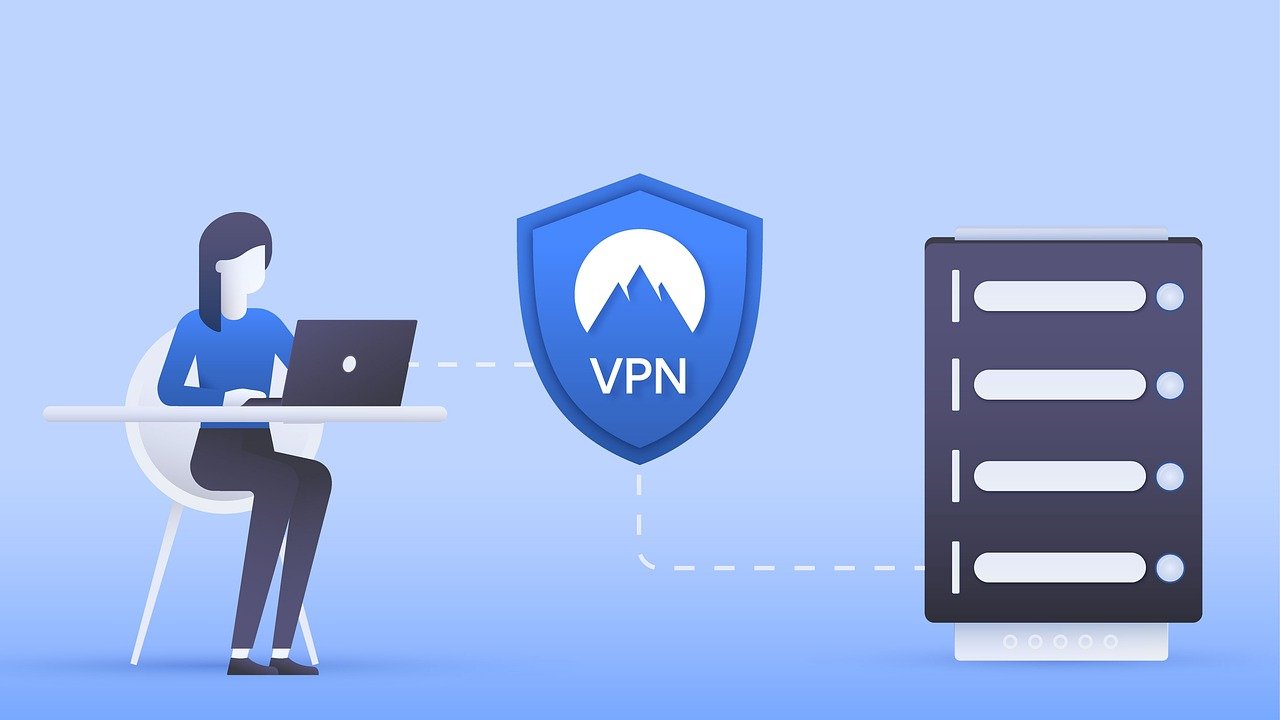
Cybersecurity in the digital age isn’t just about complex firewalls and intricate encryption; it starts with the simple habits we practice every day. Just as personal hygiene keeps us physically healthy, cyber hygiene protects our digital lives from threats. It’s a set of practices and habits that users and organizations can adopt to improve their overall cybersecurity posture. This post will delve into the core principles of cyber hygiene and provide actionable steps you can take to bolster your digital defenses.
Understanding Cyber Hygiene
Cyber hygiene refers to the routine practices and habits that users adopt to maintain the health and security of their digital devices and data. It’s about proactively protecting your systems and information from cyber threats, minimizing vulnerabilities, and reducing the risk of attacks. Think of it as brushing your teeth for your computer – a regular habit that prevents larger problems down the line.
The Importance of Cyber Hygiene
Why is cyber hygiene so crucial? In today’s interconnected world, cyber threats are becoming increasingly sophisticated. Poor cyber hygiene makes you an easy target. Here’s why you should make it a priority:
- Reduces the Risk of Cyberattacks: By implementing basic security measures, you significantly lower the chances of falling victim to malware, phishing, and other cyber threats.
- Protects Sensitive Information: Proper cyber hygiene helps safeguard your personal and financial data, preventing identity theft and financial losses.
- Maintains System Performance: Regular maintenance, like removing unused programs and scanning for malware, can improve the performance and stability of your devices.
- Compliance with Regulations: Many industries are subject to data protection regulations (like GDPR or HIPAA). Good cyber hygiene practices can help you meet these compliance requirements.
- Protects organizational reputation: For businesses, good cyber hygiene practices protect against data breaches that can damage reputation and result in significant financial penalties.
Who Needs to Practice Cyber Hygiene?
The simple answer is everyone! From individuals using personal devices to large corporations managing complex networks, cyber hygiene is essential for anyone who interacts with the digital world. Specifically:
- Individuals: To protect personal data, prevent identity theft, and ensure online safety.
- Businesses (Small to Large): To safeguard sensitive business information, protect customer data, and maintain operational continuity.
- Government Organizations: To protect critical infrastructure, secure sensitive government data, and maintain national security.
- Educational Institutions: To protect student and faculty data, secure research information, and maintain a safe learning environment.
Essential Cyber Hygiene Practices
Implementing strong cyber hygiene involves a range of practices aimed at minimizing vulnerabilities and enhancing security. Here are some core habits to adopt:
Strong Password Management
Weak passwords are a major vulnerability. Cybercriminals often use password-cracking techniques or data breaches to gain access to accounts. Strong password management is the first line of defense.
- Create Strong Passwords: Use passwords that are at least 12 characters long, with a mix of uppercase and lowercase letters, numbers, and symbols.
Example: Instead of “password123”, try “Tr@ns!t10n@l_Fl0w”.
- Use Different Passwords for Different Accounts: Reusing passwords means that if one account is compromised, all accounts are at risk.
- Use a Password Manager: Password managers generate and store strong passwords securely, reducing the burden of remembering them all. Popular options include LastPass, 1Password, and Bitwarden.
- Enable Multi-Factor Authentication (MFA): MFA adds an extra layer of security by requiring a second form of verification (e.g., a code sent to your phone) in addition to your password.
Software Updates and Patch Management
Software vulnerabilities are constantly being discovered, and vendors release updates and patches to fix them. Failing to install these updates leaves your systems vulnerable to exploitation.
- Enable Automatic Updates: Configure your operating systems and software to automatically download and install updates. This ensures that you always have the latest security patches.
- Regularly Check for Updates: If automatic updates aren’t possible, make it a habit to manually check for updates on a regular basis.
- Prioritize Security Updates: Security updates should be applied immediately. Delaying security updates can leave your systems exposed to known vulnerabilities.
- Keep Software Up-to-Date: This applies to operating systems (Windows, macOS, Linux), web browsers (Chrome, Firefox, Safari), and other applications (Microsoft Office, Adobe products).
Malware Protection
Malware, including viruses, worms, and ransomware, can cause significant damage to your systems and data. Implementing robust malware protection is essential.
- Install Antivirus Software: Install a reputable antivirus program and keep it up-to-date.
Popular Options: Norton, McAfee, Bitdefender, Windows Defender (built-in for Windows).
- Run Regular Scans: Schedule regular scans of your systems to detect and remove any malware.
- Be Cautious of Suspicious Emails and Websites: Avoid clicking on links or downloading attachments from unknown or suspicious sources.
Example: Phishing emails often mimic legitimate emails from banks or other organizations.
- Use a Firewall: A firewall acts as a barrier between your network and the outside world, blocking unauthorized access. Most operating systems have built-in firewalls that should be enabled.
Data Backup and Recovery
Data loss can occur due to hardware failure, natural disasters, or cyberattacks. Regularly backing up your data ensures that you can recover it in case of an incident.
- Regularly Back Up Your Data: Back up your important files and data on a regular basis. The frequency of backups depends on how often your data changes.
- Use Multiple Backup Methods: Consider using a combination of local and cloud-based backups for redundancy.
Local Backup: External hard drive, USB drive.
Cloud Backup:* Google Drive, OneDrive, Dropbox, Backblaze.
- Test Your Backups: Periodically test your backups to ensure that they are working properly and that you can restore your data if needed.
- Follow the 3-2-1 Rule: This rule suggests keeping three copies of your data, on two different media, with one copy stored offsite.
Implementing Cyber Hygiene in the Workplace
Good cyber hygiene isn’t just for personal devices; it’s critical for organizations to protect their networks and data. Implementing cyber hygiene in the workplace requires a comprehensive approach that involves policies, training, and technology.
Developing a Cyber Hygiene Policy
A clear and comprehensive cyber hygiene policy is essential for setting expectations and guiding employee behavior.
- Define Roles and Responsibilities: Clearly define the roles and responsibilities of employees regarding cyber hygiene.
- Establish Acceptable Use Policies: Outline acceptable use policies for company devices, networks, and data.
- Set Password Management Guidelines: Establish strict password management guidelines, including password complexity requirements and password change frequency.
- Specify Software Update Procedures: Define procedures for installing software updates and patches.
- Outline Data Backup and Recovery Procedures: Establish procedures for backing up and restoring data.
- Address Incident Response: Include guidelines on how to report and respond to security incidents.
Employee Training and Awareness
Even the best policies are ineffective if employees are not aware of them or do not understand them. Regular training and awareness programs are essential.
- Conduct Regular Training Sessions: Provide regular training sessions on cyber hygiene best practices.
- Simulate Phishing Attacks: Conduct simulated phishing attacks to test employees’ ability to identify and avoid phishing scams.
- Promote Awareness Through Communication: Use internal communication channels (e.g., newsletters, emails, posters) to promote cyber hygiene awareness.
- Provide Ongoing Support: Offer ongoing support and resources to help employees stay informed about cyber threats and best practices.
Security Technologies and Tools
In addition to policies and training, organizations should leverage security technologies and tools to enhance their cyber hygiene posture.
- Endpoint Detection and Response (EDR): EDR solutions monitor endpoints for suspicious activity and provide real-time threat detection and response capabilities.
- Security Information and Event Management (SIEM): SIEM systems collect and analyze security logs from various sources, providing a centralized view of security events.
- Vulnerability Scanning: Regularly scan your systems for vulnerabilities and prioritize patching based on risk.
- Intrusion Detection and Prevention Systems (IDS/IPS): IDS/IPS systems monitor network traffic for malicious activity and automatically block or mitigate threats.
Monitoring and Reviewing Cyber Hygiene Practices
Cyber hygiene isn’t a one-time effort; it requires continuous monitoring and review to ensure effectiveness and adapt to evolving threats.
Regularly Assess Your Cyber Hygiene Posture
Periodically assess your cyber hygiene posture to identify areas for improvement.
- Conduct Security Audits: Conduct regular security audits to assess the effectiveness of your cyber hygiene practices.
- Perform Vulnerability Assessments: Perform vulnerability assessments to identify potential weaknesses in your systems and applications.
- Monitor Security Metrics: Monitor key security metrics, such as the number of malware infections, phishing attempts, and security incidents.
- Review Security Logs: Regularly review security logs to identify suspicious activity and potential security breaches.
Stay Informed About Emerging Threats
Cyber threats are constantly evolving, so it’s essential to stay informed about the latest threats and trends.
- Follow Security News and Blogs: Follow reputable security news sources and blogs to stay informed about emerging threats.
- Attend Security Conferences and Webinars: Attend security conferences and webinars to learn about the latest security trends and best practices.
- Participate in Industry Forums: Participate in industry forums and communities to share information and collaborate on security issues.
Adapt Your Practices as Needed
Based on your assessments and threat intelligence, adapt your cyber hygiene practices as needed.
- Update Your Policies: Update your cyber hygiene policies to reflect the latest threats and best practices.
- Adjust Your Security Technologies: Adjust your security technologies to address emerging threats and vulnerabilities.
- Provide Additional Training: Provide additional training to employees on new threats and security measures.
Conclusion
Cyber hygiene is an ongoing process, not a one-time fix. By implementing the practices outlined in this post, you can significantly improve your security posture and reduce your risk of falling victim to cyberattacks. Whether you’re an individual protecting your personal data or an organization safeguarding sensitive business information, adopting good cyber hygiene habits is essential in today’s digital world. Remember, consistent effort and vigilance are key to maintaining a healthy and secure digital life. Start today and make cyber hygiene a regular part of your routine.



