
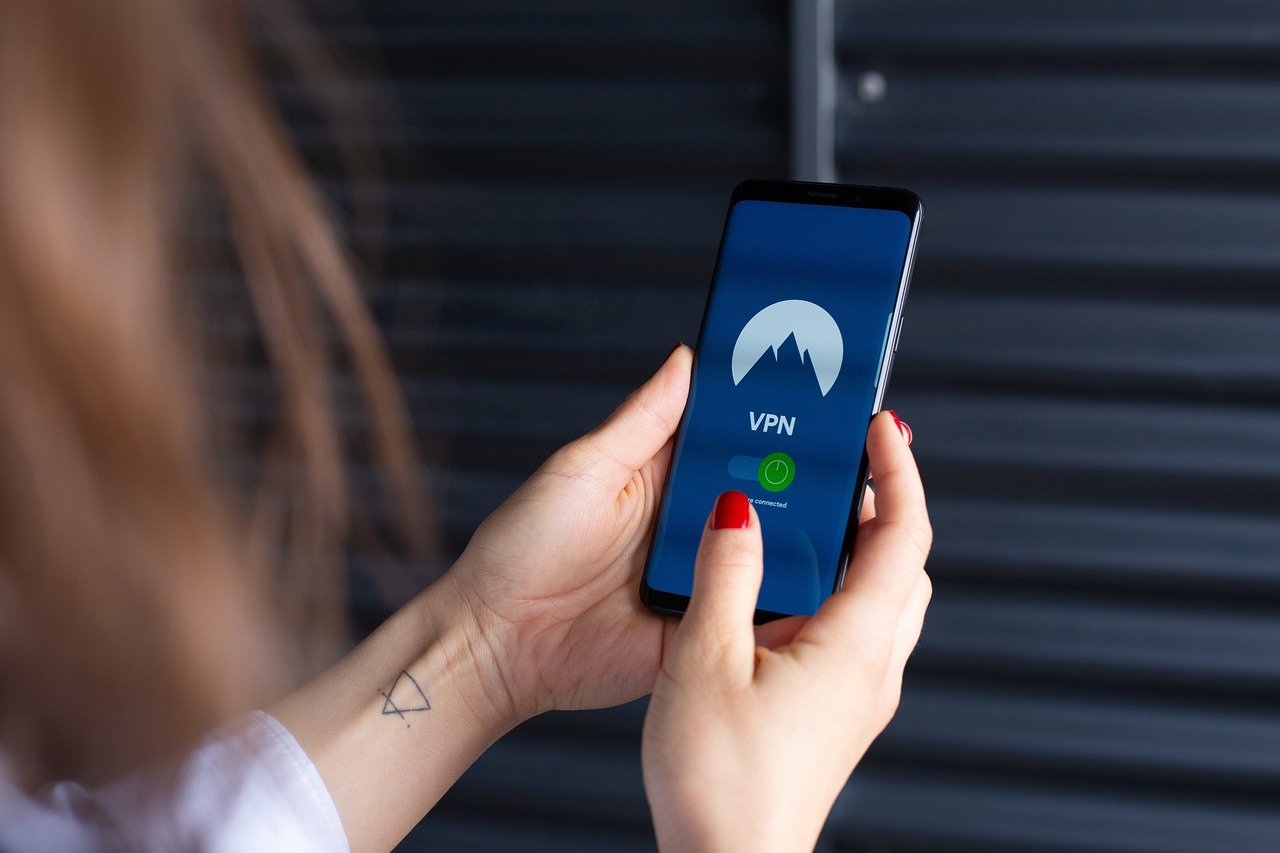
Navigating the internet in today’s digital landscape often feels like walking through a crowded marketplace – everyone is watching, collecting data, and vying for your attention. But what if you could browse the web with a cloak of invisibility, shielding your online activities from prying eyes? Anonymous browsing offers precisely that – a way to regain control over your digital footprint and enjoy a more private online experience. This guide delves into the world of anonymous browsing, exploring its methods, benefits, and practical applications.
What is Anonymous Browsing?
Defining Anonymous Browsing
Anonymous browsing refers to the practice of using techniques and tools to conceal your identity and online activities from websites, internet service providers (ISPs), advertisers, and other third parties. It’s about minimizing the amount of personal information you expose while surfing the web. This doesn’t necessarily mean becoming completely untraceable, but rather significantly reducing the data points that can be used to identify and track you.
Why Choose Anonymous Browsing?
There are numerous reasons why someone might choose to browse anonymously:
- Privacy Protection: Shielding personal information from data collection and potential misuse.
- Circumventing Censorship: Accessing information blocked by governments or organizations.
- Avoiding Targeted Advertising: Preventing personalized ads based on browsing history.
- Security Enhancement: Reducing the risk of malware and phishing attacks by masking your online presence.
- Bypassing Geoblocks: Accessing content restricted to specific geographical locations.
- Price Discrimination Prevention: Some websites adjust prices based on perceived location or browsing habits; anonymity can help avoid this.
The Limitations of Anonymity
It’s important to understand that achieving complete anonymity online is extremely challenging. Sophisticated tracking technologies and data analysis methods exist. While the techniques described in this guide significantly enhance privacy, they may not provide foolproof protection against determined adversaries.
Methods for Anonymous Browsing
Using a Virtual Private Network (VPN)
A VPN creates an encrypted connection between your device and a remote server, masking your IP address and encrypting your internet traffic.
- How it works: Your data is routed through the VPN server before reaching the internet, making it appear as though your traffic originates from the server’s location, not your actual location.
- Benefits:
Hides your IP address.
Encrypts your internet traffic, protecting it from eavesdropping.
Allows you to bypass geo-restrictions.
- Considerations:
Choose a reputable VPN provider with a strong privacy policy.
Avoid free VPNs, as they may log your data or inject ads.
Ensure the VPN server location aligns with your desired anonymity goals.
- Example: Using a VPN based in Switzerland to access a news website that is blocked in your country. The website sees the IP address of the Swiss VPN server, not your actual IP address.
Utilizing the Tor Browser
Tor (The Onion Router) is a free and open-source browser that routes your internet traffic through a network of volunteer-operated servers.
- How it works: Tor encrypts your data and bounces it through multiple relays, making it extremely difficult to trace your origin. Each relay only knows the IP address of the previous and next relay, not the entire path.
- Benefits:
Provides a high level of anonymity.
Protects against surveillance and censorship.
Free and open-source.
- Considerations:
Tor can significantly slow down your internet speed due to the multiple relays.
Using Tor can raise suspicion from ISPs or network administrators.
Avoid using Tor for sensitive activities like online banking, unless absolutely necessary and combined with other security measures.
- Example: A journalist using Tor to communicate with confidential sources in a country with strict censorship laws.
Proxy Servers
A proxy server acts as an intermediary between your device and the internet, forwarding your requests and receiving responses on your behalf.
- How it works: Your traffic goes through the proxy server, which hides your IP address. However, unlike a VPN, most proxy servers don’t encrypt your traffic.
- Benefits:
Hides your IP address.
Can bypass geo-restrictions.
Faster than Tor in some cases.
- Considerations:
Many proxy servers don’t offer encryption, making your traffic vulnerable to eavesdropping.
Some proxy servers log your data.
Free proxy servers are often unreliable and may contain malware.
- Example: Using a proxy server to access a website that is blocked by your school or workplace.
Adjusting Browser Settings
Even without using VPNs, Tor, or proxies, you can enhance your privacy by adjusting your browser settings:
- Disable third-party cookies: These cookies track your browsing activity across different websites.
- Use a privacy-focused search engine: DuckDuckGo, Startpage, and Searx don’t track your searches.
- Disable location services: Prevent websites from accessing your location data.
- Use browser extensions for privacy: Privacy Badger, uBlock Origin, and HTTPS Everywhere can block trackers, ads, and ensure secure connections.
- Enable “Do Not Track” request: While not universally respected, this setting signals to websites that you don’t want to be tracked.
Choosing the Right Tool for the Job
The best method for anonymous browsing depends on your specific needs and threat model.
- Low-risk activities (e.g., reading news, browsing forums): Adjusting browser settings and using a privacy-focused search engine may suffice.
- Moderate-risk activities (e.g., accessing geo-restricted content, avoiding targeted advertising): A VPN is a good option.
- High-risk activities (e.g., communicating with confidential sources, bypassing strict censorship): Tor provides the highest level of anonymity, but with performance drawbacks.
- Combining methods: You can combine VPNs and Tor for added security. For example, using a VPN to connect to the Tor network can provide an extra layer of protection.
Staying Informed and Vigilant
Data Privacy Updates
The landscape of online privacy is constantly evolving. It’s crucial to stay informed about the latest tracking technologies, privacy regulations, and security threats. Regularly update your browser, operating system, and security software. Follow reputable privacy blogs and news sources to stay ahead of the curve.
Analyzing Website Privacy Policies
Before providing any personal information to a website, review its privacy policy. Understand how the website collects, uses, and shares your data. Be wary of websites with vague or overly broad privacy policies. Look for clear statements about data retention, security measures, and user rights.
Being Aware of Phishing Scams and Malware
Anonymous browsing doesn’t make you immune to phishing scams or malware. Be cautious of suspicious emails, links, and downloads. Use a reputable antivirus program and keep it updated. Exercise common sense and avoid clicking on anything that looks suspicious.
Conclusion
Anonymous browsing is a valuable tool for protecting your privacy and security online. By understanding the methods available and choosing the right tools for your needs, you can significantly reduce your digital footprint and regain control over your online experience. Remember that no method is foolproof, and vigilance is key to maintaining your privacy in the ever-evolving digital world. Continuous learning and proactive measures are essential for navigating the online world safely and anonymously.


