
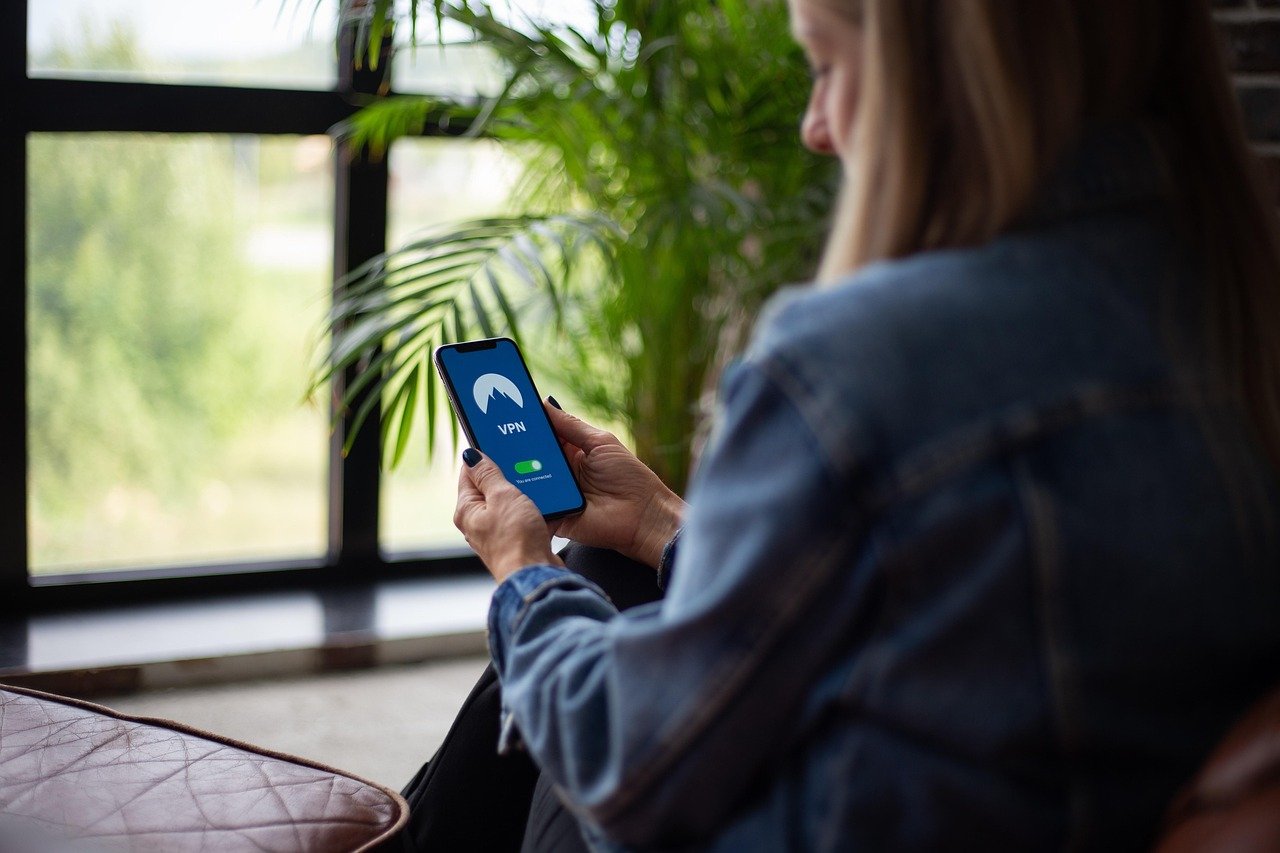
Streaming your favorite movies, shows, and sporting events has become a cornerstone of modern entertainment. However, geographical restrictions, bandwidth throttling, and privacy concerns can often interrupt or degrade your viewing experience. That’s where a VPN, or Virtual Private Network, steps in, offering a powerful solution to bypass these limitations and enhance your online streaming. Let’s explore how a VPN can transform your streaming experience.
Why Use a VPN for Streaming?
Bypassing Geo-Restrictions
One of the most significant advantages of using a VPN for streaming is its ability to bypass geographical restrictions. Streaming services often limit content based on your location, preventing you from accessing shows and movies that are available in other countries.
- Example: Imagine you’re traveling abroad and want to watch your favorite show from back home, but it’s not available in your current country. A VPN allows you to connect to a server in your home country, effectively masking your actual location and granting you access to the content you desire.
- How it Works: When you connect to a VPN server, your IP address is replaced with the server’s IP address. This makes it appear as if you are browsing from the server’s location, unlocking region-locked content on platforms like Netflix, Hulu, BBC iPlayer, and more.
- Practical Tip: Before subscribing to a VPN, check if it can unblock the specific streaming services you intend to use. Many VPN providers advertise their ability to bypass restrictions on popular platforms.
Avoiding Bandwidth Throttling
Internet Service Providers (ISPs) sometimes throttle bandwidth, especially during peak hours or when they detect heavy data usage, like when streaming. This can lead to buffering, lag, and a frustrating viewing experience.
- How a VPN Helps: By encrypting your internet traffic, a VPN prevents your ISP from monitoring your online activity. This means they can’t identify that you’re streaming and therefore can’t selectively throttle your bandwidth.
- Real-World Benefit: Enjoy smoother, uninterrupted streaming, especially during primetime hours, when ISPs are more likely to implement bandwidth throttling measures.
- Actionable Tip: If you frequently experience buffering issues, try connecting to a VPN server to see if it improves your streaming speed and reduces interruptions.
Enhanced Privacy and Security
Streaming services collect data about your viewing habits, which can be used for targeted advertising or potentially shared with third parties. Using a VPN encrypts your internet traffic and masks your IP address, enhancing your online privacy and security.
- Data Protection: VPN encryption protects your streaming activity from being monitored by your ISP, government agencies, or hackers.
- Anonymity: By hiding your IP address, a VPN makes it more difficult for streaming services and other websites to track your online behavior.
- Security on Public Wi-Fi: When streaming on public Wi-Fi networks, a VPN provides an extra layer of security, protecting your data from potential eavesdropping and cyber threats.
Choosing the Right VPN for Streaming
Speed and Server Locations
Not all VPNs are created equal. When choosing a VPN for streaming, speed and server locations are critical factors to consider.
- Speed: Look for a VPN with fast server speeds to ensure smooth, buffer-free streaming. Test the VPN’s speed using online tools or by streaming a short video to gauge its performance.
- Server Network: A VPN with a large and diverse server network allows you to connect to servers in various countries, maximizing your access to geo-restricted content.
- Example: If you want to access content from the US, ensure the VPN has multiple servers located in different US cities for optimal performance.
Compatibility and User-Friendliness
The VPN should be compatible with your streaming devices and offer a user-friendly interface.
- Device Compatibility: Check if the VPN supports your devices, including smart TVs, streaming sticks (like Roku and Amazon Fire TV), smartphones, tablets, and computers.
- Easy-to-Use Apps: Opt for a VPN with intuitive apps for different platforms, making it easy to connect to servers and manage your VPN settings.
- Simultaneous Connections: Consider the number of simultaneous connections allowed by the VPN. This determines how many devices you can use with the VPN at the same time.
Security Features and Privacy Policies
Prioritize VPNs with strong security features and a clear, privacy-focused policy.
- Encryption: Ensure the VPN uses strong encryption protocols, such as AES-256, to protect your data.
- No-Logs Policy: Look for a VPN with a strict no-logs policy, meaning they don’t track or store your browsing activity.
- Kill Switch: A kill switch automatically disconnects your internet connection if the VPN connection drops, preventing your data from being exposed.
- Leak Protection: Confirm the VPN offers DNS and IP leak protection to prevent your actual IP address from being revealed.
Setting Up and Using a VPN for Streaming
Installation and Configuration
Setting up a VPN for streaming is typically straightforward, but it’s important to follow the right steps.
- Download the VPN App: Download the VPN app from the provider’s website or your device’s app store.
- Installation: Install the app following the on-screen instructions.
- Account Login: Log in to the VPN app using your account credentials.
- Connect to a Server: Choose a server location based on the content you want to access and connect to it.
Troubleshooting Common Issues
Sometimes, you might encounter issues while using a VPN for streaming. Here are some common problems and solutions:
- Slow Speeds: Try connecting to a different server location or switching to a different VPN protocol.
- Connection Problems: Restart your device and the VPN app. Check your internet connection.
- Unblocking Issues: Clear your browser’s cache and cookies. Try a different server or contact the VPN’s customer support.
- DNS Leaks: Ensure your VPN has DNS leak protection enabled. Test for leaks using online tools.
Streaming on Different Devices
The process of using a VPN for streaming can vary slightly depending on the device.
- Computers and Mobile Devices: Download and install the VPN app on your computer or mobile device, connect to a server, and open your streaming app or website.
- Smart TVs and Streaming Sticks: Some VPN providers offer apps for smart TVs and streaming sticks. Alternatively, you can configure the VPN on your router to protect all devices connected to your home network.
- Router Setup: Configuring a VPN on your router requires technical knowledge. Follow the VPN provider’s instructions carefully.
Popular VPN Providers for Streaming
There are many VPN providers to choose from, each with its own strengths and weaknesses. Here are some popular options known for their streaming capabilities:
- NordVPN: Known for its fast speeds, extensive server network, and robust security features.
- Surfshark: Offers unlimited simultaneous connections and a budget-friendly price.
- ExpressVPN: A premium VPN provider with excellent performance and a user-friendly interface.
- CyberGhost: Has dedicated streaming servers optimized for specific platforms.
- Private Internet Access (PIA): A reliable VPN with a large server network and advanced customization options.
Before committing to a long-term subscription, take advantage of free trials or money-back guarantees to test the VPN’s performance and compatibility with your streaming services.
Conclusion
Using a VPN for streaming can significantly enhance your viewing experience by bypassing geo-restrictions, avoiding bandwidth throttling, and improving your online privacy and security. By choosing the right VPN and following the setup guidelines, you can unlock a world of content and enjoy smooth, uninterrupted streaming on your favorite devices. Remember to prioritize speed, server locations, compatibility, and security features when selecting a VPN provider to ensure the best possible experience.



