
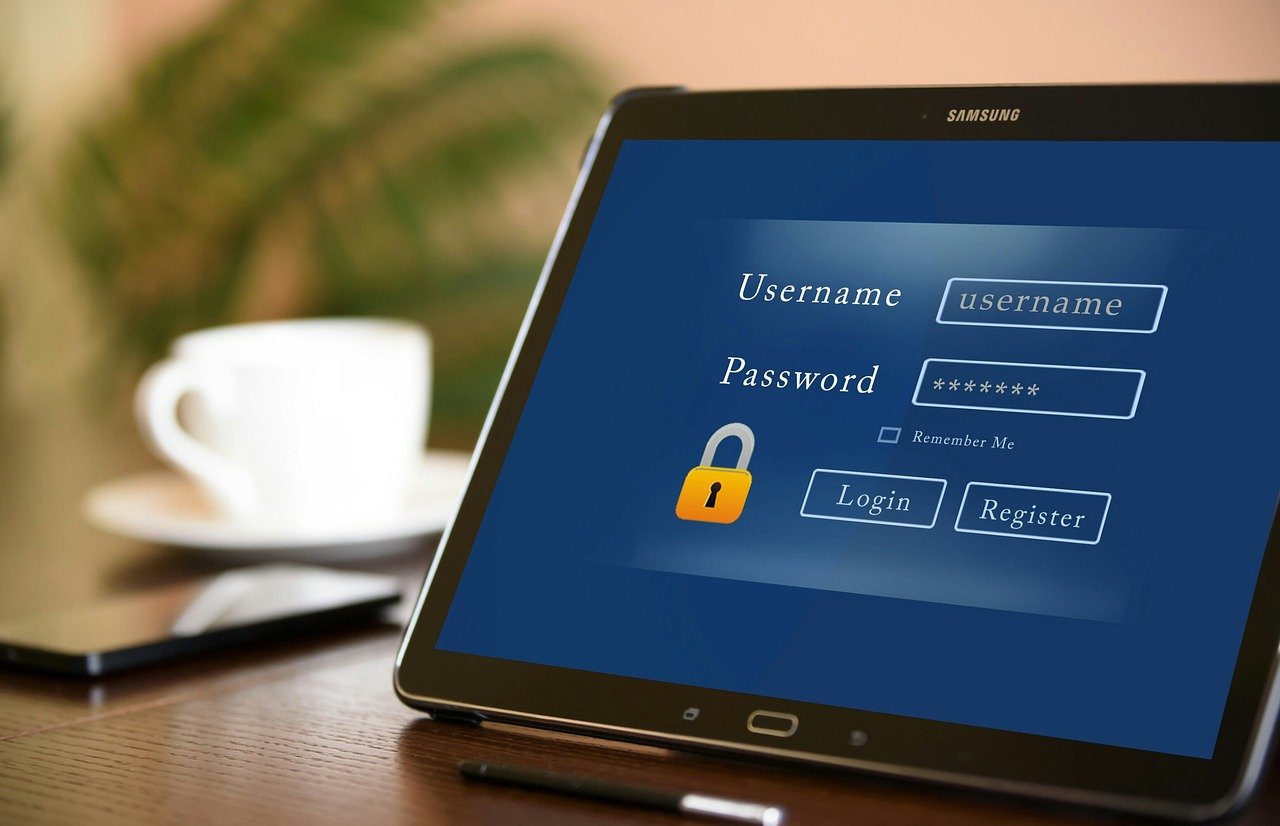
Imagine walking into your digital home. You wouldn’t leave the front door unlocked, would you? In today’s digital landscape, a simple password is often not enough to protect your sensitive information. Cyber threats are constantly evolving, and relying on a single layer of security is like leaving that front door wide open. This is where multi-factor authentication (MFA) steps in, adding crucial layers of protection to safeguard your accounts and data.
What is Multi-Factor Authentication (MFA)?
Defining MFA
Multi-Factor Authentication (MFA) is a security system that requires more than one method of authentication to verify a user’s identity for a login or other transaction. Think of it as adding extra locks to your digital front door.
How MFA Works
Instead of just entering a password, MFA requires you to provide at least one additional verification factor. These factors fall into different categories:
- Something you know: This is typically your password, a PIN, or the answer to a security question.
- Something you have: This could be a smartphone, a hardware security key (like a YubiKey), or a one-time password (OTP) generator.
- Something you are: This involves biometric verification, such as a fingerprint scan, facial recognition, or voice recognition.
MFA combines factors from at least two of these categories, significantly increasing the difficulty for unauthorized access.
Why MFA is Essential
Statistics highlight the vulnerability of password-only security:
- According to Verizon’s 2023 Data Breach Investigations Report, compromised credentials were a factor in 49% of breaches.
- MFA can block over 99.9% of account compromise attacks.
These numbers demonstrate the crucial role MFA plays in preventing unauthorized access and protecting valuable data.
Benefits of Using MFA
Enhanced Security
The primary benefit of MFA is significantly improved security. Even if a hacker manages to steal or guess your password, they will still need to provide the additional verification factor to gain access. This dramatically reduces the risk of account compromise.
Protection Against Phishing Attacks
MFA can help mitigate the impact of phishing attacks. Even if you unknowingly enter your password on a fake website, the attacker will still need your second factor, which they are unlikely to obtain.
Compliance Requirements
Many industries and regulations, such as HIPAA, PCI DSS, and GDPR, require MFA to protect sensitive data. Implementing MFA can help organizations meet these compliance requirements and avoid penalties.
Increased Trust and Confidence
By implementing MFA, organizations demonstrate a commitment to security, which can increase trust and confidence among customers, partners, and employees.
Practical Examples of MFA Benefits
- Protecting financial accounts: MFA can prevent unauthorized access to your bank accounts and credit card information.
- Securing email accounts: MFA can prevent hackers from accessing your email and using it to spread phishing scams or steal sensitive information.
- Protecting social media accounts: MFA can prevent unauthorized access to your social media accounts, which can be used to spread misinformation or damage your reputation.
Types of MFA Methods
One-Time Passwords (OTPs)
OTPs are temporary, randomly generated codes sent to your smartphone or email address. These codes are valid for a short period and can only be used once. Popular OTP methods include:
- SMS-based OTPs: Codes are sent to your phone via text message. While convenient, this method is susceptible to SIM swapping attacks.
- Authenticator Apps: Apps like Google Authenticator, Microsoft Authenticator, and Authy generate OTPs on your device. These are generally more secure than SMS-based OTPs.
- Email-based OTPs: Codes are sent to your email address. Similar to SMS, this method depends on the security of your email account.
Push Notifications
Push notifications are sent to your smartphone via a dedicated app. You simply tap “Approve” or “Deny” to authenticate. This method is user-friendly and provides a quick and secure way to verify your identity.
Hardware Security Keys
Hardware security keys, like YubiKeys, are physical devices that plug into your computer’s USB port. When prompted, you simply tap the key to authenticate. These keys offer a high level of security and are resistant to phishing attacks.
Biometric Authentication
Biometric authentication uses unique biological characteristics to verify your identity. Common biometric methods include:
- Fingerprint scanning: Uses a fingerprint reader to identify and authenticate the user.
- Facial recognition: Uses facial features to identify and authenticate the user.
- Voice recognition: Uses voice patterns to identify and authenticate the user.
Biometric authentication is convenient and secure, but it’s important to be aware of potential privacy concerns.
Choosing the Right MFA Method
The best MFA method depends on your specific needs and risk tolerance. Consider the following factors:
- Security: Some methods, like hardware security keys, are more secure than others, like SMS-based OTPs.
- Convenience: Some methods, like push notifications, are more convenient than others, like entering OTPs manually.
- Cost: Some methods, like hardware security keys, require purchasing a physical device.
Implementing MFA: A Step-by-Step Guide
Enabling MFA on Your Accounts
Most online services, including Google, Microsoft, Facebook, and Twitter, offer MFA options. To enable MFA, follow these steps:
- Go to the security or privacy settings of the service.
- Look for the MFA or two-factor authentication (2FA) option.
- Choose your preferred MFA method.
- Follow the on-screen instructions to set up MFA.
- Store your recovery codes in a safe place. These codes can be used to regain access to your account if you lose your primary MFA device.
Protecting Your MFA Setup
Once you’ve enabled MFA, it’s important to protect your setup. Here are some tips:
- Keep your recovery codes in a safe place: Store them in a password manager or a physical safe.
- Don’t share your OTPs or push notifications with anyone: Legitimate services will never ask you for these codes over the phone or email.
- Be wary of phishing attacks: Always verify the website’s URL before entering your password or OTP.
- Keep your authenticator apps and operating systems updated: Updates often include security patches that protect against vulnerabilities.
MFA for Businesses
Businesses should implement MFA for all employees and systems to protect sensitive data and prevent unauthorized access. This includes:
- Email accounts: Protect business email from compromise.
- VPN access: Secure remote access to the network.
- Cloud applications: Safeguard sensitive data stored in cloud services like Salesforce, Google Workspace and Microsoft 365.
- Critical systems: Protect access to databases, servers, and other critical infrastructure.
Businesses should also provide training to employees on how to use MFA and recognize phishing attacks.
Conclusion
Multi-Factor Authentication is a critical security measure that adds a crucial layer of protection against cyber threats. By requiring more than just a password, MFA significantly reduces the risk of account compromise and protects your sensitive data. Whether you’re an individual or a business, implementing MFA is a simple yet powerful step you can take to enhance your security posture and stay one step ahead of cybercriminals. Don’t wait – enable MFA on your accounts today and fortify your digital defenses.



