
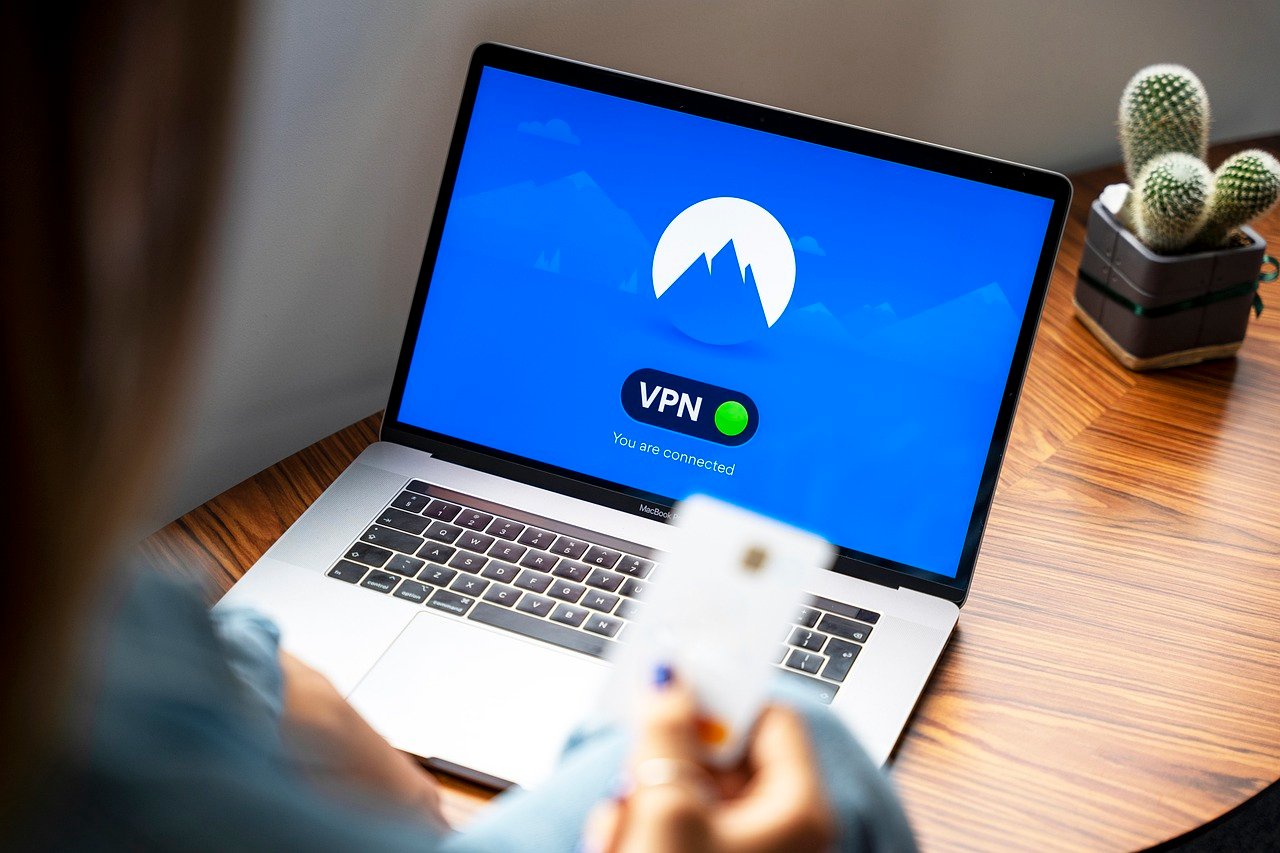
Working remotely or dealing with sensitive information on the go? A Virtual Private Network (VPN) can be a game-changer, adding a vital layer of security and privacy to your work life. In today’s interconnected world, understanding and utilizing a VPN isn’t just a techie trend; it’s a necessary step for protecting your business and personal data. Let’s explore how a VPN for work can benefit you and your organization.
Understanding VPNs for Work
What is a VPN and How Does it Work?
A VPN, or Virtual Private Network, creates a secure, encrypted connection between your device and a remote server managed by the VPN provider. This secure tunnel masks your IP address, making it appear as if you are browsing from the server’s location rather than your actual one. This obfuscation makes it harder for third parties to track your online activity.
- Encryption: All data transmitted through the VPN tunnel is encrypted, meaning it’s scrambled and unreadable to anyone who might intercept it. Think of it as sending a coded message that only the intended recipient (the VPN server) can decipher.
- IP Masking: Your real IP address is hidden, replaced by the VPN server’s IP. This protects your location and identity.
- Server Location: You can choose a server in a different country, which can be useful for accessing region-restricted content or testing how your website appears to users in other locations.
Why Use a VPN for Work?
Using a VPN for work offers a multitude of benefits. It’s not just about hiding your location; it’s about securing your data and maintaining productivity in a safe online environment.
- Enhanced Security: Protects sensitive company data from hackers, especially when using public Wi-Fi networks. Public Wi-Fi is notorious for being insecure. A VPN adds an essential layer of encryption that makes it much harder for malicious actors to intercept your data.
- Remote Access: Securely access company resources, such as internal servers, databases, and applications, from anywhere in the world. This ensures seamless productivity for remote workers.
- Data Privacy: Prevents your internet service provider (ISP) and other third parties from tracking your online activity and collecting your data.
- Bypass Geo-Restrictions: Access content that might be blocked in your current location, which can be relevant for research or accessing business-related resources. For example, accessing research papers only available in certain countries or testing website functionality as viewed from a different region.
- Compliance: Helps meet certain regulatory compliance requirements related to data protection and privacy, such as GDPR.
Benefits of Using a VPN for Remote Work
Securing Public Wi-Fi Connections
One of the biggest risks of remote work is using unsecured public Wi-Fi networks. Coffee shops, airports, and hotels are convenient, but their Wi-Fi networks are often vulnerable to hacking. A VPN provides a crucial layer of protection.
- Encryption on Public Networks: VPNs encrypt all data transmitted over the public Wi-Fi network, protecting passwords, financial details, and other sensitive information from eavesdropping.
- Example: Imagine you’re working from a coffee shop, checking your email. Without a VPN, a hacker could potentially intercept your login credentials as they’re transmitted over the unsecured Wi-Fi network. A VPN encrypts this data, making it virtually impossible for the hacker to read it.
- Tip: Always enable your VPN before connecting to any public Wi-Fi network.
Accessing Company Resources Securely
Remote workers often need to access internal company resources, such as file servers, databases, and applications. A VPN provides a secure tunnel for this access.
- Secure Remote Access: Allows employees to access internal resources as if they were physically in the office, ensuring seamless productivity.
- Example: A marketing team member working remotely needs to access the company’s customer database. A VPN allows them to securely connect to the database without exposing it to the open internet.
- Benefit: This secure access eliminates the risk of unauthorized access to sensitive company data.
Choosing the Right VPN for Work
Factors to Consider
Selecting the right VPN is crucial. Not all VPNs are created equal, and some may even compromise your security rather than enhance it. Consider the following factors:
- Security Features: Look for strong encryption protocols (e.g., AES-256), a strict no-logs policy, and features like a kill switch (which automatically disconnects your internet connection if the VPN connection drops).
- Server Locations: Choose a VPN with servers in locations relevant to your work. The more server locations, the greater your flexibility in bypassing geo-restrictions and optimizing connection speeds.
- Speed and Reliability: A fast and reliable VPN is essential for productivity. Test the VPN’s speed and stability before committing to a long-term subscription.
- User-Friendliness: The VPN should be easy to set up and use, especially for non-technical employees.
- Price: VPN prices vary widely. Compare prices and features to find a VPN that fits your budget and needs. Free VPNs often come with limitations or potential security risks (e.g., data logging or malware).
- Company Policies: Ensure the VPN complies with your company’s security policies and data protection regulations.
Top VPN Providers for Business
Here are a few top VPN providers commonly recommended for business use:
- NordVPN Teams: Known for its strong security features, speed, and user-friendly interface. It offers dedicated servers and centralized management for businesses.
- ExpressVPN: A popular choice for its speed, reliability, and wide range of server locations.
- Surfshark: Offers unlimited device connections, making it a cost-effective option for larger teams.
- Perimeter 81: Focuses on secure network access and offers features tailored to business needs.
- Twingate: Twingate is a modern zero trust network that replaces legacy VPNs with a more secure and user-friendly solution.
Setting Up and Using a VPN for Work
Installation and Configuration
Setting up a VPN is typically a straightforward process:
Best Practices for VPN Usage
To maximize the benefits of a VPN, follow these best practices:
- Always connect to the VPN when using public Wi-Fi: This is the most critical step for protecting your data.
- Choose a server location close to your actual location: This can improve connection speed.
- Enable the kill switch: This ensures that your internet connection is automatically disconnected if the VPN connection drops.
- Regularly update the VPN app: This ensures that you have the latest security patches and features.
- Avoid using free VPNs: Free VPNs often come with limitations or potential security risks.
- Understand your company’s VPN policy: Make sure you’re using the VPN in accordance with your company’s guidelines.
Conclusion
In today’s digital landscape, using a VPN for work is no longer a luxury but a necessity. By understanding the benefits and taking the right steps, you can ensure a secure and productive remote work experience. From protecting your data on public Wi-Fi to accessing company resources securely, a VPN provides an invaluable layer of protection. Invest in a reliable VPN, follow the best practices, and enjoy the peace of mind that comes with knowing your data is secure.



