
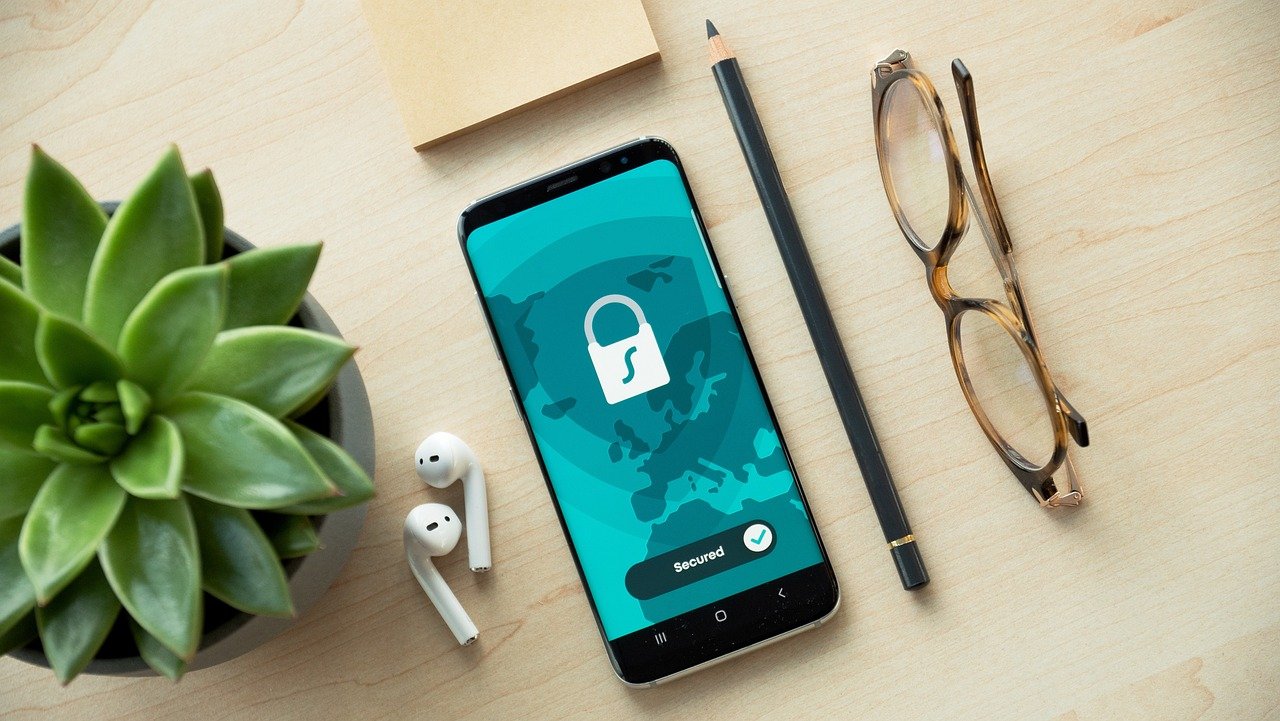
Imagine browsing the internet, feeling secure with your VPN diligently encrypting your data and masking your IP address. Suddenly, the VPN connection drops, leaving you exposed. That’s where a VPN kill switch comes in – a crucial safety net that instantly cuts off your internet access, preventing your sensitive data from leaking onto the unprotected network. It’s a feature that can be the difference between online privacy and a major security breach.
What is a VPN Kill Switch?
Understanding the Functionality
A VPN kill switch is a security feature that automatically terminates your internet connection if your VPN connection drops unexpectedly. Think of it as an emergency brake for your online activity. Its primary purpose is to prevent your real IP address, location, and online activities from being exposed when the VPN malfunctions or disconnects. It acts as a failsafe, ensuring that you remain protected even when your VPN isn’t functioning as expected.
Why You Need a Kill Switch
Consider these scenarios:
- Torrenting: You’re downloading a file via torrents. Without a kill switch, a VPN disconnection could expose your IP address to other users in the swarm, potentially leading to legal issues.
- Public Wi-Fi: You’re using public Wi-Fi to access sensitive information, such as bank accounts or email. A sudden VPN drop could leave your data vulnerable to hackers on the same network.
- High-Security Environments: You’re working in a country with strict internet censorship or surveillance. Even a brief exposure of your real IP address could have severe consequences.
In each case, a kill switch protects you from unintended exposure. Without it, you are vulnerable any time your VPN fails.
How a VPN Kill Switch Works
Types of Kill Switches
There are typically two main types of kill switches:
- Application-Level Kill Switch: This type of kill switch only closes specific applications when the VPN connection drops. For example, you can configure it to close your torrent client or web browser but leave other applications running. This allows some flexibility when certain applications are more important to protect than others.
- System-Level Kill Switch: This more comprehensive option blocks all internet traffic if the VPN connection fails. It ensures that no data leaks from any application on your device. While stricter, it offers maximum security.
Implementation and Configuration
Most VPN providers offer a kill switch feature built into their VPN software. The implementation usually involves:
- Example:
In ExpressVPN, the kill switch is called “Network Lock.” You enable it within the settings menu. If the VPN connection drops, all internet traffic is blocked until the VPN reconnects.
Practical Example
Let’s say you’re using a VPN with a kill switch to access geo-restricted content. You’re streaming a movie from a service that’s only available in a specific region. Suddenly, your VPN connection drops.
- Without a Kill Switch: The streaming service would immediately detect your real IP address, and the movie would stop playing. You might also be exposed to tracking based on your location.
- With a Kill Switch: The kill switch would immediately block your internet connection, preventing the streaming service from detecting your real IP address. The movie would stop, but your privacy would remain intact.
Benefits of Using a VPN Kill Switch
Enhanced Security and Privacy
The primary benefit is the enhanced security and privacy it provides. The kill switch prevents accidental exposure of your real IP address and location, protecting your sensitive data from being intercepted or tracked. This is especially crucial when using public Wi-Fi networks, which are often vulnerable to hacking.
Protection Against Data Leaks
A VPN kill switch acts as a strong defense against data leaks. It ensures that your online activities remain private even if your VPN connection is interrupted. This is particularly important if you handle sensitive information, such as financial data, personal communications, or confidential business documents.
Peace of Mind
Knowing that you have a kill switch in place provides peace of mind. You can browse the internet, download files, and access online services without worrying about your privacy being compromised by a sudden VPN disconnection.
- Data Security: Prevents accidental data leaks when VPN fails.
- IP Address Masking: Keeps your real IP hidden at all times.
- Location Privacy: Prevents location tracking during VPN outages.
- Online Anonymity: Maintains anonymity during sensitive online activities.
Choosing a VPN with a Reliable Kill Switch
Factors to Consider
When selecting a VPN, make sure it offers a reliable kill switch. Consider these factors:
- Type of Kill Switch: Does it offer both application-level and system-level kill switches? The more flexibility, the better.
- Testing and Reviews: Read reviews and tests from reputable sources to ensure the kill switch functions as advertised. Some VPNs claim to have a kill switch but it doesn’t work effectively.
- User Interface: Is the kill switch easy to find and enable within the VPN client’s settings?
- Automatic Reconnect: Does the VPN automatically try to reconnect after the kill switch is triggered?
- Reputation: Is the VPN provider known for security and privacy?
Top VPNs with Kill Switch Features
Some of the most highly-rated VPNs with reliable kill switch features include:
- ExpressVPN: Offers a system-level kill switch called “Network Lock.”
- NordVPN: Features a system-level kill switch and an app kill switch.
- Surfshark: Provides a kill switch to protect your data in case of connection drops.
- CyberGhost:* Has an automatic kill switch that can be enabled in the settings.
Always verify that the kill switch is enabled and functioning properly before relying on it.
Conclusion
A VPN kill switch is an essential security feature for anyone who values online privacy and security. It acts as a safety net, preventing your sensitive data from being exposed in case of a VPN disconnection. By understanding how a kill switch works, the benefits it provides, and what to look for when choosing a VPN, you can ensure that your online activities remain private and protected. Always test the kill switch after enabling it, and make sure you are using a reputable VPN provider. With a reliable kill switch in place, you can browse the internet with confidence, knowing that your privacy is safeguarded.



