
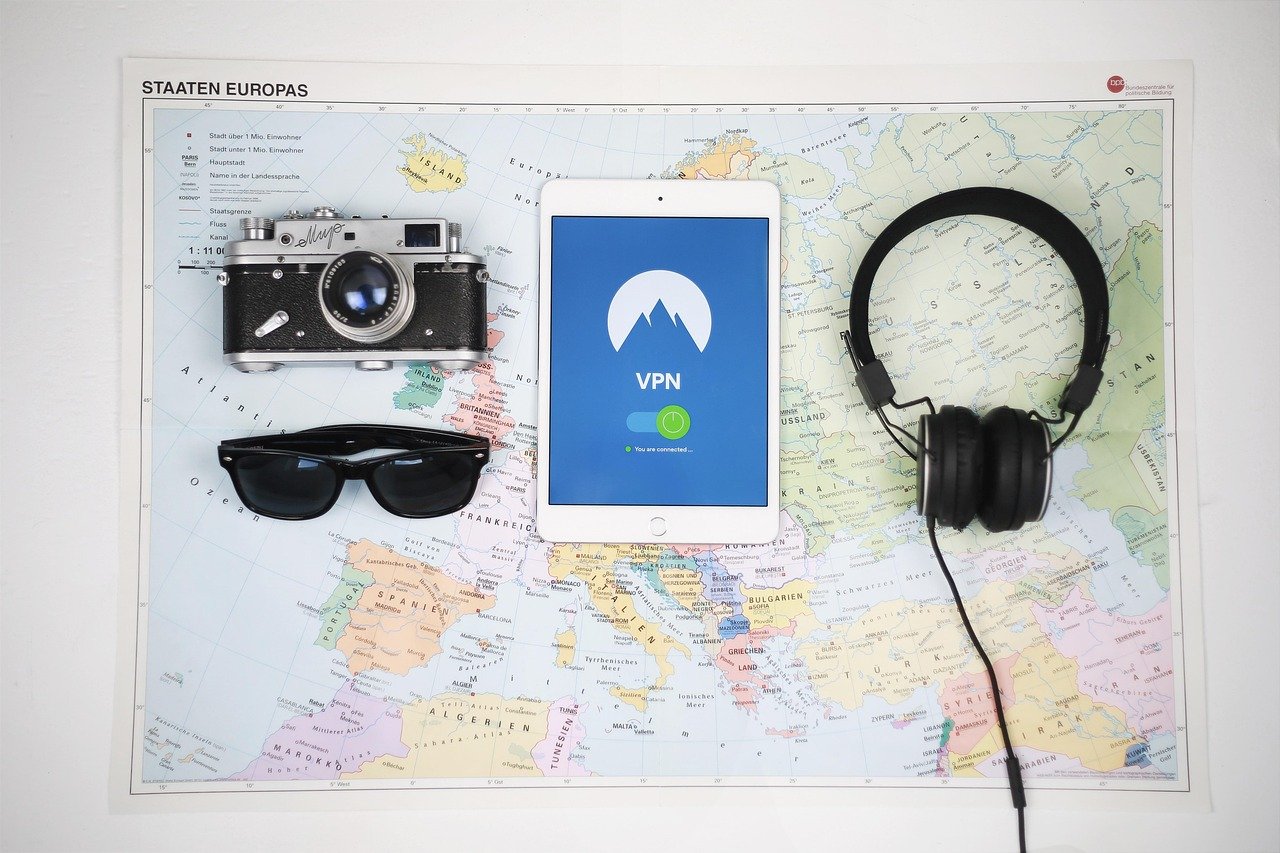
Using a Virtual Private Network (VPN) has become increasingly common for anyone seeking to bolster their online privacy and security. But with numerous VPN providers vying for your attention, and varying claims about their capabilities, understanding the nuances of VPN security is crucial. This blog post will delve into the key aspects of VPN security, enabling you to make informed decisions and use VPNs effectively to protect your digital life.
What Makes a VPN Secure?
Encryption Protocols: The Foundation of VPN Security
Encryption protocols are the backbone of a secure VPN connection. They scramble your data, making it unreadable to unauthorized parties. Different protocols offer varying levels of security and speed. Here are some of the most commonly used:
- OpenVPN: Widely regarded as one of the most secure and reliable protocols. It’s open-source, meaning its code is publicly audited for vulnerabilities. Offers a good balance between speed and security.
- WireGuard: A relatively new protocol known for its speed and modern cryptography. It’s becoming increasingly popular due to its efficient design and strong security features.
- IKEv2/IPsec: Often used on mobile devices due to its stability when switching between networks (e.g., Wi-Fi to cellular). Generally considered secure, though its implementation can vary.
- L2TP/IPsec: An older protocol that’s generally considered less secure than OpenVPN and WireGuard. It relies on IPsec for encryption, but its inherent design makes it susceptible to attacks.
- PPTP: A very old protocol that is now considered highly insecure. It should be avoided as it has known vulnerabilities and is easily cracked.
Actionable takeaway: Prioritize VPN providers that support OpenVPN or WireGuard protocols. Check the VPN’s settings to ensure you’re using one of these protocols and not a less secure option like PPTP.
The Importance of a Strong Encryption Cipher
Even with a strong protocol, the encryption cipher used within the protocol matters. Ciphers define the algorithm used to encrypt and decrypt data. Strong ciphers, like AES (Advanced Encryption Standard) with a 256-bit key (AES-256), are considered industry standards and offer excellent protection against brute-force attacks. Other ciphers, like Blowfish, are older and may not offer the same level of security.
Example: A VPN using OpenVPN protocol with AES-256 encryption provides a much stronger security posture than a VPN using L2TP/IPsec protocol with a weaker encryption cipher.
Understanding VPN Kill Switches
A VPN kill switch is a crucial security feature that automatically disconnects your internet connection if the VPN connection drops. This prevents your unencrypted data from being exposed if the VPN fails unexpectedly.
Why is it important? Imagine you’re downloading sensitive files and the VPN connection drops. Without a kill switch, your IP address and downloaded data would be exposed to your internet service provider (ISP) and potentially other entities monitoring your network. A kill switch immediately cuts off the connection, protecting your privacy.
- Automatic Kill Switch: Activates automatically when the VPN connection is interrupted.
- Application-Specific Kill Switch: Allows you to specify which applications should be blocked if the VPN connection drops.
Actionable Takeaway: Ensure your VPN provider offers a kill switch and that it’s enabled in the VPN settings. Test the kill switch by manually disconnecting your VPN to verify it’s functioning correctly.
No-Logs Policy: Protecting Your Data from the VPN Provider
What Does “No-Logs” Really Mean?
A “no-logs” policy is a statement from a VPN provider promising that they do not collect or store any data about your online activity. This includes:
- Your browsing history
- Your IP address
- Connection timestamps
- Data usage
However, the term “no-logs” can be misleading. Some VPNs may claim to be “no-logs” but still collect minimal data, such as connection timestamps, which can potentially be used to identify you. It’s crucial to read the VPN’s privacy policy carefully to understand exactly what data they collect and for how long.
Audits: Verifying No-Logs Claims
The best way to verify a VPN’s no-logs policy is to look for independent audits conducted by reputable cybersecurity firms. These audits examine the VPN’s infrastructure and code to ensure that their no-logs claims are accurate. Look for VPNs that have undergone and publicly released the results of such audits.
Example: Some VPNs have undergone audits by firms like PricewaterhouseCoopers (PwC) or Cure53, which provide independent verification of their no-logs policies.
Jurisdiction: Where the VPN is Based Matters
The jurisdiction in which a VPN provider is based can significantly impact its ability to maintain a no-logs policy. VPNs based in countries with strong data retention laws or those that are part of intelligence-sharing alliances (like the 14 Eyes alliance) may be compelled to collect and share user data with government agencies, regardless of their stated policies.
Actionable Takeaway: Consider choosing a VPN provider based in a country with strong privacy laws and a history of respecting user privacy. Research the VPN provider’s jurisdiction and understand its implications for your data security.
DNS Leak Protection
Understanding DNS Leaks
When you visit a website, your device sends a Domain Name System (DNS) query to a DNS server to translate the website’s domain name (e.g., google.com) into an IP address. A DNS leak occurs when your DNS queries are sent to your ISP’s DNS servers instead of the VPN’s DNS servers, even when the VPN is active. This exposes your browsing activity to your ISP, defeating the purpose of using a VPN.
Why do DNS leaks happen? DNS leaks can occur due to misconfigured operating systems or VPN software. Some operating systems may prioritize the ISP’s DNS servers over the VPN’s DNS servers.
Testing for DNS Leaks
It’s essential to test your VPN connection for DNS leaks to ensure your privacy is protected. Several online tools can help you check for DNS leaks, such as:
- DNSLeakTest.com
- BrowserLeaks.com
- Perfect Privacy’s DNS Leak Test
These tools will show you which DNS servers your device is using. If you see your ISP’s DNS servers listed, it indicates a DNS leak.
Preventing DNS Leaks
Most reputable VPN providers offer built-in DNS leak protection. Ensure that this feature is enabled in your VPN settings. Additionally, you can manually configure your device to use specific DNS servers, such as those provided by Cloudflare (1.1.1.1) or Google (8.8.8.8), within the VPN’s settings or your operating system’s network settings. Double-check with your VPN provider for the best method to prevent leaks.
Actionable Takeaway: Regularly test your VPN connection for DNS leaks and enable DNS leak protection in your VPN settings. Consider manually configuring your device to use secure DNS servers for added security.
Evaluating VPN Features and Add-ons
Double VPN/Multi-Hop
Double VPN, also known as multi-hop, routes your internet traffic through two or more VPN servers instead of just one. This adds an extra layer of encryption and obfuscation, making it even more difficult to trace your online activity back to you.
Benefits:
- Enhanced security and privacy
- Increased anonymity
- Protection against advanced surveillance techniques
Drawbacks: Double VPN connections can significantly slow down your internet speed due to the extra routing and encryption overhead.
Obfuscation
VPN obfuscation, also known as stealth VPN, is a technique used to disguise your VPN traffic as regular internet traffic. This can help bypass VPN blocking implemented by governments, ISPs, or other entities that try to restrict VPN usage.
How it works: Obfuscation techniques typically involve modifying the VPN protocol or adding extra layers of encryption to make the traffic appear like standard HTTPS traffic.
Actionable Takeaway: If you live in a region with strict internet censorship, consider using a VPN with obfuscation features to bypass VPN blocking.
Split Tunneling
Split tunneling allows you to choose which applications or websites should use the VPN connection and which should use your regular internet connection. This can be useful for optimizing bandwidth and performance.
Example: You can configure your torrenting application to use the VPN connection while allowing your web browser to use your regular internet connection. This avoids slowing down your regular browsing activities.
Considerations: Split tunneling can create security risks if you’re not careful. Ensure that sensitive applications and websites are always routed through the VPN connection.
The Human Element: Safe VPN Usage Practices
Strong Passwords and Multi-Factor Authentication (MFA)
Even the most secure VPN is useless if your account is compromised due to a weak password. Use strong, unique passwords for your VPN account and enable multi-factor authentication (MFA) whenever possible. MFA adds an extra layer of security by requiring a second verification method, such as a code sent to your phone, in addition to your password.
Staying Updated
Keep your VPN software and operating system updated to the latest versions. Updates often include security patches that address newly discovered vulnerabilities. Enable automatic updates to ensure you’re always running the most secure version of the software.
Be Wary of Phishing and Social Engineering
Be cautious of phishing emails or social engineering attacks that attempt to trick you into revealing your VPN credentials or installing malware. Never click on suspicious links or download files from untrusted sources.
Choosing a Reputable Provider
Research different VPN providers and choose one with a solid reputation, a transparent privacy policy, and a history of protecting user data. Read reviews and compare features before making a decision. Avoid free VPNs, as they often monetize your data through advertising or other means, undermining your privacy.
Conclusion
VPN security is a complex topic with many factors to consider. By understanding encryption protocols, no-logs policies, DNS leak protection, and other key features, you can make informed decisions and use VPNs effectively to protect your online privacy and security. Remember that a VPN is just one piece of the puzzle, and safe online practices are essential for maintaining a strong security posture. Regularly assess your VPN’s performance and security settings to ensure they meet your needs and stay up-to-date with the latest security threats.



