
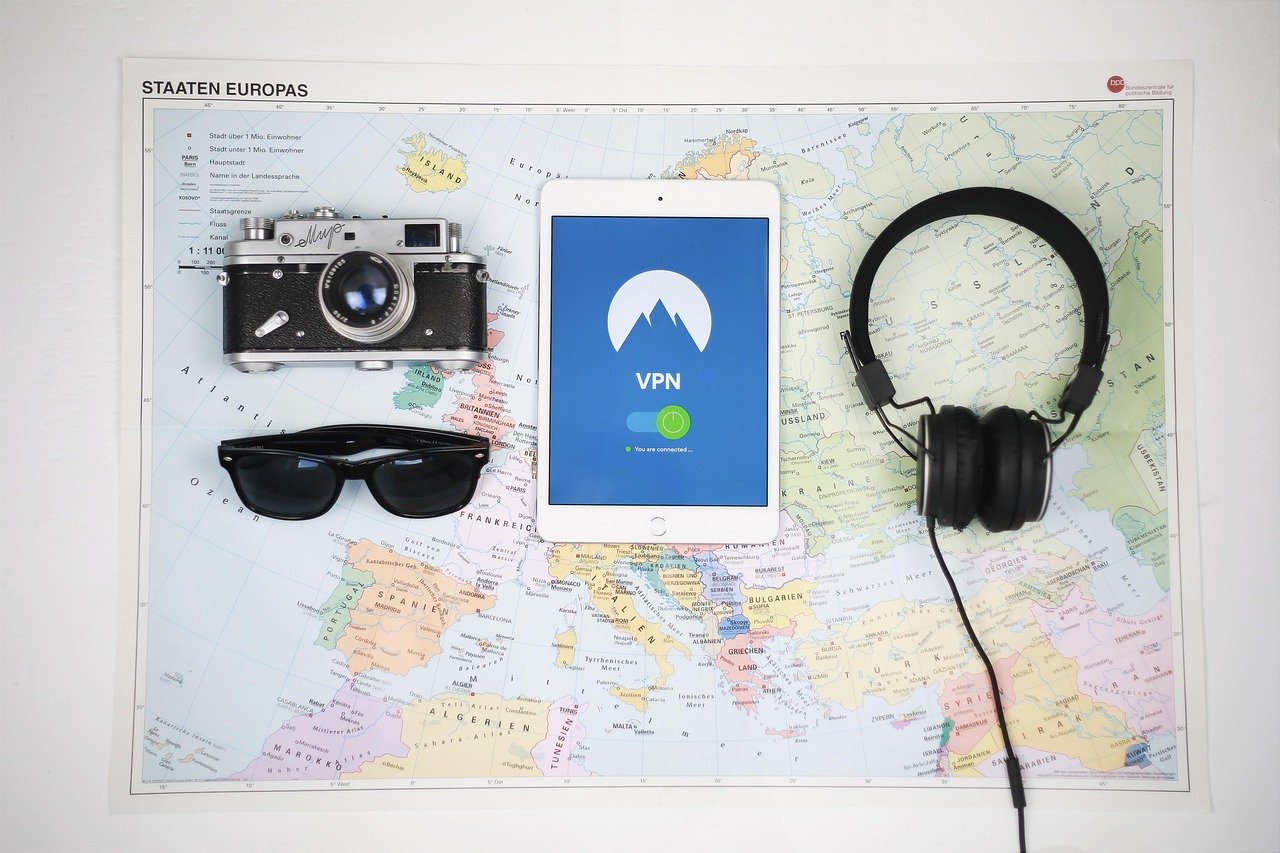
Choosing the right VPN (Virtual Private Network) can feel like navigating a maze. With so many options promising online security and anonymity, how do you separate the best from the rest? This guide provides a comprehensive VPN comparison, helping you understand the key features, benefits, and considerations to make an informed decision and protect your online privacy.
Understanding Your VPN Needs
Before diving into specific VPN providers, it’s crucial to identify your individual needs. Different VPNs excel in different areas, so knowing what you’re looking for will significantly narrow down your options.
Defining Your Primary Use Cases
- General Privacy & Security: For everyday browsing, accessing sensitive information like banking details, and preventing tracking by advertisers.
- Streaming: Accessing geo-restricted content on platforms like Netflix, Hulu, BBC iPlayer, and others. Note: Some VPNs are better at bypassing these restrictions than others.
- Torrenting: Downloading and sharing files securely, often requiring VPNs with dedicated P2P servers and strong privacy policies.
- Gaming: Lowering ping times and protecting against DDoS attacks. Look for VPNs with fast servers and low latency.
- Bypassing Censorship: Accessing blocked websites and social media platforms in countries with restrictive internet policies.
Prioritizing Key Features
- Security Protocols: OpenVPN, IKEv2/IPsec, and WireGuard are considered the most secure and reliable protocols. Avoid PPTP, as it’s outdated and vulnerable.
- Encryption Strength: Look for VPNs using AES-256 encryption, the industry standard.
- No-Logs Policy: A crucial feature ensuring that the VPN provider doesn’t track or store your browsing activity. Look for independently audited no-logs policies for greater assurance.
- Server Locations: A wide network of servers in various locations allows you to bypass geo-restrictions and connect to servers closer to you for faster speeds.
- Speed & Bandwidth: Unlimited bandwidth is essential for streaming and downloading. Check speed test reviews to gauge actual performance.
- Kill Switch: This feature automatically disconnects your internet connection if the VPN connection drops, preventing your IP address from being exposed.
- Simultaneous Connections: The number of devices you can connect to the VPN simultaneously. Consider the number of devices in your household.
- Device Compatibility: Ensure the VPN supports your operating systems (Windows, macOS, Android, iOS, Linux) and devices (routers, smart TVs).
Comparing Popular VPN Providers
Once you’ve identified your needs, you can start comparing specific VPN providers. Here’s a look at some popular options, along with their strengths and weaknesses.
NordVPN
- Strengths: Strong security features, large server network (5500+ servers in 60 countries), fast speeds, independently audited no-logs policy, dedicated P2P servers, and a user-friendly interface.
- Weaknesses: Can be slightly more expensive than some competitors, occasional server congestion.
- Example: NordVPN is a solid choice for users who prioritize security and a vast server network for accessing content from around the world. Its double VPN feature adds an extra layer of encryption.
ExpressVPN
- Strengths: Excellent speeds, strong security, user-friendly interface, servers in 94 countries, reliable for streaming, and 24/7 customer support.
- Weaknesses: More expensive than most competitors, smaller server network compared to NordVPN (3000+ servers).
- Example: ExpressVPN is ideal for users who value speed and ease of use, especially for streaming and bypassing geo-restrictions on popular platforms. Their split tunneling feature allows you to choose which apps use the VPN connection.
Surfshark
- Strengths: Unlimited simultaneous connections, affordable pricing, strong security features, clean web browser extensions, a growing server network (3200+ servers in 100 countries), and a no-logs policy.
- Weaknesses: Speeds can sometimes be inconsistent, customer support can be slower than some competitors.
- Example: Surfshark is a great option for families or individuals who need to connect multiple devices simultaneously without breaking the bank. Its Camouflage Mode helps to hide the fact that you are using a VPN.
CyberGhost VPN
- Strengths: Large server network (9700+ servers in 91 countries), affordable pricing, user-friendly interface, dedicated servers for streaming and torrenting, and a 45-day money-back guarantee.
- Weaknesses: Speeds can be slower than some competitors, no-logs policy transparency could be improved.
- Example: CyberGhost is a good choice for beginners and users looking for an easy-to-use VPN with a vast server network and servers optimized for specific activities. Its Smart Rules feature allows you to automate VPN connection based on certain events or applications.
Evaluating Security and Privacy
Security and privacy are paramount when choosing a VPN. It’s not just about hiding your IP address; it’s about trusting the provider with your data.
Understanding Logging Policies
- No-Logs Policy: The VPN provider explicitly states that they do not collect or store any data about your browsing activity, IP address, connection timestamps, or data usage.
- Audited No-Logs Policy: An independent third-party audit confirms that the VPN provider’s no-logs policy is actually implemented. This adds a significant layer of trust. Look for audit reports from reputable firms like PricewaterhouseCoopers (PwC) or Deloitte.
- Jurisdiction: The country where the VPN provider is based affects its legal obligations regarding data retention. VPNs based in countries with strong privacy laws (e.g., Switzerland, Panama) are generally preferred.
Analyzing Security Features
- Encryption Protocols: As mentioned previously, OpenVPN, IKEv2/IPsec, and WireGuard are the most secure.
- Kill Switch: Essential for preventing data leaks if the VPN connection drops unexpectedly.
- DNS Leak Protection: Prevents your DNS requests from being exposed to your ISP. Test your VPN for DNS leaks using online tools.
- IPv6 Leak Protection: Prevents your IPv6 address from being exposed.
- Double VPN/Multi-Hop: Routes your traffic through two or more VPN servers for increased security and anonymity.
Testing and Troubleshooting
Even after choosing a VPN, it’s important to test its performance and troubleshoot any issues that may arise.
Performing Speed Tests
- Use online speed test tools (e.g., Speedtest.net, Fast.com) to measure your internet speed with and without the VPN connected.
- Test different server locations to find the fastest ones for your needs.
- Consider the impact of encryption protocols on speed. WireGuard is generally faster than OpenVPN.
Verifying IP Address and Location
- Use online tools to verify that your IP address is being masked and that your location is being changed to the VPN server’s location.
- Check for DNS leaks and WebRTC leaks.
Troubleshooting Common Issues
- Connection Issues: Try switching to a different server location, restarting your device, or contacting the VPN provider’s support.
- Slow Speeds: Experiment with different encryption protocols and server locations.
- Streaming Issues: Try clearing your browser cache and cookies, switching to a different server, or contacting the VPN provider’s support.
- Kill Switch Issues: Ensure the kill switch is enabled in the VPN settings.
Conclusion
Choosing the right VPN requires careful consideration of your needs, priorities, and budget. By understanding the key features, comparing popular providers, and testing performance, you can make an informed decision and protect your online privacy effectively. Remember to prioritize security, transparency, and reliable customer support when selecting a VPN. While free VPNs might seem tempting, they often come with limitations in speed, security, and data usage, and may even sell your data. Investing in a reputable paid VPN is often worth it for the peace of mind and enhanced security it provides.



