
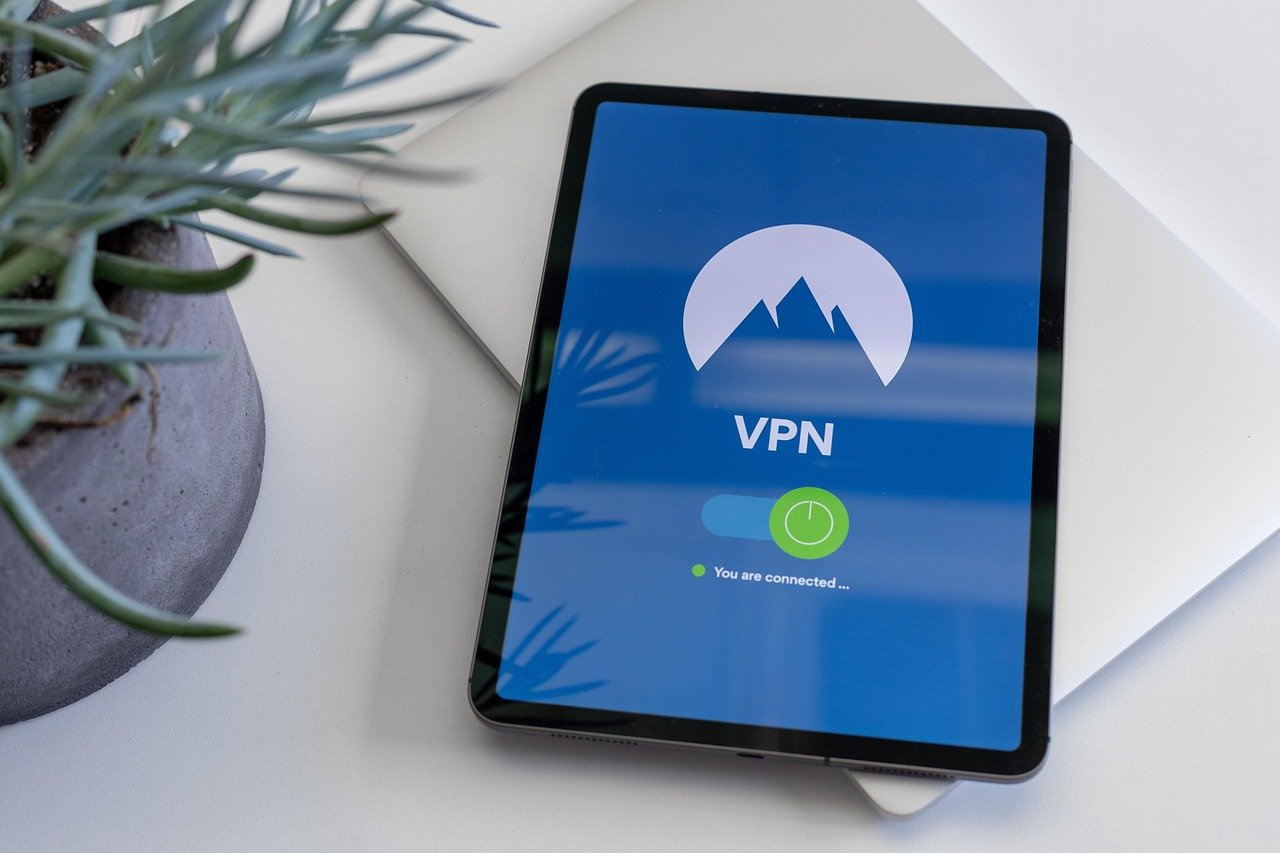
A virtual private network (VPN) is an essential tool for online privacy and security in today’s digital age. However, committing to a long-term VPN subscription without testing it out can be risky. That’s where VPN trials come in. A VPN trial allows you to experience the benefits of a VPN service firsthand before making a financial commitment, ensuring it meets your specific needs and expectations. This blog post will guide you through everything you need to know about VPN trials, helping you make an informed decision.
What is a VPN Trial and Why Use One?
Understanding VPN Trials
A VPN trial is a limited-time offer provided by VPN providers that allows potential customers to use their service for free or at a reduced cost. These trials typically last for a few days to a week, offering full access to the VPN’s features and server network. It’s a “try before you buy” approach, ensuring you’re happy with the service before subscribing.
Benefits of Utilizing a VPN Trial
- Test Server Speeds: Evaluate the connection speeds across different servers and locations to ensure the VPN doesn’t significantly slow down your internet.
- Assess Compatibility: Confirm that the VPN works seamlessly with your devices (desktops, laptops, smartphones, tablets) and operating systems.
- Evaluate Security Features: Examine the VPN’s security protocols, encryption methods, and privacy policies to ensure they align with your security requirements.
- Experience Customer Support: Test the responsiveness and helpfulness of the VPN provider’s customer support team.
- Unblock Content: See if the VPN can successfully bypass geo-restrictions to access streaming services like Netflix, Hulu, or BBC iPlayer. For example, try accessing US Netflix from the UK.
- Cost Savings: Avoid wasting money on a subscription for a VPN that doesn’t meet your needs.
Types of VPN Trials Available
Free Trials
A free trial provides access to the full features of a VPN service for a limited time, usually without requiring any payment information upfront. This is the most risk-free option to test a VPN. Look for providers that explicitly state “no credit card required.”
Money-Back Guarantees
Although not strictly a trial, a money-back guarantee allows you to subscribe to a VPN service and request a full refund within a specified period (typically 30 days) if you’re not satisfied. This gives you more time to evaluate the service than a typical free trial.
Freemium VPNs
Freemium VPNs offer a permanently free version of their service, usually with limited features, data allowances, and server locations. While not a trial in the strict sense, they can give you a basic understanding of the VPN’s functionality. Be wary of these as some may sell your data.
- Example: A VPN provider might offer a 7-day free trial with access to all server locations and unlimited data. Alternatively, they might offer a 30-day money-back guarantee. A freemium VPN might provide 500MB of data per month and access to only three server locations.
How to Find and Activate a VPN Trial
Research and Comparison
- Read Reviews: Look for reputable VPN review websites and compare VPN providers based on their features, performance, security, and pricing.
- Check for Special Offers: Many VPN providers offer exclusive trial periods or discounts through partner websites.
- Visit the VPN Provider’s Website: Navigate to the VPN provider’s website and look for information about free trials or money-back guarantees on their pricing page.
Activation Process
- Tip: Always download the VPN client directly from the provider’s official website to avoid malware or fake apps.
What to Test During Your VPN Trial
Speed and Performance
- Test Connection Speeds: Use a speed test tool (e.g., Speedtest.net) to measure your internet speed with and without the VPN connected. Test different server locations to find the fastest ones.
- Streaming Quality: Stream videos on platforms like YouTube or Netflix to assess the buffering and video quality.
- Download and Upload Speeds: Download and upload large files to evaluate the VPN’s impact on data transfer rates.
Security and Privacy
- Check IP Address: Verify that your IP address is successfully masked by the VPN. Use an IP address lookup tool (e.g., whatismyipaddress.com).
- Test for DNS Leaks: Use a DNS leak test tool (e.g., dnsleaktest.com) to ensure your DNS queries are not being leaked.
- Review Privacy Policy: Carefully read the VPN provider’s privacy policy to understand how they collect, use, and store your data.
Functionality and Compatibility
- Test on Multiple Devices: Install the VPN on your desktop, laptop, smartphone, and other devices to ensure compatibility.
- Evaluate User Interface: Assess the user-friendliness of the VPN client and its settings.
- Test Customer Support: Contact the VPN provider’s customer support team with a question or issue to gauge their responsiveness and helpfulness.
Potential Limitations and Considerations
Data Caps
Some VPN trials may have limitations on the amount of data you can use. Be mindful of this limit, especially if you plan to stream videos or download large files.
Server Restrictions
Trial versions may restrict access to certain server locations or premium servers. This can impact your connection speeds and ability to bypass geo-restrictions.
Time Limits
VPN trials are typically short-lived, ranging from a few days to a week. Plan your testing accordingly to make the most of the trial period.
Feature Limitations
Some features, such as dedicated IP addresses or advanced security protocols, may not be available during the trial period.
Automatic Subscription
Be aware that some VPN trials may automatically convert into a paid subscription after the trial period ends. Make sure to cancel the trial before it expires if you don’t want to be charged. Look for specific cancellation instructions within your account settings or on the VPN provider’s FAQ page.
Conclusion
VPN trials are a valuable tool for anyone seeking to enhance their online privacy and security. By taking advantage of these trials, you can thoroughly evaluate a VPN’s performance, security features, and compatibility before committing to a long-term subscription. Remember to carefully research different VPN providers, understand the limitations of the trial, and thoroughly test the service to ensure it meets your specific needs. By following these guidelines, you can make an informed decision and choose the best VPN to protect your online activities.


