
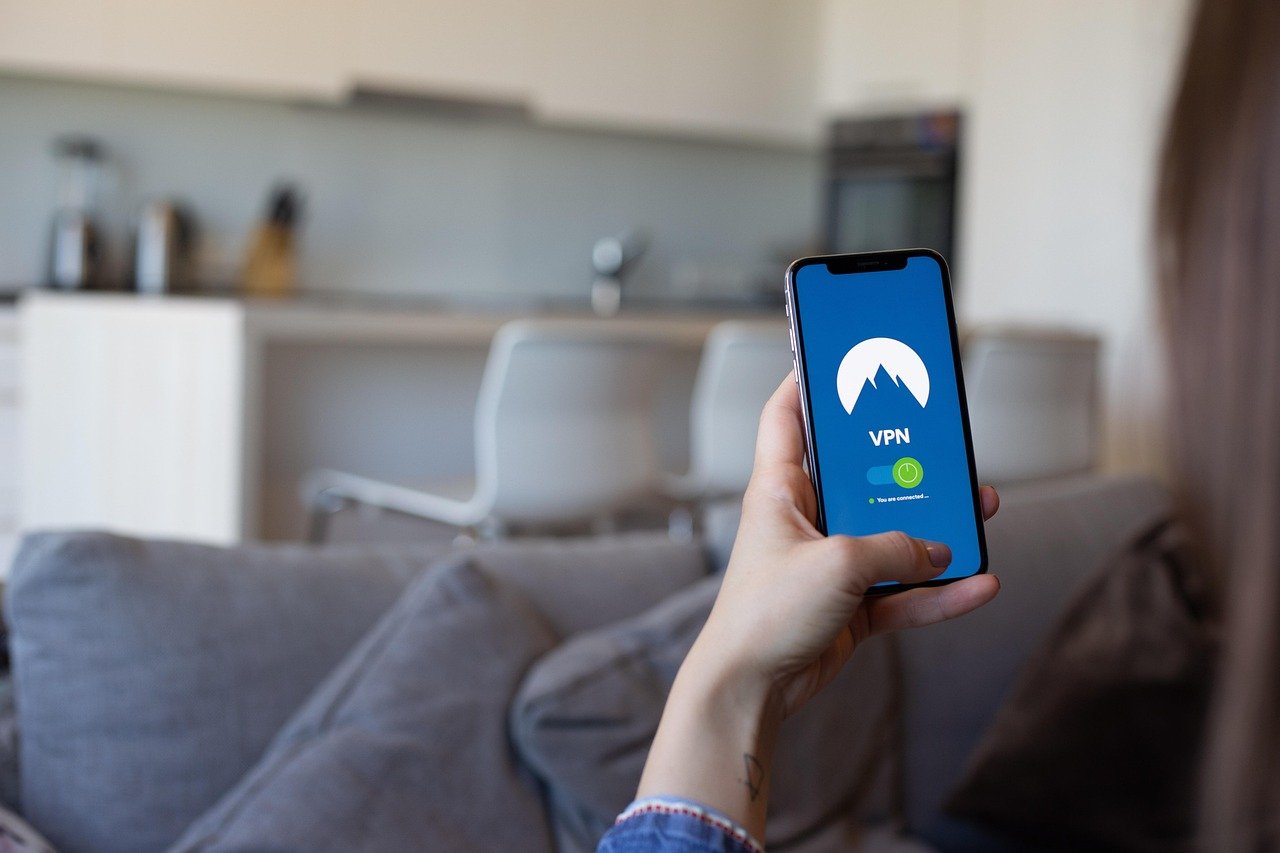
Imagine browsing the internet without a second thought about who might be watching. Unfortunately, in today’s digital landscape, your online activities are often tracked, monitored, and even vulnerable to cyber threats. This is where a VPN, or Virtual Private Network, steps in as your digital bodyguard, offering a crucial layer of security and privacy. This comprehensive guide will explore the ins and outs of VPNs, revealing how they work, their benefits, and how to choose the right one for your needs.
What is a VPN and How Does It Work?
A VPN essentially creates a secure, encrypted connection between your device and the internet. Think of it as a private tunnel that shields your data from prying eyes. This tunnel protects your online activity from being intercepted or monitored by third parties, such as internet service providers (ISPs), government agencies, or malicious hackers.
The Technical Breakdown
- Encryption: VPNs use sophisticated encryption protocols (like AES-256) to scramble your data, making it unreadable to anyone who intercepts it. This encryption ensures that even if someone were to capture your data, they wouldn’t be able to decipher its contents.
- IP Address Masking: When you connect to a VPN server, your real IP address is masked and replaced with the VPN server’s IP address. This makes it significantly harder for websites and online services to track your location or identify you personally.
- Server Network: VPN providers maintain a network of servers located in various countries around the world. By connecting to a server in a different location, you can virtually change your location, which can be useful for accessing geographically restricted content.
- Tunneling Protocols: VPNs use different tunneling protocols (like OpenVPN, IKEv2, WireGuard) to create a secure connection. Each protocol has its own strengths and weaknesses in terms of speed, security, and compatibility. WireGuard, for example, is a modern protocol known for its speed and efficiency.
Practical Example: Coffee Shop Wi-Fi
Let’s say you’re working from a coffee shop and using their public Wi-Fi network. Public Wi-Fi is notoriously insecure, making you vulnerable to potential hacking. Without a VPN, your data is transmitted over an unencrypted network, allowing hackers to potentially intercept your passwords, browsing history, and other sensitive information. With a VPN, your data is encrypted and routed through a secure tunnel, protecting you from these risks.
Benefits of Using a VPN
Using a VPN offers a multitude of benefits, extending beyond just basic security. It empowers you to control your online privacy and access content freely.
Enhanced Online Privacy
- Prevent Tracking: VPNs prevent websites, advertisers, and ISPs from tracking your browsing activity.
- Hide Your Location: Masking your IP address makes it difficult to pinpoint your physical location.
- Secure Public Wi-Fi: Protects your data on unsecured public Wi-Fi networks.
Unlocking Content and Bypassing Censorship
- Access Geographically Restricted Content: Bypass geographic restrictions on streaming services like Netflix, Hulu, and BBC iPlayer to access content that may not be available in your region.
- Avoid Censorship: In countries with strict internet censorship, a VPN can allow you to bypass restrictions and access blocked websites and social media platforms.
- Example: Traveling abroad and missing your favorite show? Connect to a VPN server in your home country to access your streaming subscriptions as if you were still there.
Secure Data Transfers and Online Banking
- Protect Sensitive Information: VPNs encrypt your data, making it safe to transmit sensitive information like banking details, passwords, and personal documents.
- Secure Online Banking: Ensures that your online banking transactions are protected from eavesdropping and fraud.
- Safeguard File Sharing: Securely download and share files without exposing your IP address or risking your privacy.
Circumventing Price Discrimination
- Potential Savings: In some cases, websites may offer different prices based on your location. Using a VPN to connect from a different country can potentially allow you to find better deals on flights, hotels, and other online purchases. Note: This is not always guaranteed and depends on the website’s pricing policies.
Choosing the Right VPN
Selecting the right VPN can feel overwhelming, given the sheer number of providers available. Here are key factors to consider:
Security and Privacy
- Encryption Protocol: Look for VPNs that use strong encryption protocols like AES-256.
- No-Logs Policy: Ensure the VPN provider has a strict no-logs policy, meaning they don’t track or store your browsing activity.
- Jurisdiction: Consider the VPN provider’s jurisdiction, as laws in certain countries may require them to share user data with government agencies.
Speed and Server Network
- Server Locations: Choose a VPN with a wide range of server locations to ensure you can connect to a server near your actual location for optimal speed.
- Connection Speed: Opt for a VPN that offers fast and reliable connection speeds, especially if you plan to use it for streaming or gaming.
- Unlimited Bandwidth: Make sure the VPN provider offers unlimited bandwidth to avoid data caps and throttling.
Usability and Compatibility
- Ease of Use: Look for a VPN with a user-friendly interface and easy-to-install apps for your devices.
- Device Compatibility: Ensure the VPN supports all the devices you want to use it on, including computers, smartphones, tablets, and routers.
- Customer Support: Choose a VPN provider with responsive and helpful customer support in case you encounter any issues.
Price and Value
- Subscription Plans: Compare the pricing and features of different subscription plans to find the best value for your needs.
- Free Trial or Money-Back Guarantee: Opt for a VPN that offers a free trial or a money-back guarantee so you can test it out before committing to a long-term subscription. Beware of completely free VPNs as they often log data or have slow speeds.
Practical Tips for VPN Usage
- Always-On VPN: Configure your VPN to automatically connect whenever you connect to the internet for maximum protection.
- Kill Switch: Enable the kill switch feature, which automatically disconnects your internet connection if the VPN connection drops, preventing your data from being exposed.
- Split Tunneling: Use split tunneling to route only specific traffic through the VPN while allowing other traffic to bypass it, potentially improving your connection speed.
- Regularly Update: Keep your VPN software up to date to ensure you have the latest security patches and features.
Conclusion
In an increasingly interconnected and data-driven world, a VPN is no longer a luxury, but a necessity for protecting your online privacy and security. By understanding how VPNs work and choosing the right provider for your needs, you can take control of your digital footprint and enjoy a safer, more private online experience. Take the first step towards a more secure online life today.



