
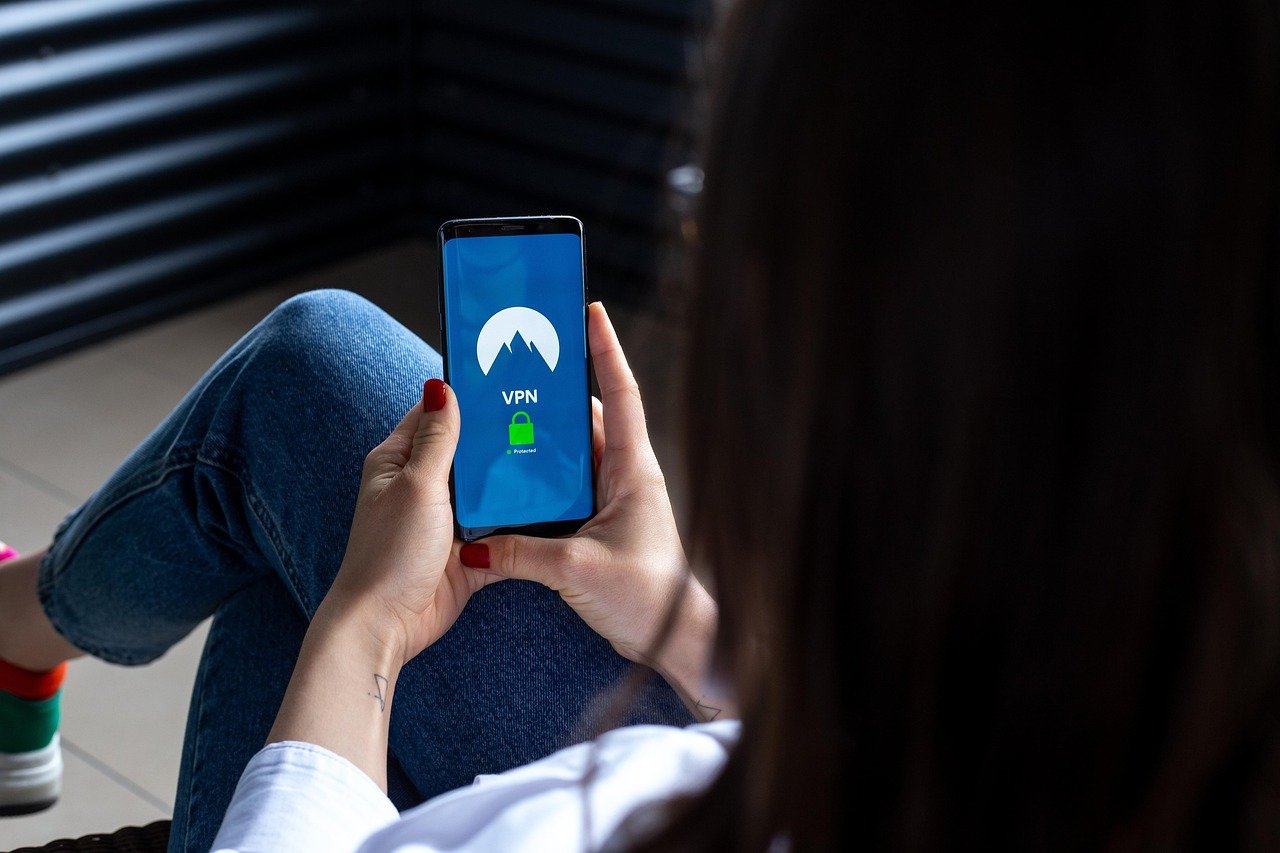
Choosing the right VPN for your Android device can feel like navigating a maze. With countless options available on the Google Play Store, each promising superior speed, security, and privacy, it’s crucial to understand what truly matters. This comprehensive guide will walk you through everything you need to know about VPNs for Android, helping you make an informed decision and protect your data on the go.
What is a VPN and Why Do You Need One on Android?
Understanding VPN Basics
A Virtual Private Network (VPN) creates a secure, encrypted connection over a less secure network (like public Wi-Fi). Think of it as a private tunnel for your internet traffic, shielding your data from prying eyes. When you connect to a VPN server, your IP address is masked with the server’s IP address, making it difficult to track your online activity back to your real location.
Benefits of Using a VPN on Android
- Enhanced Security on Public Wi-Fi: Public Wi-Fi hotspots are notorious for being insecure. Hackers can easily intercept unencrypted data transmitted over these networks. A VPN encrypts your data, making it unreadable to anyone trying to eavesdrop. Example: When checking your bank account at a coffee shop, a VPN protects your login credentials and financial information.
- Bypassing Geo-Restrictions: Many streaming services and websites restrict content based on your location. A VPN allows you to connect to a server in another country, granting you access to content that would otherwise be unavailable. Example: Accessing US Netflix from outside the United States.
- Increased Privacy: A VPN prevents your Internet Service Provider (ISP) and other third parties from tracking your browsing history. This is especially useful if you’re concerned about data collection and targeted advertising. Example: Preventing your ISP from monitoring your online shopping habits and selling that data to advertisers.
- Secure Torrenting: While torrenting itself isn’t illegal, downloading copyrighted material is. A VPN can mask your IP address while torrenting, reducing the risk of legal repercussions. Important: Always respect copyright laws.
- Avoiding Price Discrimination: Some websites adjust prices based on your location. A VPN can help you bypass this price discrimination by allowing you to browse from a different location. Example: Finding cheaper airline tickets by connecting to a server in a country with lower demand.
Statistics Supporting VPN Usage
According to recent surveys, VPN usage is on the rise. Several reports indicate that over 30% of internet users worldwide utilize VPNs, with security and privacy being the primary drivers. This highlights the growing concern among users about their online safety and the desire to protect their personal data.
Key Features to Look for in an Android VPN
Strong Encryption Protocols
The encryption protocol is the foundation of a VPN’s security. Look for VPNs that use robust protocols like:
- OpenVPN: A highly secure and widely used open-source protocol.
- IKEv2/IPsec: A fast and secure protocol, often used on mobile devices due to its stability.
- WireGuard: A newer protocol known for its speed and efficiency. Avoid older and less secure protocols like PPTP.
No-Logs Policy
A no-logs policy means that the VPN provider does not track or store any of your online activity. This is crucial for ensuring your privacy. Reputable VPNs often undergo independent audits to verify their no-logs policies.
Server Network
A larger server network offers more options for connecting to different locations, improving speed and reliability. Look for VPNs with servers in multiple countries to bypass geo-restrictions effectively.
Speed and Performance
VPNs can sometimes slow down your internet speed due to encryption. Choose a VPN with fast servers and efficient protocols to minimize the impact on your browsing experience. Many VPN providers offer speed test tools or trials to assess performance.
Kill Switch
A kill switch automatically disconnects your internet connection if the VPN connection drops unexpectedly. This prevents your data from being exposed if the VPN fails.
User-Friendly App
The Android VPN app should be easy to use, with a clear interface and simple connection process. Look for apps with features like one-tap connect, automatic server selection, and customizable settings.
Setting Up a VPN on Your Android Device
Downloading and Installing the VPN App
Configuring the VPN Settings
Connecting to the VPN
Testing the VPN Connection
Free vs. Paid VPNs: Which is Better for Android?
Limitations of Free VPNs
- Slower Speeds: Free VPNs often have slower speeds and limited bandwidth.
- Data Caps: Many free VPNs impose data caps, restricting the amount of data you can use per month.
- Limited Server Locations: Free VPNs typically offer fewer server locations, making it difficult to bypass geo-restrictions effectively.
- Security Risks: Some free VPNs may contain malware or track your data and sell it to third parties. Always research the provider before using a free VPN.
- Ads: Free VPN apps are often filled with intrusive ads.
Advantages of Paid VPNs
- Faster Speeds and Unlimited Bandwidth: Paid VPNs offer faster speeds and unlimited bandwidth, providing a smoother browsing experience.
- More Server Locations: Paid VPNs have a wider range of server locations, allowing you to bypass geo-restrictions more effectively.
- Enhanced Security and Privacy: Reputable paid VPNs offer strong encryption and strict no-logs policies, ensuring your data is protected.
- No Ads: Paid VPN apps are ad-free.
- Customer Support: Paid VPNs typically offer better customer support.
Recommendation
While free VPNs may seem tempting, they often come with significant limitations and security risks. For enhanced security, privacy, and performance, a paid VPN is generally the better option. Look for providers with a proven track record, transparent policies, and positive user reviews.
Troubleshooting Common VPN Issues on Android
Connection Problems
- Check Your Internet Connection: Ensure your Wi-Fi or mobile data connection is working properly.
- Try a Different Server: The server you’re trying to connect to might be experiencing issues. Try connecting to a different server location.
- Restart the VPN App: Close the VPN app completely and reopen it.
- Reinstall the VPN App: If the problem persists, try uninstalling and reinstalling the VPN app.
Slow Speeds
- Choose a Server Closer to Your Location: Connecting to a server that’s geographically closer to you can improve speeds.
- Try a Different Protocol: Experiment with different VPN protocols to see if one performs better.
- Check Your Bandwidth Usage: Other apps or devices might be consuming bandwidth. Close unnecessary apps and disconnect other devices from your network.
VPN Not Working with Specific Apps
- Split Tunneling: Some VPNs offer a split tunneling feature, which allows you to exclude certain apps from using the VPN connection. Check if the app is excluded from the VPN.
- App-Specific Settings: Some apps may have settings that interfere with the VPN connection. Try disabling these settings.
Battery Drain
- Disable Always-On VPN: If you don’t need the VPN to be constantly connected, disable the always-on feature.
- Choose a Lighter Protocol: Protocols like WireGuard are more efficient and consume less battery.
Conclusion
Choosing the right VPN for your Android device is a crucial step in protecting your online privacy and security. By understanding the benefits of VPNs, key features to look for, and potential troubleshooting steps, you can make an informed decision and enjoy a safer and more private browsing experience on your Android device. Remember to prioritize reputable VPN providers with strong encryption, no-logs policies, and reliable performance. A paid VPN is generally recommended for optimal security and functionality.


