
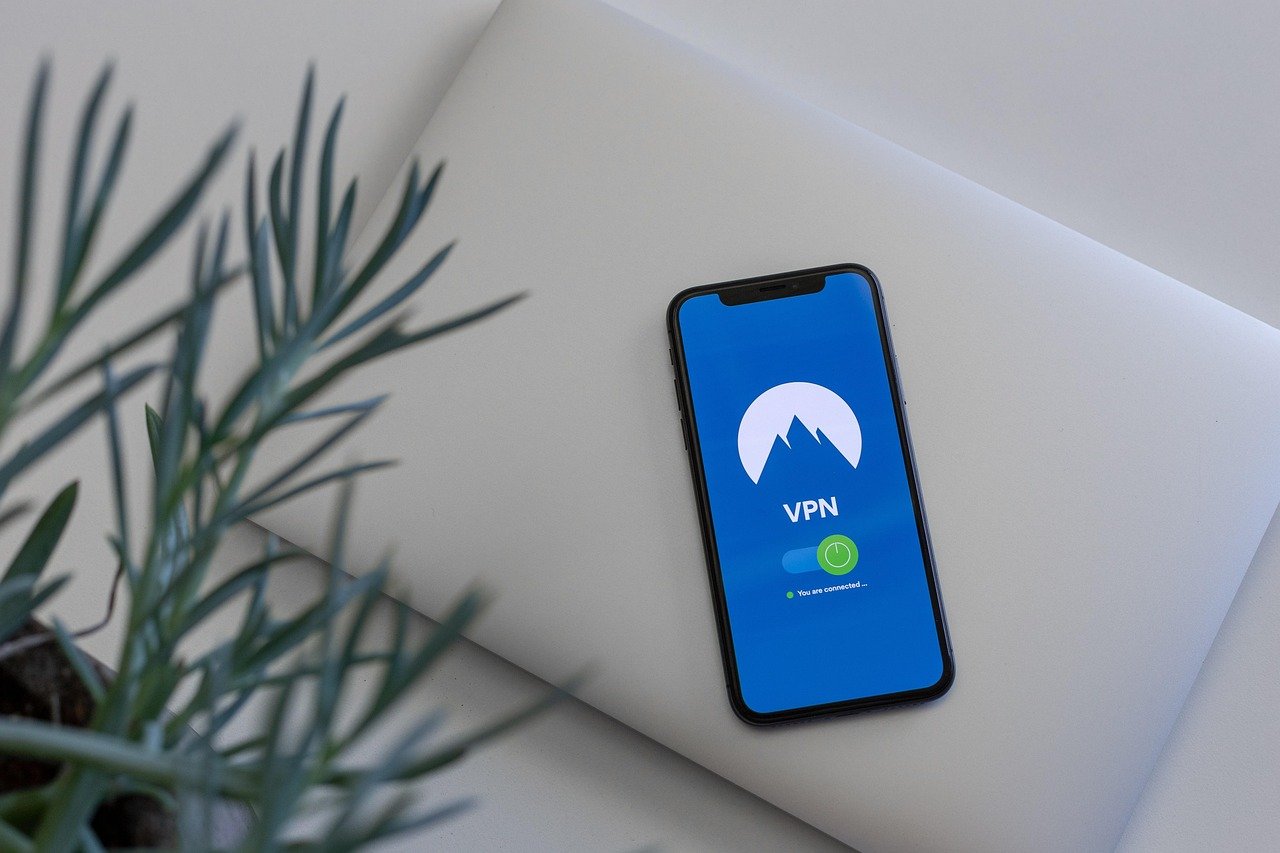
In today’s hyper-connected world, the desire for online privacy and anonymity is growing rapidly. Whether you’re concerned about data tracking, online security, or simply want to browse the internet without being monitored, understanding anonymous browsing techniques is crucial. This guide provides a comprehensive overview of anonymous browsing, exploring its benefits, tools, and best practices to help you protect your digital footprint.
What is Anonymous Browsing?
Defining Anonymous Browsing
Anonymous browsing refers to the practice of accessing the internet in a way that conceals your identity and location. It involves using tools and techniques to prevent websites, internet service providers (ISPs), and other third parties from tracking your online activities. This isn’t about illegal activity; it’s about reclaiming control over your personal data and browsing experience.
Why is Anonymous Browsing Important?
There are numerous reasons why you might want to browse anonymously:
- Privacy Protection: Prevents websites and advertisers from tracking your browsing history and personal information.
- Security Enhancement: Reduces the risk of being targeted by hackers and malware.
- Circumventing Censorship: Allows access to content that may be restricted in your region.
- Avoiding Price Discrimination: Prevents websites from adjusting prices based on your location or browsing history.
- Protecting Sensitive Research: Ensures confidentiality when conducting research on sensitive topics.
Tools for Anonymous Browsing
Virtual Private Networks (VPNs)
A VPN creates an encrypted tunnel for your internet traffic, masking your IP address and routing your data through a server in a different location. This makes it difficult for anyone to trace your online activities back to you.
- How it Works: Your internet traffic is encrypted and sent through a VPN server before reaching its destination. The website only sees the VPN server’s IP address, not yours.
- Popular VPN Services: NordVPN, ExpressVPN, Surfshark.
- Example: If you are located in New York and connect to a VPN server in London, websites will see your location as London.
Tor Browser
Tor (The Onion Router) is a free and open-source browser that routes your internet traffic through a network of relays, making it extremely difficult to trace your connection back to your device.
- How it Works: Tor encrypts your data and sends it through multiple layers of relays, each of which decrypts a layer of encryption before passing it on.
- Benefits: Strong anonymity, built-in privacy features.
- Drawbacks: Slower browsing speeds due to the multiple layers of encryption.
- Practical Tip: Download Tor Browser from the official Tor Project website to avoid malware.
Proxy Servers
A proxy server acts as an intermediary between your device and the internet. While it can hide your IP address, it doesn’t necessarily encrypt your traffic.
- Types of Proxies: HTTP proxies, SOCKS proxies.
- How it Works: Your request goes to the proxy server, which then forwards it to the website. The website sees the proxy server’s IP address instead of yours.
- Limitations: Proxies might not encrypt your traffic, making them less secure than VPNs or Tor. Free proxies can be unreliable and may log your data.
Anonymous Search Engines
Traditional search engines like Google track your search queries. Anonymous search engines prioritize privacy and do not track your searches.
- Popular Anonymous Search Engines: DuckDuckGo, Startpage.
- Benefits: No tracking of search queries, no personalized ads based on search history.
- Example: Using DuckDuckGo, your searches are not linked to your personal information, giving you more private search results.
Best Practices for Anonymous Browsing
Use Strong Passwords and Two-Factor Authentication
Strong passwords and 2FA add an extra layer of security to your accounts, even if your IP address is masked.
- Password Management Tools: LastPass, 1Password.
- Enable 2FA: Use authenticator apps like Google Authenticator or Authy.
Disable Location Services
Prevent websites and apps from accessing your location data.
- Disable Location Services on Your Browser: In Chrome, go to Settings > Privacy and security > Site Settings > Location.
- Disable Location Services on Your Device: In Windows, go to Settings > Privacy > Location. In macOS, go to System Preferences > Security & Privacy > Location Services.
Clear Your Browsing History and Cookies Regularly
Browsing history and cookies can reveal your online activities.
- How to Clear Browsing History and Cookies: In Chrome, go to Settings > Privacy and security > Clear browsing data.
- Use Incognito Mode: Incognito mode prevents your browser from saving your browsing history and cookies for that session, though it doesn’t hide your IP address.
Be Wary of Phishing Attempts
Phishing attacks can compromise your security, even with anonymous browsing.
- Recognize Phishing Emails: Look for suspicious links, poor grammar, and requests for personal information.
- Verify Website Security: Ensure websites have a valid SSL certificate (HTTPS) before entering any sensitive information.
Regularly Update Your Software
Keep your operating system, browser, and security software up to date to patch vulnerabilities.
- Enable Automatic Updates: This ensures you always have the latest security patches.
Limitations of Anonymous Browsing
No Tool is 100% Foolproof
Even with the best tools, complete anonymity online is difficult to achieve. There are potential vulnerabilities and tracking techniques that can compromise your privacy.
- Browser Fingerprinting: Websites can use unique characteristics of your browser to identify you, even with a VPN.
- Data Leaks: VPNs can sometimes experience data leaks, exposing your real IP address.
Performance Impact
Anonymous browsing tools can sometimes slow down your internet speed.
- Tor’s Speed Issues: The multiple layers of encryption in Tor can significantly reduce browsing speed.
- VPN Speed Variability: VPN speeds can vary depending on the server location and network conditions.
Misconceptions about Anonymity
It’s important to understand that anonymous browsing primarily hides your identity and location. It doesn’t protect you from all online threats.
- Malware Protection: Anonymous browsing does not protect you from malware. You still need to use antivirus software.
- Legal Responsibility: Anonymous browsing does not excuse illegal activities. You are still responsible for your online actions.
Conclusion
Anonymous browsing is a valuable tool for protecting your online privacy and security. By understanding the tools and techniques available and following best practices, you can significantly reduce your digital footprint and reclaim control over your personal data. While no method guarantees complete anonymity, a layered approach using VPNs, Tor, anonymous search engines, and careful browsing habits can provide a substantial level of protection. Remember to stay informed about the latest privacy threats and adapt your strategies accordingly to maintain a secure and private online experience.


