
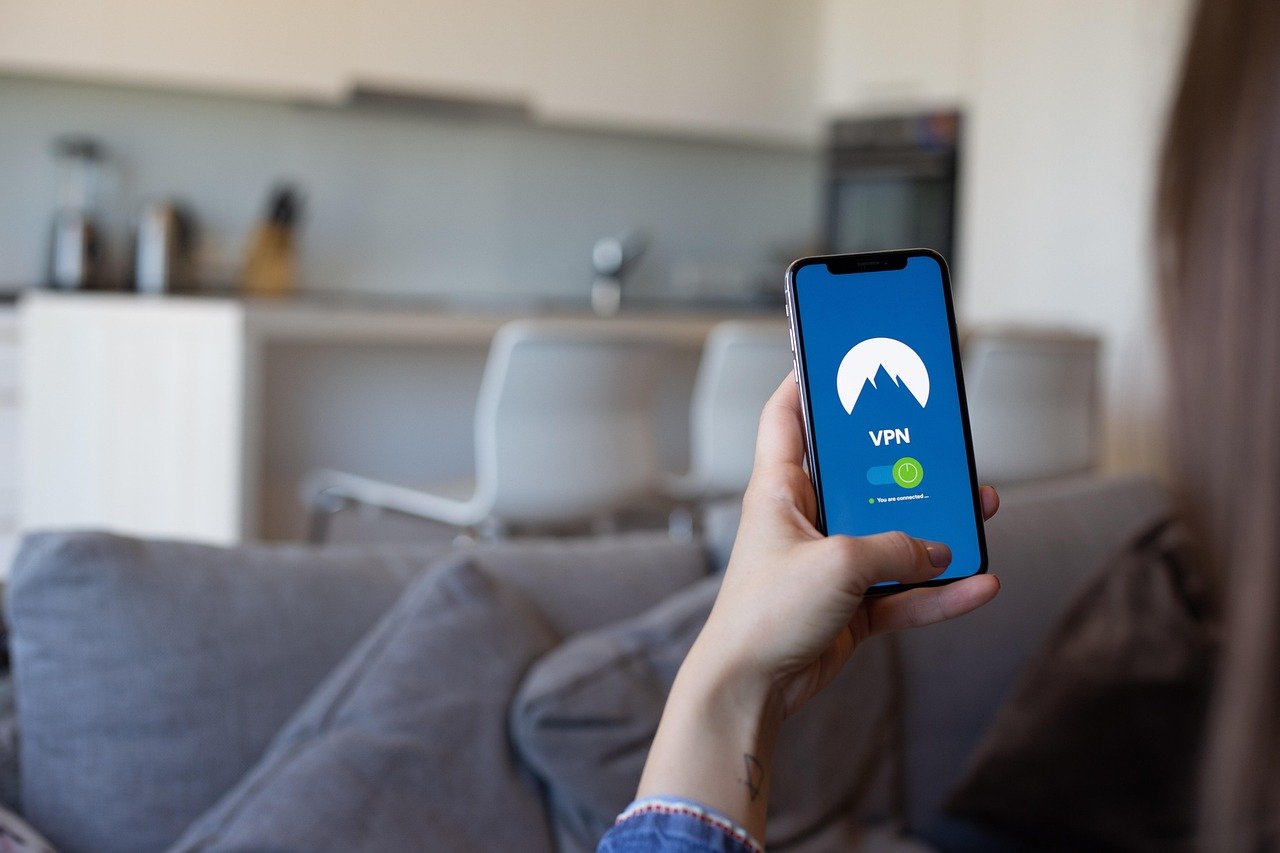
Imagine surfing the web without a trace, your data shielded from prying eyes, and accessing content from anywhere in the world. That’s the power of using a Virtual Private Network (VPN) for browsing. In today’s interconnected world, online privacy is no longer a luxury; it’s a necessity. A VPN provides a secure tunnel for your internet traffic, masking your IP address and encrypting your data, ensuring a safer and more private browsing experience. This blog post will delve into the benefits, workings, and best practices of using a VPN to enhance your online security and freedom.
What is a VPN and How Does It Work?
Understanding the Basics of VPNs
A VPN, or Virtual Private Network, creates a secure, encrypted connection between your device (computer, smartphone, tablet) and the internet. Instead of directly connecting to your internet service provider (ISP), your traffic is routed through a VPN server in a location of your choosing. This process masks your real IP address and encrypts your data, making it virtually unreadable to third parties.
- Encryption: VPNs use encryption protocols to scramble your data, protecting it from hackers, snoopers, and even your ISP. Think of it as sending a message in code that only you and the VPN server can decipher.
- IP Masking: Your IP address is like your online address. By routing your traffic through a VPN server, your real IP address is hidden, and the VPN server’s IP address is displayed instead. This makes it harder to track your online activities back to you.
- Tunneling: VPNs create a “tunnel” for your internet traffic. This tunnel encrypts and encapsulates your data, protecting it from interception during transit.
How VPNs Protect Your Online Activity
Here’s a breakdown of how a VPN safeguards your online activities:
- Hides your browsing history: Your ISP can see every website you visit. A VPN prevents this by encrypting your traffic, so your ISP only sees that you’re connected to a VPN server.
- Protects your data on public Wi-Fi: Public Wi-Fi networks are notoriously insecure. Hackers can easily intercept data transmitted over these networks. A VPN encrypts your connection, making it much harder for hackers to steal your information.
- Bypasses geo-restrictions: Some websites and services restrict access based on your location. A VPN allows you to connect to a server in a different country, bypassing these restrictions and accessing content that would otherwise be unavailable.
- Prevents price discrimination: Some websites use your location to adjust prices. By using a VPN, you can potentially find better deals on flights, hotels, and other products.
- Example: Imagine you’re traveling abroad and connect to a public Wi-Fi network at a coffee shop. Without a VPN, your login credentials, credit card details, and other sensitive information are vulnerable to hackers. With a VPN, your data is encrypted, making it much harder for anyone to intercept it.
The Benefits of Using a VPN for Browsing
Enhanced Online Privacy
The primary benefit of using a VPN is enhanced online privacy. By masking your IP address and encrypting your data, a VPN makes it much harder for websites, advertisers, and even government agencies to track your online activities.
- Anonymity: A VPN provides a layer of anonymity by hiding your real IP address.
- Data Encryption: Encryption protects your data from being intercepted by third parties.
- Prevents Tracking: A VPN limits the ability of websites and advertisers to track your browsing habits.
Security on Public Wi-Fi
Public Wi-Fi networks are convenient but often insecure. A VPN provides a crucial layer of security, protecting your data from hackers who may be lurking on the same network.
- Protecting Passwords: Prevents hackers from stealing your login credentials.
- Securing Financial Transactions: Ensures that your financial transactions are encrypted and secure.
- Preventing Data Breaches: Reduces the risk of your personal information being exposed in a data breach.
Accessing Geo-Restricted Content
Many streaming services and websites restrict access based on your location. A VPN allows you to bypass these restrictions and access content from anywhere in the world.
- Streaming Services: Access Netflix, Hulu, BBC iPlayer, and other streaming services from anywhere.
- News Websites: Read news from different countries without restrictions.
- Bypassing Censorship: Access websites and social media platforms that may be blocked in your region.
- Example: Suppose you want to watch a TV show that’s only available on Netflix in the US. By connecting to a VPN server in the US, you can bypass the geo-restriction and access the show.
Choosing the Right VPN Provider
Factors to Consider When Selecting a VPN
Choosing the right VPN provider is crucial for ensuring your online security and privacy. Here are some factors to consider:
- Security: Look for a VPN provider that uses strong encryption protocols and has a strict no-logs policy.
- Speed: Choose a VPN provider with fast server speeds to ensure a smooth browsing experience.
- Server Locations: Select a VPN provider with servers in multiple locations to bypass geo-restrictions.
- Price: VPN prices vary widely. Compare prices and features to find a VPN that fits your budget.
- User Reviews: Read user reviews to get an idea of the VPN provider’s performance and customer service.
- Jurisdiction: Consider where the VPN provider is based. Some countries have more favorable privacy laws than others.
Popular VPN Providers
Here are some popular VPN providers known for their security, speed, and features:
- NordVPN: Known for its strong security features and extensive server network.
- ExpressVPN: Known for its fast speeds and user-friendly interface.
- Surfshark: Known for its affordable price and unlimited device connections.
- CyberGhost: Known for its easy-to-use interface and dedicated streaming servers.
Free VPNs vs. Paid VPNs
While free VPNs may seem tempting, they often come with limitations and risks.
- Limitations: Free VPNs typically have slower speeds, limited server locations, and data caps.
- Security Risks: Some free VPNs may log your data or even contain malware.
- Ads: Many free VPNs display intrusive ads.
- Recommendation: It’s generally recommended to choose a paid VPN provider for better security, performance, and privacy.
Setting Up and Using a VPN
Installing a VPN Client
Most VPN providers offer easy-to-use apps for various devices, including Windows, macOS, Android, and iOS.
Connecting to a VPN Server
Once the VPN app is installed, connecting to a server is usually as simple as selecting a location from a list and clicking the “Connect” button.
- Choose a Server Location: Select a server location based on your needs. For example, if you want to access content in the US, choose a US server.
- Connect to the Server: Click the “Connect” button to establish a VPN connection.
- Verify the Connection: Once connected, verify that your IP address has changed by visiting a website like [https://whatismyipaddress.com/](https://whatismyipaddress.com/).
Best Practices for Using a VPN
- Always use a VPN on public Wi-Fi: Protect your data when using public Wi-Fi networks.
- Enable the kill switch: A kill switch automatically disconnects your internet connection if the VPN connection drops, preventing your data from being exposed.
- Use strong passwords: Use strong, unique passwords for your VPN account and other online accounts.
- Keep your VPN software updated: Ensure that your VPN software is always up-to-date to benefit from the latest security patches and features.
- Read the VPN provider’s privacy policy:* Understand how the VPN provider handles your data.
Conclusion
Using a VPN for browsing offers numerous benefits, including enhanced online privacy, security on public Wi-Fi, and access to geo-restricted content. While choosing the right VPN provider and understanding its features are important, the peace of mind knowing your data is protected is invaluable. By following the best practices outlined in this guide, you can enjoy a safer and more private browsing experience. So, take the step towards securing your digital footprint and embrace the freedom a VPN offers.



