
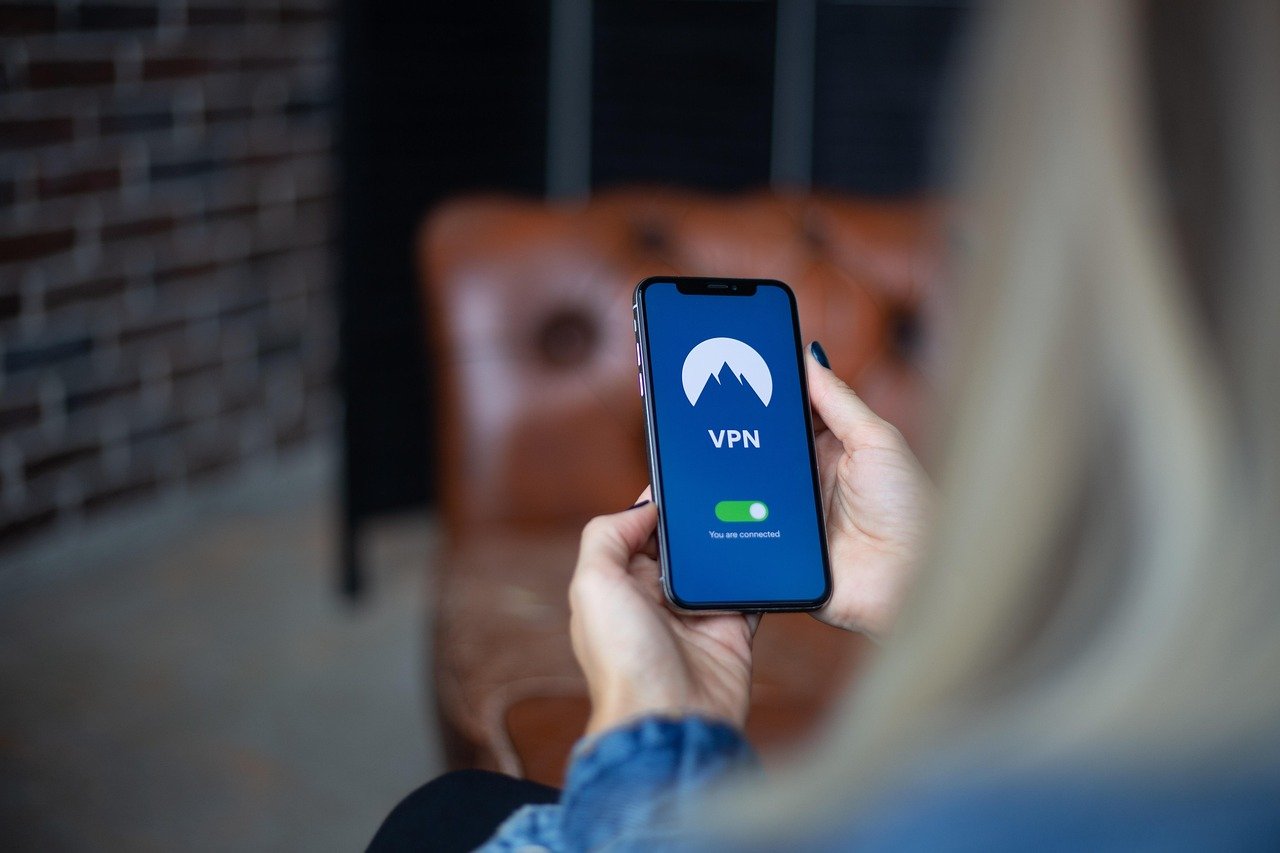
A VPN extension is a lightweight, browser-based tool that provides a quick and easy way to encrypt your internet traffic and mask your IP address while browsing. Unlike full-fledged VPN applications that protect all of your device’s network traffic, a VPN extension primarily focuses on securing your browser activity. This makes it a convenient option for specific tasks like accessing geo-restricted content, protecting your privacy on public Wi-Fi, or circumventing censorship. But how do they work? What are the pros and cons? Let’s dive in.
What is a VPN Extension and How Does It Work?
Understanding the Basics
A VPN (Virtual Private Network) extension is a software add-on for your web browser, such as Chrome, Firefox, or Safari. It works by creating a secure tunnel between your browser and a VPN server. All data transmitted through your browser is encrypted and routed through this tunnel, making it unreadable to third parties like your ISP or potential hackers. Your real IP address is hidden, replaced by the IP address of the VPN server, making it appear as though you are browsing from a different location.
The Encryption Process
The encryption process is crucial to understanding the security a VPN extension offers. When you connect to a website, the extension encrypts the data packets using protocols like TLS/SSL (Transport Layer Security/Secure Sockets Layer). This scrambling of data makes it indecipherable to anyone intercepting the traffic. The VPN server decrypts the data and forwards it to the website, then encrypts the response and sends it back to your browser.
Scope of Protection
It’s important to understand that a VPN extension typically only protects the traffic within your browser. Other applications on your computer, like email clients or streaming services operating outside the browser, will not be protected by the extension. For complete device protection, a full VPN application is necessary.
Benefits of Using a VPN Extension
Enhanced Privacy
- Masking your IP address: Hides your real location, preventing websites and trackers from identifying you.
- Protecting browsing history: Encrypts your browser traffic, making it difficult for your ISP or other third parties to monitor your online activity.
- Preventing online tracking: Blocks trackers and cookies that follow your browsing habits across the web. Example: Avoiding targeted ads based on your previous searches.
Accessing Geo-Restricted Content
- Unblocking streaming services: Access movies, TV shows, and other content that may be unavailable in your region. For example, accessing a US-only Netflix library from Europe.
- Bypassing censorship: Circumvent government censorship and access blocked websites and social media platforms.
- Accessing local content while traveling: Access content from your home country while traveling abroad, such as local news sites or banking services.
Improved Security on Public Wi-Fi
- Encrypting data on unsecured networks: Public Wi-Fi networks are often unsecured, making them vulnerable to hacking. A VPN extension encrypts your data, protecting it from eavesdropping.
- Preventing man-in-the-middle attacks: A VPN extension helps prevent attackers from intercepting your data as it travels between your device and the website you are visiting.
- Securing sensitive information: Protects sensitive information like passwords, credit card details, and personal data when using public Wi-Fi.
Limitations and Potential Drawbacks
Browser-Only Protection
As mentioned earlier, a VPN extension only protects traffic originating from your web browser. Applications outside the browser remain unprotected. This is a significant limitation compared to a full-fledged VPN application.
Security Concerns with Free Extensions
- Data Logging: Some free VPN extensions may log your browsing activity and sell it to third parties. Always read the privacy policy before installing any extension.
- Malware and Adware: Some extensions may contain malware or adware that can compromise your security and privacy. Stick to reputable providers.
- Limited Encryption: Free extensions may use weaker encryption protocols or have bandwidth limitations.
Potential for Slowdown
Using a VPN extension can sometimes slow down your browsing speed. This is because your data has to travel through an additional server, adding latency. The speed can also be affected by the VPN server’s location and the number of users connected to it. Choosing a server closer to your actual location can mitigate this issue.
Choosing the Right VPN Extension
Consider Reputation and Reviews
- Read user reviews: Check user reviews on the Chrome Web Store, Firefox Add-ons, or other reputable sources to get an idea of the extension’s performance and reliability.
- Research the provider: Look into the provider’s reputation and track record. Are they known for respecting user privacy? Do they have a clear and transparent privacy policy?
- Check for independent audits: Some VPN providers undergo independent security audits to verify their security practices. This is a good sign of trustworthiness.
Evaluate Features and Performance
- Encryption protocols: Look for extensions that use strong encryption protocols like AES-256.
- Server locations: Choose an extension with a wide range of server locations to bypass geo-restrictions and improve speed.
- Bandwidth limits: Some free extensions have bandwidth limits. If you plan to use the extension for streaming or downloading, make sure it offers sufficient bandwidth.
- Kill switch: A kill switch automatically disconnects your internet connection if the VPN connection drops, preventing your IP address from being exposed.
Understand Pricing Models
- Free vs. Paid: Free VPN extensions may be tempting, but they often come with limitations and security risks. Paid extensions typically offer better security, performance, and features.
- Subscription plans: Most paid VPN extensions offer monthly or annual subscription plans. Consider your usage needs and choose a plan that fits your budget.
- Trial periods: Some VPN extensions offer free trial periods. This is a good way to test the extension before committing to a paid subscription.
Conclusion
VPN extensions are convenient tools for enhancing your browsing privacy and security, especially on public Wi-Fi or when accessing geo-restricted content. However, it’s crucial to understand their limitations and potential risks. They offer browser-only protection, and free extensions may compromise your privacy. By choosing a reputable VPN extension, understanding its features, and weighing the pros and cons, you can effectively use it to enhance your online experience while keeping your data safer. Consider a full-fledged VPN for comprehensive device protection if you need more than just browser security.


