
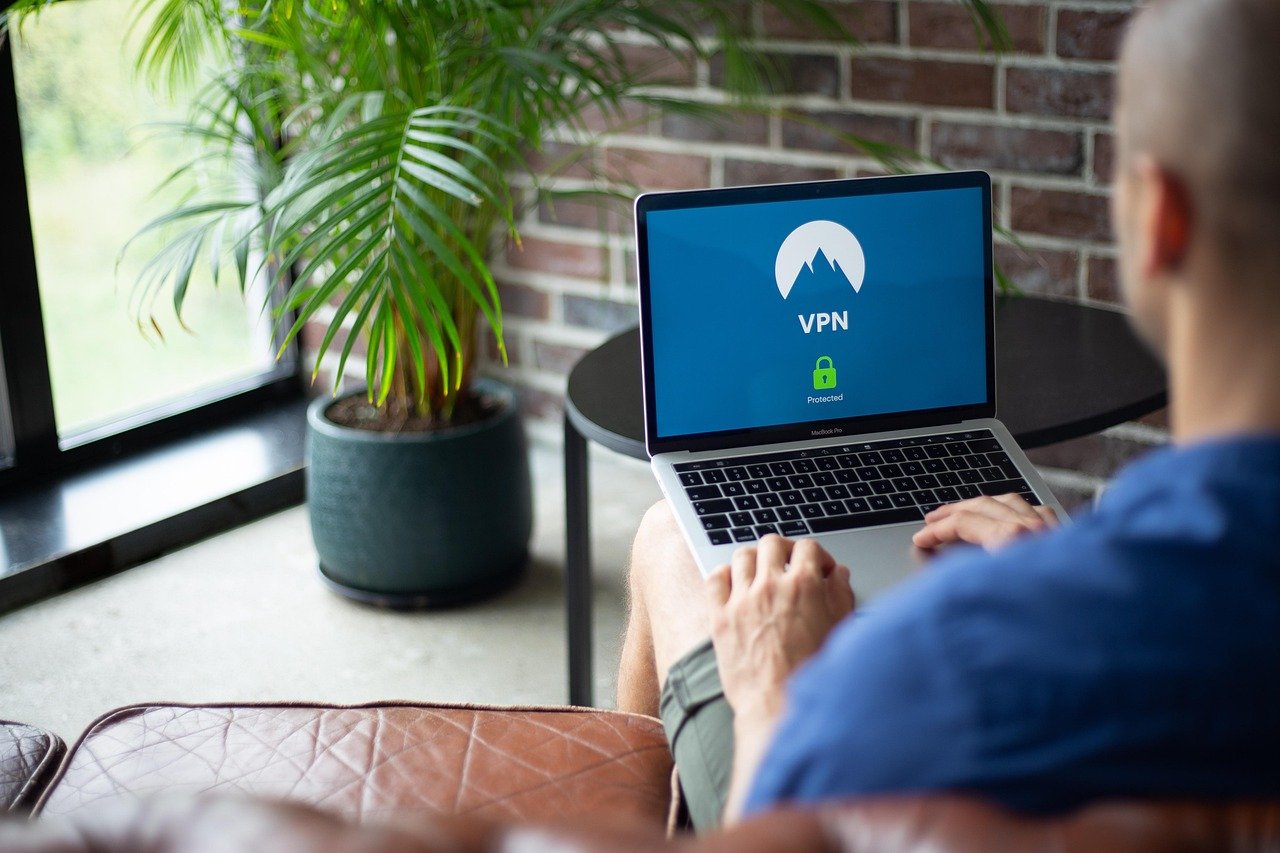
Device encryption is no longer a luxury, but a necessity in today’s world, where data breaches and cyber threats are rampant. Whether you’re a business professional handling sensitive client data or a private individual safeguarding personal information, understanding device encryption is crucial. This comprehensive guide will walk you through everything you need to know about protecting your digital life through encryption.
What is Device Encryption?
Defining Device Encryption
Device encryption is the process of converting readable data into an unreadable format, known as ciphertext. This protects your information from unauthorized access. Only individuals possessing the correct decryption key can revert the data back to its original, readable form. Encryption is typically implemented through software or hardware solutions embedded directly into the device.
Why is Encryption Important?
In an increasingly digital world, our devices hold a wealth of sensitive information. Think about it: your smartphones store contacts, emails, banking apps, photos, and even your location history. Laptops and desktops contain work documents, financial records, and personal projects. Encryption provides a critical layer of security, protecting this data in the event of device loss, theft, or unauthorized access.
- Data Protection: Prevents unauthorized access to your sensitive information.
- Regulatory Compliance: Helps meet legal and industry requirements, like HIPAA and GDPR.
- Reputation Management: Safeguards your business’s reputation by preventing data breaches.
- Peace of Mind: Offers a sense of security knowing your data is protected even if your device is compromised.
Types of Device Encryption
Full-Disk Encryption (FDE)
Full-disk encryption encrypts the entire storage drive of a device. This includes the operating system, applications, and data files. When the device is powered on, a password or other authentication method is required to decrypt the drive and access the data. FDE is a robust solution for protecting data at rest.
Example: BitLocker (Windows) and FileVault (macOS) are built-in FDE solutions. They provide seamless encryption and decryption, requiring users to enter a password or use a recovery key to unlock the drive.
File-Level Encryption
File-level encryption allows you to encrypt individual files or folders, providing more granular control over which data is protected. This is useful when you don’t want to encrypt the entire drive but still need to secure specific files or directories. You might use this for tax returns, confidential work documents, or personal journals.
Example: VeraCrypt is a popular open-source tool that allows you to create encrypted volumes or encrypt individual files. This allows for targeted protection of sensitive data.
Mobile Device Encryption
Most modern smartphones and tablets come with built-in encryption features. On iOS, encryption is enabled by default when you set a passcode. On Android, you typically need to enable encryption manually through the device settings. Mobile encryption protects data stored on the device and often extends to data backed up to the cloud.
Example: On an Android device, you can usually find the encryption setting under Security > Encryption. Enabling encryption may take some time, but it significantly enhances the security of your device.
How to Encrypt Your Devices
Encrypting a Windows PC with BitLocker
BitLocker is Microsoft’s full-disk encryption solution built into Windows. To enable it:
- Go to the Control Panel and click on System and Security.
- Click on BitLocker Drive Encryption.
- Click on “Turn on BitLocker” next to the drive you want to encrypt (usually the C: drive).
- Follow the on-screen instructions, including choosing a password or recovery key.
- Run the BitLocker system check and encrypt the drive.
Important: Store your recovery key in a safe place. Without it, you won’t be able to access your data if you forget your password or encounter a system error.
Encrypting a Mac with FileVault
FileVault is Apple’s full-disk encryption solution for macOS. To enable it:
- Go to System Preferences and click on Security & Privacy.
- Click on the FileVault tab.
- Click on “Turn On FileVault.”
- Choose how you want to create a recovery key (iCloud account or recovery key).
- Follow the on-screen instructions to complete the encryption process.
Important: As with BitLocker, keep your FileVault recovery key safe. Losing the key will result in permanent data loss.
Encrypting an Android Device
The process for encrypting an Android device varies slightly depending on the manufacturer and Android version, but typically involves these steps:
- Go to Settings and then Security (or Security & Location).
- Look for an option like “Encryption” or “Encrypt Phone/Tablet.”
- Follow the on-screen instructions, which may include setting a PIN, password, or pattern lock.
- Confirm that you want to encrypt the device.
Note: Encryption on Android devices can take a significant amount of time (an hour or more), and the device needs to be plugged into a power source during the process.
Best Practices for Managing Encryption Keys
- Secure Storage: Store your encryption keys in a secure location, separate from the device being encrypted. A password manager or a physical safe are good options.
- Regular Backups: Back up your encrypted data regularly. This ensures you can recover your data in case of device failure or data corruption.
- Key Rotation: Consider rotating your encryption keys periodically, especially for sensitive data. This reduces the risk of compromise if a key is ever exposed.
- Two-Factor Authentication (2FA): Use 2FA whenever possible to protect your accounts and devices, even if your device is encrypted.
The Impact of Encryption on Performance
Potential Performance Overhead
Encryption can introduce some performance overhead, especially on older or less powerful devices. The encryption and decryption processes require processing power, which can slow down read and write speeds. However, modern processors often include hardware acceleration for encryption, which minimizes the performance impact.
Minimizing Performance Impact
Here are some tips to minimize the performance impact of encryption:
- Use Hardware Encryption: If your device supports hardware encryption, enable it. This offloads the encryption processing to dedicated hardware, reducing the burden on the CPU.
- Choose a Strong Algorithm: Use a strong encryption algorithm like AES (Advanced Encryption Standard), but be mindful of the potential performance cost.
- Optimize Device Performance: Ensure your device is running efficiently by closing unnecessary applications and keeping your operating system up to date.
- Consider SSDs: Solid-state drives (SSDs) offer significantly faster read and write speeds than traditional hard drives, which can help offset the performance impact of encryption.
Measuring Performance
Before and after enabling encryption, you can use benchmarking tools to measure the impact on your device’s performance. Tools like CrystalDiskMark (Windows) or Blackmagic Disk Speed Test (macOS) can provide insights into read and write speeds.
Common Encryption Myths and Misconceptions
Myth: Encryption is Only for Criminals
Reality: Encryption is a fundamental tool for protecting privacy and security for everyone, regardless of their profession or background. It’s used by businesses, governments, and individuals to protect sensitive data from unauthorized access.
Myth: Encryption is Too Complicated for the Average User
Reality: Modern encryption tools are designed to be user-friendly. Built-in encryption features in operating systems and mobile devices make it easy to enable and manage encryption without requiring technical expertise.
Myth: Encryption Makes My Device Unhackable
Reality: While encryption significantly increases the difficulty of accessing data, it doesn’t make your device completely unhackable. There are other attack vectors, such as social engineering and malware, that can be used to bypass encryption. It’s important to use encryption as part of a comprehensive security strategy.
Myth: Law Enforcement Can Always Decrypt Encrypted Devices
Reality: While law enforcement agencies have developed techniques to bypass or crack encryption in some cases, strong encryption can be extremely difficult to break. The legality and ethics of these techniques are also subject to ongoing debate and legal challenges.
Conclusion
Device encryption is a vital security measure that everyone should implement to protect their personal and professional data. By understanding the different types of encryption, how to enable them on your devices, and the best practices for managing encryption keys, you can significantly reduce your risk of data breaches and unauthorized access. While there may be some performance considerations, the benefits of encryption far outweigh the drawbacks. Take the steps to encrypt your devices today and safeguard your digital life.



