
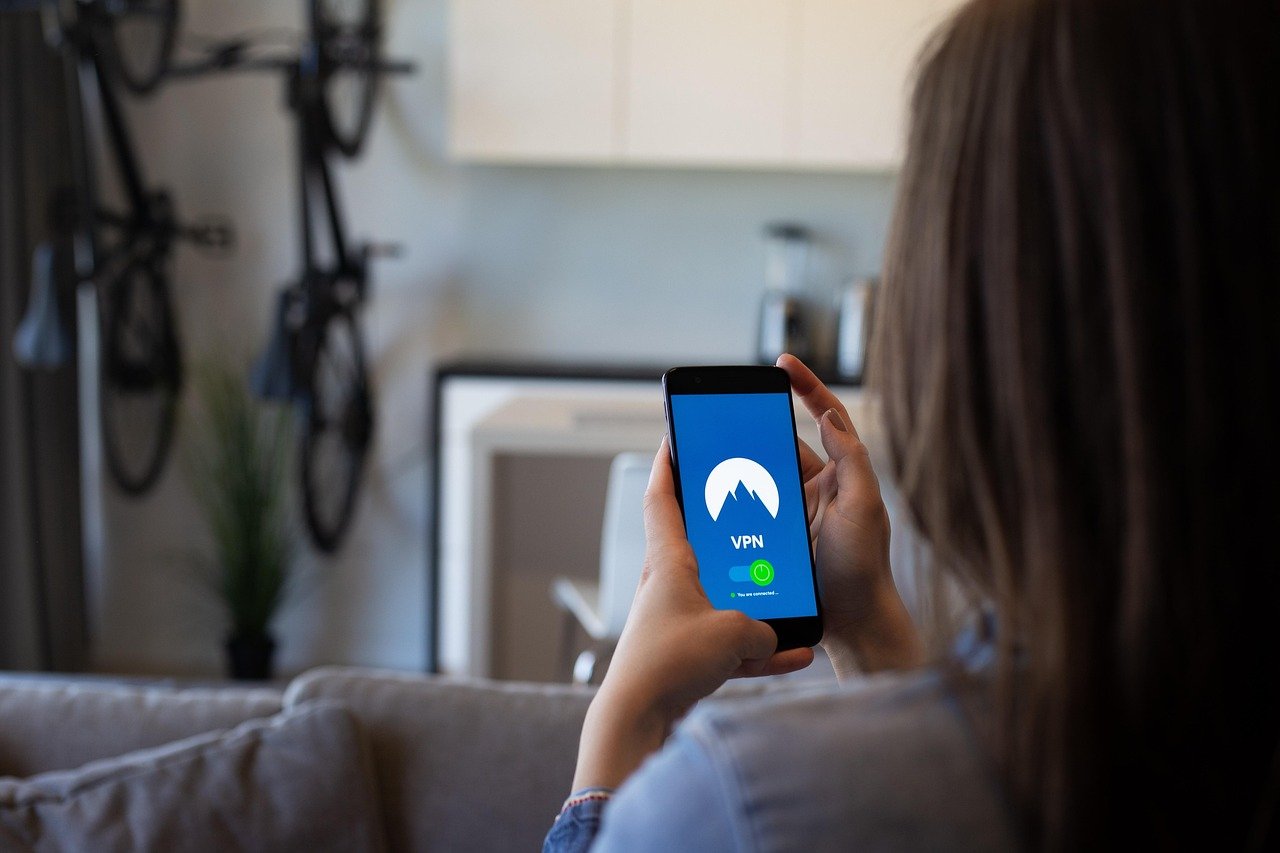
The internet, as boundless and interconnected as it is, also presents a minefield of privacy concerns and security threats. For iOS users, safeguarding sensitive data while browsing, streaming, or conducting business on iPhones and iPads is paramount. A Virtual Private Network (VPN) offers a robust solution, creating a secure tunnel for your internet traffic and masking your IP address. Let’s dive into the world of VPNs for iOS and explore how they can enhance your online experience.
Why Use a VPN on Your iOS Device?
The convenience of accessing the internet on our iPhones and iPads comes with inherent risks. Public Wi-Fi hotspots, location tracking, and potential data interception are all valid concerns. Using a VPN on your iOS device can mitigate these risks significantly.
Enhanced Security on Public Wi-Fi
- Public Wi-Fi networks are notoriously insecure, making them prime targets for hackers.
- A VPN encrypts your data, making it unreadable to anyone snooping on the network.
- Example: Imagine checking your bank balance at a coffee shop. Without a VPN, your login credentials and account information could be vulnerable. A VPN adds a layer of protection, scrambling your data and preventing unauthorized access.
Bypassing Geo-Restrictions and Censorship
- Access content that might be blocked in your region due to censorship or licensing agreements.
- Stream your favorite shows and movies from anywhere in the world.
- Example: A US Netflix subscriber traveling to Europe might find their library drastically different. A VPN can allow them to connect to a US server and access their usual content.
Protecting Your Privacy
- Mask your IP address and location, preventing websites and trackers from profiling you.
- Prevent your ISP from monitoring your browsing activity.
- Example: Websites often use your IP address to track your online behavior and serve targeted ads. A VPN hides your IP address, making it harder for them to collect this information.
Secure Online Shopping
- Protect your credit card information and personal details during online transactions.
- Prevent price discrimination based on your location.
- Example: Airlines and hotels sometimes offer different prices to customers based on their location. A VPN can help you find better deals by connecting to a server in a different region.
Choosing the Right VPN for iOS
With countless VPN providers available, selecting the right one for your iOS device can feel overwhelming. Consider these factors when making your choice.
Security Protocols and Encryption
- Look for VPNs that use strong encryption protocols like OpenVPN, IKEv2/IPsec, or WireGuard.
- AES-256 encryption is considered the industry standard for data protection.
- Example: A VPN using the OpenVPN protocol with AES-256 encryption offers a high level of security, ensuring your data is well-protected.
No-Logs Policy
- Ensure the VPN provider has a strict no-logs policy, meaning they don’t collect or store your browsing activity, IP address, or other personal information.
- Read the VPN’s privacy policy carefully to understand what data they collect and how they use it.
- Example: Many reputable VPN providers have undergone independent audits to verify their no-logs claims. Look for VPNs that have been independently audited.
Server Locations
- Choose a VPN with a wide range of server locations to bypass geo-restrictions and optimize your connection speed.
- Consider the locations you need access to and ensure the VPN has servers in those regions.
- Example: If you frequently access content from the UK, choose a VPN with multiple servers in the UK to ensure a fast and reliable connection.
Speed and Performance
- A good VPN should offer fast and stable connection speeds without significantly impacting your browsing experience.
- Read reviews and test the VPN’s speed before committing to a long-term subscription.
- Example: Some VPN providers offer speed test tools that allow you to measure the performance of different servers.
User Interface and Ease of Use
- The VPN app should be user-friendly and easy to navigate, especially on a mobile device like an iPhone or iPad.
- Look for features like one-tap connection and automatic server selection.
- Example: A VPN with a clean and intuitive interface will make it easier to connect to a server and manage your VPN settings.
Setting Up a VPN on Your iOS Device
Setting up a VPN on your iPhone or iPad is a straightforward process.
Downloading and Installing the VPN App
- Visit the App Store and search for the VPN provider you have chosen.
- Download and install the VPN app on your iOS device.
- Example: NordVPN, ExpressVPN, and Surfshark are popular choices with user-friendly iOS apps.
Creating an Account and Logging In
- Open the VPN app and create an account if you don’t already have one.
- Log in to your account using your credentials.
Connecting to a VPN Server
- Select a server location from the list provided in the app.
- Tap the connect button to establish a VPN connection.
- Example: The app may suggest the optimal server location based on your current location and network conditions.
Configuring VPN Settings
- Adjust the VPN settings to customize your experience.
- Enable features like kill switch, auto-connect, and protocol selection.
- Example: A kill switch automatically disconnects your internet connection if the VPN drops, preventing your data from being exposed.
Free vs. Paid VPNs for iOS
While free VPNs might seem appealing, they often come with significant limitations and risks.
Limitations of Free VPNs
- Limited bandwidth and data caps.
- Slower connection speeds.
- Fewer server locations.
- Advertising and tracking.
Risks of Free VPNs
- Potential malware infections.
- Data logging and selling of user data.
- Weak encryption.
Benefits of Paid VPNs
- Unlimited bandwidth and data.
- Faster connection speeds.
- More server locations.
- Stronger security and privacy.
- Reliable customer support.
- Statistic: According to a study by CSIRO, nearly 40% of free Android VPNs contained some form of malware. While the study focused on Android, it highlights the risks associated with free VPN services in general.
- Actionable Takeaway: Investing in a reputable paid VPN is generally recommended for optimal security, privacy, and performance.
Conclusion
A VPN is an essential tool for safeguarding your privacy and security on your iOS device. By encrypting your internet traffic, masking your IP address, and bypassing geo-restrictions, a VPN empowers you to browse the web with confidence. While free VPNs might be tempting, the limitations and risks associated with them often outweigh the benefits. Investing in a reputable paid VPN is the best way to ensure a secure and private online experience on your iPhone or iPad. Choose wisely and enjoy a safer, more open internet!


