
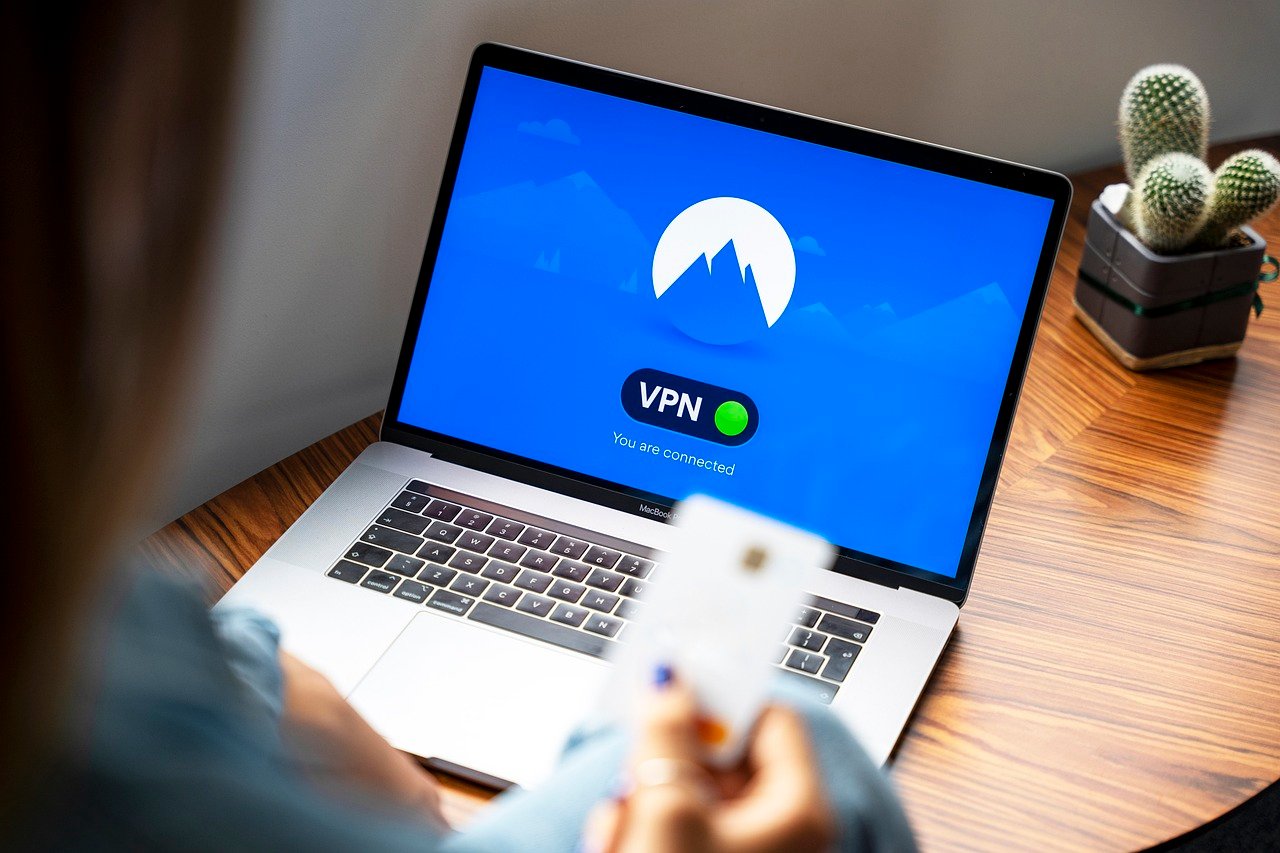
Protecting your online activity on your iPhone or iPad is more crucial than ever in today’s interconnected world. Whether you’re browsing the web, streaming videos, or using public Wi-Fi, a Virtual Private Network (VPN) can add a vital layer of security and privacy to your iOS device. This article explores why using a VPN for iOS is essential, how it works, and provides guidance on choosing the best VPN for your needs.
Why Use a VPN on Your iOS Device?
A VPN creates a secure, encrypted connection between your device and the internet, masking your IP address and safeguarding your data from prying eyes. This is particularly important on mobile devices, which are frequently used on unsecured public Wi-Fi networks.
Enhanced Security on Public Wi-Fi
- The Risk: Public Wi-Fi networks are notoriously vulnerable to hacking and eavesdropping. Cybercriminals can easily intercept your data, including passwords, credit card information, and personal messages.
- VPN Protection: A VPN encrypts all the data transmitted to and from your iOS device, making it unreadable to hackers on the same network. This significantly reduces the risk of data theft.
- Example: Imagine you are checking your bank balance at an airport on public Wi-Fi. Without a VPN, a hacker could potentially intercept your login credentials. A VPN ensures this data is scrambled and protected.
Increased Privacy and Anonymity
- IP Masking: A VPN hides your real IP address, replacing it with one from the VPN server. This makes it difficult for websites and trackers to identify your location and browsing habits.
- Data Encryption: All your internet traffic is encrypted, preventing your ISP (Internet Service Provider) and other third parties from monitoring your online activity.
- Example: A VPN helps prevent targeted advertising. Without a VPN, your browsing history is readily tracked by websites and advertisers. With a VPN, that tracking is significantly hampered.
Accessing Geo-Restricted Content
- Bypassing Censorship: A VPN allows you to bypass geographical restrictions and access content that may be blocked in your region.
- Streaming Services: Many streaming services, such as Netflix and Hulu, offer different content libraries in different countries. A VPN enables you to access these libraries from anywhere in the world.
- Example: If you’re traveling abroad, you can use a VPN to access your favorite streaming services with their original content library. For example, using a VPN to connect to a US-based server will give you access to the US Netflix library.
How a VPN Works on iOS
A VPN app on your iOS device establishes a secure connection to a VPN server. All your internet traffic is then routed through this server, masking your IP address and encrypting your data.
VPN Protocols
- OpenVPN: An open-source protocol known for its high security and reliability. It’s often the preferred choice for iOS devices.
- IKEv2/IPsec: A fast and secure protocol commonly used on mobile devices due to its stability and ability to reconnect quickly after connection drops.
- WireGuard: A newer protocol designed for speed and efficiency, offering excellent performance and security.
VPN App Installation and Setup
- Download from App Store: Reputable VPN providers offer apps available for download from the Apple App Store.
- Installation and Configuration: Once installed, you’ll typically need to create an account and configure the VPN settings according to the provider’s instructions.
- Connection: Most apps offer a simple “connect” button to establish a VPN connection.
Data Encryption
- Encryption Types: VPNs use various encryption algorithms, such as AES (Advanced Encryption Standard), to protect your data.
- Key Exchange: Secure key exchange mechanisms ensure that only you and the VPN server can decrypt the data.
- Importance: Encryption is the cornerstone of VPN security, ensuring that your data remains confidential and protected from interception.
Choosing the Best VPN for iOS
Selecting the right VPN for your iOS device requires careful consideration of several factors.
Security and Privacy Features
- Encryption Strength: Look for VPNs that use strong encryption protocols like AES-256.
- No-Logs Policy: Ensure that the VPN provider has a strict no-logs policy, meaning they don’t track or store your browsing activity.
- Kill Switch: A kill switch automatically disconnects your internet connection if the VPN connection drops, preventing data leakage.
- DNS Leak Protection: This feature prevents your DNS requests from being exposed to your ISP.
Speed and Performance
- Server Locations: Choose a VPN with a large network of servers located around the world to ensure fast and reliable connections.
- Connection Speed: Test the VPN’s speed by running speed tests before and after connecting to the VPN server.
- Protocol Selection: Experiment with different VPN protocols to find the one that offers the best speed and performance for your device.
Price and Subscription Plans
- Free vs. Paid VPNs: While free VPNs may seem attractive, they often come with limitations, such as slower speeds, limited server locations, and potential privacy risks. Paid VPNs typically offer better security, performance, and features.
- Subscription Options: Most VPN providers offer various subscription plans, ranging from monthly to yearly. Consider your needs and budget when choosing a plan.
- Money-Back Guarantee: Look for VPNs that offer a money-back guarantee, allowing you to try the service risk-free.
User Reviews and Reputation
- App Store Ratings: Check the VPN app’s ratings and reviews on the Apple App Store.
- Online Reviews: Read reviews from reputable tech websites and forums to get an unbiased opinion of the VPN provider.
- Company Reputation: Research the VPN provider’s background and reputation to ensure they have a proven track record of security and privacy.
Configuring Your VPN on iOS
Setting up a VPN on your iOS device is typically a straightforward process.
Installing the VPN App
- App Store Download: Download the VPN app from the Apple App Store.
- Permissions: Grant the app the necessary permissions to access your network and location (if required).
Connecting to a VPN Server
- Account Login: Log in to your VPN account using your credentials.
- Server Selection: Choose a VPN server location based on your needs. For example, selecting a server in the US will give you a US-based IP address.
- Connection: Tap the “connect” button to establish a VPN connection.
Verifying the Connection
- IP Address Check: Verify that your IP address has changed by visiting a website that displays your IP address.
- Data Leak Tests: Run data leak tests to ensure that your DNS requests and IP address are not being exposed. Several online tools are available for this purpose.
Conclusion
A VPN is an essential tool for protecting your privacy and security on your iOS device. By encrypting your data, masking your IP address, and bypassing geo-restrictions, a VPN can enhance your online experience and provide peace of mind. Choose a reputable VPN provider with strong security features, fast speeds, and a proven track record of privacy protection. By following the steps outlined in this guide, you can easily set up a VPN on your iOS device and enjoy a safer and more private online experience.


