
Hiding your IP address might sound like something only hackers do in movies, but in reality, it’s a legitimate and increasingly common practice for everyday internet users concerned about privacy, security, and accessing unrestricted content. Think of your IP address as your digital mailing address – it allows websites and online services to know your general location and track your online activity. Learning how to mask your IP address can significantly enhance your online experience and protect your personal information. This guide provides a comprehensive overview of why you might want to hide your IP address, how to do it, and what to consider before choosing a method.
Why Hide Your IP Address?
Privacy Protection
- Prevent Tracking: Your IP address can be used to track your online activities, creating a detailed profile of your browsing habits, interests, and even your location. Hiding your IP prevents websites, advertisers, and even your ISP from easily monitoring your behavior.
- Avoid Targeted Advertising: Advertisers use IP addresses to deliver personalized ads. Masking your IP can limit the amount of targeted advertising you see, giving you a more neutral online experience.
- Reduce Risk of Identity Theft: While your IP address alone isn’t enough for identity theft, it’s a piece of the puzzle. Combining it with other information gathered online can increase your vulnerability.
Enhanced Security
- Protection from DDoS Attacks: Distributed Denial of Service (DDoS) attacks flood a server with traffic from multiple sources, overwhelming it and making it unavailable. Hiding your IP address makes it more difficult for attackers to target you directly.
- Reduced Risk of Hacking: By obscuring your IP, you make it harder for hackers to pinpoint your device and attempt to exploit vulnerabilities.
Accessing Geo-Restricted Content
- Bypass Geographical Restrictions: Many streaming services, news sites, and other online resources restrict access based on location. Hiding your IP can allow you to access content that is unavailable in your region. For example, using a VPN to access a US-only streaming service from Europe.
- Circumvent Censorship: In countries with strict internet censorship, hiding your IP can allow you to bypass government restrictions and access blocked websites and information.
Methods to Hide Your IP Address
Using a Virtual Private Network (VPN)
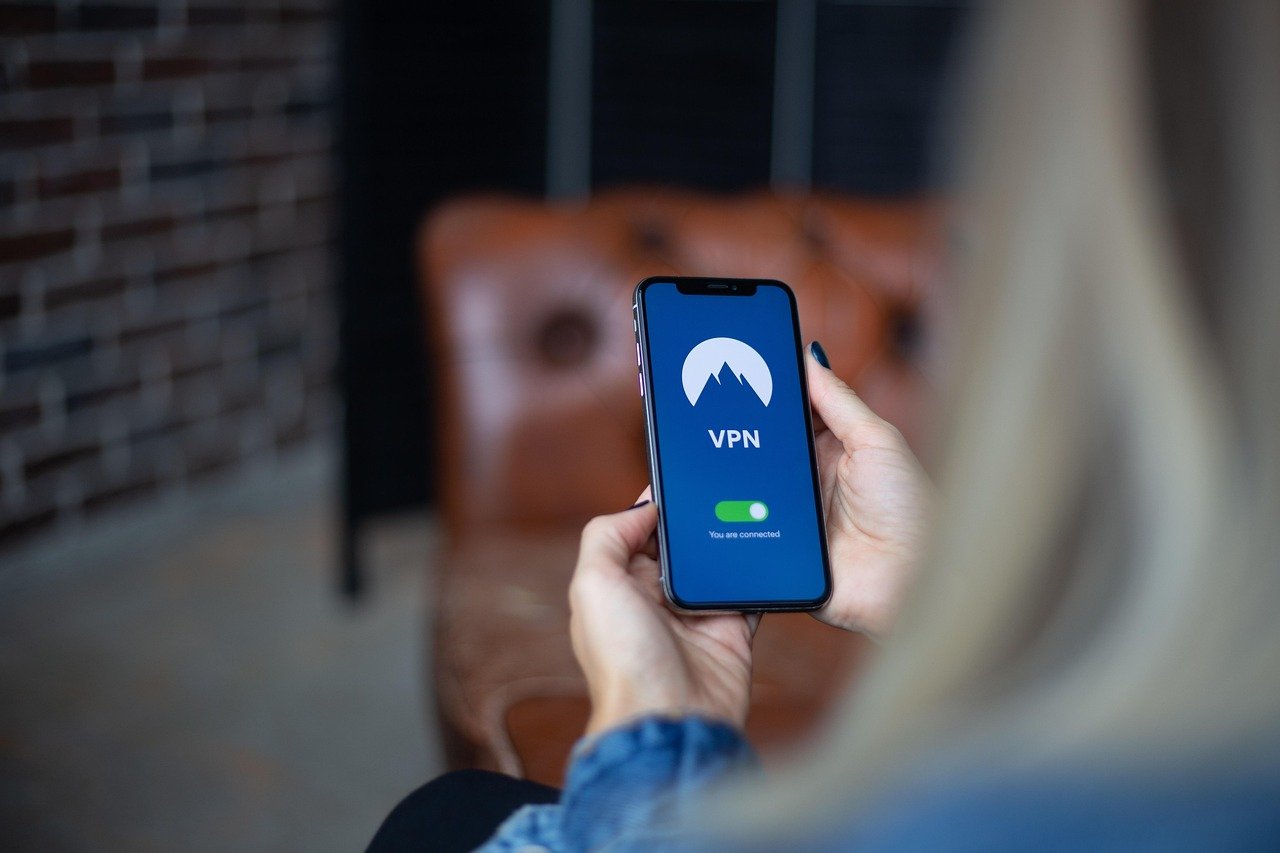
A VPN creates an encrypted tunnel between your device and a VPN server, masking your IP address and encrypting your internet traffic. This is often considered the most reliable and secure method.
- How it Works: When you connect to a VPN server, your internet traffic is routed through that server, and your IP address is replaced with the server’s IP address. This makes it appear as though you are browsing the internet from the VPN server’s location.
- Benefits:
Strong encryption for enhanced security.
Easy to use with user-friendly apps for various devices.
Multiple server locations to choose from, allowing you to access content from different regions.
- Example: Install a reputable VPN application like NordVPN, ExpressVPN, or Surfshark on your computer or smartphone. Select a server location and connect to the VPN. Your IP address is now masked by the VPN server’s IP.
- Considerations:
VPN services can slow down your internet speed.
Not all VPNs are created equal. Choose a reputable provider with a strong privacy policy.
Free VPNs may log your data or display intrusive ads.
Using a Proxy Server
A proxy server acts as an intermediary between your device and the internet, forwarding your requests and hiding your IP address.
- How it Works: Similar to a VPN, a proxy server receives your internet traffic and sends it on to the destination website. The website only sees the proxy server’s IP address, not your own.
- Types of Proxy Servers:
HTTP Proxies: Designed for web browsing only.
SOCKS Proxies: More versatile and can handle various types of internet traffic.
- Benefits:
Can be a cheaper alternative to VPNs.
May offer faster speeds than some VPNs.
- Example: Configure your web browser to use a proxy server. You can find free proxy server lists online, but be cautious as these may not be reliable or secure. A better approach is to pay for a private proxy service.
- Considerations:
Proxy servers typically don’t offer encryption, leaving your traffic vulnerable.
Free proxy servers can be unreliable and may log your data.
Private proxy services offer better security and reliability but come at a cost.
Using Tor (The Onion Router)
Tor is a free and open-source software that anonymizes your internet traffic by routing it through a network of volunteer-operated servers.
- How it Works: Tor encrypts your data and routes it through multiple relays (servers), making it extremely difficult to trace your activity back to your IP address.
- Benefits:
Strong anonymity and privacy.
Free to use.
- Example: Download and install the Tor Browser from the Tor Project website. When you use the Tor Browser, your internet traffic is automatically routed through the Tor network, hiding your IP address.
- Considerations:
Tor can significantly slow down your internet speed due to the multiple layers of encryption and routing.
Some websites block Tor traffic.
Using Tor for illegal activities is still traceable and punishable.
Using Public Wi-Fi (With Caution)
Connecting to a public Wi-Fi network will mask your home IP address, but it’s not a secure method for long term or sensitive activity.
- How it Works: When you connect to a public Wi-Fi hotspot, websites will see the IP address assigned to the hotspot, not your personal IP address.
- Benefits:
Simple and convenient for temporary IP masking.
- Example: Connecting to the Wi-Fi at a coffee shop. Websites will see the coffee shop’s IP address.
- Considerations:
Public Wi-Fi networks are often unsecured and vulnerable to hacking.
Your data may be intercepted by malicious actors on the same network.
Avoid accessing sensitive information, such as banking details or passwords, on public Wi-Fi.
Always use a VPN in conjunction with public Wi-Fi for enhanced security.
Choosing the Right Method
The best method for hiding your IP address depends on your specific needs and priorities.
- For maximum privacy and security: A reputable VPN is generally the best choice.
- For bypassing geo-restrictions: A VPN or proxy server can be effective.
- For strong anonymity: Tor is a good option, but be aware of the speed limitations.
- For temporary and basic IP masking: Public Wi-Fi can be used, but with caution.
- Cost Considerations:
VPNs and private proxy services require a subscription fee.
Tor is free, but can be slow.
Free proxy servers may be unreliable and insecure.
Checking Your IP Address
- Online IP Address Lookup Tools: Numerous websites, such as “WhatIsMyIPAddress.com” or “IPLocation.net,” can display your current IP address. Use these tools to verify that your chosen method is effectively hiding your IP. Check your IP address before and after enabling your VPN or proxy to confirm that it has changed.
Conclusion
Hiding your IP address is a valuable practice for anyone concerned about privacy, security, or accessing unrestricted content online. While various methods are available, each has its own advantages and disadvantages. By understanding the different options and their implications, you can choose the method that best suits your individual needs and enjoy a more secure and private online experience. Remember to prioritize security and choose reputable services to ensure your data is protected.


