
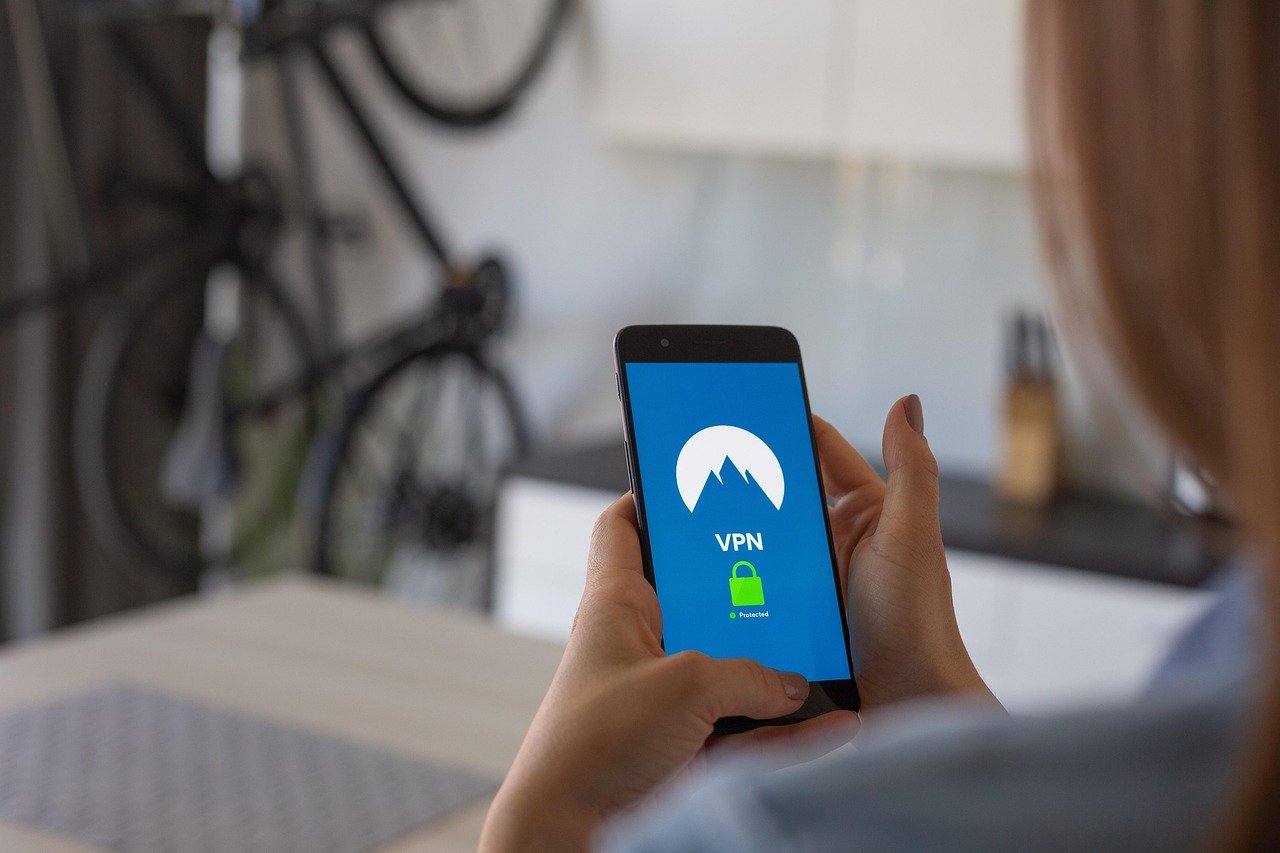
Imagine browsing the web securely, confident that your online activity is hidden from prying eyes. But what happens if your VPN connection suddenly drops? Without a safety net, your real IP address and data become exposed. This is where a VPN kill switch comes into play, acting as a crucial layer of protection to maintain your privacy and security online. Let’s dive into what a VPN kill switch is and why it’s essential for anyone serious about online privacy.
What is a VPN Kill Switch?
Definition and Functionality
A VPN kill switch is a security feature offered by many VPN providers that automatically cuts off your internet connection if your VPN connection drops unexpectedly. It’s designed to prevent your device from connecting to the internet using your default, unsecured IP address. This ensures that your online activity remains private and protected, even if the VPN fails. Think of it as a safety valve that shuts down the system the moment a leak is detected.
- Purpose: To prevent data exposure when the VPN connection fails.
- Mechanism: Monitors the VPN connection and instantly blocks internet access upon disconnection.
- Benefit: Ensures your real IP address is never exposed accidentally.
Types of Kill Switches
There are generally two main types of kill switches:
- Application-level Kill Switch: This type closes specific applications if the VPN connection drops. For example, you can configure it to shut down your torrent client or web browser if the VPN fails.
Example: If you’re torrenting and your VPN disconnects, an application-level kill switch would close your torrent client to prevent your real IP address from being exposed during the download.
- System-level Kill Switch: This type blocks all internet access to your device if the VPN connection drops. It offers broader protection than the application-level kill switch, as it safeguards all applications.
Example: If your VPN disconnects while you’re browsing the web and using various apps, a system-level kill switch would cut off your entire internet connection, preventing any data leakage.
Why You Need a VPN Kill Switch
Privacy Protection
The primary reason for using a VPN kill switch is to protect your privacy. Without it, a sudden VPN disconnection can expose your real IP address, location, and online activities to your ISP, government surveillance, or malicious actors.
- Prevents IP Address Exposure: Ensures your actual IP address remains hidden at all times.
- Safeguards Sensitive Data: Protects personal information like browsing history, login credentials, and financial data.
- Maintains Anonymity: Keeps your online activities private and untraceable, even in the event of a VPN failure.
Security Enhancement
Beyond privacy, a VPN kill switch enhances your overall online security by preventing accidental data leaks that could be exploited by hackers or cybercriminals.
- Protects Against Man-in-the-Middle Attacks: Prevents attackers from intercepting your data during VPN disconnections.
- Reduces Risk of Data Breaches: Minimizes the chances of your sensitive information being compromised due to VPN failures.
- Enhances Overall Security Posture: Adds an extra layer of security to your VPN setup, making it more robust against potential threats.
Real-World Scenarios
Consider these scenarios where a VPN kill switch would be invaluable:
- Torrenting: If you’re downloading copyrighted material, a VPN kill switch ensures your IP address isn’t exposed if the VPN fails, potentially avoiding legal trouble.
- Journalism: Journalists working in oppressive regimes need to protect their sources and communications. A kill switch ensures their location and identity remain hidden.
- Banking and Financial Transactions: When accessing banking sites or making online payments, a VPN kill switch prevents your financial information from being exposed during a VPN disconnection.
- Traveling: When using public Wi-Fi networks, a VPN kill switch can prevent your data from being exposed if the VPN drops, protecting you from potential hacking attempts on unsecured networks.
How to Configure a VPN Kill Switch
Enabling the Kill Switch in VPN Software
Most reputable VPN providers offer a built-in kill switch feature in their software. Here’s how to enable it:
- Example: In NordVPN, you can find the Kill Switch feature under the “Settings” > “Kill Switch” menu. You can then choose to enable it for specific apps or for the entire system.
Manual Kill Switch Configuration (Advanced Users)
For advanced users, a kill switch can be manually configured using the operating system’s firewall or network settings. This method provides more control but requires technical expertise.
- Example: On Windows, you can use the Windows Firewall with Advanced Security to create outbound rules that block all traffic except for the VPN interface.
Common Issues and Troubleshooting
VPN Kill Switch Not Working
If your VPN kill switch isn’t functioning as expected, here are some common troubleshooting steps:
- Verify Kill Switch is Enabled: Double-check that the kill switch is properly enabled in your VPN settings.
- Check Firewall Settings: Ensure that your firewall isn’t interfering with the kill switch. Make sure the firewall rules are correctly configured to block traffic when the VPN is disconnected.
- Update VPN Software: Ensure you’re using the latest version of your VPN software, as updates often include bug fixes and performance improvements.
- Contact VPN Support: If the issue persists, reach out to your VPN provider’s customer support for assistance.
Conflicts with Other Software
Sometimes, other software on your device can conflict with the VPN kill switch, preventing it from working correctly.
- Firewall and Antivirus Software: Ensure that your firewall and antivirus software are not blocking the VPN connection or the kill switch feature.
- Network Adapters: Conflicting network adapters can interfere with the kill switch. Disable any unused network adapters to avoid conflicts.
- Third-Party Security Software: Some third-party security software can interfere with VPN functionality. Try temporarily disabling such software to see if it resolves the issue.
Conclusion
A VPN kill switch is an indispensable tool for anyone seeking to protect their online privacy and security. By automatically cutting off your internet connection when the VPN fails, it ensures that your real IP address and sensitive data remain hidden. Whether you’re a journalist, a torrenter, or simply someone who values online privacy, enabling and properly configuring a VPN kill switch is a vital step in safeguarding your digital life. Choose a VPN provider that offers a reliable kill switch feature and take the time to configure it correctly for maximum protection.


