
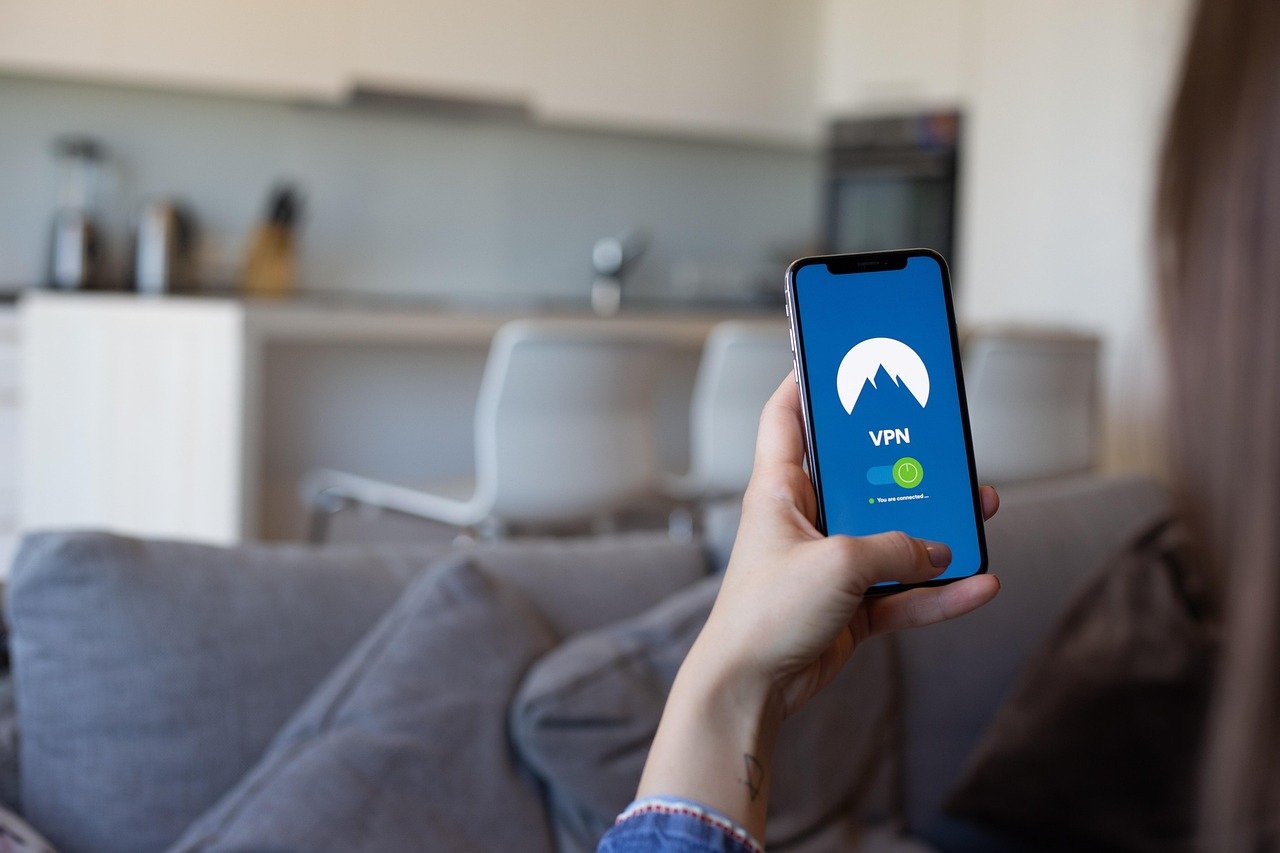
Gamers understand the importance of a seamless and secure online experience. Lag spikes, DDoS attacks, and geographical restrictions can significantly hinder gameplay. Enter the VPN (Virtual Private Network), a tool that’s becoming increasingly essential for serious gamers. This article delves into the world of VPNs for gaming, exploring their benefits, how to choose the right one, and how to optimize it for the best possible performance.
What is a VPN and How Does It Work?
Understanding the Basics of VPN Technology
At its core, a VPN creates a secure, encrypted tunnel between your device and a remote server. All your internet traffic is routed through this tunnel, masking your IP address and encrypting your data. This makes it much harder for anyone to track your online activity or intercept your sensitive information.
Why VPNs are Increasingly Popular for Gamers
Gamers are adopting VPNs for a multitude of reasons, stemming from security concerns to performance enhancements. The ability to bypass geographical restrictions, mitigate DDoS attacks, and potentially reduce ping times are just a few factors contributing to their popularity. A recent survey indicated that over 30% of gamers now use a VPN regularly, highlighting the growing trend.
Benefits of Using a VPN for Gaming
Enhancing Online Security and Privacy
One of the primary benefits of a VPN is enhanced security. Here’s how:
- DDoS Protection: VPNs can shield you from Distributed Denial of Service (DDoS) attacks, which are common among competitive gamers. By masking your IP address, a VPN makes it difficult for attackers to target your connection directly.
- Data Encryption: All your data is encrypted, protecting your sensitive information (like login credentials and payment details) from being intercepted by hackers.
- Anonymity: A VPN hides your real IP address, making it harder to track your online activities.
Bypassing Geo-Restrictions and Accessing Global Content
Many games and gaming services have geographical restrictions. A VPN allows you to bypass these limitations:
- Accessing Region-Locked Games: Play games that are only available in certain countries. For instance, you could potentially access a game released earlier in Japan than in your region.
- Participating in International Tournaments: Some online tournaments are restricted to specific regions. A VPN can help you participate regardless of your location.
- Accessing Different Game Servers: Connect to servers in other regions to play with friends or explore different gaming communities.
Potentially Reducing Ping and Lag
While not always guaranteed, a VPN can sometimes improve your ping and reduce lag:
- Optimizing Routing: A VPN might route your traffic through a more direct path to the game server, bypassing congested or slower routes.
- Avoiding ISP Throttling: Some ISPs throttle bandwidth for certain types of traffic, including gaming. A VPN can mask your traffic, potentially avoiding throttling.
- Example: If you’re connecting to a game server in Europe from the US, a VPN with a server location in Europe might provide a faster and more stable connection than connecting directly.
Choosing the Right VPN for Gaming
Key Features to Look For
Not all VPNs are created equal. When choosing a VPN for gaming, consider these key features:
- Fast Connection Speeds: Look for VPNs with optimized servers and protocols (like WireGuard) for fast and stable connections. Low latency is critical for real-time gaming.
- Low Ping: Test the VPN’s ping times to different game servers before committing to a subscription.
- Server Locations: Choose a VPN with a wide range of server locations, including those near the game servers you frequent.
- Security Features: Ensure the VPN has strong encryption, a no-logs policy, and protection against DNS leaks.
- Kill Switch: A kill switch automatically disconnects your internet connection if the VPN connection drops, preventing your real IP address from being exposed.
- Device Compatibility: Make sure the VPN is compatible with your gaming platform (PC, console, mobile).
Popular VPN Providers for Gaming
Here are a few popular VPN providers often recommended for gaming:
- NordVPN: Known for its fast speeds, strong security, and a large network of servers.
- ExpressVPN: Another top-tier option with excellent speeds and a user-friendly interface.
- Surfshark: A budget-friendly option that still offers good speeds and features.
- CyberGhost: A user-friendly VPN with dedicated gaming servers.
Free VPNs vs. Paid VPNs: Which is Better for Gaming?
While free VPNs might seem tempting, they often come with significant drawbacks for gaming:
- Slower Speeds: Free VPNs typically have slower speeds and limited bandwidth, leading to lag and a poor gaming experience.
- Limited Server Locations: Free VPNs often have fewer server locations, making it harder to find a server near your game server.
- Data Caps: Many free VPNs impose data caps, which can quickly run out during long gaming sessions.
- Security Risks: Some free VPNs may log your data or even contain malware.
Recommendation: For a smooth and secure gaming experience, it’s generally best to invest in a reputable paid VPN.
Optimizing Your VPN for Gaming Performance
Choosing the Right Server Location
Selecting the optimal server location is crucial for minimizing ping and maximizing performance:
- Proximity to Game Server: Choose a server location that’s geographically close to the game server you’re connecting to.
- Testing Different Servers: Experiment with different server locations to see which one provides the best ping.
- Avoiding Congested Servers: Some VPNs indicate server load. Choose servers with lower utilization to avoid congestion.
Selecting the Best VPN Protocol
VPN protocols determine how your data is encrypted and transmitted. Different protocols offer different trade-offs between speed and security:
- WireGuard: Generally considered the fastest and most secure protocol, ideal for gaming.
- OpenVPN: A widely used and secure protocol, but can be slower than WireGuard.
- IKEv2/IPsec: Another secure and relatively fast protocol, often a good choice for mobile gaming.
- L2TP/IPsec and PPTP: Older protocols that are generally not recommended due to security vulnerabilities or slower speeds.
Configuring Your VPN Settings
Adjusting your VPN settings can further optimize your gaming performance:
- Disable Unnecessary Features: Some VPNs offer features like ad blocking or malware protection. While these features can be useful, they can also consume resources and potentially slow down your connection. Disable them if you’re experiencing performance issues.
- Enable Kill Switch: Ensure the kill switch is enabled to protect your IP address in case of a VPN connection drop.
- Split Tunneling: Use split tunneling to route only game traffic through the VPN, while allowing other traffic to use your regular internet connection. This can improve performance and reduce bandwidth usage.
Addressing Common VPN Gaming Issues
High Ping and Lag
If you’re experiencing high ping or lag while using a VPN, try these troubleshooting steps:
- Choose a closer server: The further away the server, the higher the ping.
- Change the VPN Protocol: Try WireGuard or IKEv2/IPsec.
- Restart your modem and router: Simple but often effective.
- Contact VPN support: They may be able to help you troubleshoot the issue.
VPN Disconnections
Frequent VPN disconnections can be frustrating. Here’s how to address them:
- Check your internet connection: Ensure your internet connection is stable.
- Try a different server: The server you’re using may be unstable.
- Reinstall the VPN software: Corrupted software can cause disconnections.
- Disable battery-saving features: On mobile devices, battery-saving features can sometimes interfere with VPN connections.
Game Bans or Account Suspensions
While rare, using a VPN can sometimes lead to game bans or account suspensions if it violates the game’s terms of service. To avoid this:
- Check the game’s terms of service: See if VPN usage is explicitly prohibited.
- Use a reputable VPN: Avoid using free or shady VPNs.
- Avoid using VPNs to cheat or exploit the game: This is a guaranteed way to get banned.
Conclusion
Using a VPN for gaming can significantly enhance your online experience, offering improved security, access to geo-restricted content, and potentially reduced ping. By understanding the key features to look for in a VPN, optimizing your settings, and addressing common issues, you can enjoy a smoother, safer, and more enjoyable gaming experience. Remember to always check the terms of service of the games you play to ensure that using a VPN is permitted. Investing in a reliable VPN is an investment in your online gaming security and enjoyment.


