
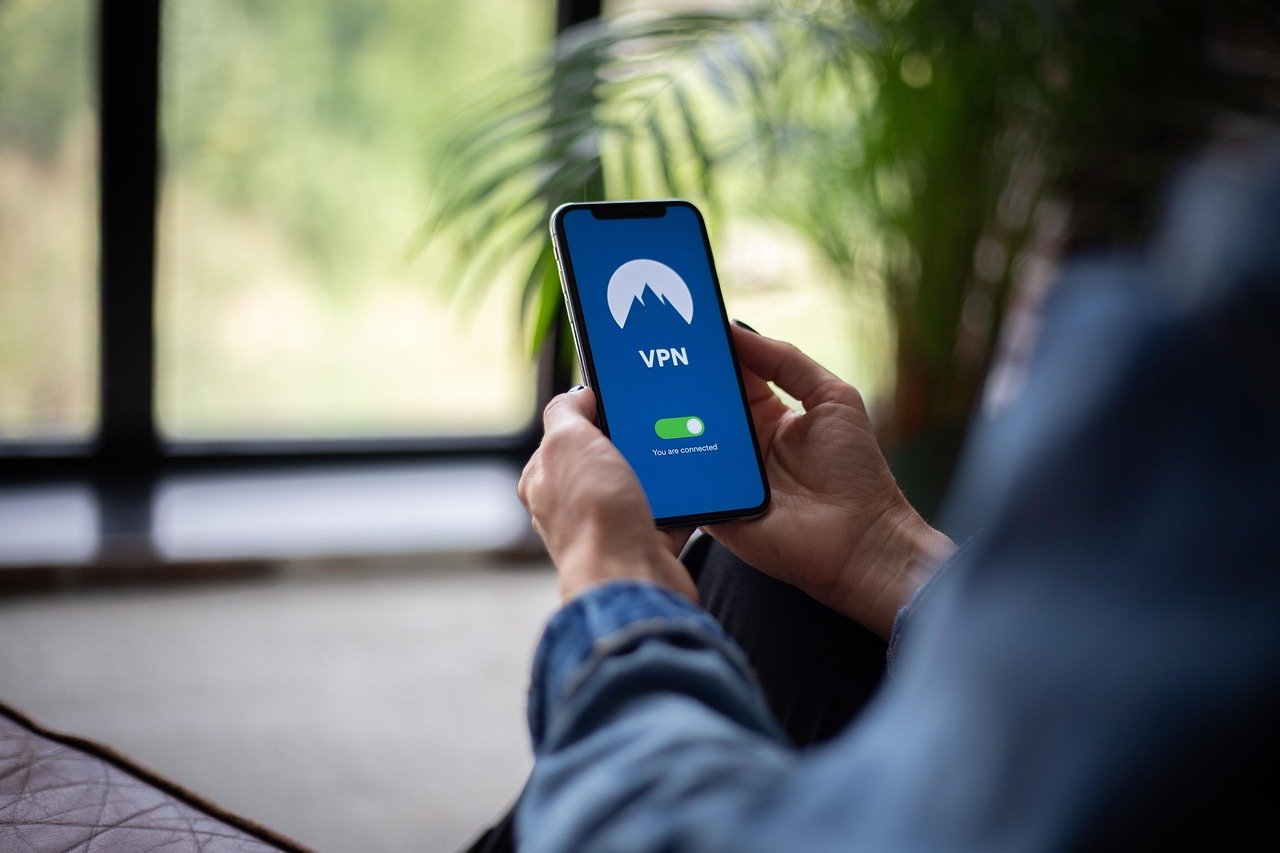
Using a VPN (Virtual Private Network) on your Mac is no longer just for the tech-savvy. In today’s world, where online privacy is constantly under threat and geo-restrictions limit access to content, a VPN is becoming an essential tool for Mac users. This comprehensive guide will explore the reasons why you need a VPN for your Mac, how it works, and what to look for when choosing the best VPN for your needs.
Why You Need a VPN for Your Mac
Enhanced Security on Public Wi-Fi
Public Wi-Fi networks are notoriously insecure. They lack proper encryption, making them a breeding ground for hackers looking to steal your data. A VPN encrypts your internet traffic, creating a secure tunnel that protects your sensitive information from being intercepted on public Wi-Fi hotspots. This includes:
- Passwords
- Credit card details
- Browsing history
- Personal communications
Example: Imagine you’re working from a coffee shop. Without a VPN, someone could potentially sniff the network traffic and steal your login credentials for your email or banking accounts. A VPN prevents this by encrypting the data.
Protecting Your Online Privacy
Without a VPN, your internet service provider (ISP) can track your online activity and potentially sell that data to advertisers or government agencies. A VPN masks your IP address, making it difficult to trace your online activities back to you.
- Hides your IP address
- Prevents tracking by ISPs and advertisers
- Keeps your browsing history private
Did you know? A study by Pew Research Center found that 81% of Americans feel that they have little control over the data that companies collect about them.
Accessing Geo-Restricted Content
Many streaming services, websites, and apps restrict access based on your geographic location. A VPN allows you to bypass these restrictions by connecting to a server in a different country, making it appear as if you are browsing from that location.
- Watch shows and movies not available in your region on platforms like Netflix, Hulu, and BBC iPlayer.
- Access news and information from around the world.
- Bypass censorship and access blocked websites.
Example: If you’re traveling abroad and want to access your favorite streaming service as if you were at home, you can connect to a VPN server in your home country.
Preventing Price Discrimination
Some websites use your location to charge you different prices for the same products or services. This is called price discrimination. A VPN can help you avoid this by masking your location and preventing websites from knowing where you are browsing from.
- Get better deals on flights, hotels, and other travel expenses.
- Avoid being charged higher prices for online shopping.
Actionable Takeaway: Before making a large purchase online, try connecting to a VPN server in a different country to see if the price changes.
How a VPN Works on Your Mac
Encryption
Encryption is the core of a VPN’s security. It transforms your data into an unreadable format, making it impossible for anyone to intercept and understand it. VPNs use various encryption protocols, such as AES (Advanced Encryption Standard) which is widely considered one of the strongest.
Details: When you connect to a VPN server, all of your internet traffic is encrypted using a chosen protocol (like OpenVPN, IKEv2/IPsec, or WireGuard). This encrypted traffic is then sent to the VPN server, where it is decrypted and sent on to its final destination. This protects your data from being read by hackers, ISPs, or government agencies.
IP Address Masking
Your IP address is a unique identifier that reveals your location and internet service provider. A VPN masks your IP address by routing your traffic through a VPN server. The website or service you are accessing will see the IP address of the VPN server instead of your own.
Example: If your real IP address is 192.168.1.1 and you connect to a VPN server with an IP address of 10.0.0.1, websites will see 10.0.0.1 as your IP address, effectively hiding your actual location.
VPN Protocols
VPN protocols are the methods used to establish a secure connection between your Mac and the VPN server. Different protocols offer different levels of security, speed, and stability.
- OpenVPN: A highly secure and versatile protocol that is widely used and considered the industry standard.
- IKEv2/IPsec: A fast and stable protocol that is particularly well-suited for mobile devices.
- WireGuard: A newer protocol that is designed to be faster and more efficient than older protocols.
Tip: Most VPN apps will automatically select the best protocol for your connection, but you may be able to manually choose a different protocol in the settings.
Choosing the Right VPN for Your Mac
Security Features
The most important factor when choosing a VPN is its security features. Look for a VPN that offers:
- Strong encryption: AES-256 encryption is the current gold standard.
- A kill switch: Automatically disconnects your internet connection if the VPN connection drops, preventing your data from being exposed.
- DNS leak protection: Prevents your DNS requests from being exposed to your ISP.
- A strict no-logs policy: Ensures that the VPN provider does not track or store your online activity.
Important: Read the VPN provider’s privacy policy carefully to understand what data they collect and how they use it.
Server Locations
The number and location of VPN servers are also important. A VPN with a wide range of server locations will allow you to bypass geo-restrictions and access content from around the world. Choose a VPN that has servers in the countries you want to connect to.
- Check the number of servers the VPN offers.
- Ensure the VPN has server locations in countries you want to access content from.
- Consider the proximity of servers to your physical location for faster speeds.
Example: If you want to watch BBC iPlayer, you’ll need a VPN with servers in the UK.
Speed and Performance
A VPN can slow down your internet speed due to the encryption process. Choose a VPN that offers fast and reliable connections.
- Read reviews and speed test results to get an idea of the VPN’s performance.
- Look for VPNs that use lightweight protocols like WireGuard, which tend to be faster.
- Consider the distance between your location and the VPN server. Closer servers generally offer faster speeds.
User-Friendliness
A good VPN app should be easy to use, even for beginners. Look for a VPN that offers a user-friendly interface and clear instructions.
- Easy to install and set up.
- Intuitive interface.
- Helpful customer support.
Actionable Takeaway: Many VPN providers offer free trials or money-back guarantees. Take advantage of these offers to try out different VPNs and see which one works best for you.
Setting Up and Using a VPN on Your Mac
Downloading and Installing the VPN App
The first step is to download and install the VPN app from the provider’s website or the Mac App Store. Once the app is installed, follow the on-screen instructions to create an account and log in.
Connecting to a VPN Server
After logging in, you can connect to a VPN server. Most VPN apps allow you to choose a server from a list or connect to the “best available” server. Select a server in the desired location and click the “Connect” button.
Verifying Your Connection
Once connected, you can verify that your VPN is working correctly by checking your IP address. You can use a website like WhatIsMyIP.com to see your current IP address. If the IP address shown is different from your real IP address, your VPN is working correctly.
Troubleshooting Common Issues
If you experience any issues with your VPN connection, try the following:
- Restart your Mac.
- Try connecting to a different VPN server.
- Check your internet connection.
- Contact the VPN provider’s customer support.
Conclusion
A VPN is an essential tool for any Mac user who wants to protect their online privacy, enhance their security, and access geo-restricted content. By understanding how a VPN works and what to look for when choosing a provider, you can find the best VPN for your needs and enjoy a safer and more unrestricted online experience on your Mac. Remember to prioritize security features, server locations, speed, and user-friendliness when making your decision. With the right VPN, you can browse the internet with confidence, knowing that your data is protected and your privacy is secure.


