
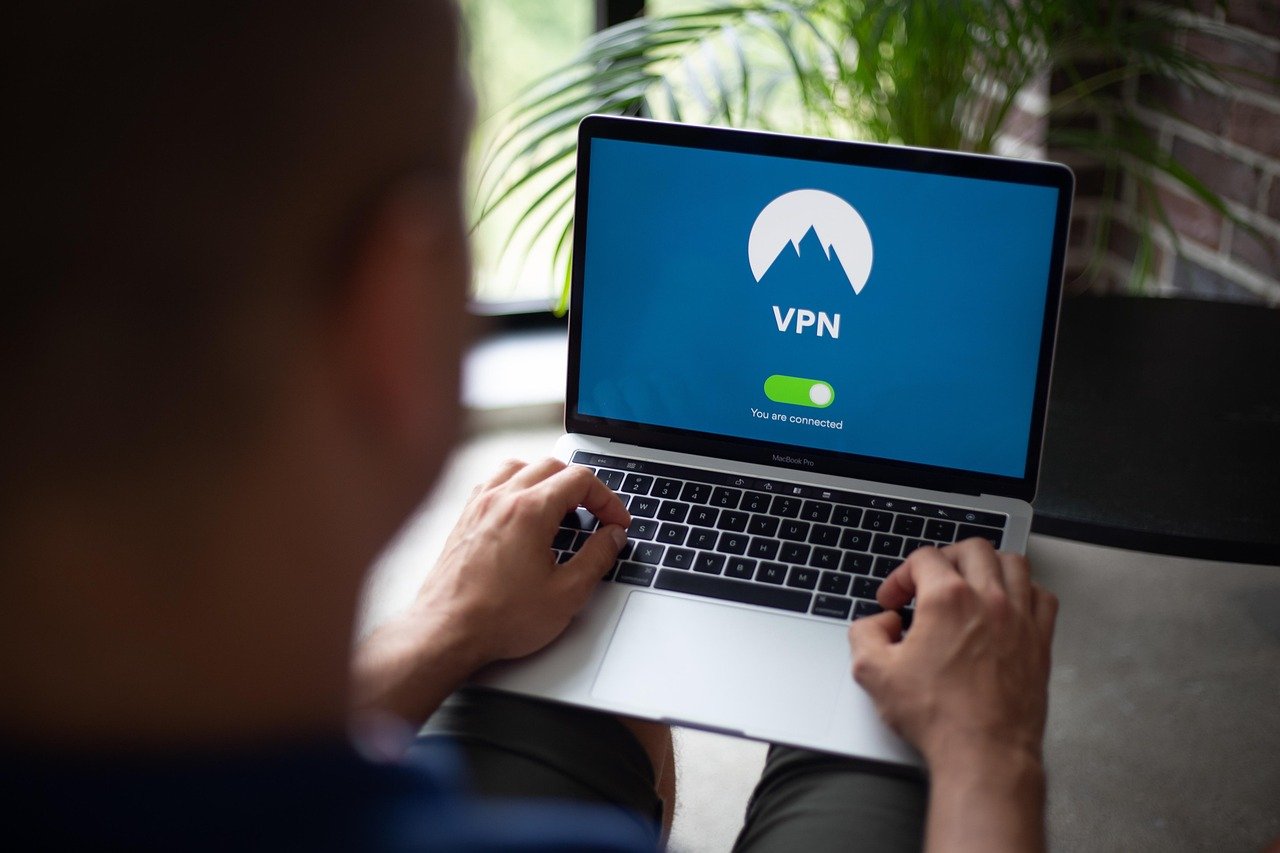
Accessing the internet on your mobile device opens a world of possibilities, but it also exposes you to potential security and privacy risks. From unsecured public Wi-Fi networks to data tracking by websites and apps, mobile devices are increasingly vulnerable. This is where a Virtual Private Network (VPN) for mobile comes in, providing a crucial layer of protection to safeguard your online activities. Let’s delve into the world of mobile VPNs and understand how they can enhance your mobile security and privacy.
Understanding VPNs and Mobile Security
What is a VPN?
A VPN, or Virtual Private Network, creates a secure and encrypted connection between your device and the internet. Think of it as a private tunnel through the public internet. When you connect to a VPN, all your internet traffic is routed through this tunnel, masking your IP address and encrypting your data. This makes it significantly harder for anyone to snoop on your online activities, track your location, or intercept your sensitive information.
Why Use a VPN on Your Mobile Device?
Mobile devices are particularly vulnerable to security threats because they are often used on public Wi-Fi networks, which are notoriously insecure. Using a VPN on your smartphone or tablet offers several key benefits:
- Enhanced Security: Encrypts your data, protecting it from hackers and cybercriminals, especially on public Wi-Fi.
- Privacy Protection: Masks your IP address, making it difficult for websites and advertisers to track your online activity and location.
- Access to Geo-Restricted Content: Allows you to bypass geographical restrictions and access content that may be unavailable in your region. Example: Watching a movie on a streaming service that’s only available in the US.
- Bypass Censorship: In countries with internet censorship, a VPN can help you access blocked websites and social media platforms.
- Safe Online Shopping: Protects your financial information when making online purchases on your mobile device.
Real-World Scenarios
Consider these everyday situations where a mobile VPN can be invaluable:
- Working Remotely from a Coffee Shop: A VPN secures your connection on the coffee shop’s public Wi-Fi, protecting sensitive work data.
- Traveling Abroad: A VPN allows you to access your favorite streaming services and social media platforms that may be blocked in certain countries. It also protects your financial data when using unfamiliar Wi-Fi networks.
- Online Banking: A VPN adds an extra layer of security when accessing your bank account or making transactions on your mobile device.
- Using Public Transportation: Protect your data from potential hackers sniffing data on public transport Wi-Fi.
Choosing the Right Mobile VPN
Key Features to Look For
Not all VPNs are created equal. When choosing a VPN for your mobile device, consider these essential features:
- Strong Encryption: Look for a VPN that uses strong encryption protocols like AES-256 to protect your data.
- No-Logs Policy: A reputable VPN should have a strict no-logs policy, meaning it doesn’t collect or store your browsing history, IP address, or other personal information. Read the privacy policy carefully!
- Server Locations: Choose a VPN with a wide range of server locations around the world to access geo-restricted content and improve connection speeds.
- Fast Connection Speeds: A good VPN should provide fast and reliable connection speeds to avoid buffering and lag.
- Mobile Apps: Ensure the VPN offers dedicated apps for iOS and Android devices that are easy to use and configure.
- Kill Switch: A kill switch automatically disconnects your internet connection if the VPN connection drops, preventing your data from being exposed.
- Multi-Device Support: If you have multiple devices, choose a VPN that allows you to connect several devices simultaneously.
- Customer Support: Look for a VPN with responsive and helpful customer support, in case you encounter any issues.
Free vs. Paid VPNs
While free VPNs may seem appealing, they often come with significant limitations and risks:
- Limited Bandwidth and Speed: Free VPNs typically offer limited bandwidth and slower connection speeds.
- Data Logging: Some free VPNs may log your browsing data and sell it to third parties.
- Security Risks: Free VPNs may not use strong encryption protocols, making your data vulnerable to interception.
- Advertisements: Free VPNs often display intrusive advertisements, which can be annoying and potentially harmful.
- Malware: Some free VPN apps may contain malware or viruses.
For enhanced security, privacy, and performance, it’s generally recommended to choose a reputable paid VPN service. Paid VPNs offer a wider range of features, faster speeds, and stronger security measures.
Research and Reviews
Before subscribing to a VPN, do your research and read reviews from trusted sources. Look for independent reviews that assess the VPN’s performance, security, and privacy policies. Check user reviews on app stores and forums to get a sense of other users’ experiences.
Setting Up and Using a Mobile VPN
Installation and Configuration
Setting up a VPN on your mobile device is usually a straightforward process:
Many VPN apps offer one-tap connection options, making it easy to quickly connect to a VPN server. You can also configure the app to automatically connect to a VPN when you connect to an unknown Wi-Fi network.
Optimizing VPN Performance
To ensure optimal performance when using a VPN on your mobile device, consider these tips:
- Choose a server location close to you: Connecting to a server closer to your physical location can improve connection speeds.
- Experiment with different protocols: Some VPN apps offer different protocols, such as OpenVPN, IKEv2, and WireGuard. Experiment with these protocols to see which one provides the best performance on your device and network.
- Close unnecessary apps: Running multiple apps in the background can consume bandwidth and slow down your VPN connection.
- Update your VPN app: Keep your VPN app updated to the latest version to ensure you have the latest security patches and performance improvements.
Troubleshooting Common Issues
If you encounter any issues while using a VPN on your mobile device, try these troubleshooting steps:
- Check your internet connection: Make sure you have a stable internet connection.
- Restart your device: Restarting your device can resolve many common VPN issues.
- Try a different server location: If you’re experiencing slow speeds or connection problems, try connecting to a different server location.
- Clear your app cache: Clearing the app cache can sometimes resolve connectivity issues.
- Contact customer support: If you’re still having problems, contact your VPN provider’s customer support team for assistance.
VPNs and Mobile Gaming
Enhancing Gaming Experience
Mobile gaming is a popular pastime, but it can be affected by lag, dropped connections, and even DDoS attacks. A VPN can enhance your mobile gaming experience in several ways:
- Reduce Lag: By connecting to a VPN server closer to the game server, you can potentially reduce lag and improve ping times.
- Protect Against DDoS Attacks: A VPN can mask your IP address, making it harder for other players to launch DDoS attacks against you.
- Access Geo-Restricted Games: Some mobile games may be available only in certain regions. A VPN can allow you to access these games from anywhere in the world.
- Bypass ISP Throttling: Some internet service providers (ISPs) may throttle your internet speed when they detect that you’re playing online games. A VPN can encrypt your traffic, preventing your ISP from throttling your connection.
Choosing a VPN for Gaming
When choosing a VPN for mobile gaming, look for the following features:
- Fast Connection Speeds: Essential for minimizing lag and ensuring a smooth gaming experience.
- Low Latency: Choose a VPN with servers optimized for low latency.
- Stable Connections: Look for a VPN with reliable and stable connections to avoid dropped games.
- Wide Server Network: A wide network lets you connect to servers closer to game servers, reducing ping times.
VPNs and Mobile Banking
Protecting Financial Data
Mobile banking apps offer convenience, but they also pose security risks if not used carefully. Using a VPN when accessing your bank account or making transactions on your mobile device can significantly enhance your security.
- Encryption: A VPN encrypts your data, protecting your financial information from interception by hackers.
- Public Wi-Fi Protection: A VPN secures your connection on public Wi-Fi networks, which are often targeted by cybercriminals.
- IP Address Masking: A VPN masks your IP address, making it harder for attackers to track your location or target your device.
Best Practices for Mobile Banking with a VPN
- Use a Reputable VPN: Choose a well-established and trusted VPN provider with a strong security record.
- Connect Before Banking: Always connect to your VPN before opening your mobile banking app or making any financial transactions.
- Use a Strong Password: Use a strong and unique password for your VPN account.
- Enable Two-Factor Authentication: Enable two-factor authentication on your VPN account for added security.
- Keep Your App Updated: Keep your VPN app and mobile banking app updated to the latest versions.
Conclusion
A mobile VPN is an essential tool for protecting your security and privacy in today’s increasingly connected world. By encrypting your data, masking your IP address, and providing access to geo-restricted content, a VPN can enhance your mobile experience in various ways. Whether you’re working remotely, traveling abroad, gaming online, or managing your finances, a mobile VPN can provide you with peace of mind knowing that your data is safe and secure. Choose a reputable VPN provider, configure your settings carefully, and enjoy a safer and more private mobile experience.



