
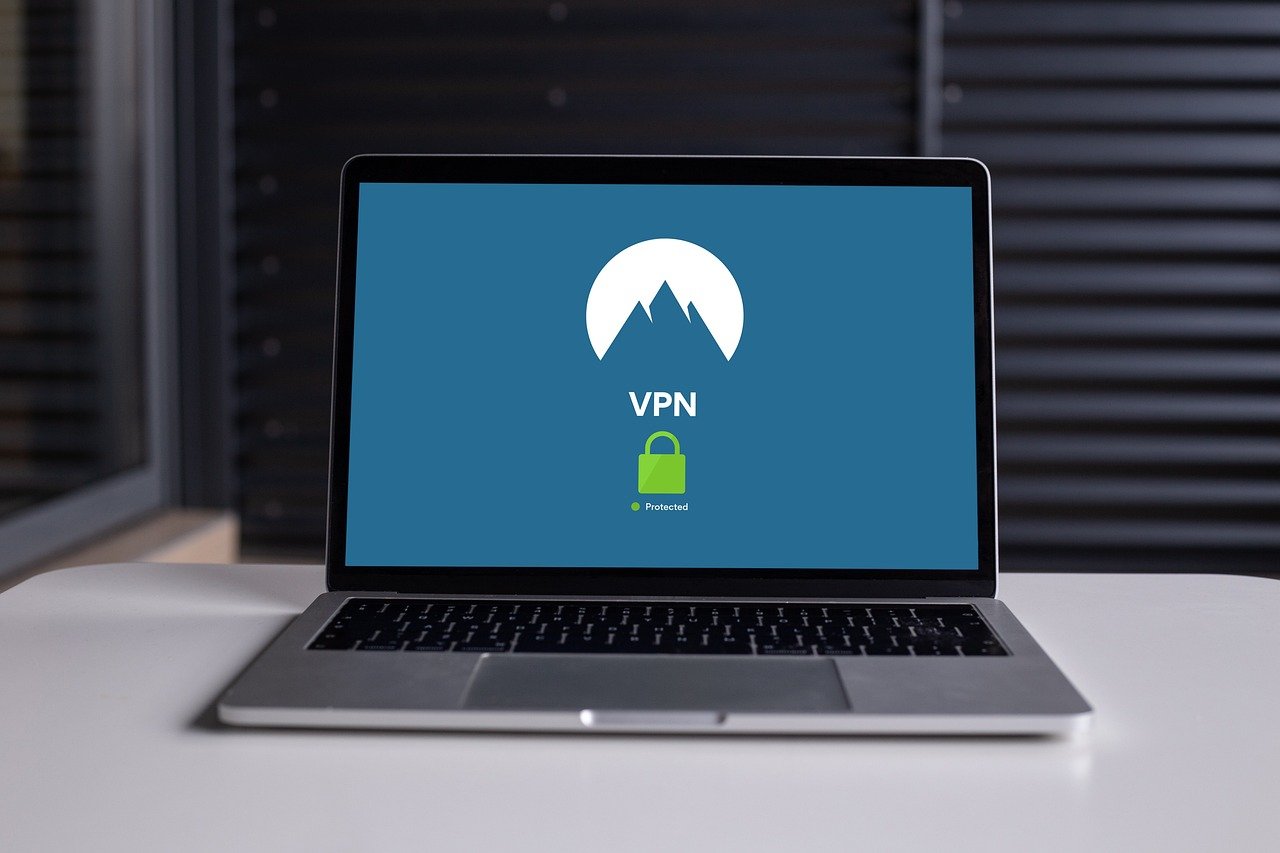
Imagine surfing the web with a shield, a digital bodyguard protecting your sensitive information from prying eyes. That’s precisely what a VPN for PC does. In today’s hyper-connected world, securing your online activities on your personal computer is no longer a luxury – it’s a necessity. Whether you’re browsing from home, a coffee shop, or using public Wi-Fi, a Virtual Private Network (VPN) encrypts your internet traffic, hides your IP address, and keeps your data safe from hackers, snoopers, and even your internet service provider. This guide will delve into everything you need to know about using a VPN on your PC, from understanding its benefits to choosing the right one for your needs.
Understanding VPNs for PC
What is a VPN and How Does it Work?
A VPN, or Virtual Private Network, creates a secure, encrypted connection between your computer and the internet. Think of it as a private tunnel for your data. When you connect to a VPN server, your internet traffic is routed through this tunnel, shielding it from eavesdropping. Your real IP address is masked by the VPN server’s IP address, making it appear as though you’re browsing from a different location.
- Encryption: VPNs use encryption protocols (like AES-256) to scramble your data, making it unreadable to anyone intercepting it.
- IP Masking: Hides your real IP address, protecting your identity and location.
- Server Network: VPNs have servers located in different countries, allowing you to connect to the internet as if you were in that location.
Why Use a VPN on Your PC?
The benefits of using a VPN on your PC are numerous and cater to a range of needs, from enhanced security to accessing geo-restricted content.
- Enhanced Security: Protects your data on public Wi-Fi networks, which are often vulnerable to hacking. Example: Imagine working from a coffee shop – a VPN prevents hackers from intercepting your passwords or credit card information.
- Privacy Protection: Prevents your ISP and websites from tracking your online activities. This is especially crucial given the increasing data collection practices.
- Bypass Geo-Restrictions: Access content that is blocked in your region, such as streaming services or websites. Example: Accessing Netflix libraries from different countries.
- Secure Torrenting: Some VPNs offer servers optimized for P2P file sharing, providing added security and anonymity.
- Avoid Price Discrimination: Airlines and other companies sometimes adjust prices based on your location. A VPN can help you find better deals by changing your apparent location.
Choosing the Right VPN for Your PC
Factors to Consider
Selecting the right VPN for your PC requires careful consideration of several factors. Not all VPNs are created equal, and choosing the wrong one can be as detrimental as not using one at all.
- Security Features: Look for strong encryption (AES-256), a kill switch (which automatically disconnects you from the internet if the VPN connection drops), and leak protection (DNS and IP leak protection).
- No-Logs Policy: Choose a VPN with a strict no-logs policy, meaning they don’t track or store your online activities. Check their privacy policy for details.
- Server Network: A large server network gives you more options for bypassing geo-restrictions and finding a server with optimal speed and stability.
- Speed and Performance: VPNs can sometimes slow down your internet speed. Look for VPNs that are known for their fast speeds. Test different servers to find the fastest one.
- User-Friendliness: The VPN software should be easy to use and configure. Look for intuitive interfaces and helpful customer support.
- Price: VPNs range in price from free to premium. Free VPNs often come with limitations, such as data caps or slower speeds. Consider a paid VPN for the best performance and security.
- Compatibility: Ensure the VPN is compatible with your operating system (Windows, macOS, Linux).
Recommended VPN Providers
Here are a few highly recommended VPN providers, known for their security, speed, and reliability:
- ExpressVPN: Generally considered one of the fastest and most reliable VPNs, with a large server network and excellent security features.
- NordVPN: A popular choice known for its double VPN encryption and strong focus on privacy.
- Surfshark: An affordable option that allows unlimited device connections, making it ideal for families or households with multiple devices.
- CyberGhost: User-friendly VPN with a large server network and specialized servers for streaming and torrenting.
Free VPNs: Proceed with Caution
While free VPNs might seem tempting, they often come with significant drawbacks.
- Data Logging: Many free VPNs log your browsing data and sell it to third parties.
- Limited Bandwidth: Free VPNs often impose data caps or throttle your internet speed.
- Security Risks: Some free VPNs may contain malware or spyware.
- Advertisements: Free VPNs often bombard you with intrusive ads.
- Limited Server Options: Fewer server locations, limiting your ability to bypass geo-restrictions effectively.
Setting Up and Using a VPN on Your PC
Installation and Configuration
The installation process for most VPNs is straightforward.
Optimizing Your VPN Connection
To get the best performance from your VPN, consider the following tips:
- Choose a server close to your location: This usually results in faster speeds.
- Experiment with different VPN protocols: Some protocols, like WireGuard, are known for their speed and security.
- Disable unnecessary features: Turn off features that you don’t need, such as ad blocking, to improve performance.
- Update your VPN software: Keep your VPN software up to date to ensure you have the latest security patches and performance improvements.
- Use a wired connection: A wired connection is generally more stable and faster than Wi-Fi.
Troubleshooting Common VPN Issues
Sometimes, you might encounter problems with your VPN connection.
- Connection problems: Try connecting to a different server. Restart your VPN software or your computer.
- Slow speeds: Choose a server closer to your location or try a different VPN protocol.
- DNS leaks: Ensure that your VPN is properly configured to prevent DNS leaks. You can use online DNS leak test tools to check.
- IP address leaks: Verify that your IP address is being properly masked by the VPN. You can use online IP address lookup tools to check.
- VPN blocked: Some websites or services block VPN connections. Try connecting to a different server or contact your VPN provider for assistance.
Advanced VPN Usage on PC
Split Tunneling
Split tunneling allows you to choose which apps or websites use the VPN connection and which use your regular internet connection.
- Benefits: Improves speed and performance for non-sensitive activities.
- Example: You can route your web browser through the VPN while allowing your online games to use your regular internet connection for faster speeds.
- Configuration: Most VPNs with split tunneling capabilities allow you to specify which apps or websites to include or exclude from the VPN connection.
VPN for Gaming
While VPNs can sometimes increase latency, they can also offer benefits for gamers.
- Reduced Ping: In some cases, connecting to a VPN server closer to the game server can reduce ping and improve your gaming experience.
- DDoS Protection: A VPN can protect you from DDoS attacks, which are often used by disgruntled opponents to disrupt your gameplay.
- Access Geo-Restricted Games: Access games that are not available in your region.
- Early Access: Some gamers use VPNs to access games earlier than their official release date in their region.
Using a VPN with Tor
Using a VPN in conjunction with Tor (The Onion Router) provides an extra layer of security and anonymity.
- VPN before Tor: This configuration routes your traffic through the VPN server first, then through the Tor network, masking your IP address from the Tor entry node.
- Tor before VPN: This configuration routes your traffic through the Tor network first, then through the VPN server, hiding your Tor usage from your ISP. This is generally considered less secure than VPN before Tor.
Conclusion
Protecting your online privacy and security on your PC is paramount in today’s digital landscape. A VPN for PC offers a powerful solution by encrypting your internet traffic, masking your IP address, and allowing you to bypass geo-restrictions. By carefully considering the factors outlined in this guide, you can choose the right VPN for your needs and enjoy a safer, more secure online experience. Remember to prioritize security features, no-logs policies, and reliable performance when making your decision. Don’t compromise on your digital well-being – invest in a reputable VPN and take control of your online privacy today.



