
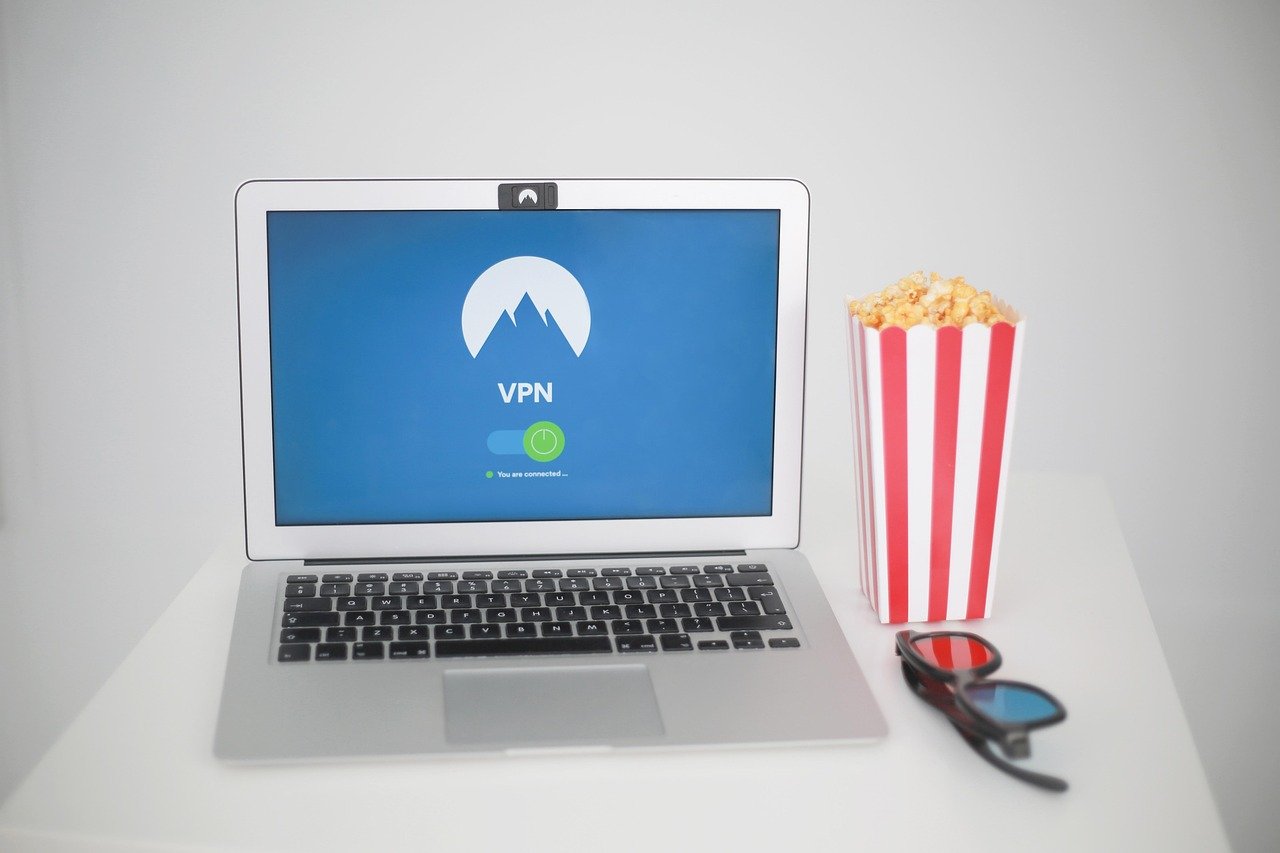
Connecting to the internet shouldn’t be a gamble. In today’s digital landscape, ensuring your connection is secure is paramount for protecting your sensitive information from prying eyes. From online banking to casual browsing, understanding and implementing secure connections is vital for safeguarding your privacy and data. This guide will explore the fundamentals of secure connections, explain how they work, and provide practical tips to enhance your online security.
What is a Secure Connection?
Defining Secure Connections
A secure connection is essentially an encrypted link between your device and a website or server. This encryption scrambles the data transmitted, making it unreadable to anyone who might intercept it. Think of it as sending a message in a secret code that only the intended recipient can decipher. The most common technology used to establish secure connections is SSL/TLS (Secure Sockets Layer/Transport Layer Security).
Why Secure Connections Matter
Using secure connections offers numerous benefits:
- Data Protection: Encrypts sensitive information like passwords, credit card details, and personal data.
- Privacy: Prevents eavesdropping on your online activities.
- Authentication: Verifies the identity of the website or server you are connecting to, reducing the risk of connecting to a fraudulent site.
- Trust and Credibility: Secure connections, indicated by HTTPS and a padlock icon, signal to users that a website is trustworthy and cares about their security.
- SEO Benefits: Google prioritizes HTTPS websites in search rankings, improving visibility.
Identifying a Secure Connection
The easiest way to identify a secure connection is by looking at the website’s address bar.
- HTTPS: The “HTTPS” in the URL indicates that the connection is secured with SSL/TLS. The “S” stands for “Secure.”
- Padlock Icon: A padlock icon, usually located to the left of the URL in the address bar, further confirms the secure connection. Clicking the padlock will typically provide details about the SSL/TLS certificate.
- Browser Warnings: If a website lacks a valid SSL/TLS certificate, your browser will often display a warning message, advising you to proceed with caution. Heed these warnings!
How SSL/TLS Encryption Works
The Basics of SSL/TLS
SSL/TLS uses cryptographic protocols to establish a secure channel between a client (your browser) and a server (the website). The process involves:
Understanding Certificates
SSL/TLS certificates are digital certificates that verify the identity of a website and enable encrypted connections. These certificates are issued by Certificate Authorities (CAs), trusted third-party organizations that validate the legitimacy of websites.
- Types of Certificates: Different types of SSL/TLS certificates offer varying levels of validation.
Domain Validated (DV): The CA verifies that the applicant owns the domain.
Organization Validated (OV): The CA verifies the applicant’s ownership of the domain and confirms the organization’s identity.
* Extended Validation (EV): The CA performs a more thorough verification process, including verifying the organization’s legal existence and physical address. EV certificates typically display the organization’s name in the address bar.
- Checking Certificate Details: You can view a website’s SSL/TLS certificate details by clicking the padlock icon in the address bar and selecting “Certificate” or a similar option.
The Importance of Keeping Certificates Updated
SSL/TLS certificates have an expiration date. It’s crucial for website owners to renew their certificates before they expire to maintain a secure connection. An expired certificate will trigger browser warnings and erode user trust. Regular monitoring and automated renewal processes are vital for ensuring uninterrupted security.
Threats to Secure Connections
Common Vulnerabilities
Even with SSL/TLS in place, secure connections are not immune to vulnerabilities.
- Outdated Protocols: Older versions of SSL/TLS (e.g., SSLv3, TLS 1.0, TLS 1.1) are known to have security flaws and should be disabled.
- Weak Cipher Suites: Using weak or outdated cipher suites can make connections vulnerable to attacks.
- Man-in-the-Middle (MitM) Attacks: An attacker intercepts communication between the client and server, potentially eavesdropping or modifying data.
- Phishing Attacks: Attackers create fake websites that mimic legitimate ones to steal credentials and sensitive information.
- Compromised Certificates: If a certificate authority is compromised or a certificate is fraudulently issued, attackers can use it to impersonate websites.
Protecting Yourself from Threats
Here are some practical steps you can take to mitigate these risks:
- Keep your browser and operating system up to date: Software updates often include security patches that address known vulnerabilities.
- Use a strong password and enable two-factor authentication: This adds an extra layer of security to your accounts.
- Be wary of suspicious links and emails: Phishing attacks often rely on tricking users into clicking malicious links.
- Use a reputable antivirus and firewall: These can help detect and block malware and other threats.
- Use a VPN (Virtual Private Network) on public Wi-Fi: VPNs encrypt your internet traffic and hide your IP address, providing an extra layer of security on unsecured networks.
- Always check for the HTTPS and padlock icon before entering sensitive information: This helps ensure that you are connecting to a secure website.
Best Practices for Website Owners
Implementing HTTPS on Your Website
Implementing HTTPS on your website is essential for protecting your users’ data and improving your search engine ranking.
- Obtain an SSL/TLS Certificate: Choose a certificate type that meets your needs and purchase it from a reputable Certificate Authority.
- Install the Certificate: Follow your hosting provider’s instructions to install the certificate on your server.
- Configure Your Web Server: Properly configure your web server to use HTTPS. This typically involves updating your server’s configuration file.
- Redirect HTTP to HTTPS: Implement a 301 redirect to automatically redirect users from HTTP to HTTPS versions of your pages.
- Update Internal Links: Update all internal links on your website to use HTTPS.
- Update External Links: Where possible, request that external websites update their links to your site to use HTTPS.
- Use HSTS (HTTP Strict Transport Security): HSTS tells browsers to always connect to your website using HTTPS, even if the user types in “http://” or clicks on an HTTP link.
Regularly Testing Your Security
Regularly testing your website’s security is crucial for identifying and addressing vulnerabilities.
- Use online SSL/TLS testing tools: These tools can help you identify weak cipher suites, outdated protocols, and other security flaws. Examples include Qualys SSL Labs’ SSL Server Test.
- Conduct penetration testing: Hire a security professional to conduct penetration testing to identify vulnerabilities that might be missed by automated tools.
- Monitor your website for security incidents: Implement a security monitoring system to detect and respond to security incidents in a timely manner.
Conclusion
Securing your internet connection is no longer optional; it’s a necessity in today’s digital world. By understanding the principles of secure connections, such as SSL/TLS encryption, and implementing best practices, you can significantly reduce your risk of falling victim to cyberattacks and protect your sensitive information. Whether you are a website owner or simply browsing the web, taking proactive steps to ensure secure connections is essential for a safe and private online experience. Remember to always look for the HTTPS and padlock icon, keep your software updated, and be cautious of suspicious links and emails.


