
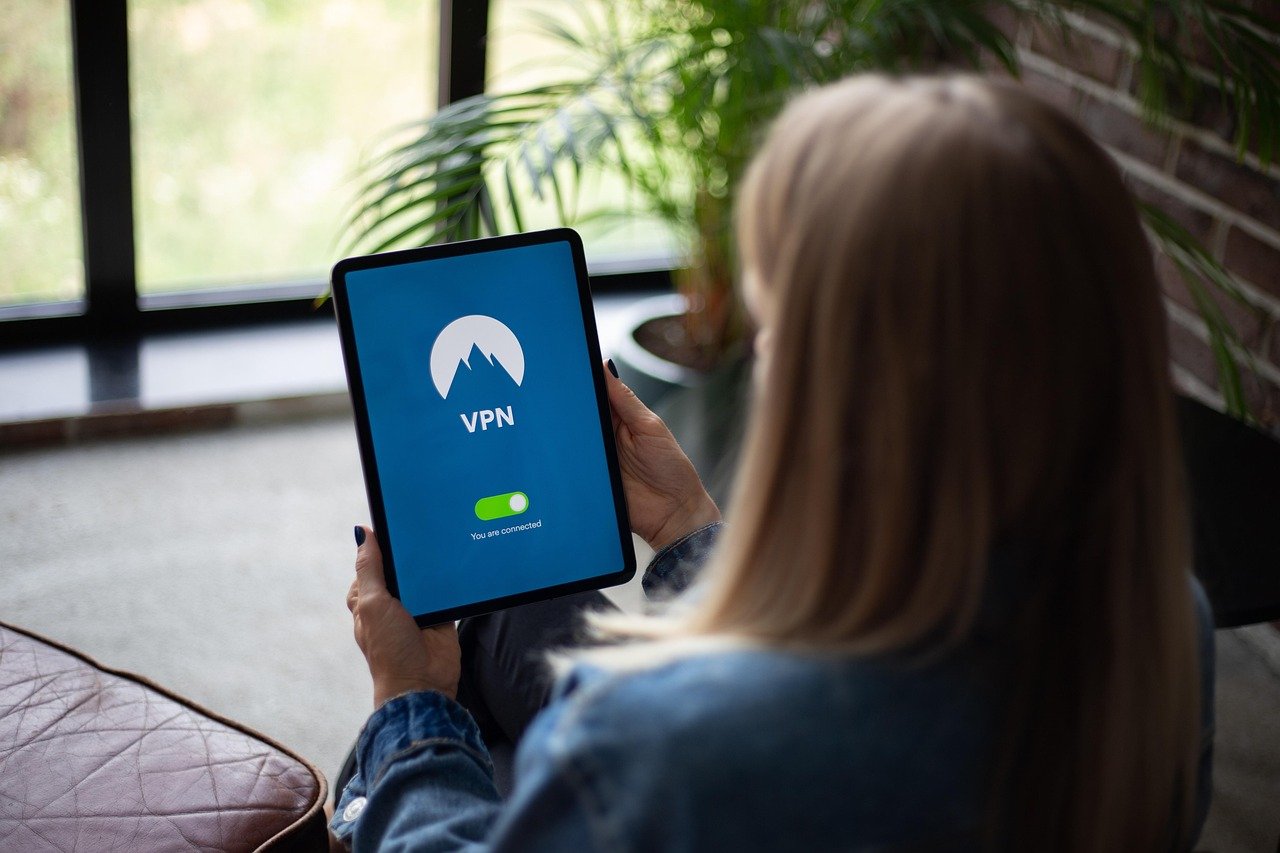
Working remotely or handling sensitive data outside the traditional office environment has become increasingly common. This shift introduces new security challenges, making a Virtual Private Network (VPN) an indispensable tool for professionals. A VPN for work isn’t just a nice-to-have; it’s a critical component of a robust security strategy, safeguarding your data and ensuring secure access to company resources, regardless of your location.
Understanding VPNs and Their Importance for Work
What is a VPN?
A Virtual Private Network (VPN) creates a secure, encrypted connection between your device and the internet. Think of it as a private tunnel through the public internet. This tunnel masks your IP address, encrypts your data, and allows you to access websites and applications as if you were on a private network.
Why is a VPN Crucial for Professional Use?
The rise of remote work and the increasing reliance on cloud-based services have expanded the attack surface for cybercriminals. Here’s why a VPN is essential for professionals:
- Data Security: Protects sensitive company data from being intercepted by hackers on public Wi-Fi networks or compromised through man-in-the-middle attacks. 43% of cyberattacks target small businesses, making strong security measures a must.
- Secure Remote Access: Provides secure access to internal company networks and resources, such as file servers and databases, regardless of location.
- Bypassing Geographical Restrictions: Allows access to content that might be restricted in certain regions, ensuring seamless work access for global teams.
- Privacy Protection: Masks your IP address and encrypts your browsing activity, preventing websites and internet service providers (ISPs) from tracking your online behavior.
- Compliance: Helps businesses comply with data privacy regulations like GDPR and HIPAA, which require robust security measures to protect sensitive data.
Key Benefits of Using a VPN for Work
Enhanced Security on Public Wi-Fi
Public Wi-Fi networks are notorious for their lack of security. Hackers can easily intercept data transmitted over these networks, making it crucial to use a VPN. For instance, accessing your email, bank accounts, or company CRM on public Wi-Fi without a VPN leaves your data vulnerable.
- Encryption: A VPN encrypts your data, making it unreadable to anyone who might be snooping on the network.
- IP Address Masking: Hides your actual IP address, making it harder to track your online activity.
- Protection from Man-in-the-Middle Attacks: Prevents attackers from intercepting and altering the communication between your device and the server.
Secure Access to Company Resources
Many companies use VPNs to provide secure access to internal resources for remote workers. This ensures that only authorized personnel can access sensitive information, regardless of their location.
- Secure Tunneling: Creates a secure, encrypted tunnel between your device and the company network.
- Authentication: Requires authentication before granting access to company resources, verifying the user’s identity.
- Access Control: Allows administrators to control which resources users can access based on their roles and permissions.
Privacy and Anonymity
A VPN helps protect your privacy by masking your IP address and encrypting your browsing activity. This prevents websites, advertisers, and ISPs from tracking your online behavior.
- IP Address Masking: Hides your real IP address, making it harder to identify your location and track your online activities.
- Encryption: Encrypts your browsing history, preventing ISPs and other third parties from monitoring your online activity.
- Protection from Tracking: Prevents websites and advertisers from tracking your online behavior using cookies and other tracking technologies.
Choosing the Right VPN for Your Needs
Evaluating VPN Features
When selecting a VPN for work, consider the following features:
- Strong Encryption: Look for VPNs that use strong encryption protocols like AES-256.
- No-Logs Policy: Ensure the VPN provider has a strict no-logs policy, meaning they don’t track or store your online activity.
- Server Locations: Choose a VPN with a wide range of server locations to bypass geographical restrictions and improve connection speeds.
- Multiple Device Support: Ensure the VPN supports multiple devices, allowing you to protect all your devices with a single subscription.
- Customer Support: Look for VPN providers that offer 24/7 customer support to assist with any issues you might encounter.
Free vs. Paid VPNs
While free VPNs might seem appealing, they often come with significant drawbacks. Here’s a comparison:
| Feature | Free VPNs | Paid VPNs |
| —————- | ————————————— | —————————————- |
| Security | Often weaker encryption, potential data logging | Strong encryption, strict no-logs policy |
| Speed | Slower speeds, bandwidth limitations | Faster speeds, unlimited bandwidth |
| Server Locations | Limited server locations | Wide range of server locations |
| Ads | Often contain intrusive ads | Ad-free |
| Customer Support | Limited or no customer support | 24/7 customer support |
Example: A paid VPN might offer a dedicated IP address, which is useful for accessing sensitive company resources that require a static IP. Free VPNs rarely offer this feature.
Top VPN Providers for Professionals
Here are some reputable VPN providers to consider:
- NordVPN: Known for its strong security features and fast speeds.
- ExpressVPN: Popular for its ease of use and wide range of server locations.
- Surfshark: Offers unlimited device connections and affordable pricing.
- CyberGhost: Provides dedicated servers for specific tasks like streaming and torrenting.
Setting Up and Using a VPN for Work
Installation and Configuration
Setting up a VPN is usually straightforward:
Best Practices for VPN Usage
To maximize the benefits of using a VPN, follow these best practices:
- Always Connect to a VPN on Public Wi-Fi: Make it a habit to connect to a VPN whenever you’re using public Wi-Fi.
- Use Strong Passwords: Use strong, unique passwords for your VPN account and other online accounts.
- Enable Two-Factor Authentication: Enable two-factor authentication for added security.
- Keep Your VPN App Updated: Regularly update your VPN app to ensure you have the latest security patches.
- Be Aware of Phishing Scams: Be cautious of phishing emails and websites that might try to steal your login credentials.
- Understand Split Tunneling: If your VPN offers split tunneling, understand how to use it to route only specific traffic through the VPN while allowing other traffic to bypass it. For example, you might want to route company traffic through the VPN while allowing streaming services to bypass it.
VPNs and Company Policies
Aligning with Organizational Security Protocols
It’s vital that the VPN usage aligns with the company’s security policies and protocols. Check with your IT department before implementing a VPN solution, particularly if the organization mandates a specific VPN or configuration.
- Compliance: Ensure the VPN adheres to industry-specific regulatory requirements like HIPAA, GDPR, or PCI DSS.
- Approved VPNs: Companies might have a list of approved VPN providers to ensure compatibility and security.
- Configuration: Adhere to the recommended VPN configuration provided by your IT department to maintain a consistent security posture.
Understanding the Limitations
While VPNs are crucial, they are not a complete security solution. Understanding their limitations helps in creating a more comprehensive security strategy.
- Not a Replacement for Antivirus: A VPN doesn’t protect against malware or viruses. Use a reputable antivirus software in conjunction with a VPN.
- VPN Provider Trust: You are trusting the VPN provider with your data. Choose a reputable provider with a strong track record.
- Performance Impact: VPNs can sometimes slow down your internet speed due to encryption and server distance.
- Potential for Logging: Even with a no-logs policy, there’s always a risk that a VPN provider could log your data. Choose a provider with independent audits and a transparent privacy policy.
Conclusion
Investing in a reliable VPN for work is a smart move for any professional who values data security, privacy, and secure access to company resources. By understanding the benefits, selecting the right VPN, and following best practices, you can significantly enhance your online security and protect your sensitive information in an increasingly interconnected world. Prioritize your online safety and ensure you are equipped with the tools needed to navigate the digital landscape securely and efficiently. Don’t wait for a security breach to highlight the importance of a VPN – implement it today for a proactive and secure work experience.



