
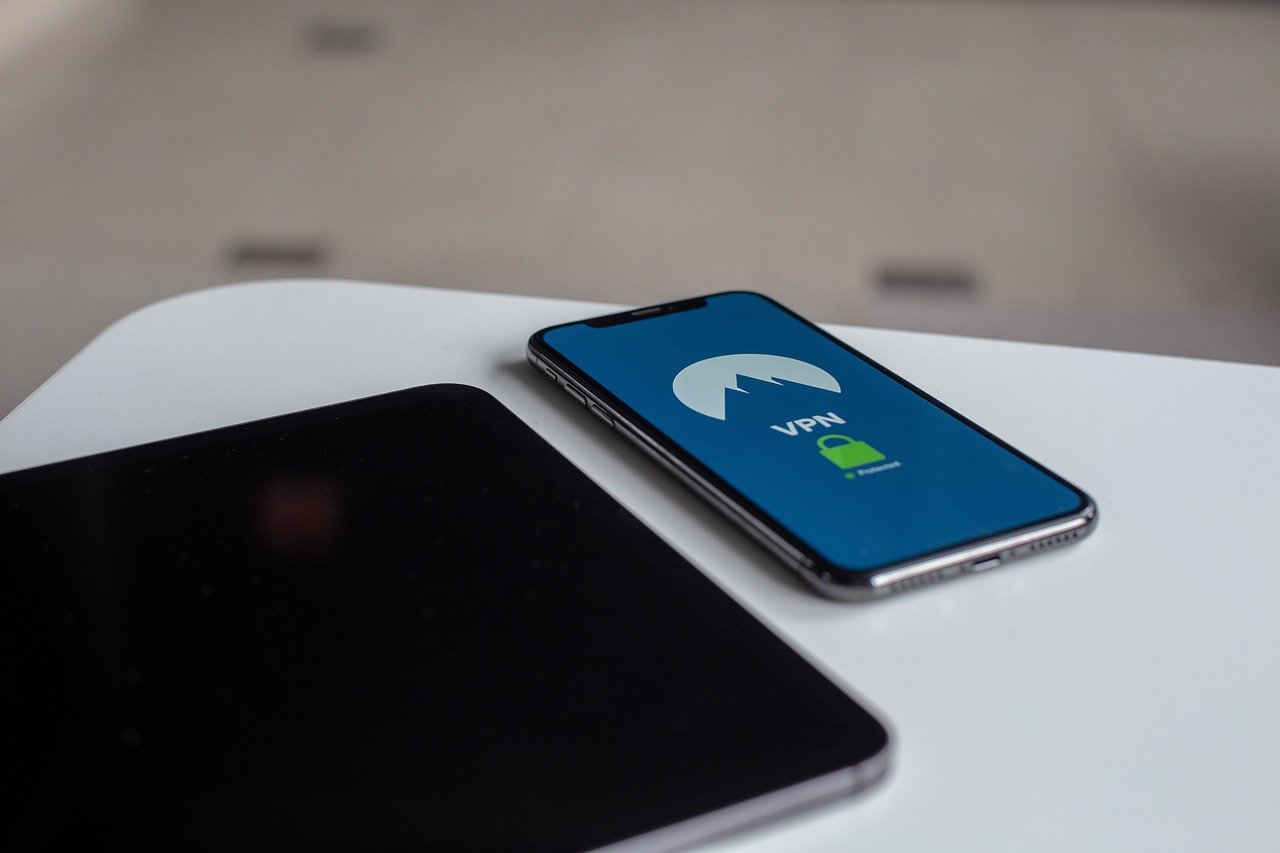
Imagine a world where your online activity remains private, your data is secure from prying eyes, and you can access content from anywhere in the world without restrictions. This isn’t a fantasy; it’s the reality offered by a VPN app. In today’s digital age, where online privacy is increasingly threatened, understanding and utilizing a VPN app has become crucial for protecting yourself and your information. This comprehensive guide will explore everything you need to know about VPN apps, from their core functionality to their practical applications.
What is a VPN App?
A VPN app, short for Virtual Private Network application, is a software program that creates a secure and encrypted connection over a less secure network, such as the public internet. Think of it as a private tunnel for your internet traffic, shielding your data from eavesdroppers and masking your IP address.
How VPN Apps Work
- Encryption: VPN apps encrypt your internet traffic, scrambling your data so it’s unreadable to anyone who intercepts it. This is crucial when using public Wi-Fi networks, where your data is particularly vulnerable.
- IP Address Masking: When you connect to a VPN server, your real IP address is hidden, and you are assigned the IP address of the VPN server. This makes it difficult to trace your online activity back to you.
- Server Network: VPN apps provide access to a global network of servers. By connecting to a server in a different country, you can appear to be browsing from that location.
- Protocol Selection: Many VPN apps allow you to choose from different VPN protocols, such as OpenVPN, IKEv2, and WireGuard. Each protocol offers different levels of security and speed.
Common VPN App Use Cases
- Protecting Privacy on Public Wi-Fi: Public Wi-Fi networks are notoriously insecure. A VPN app encrypts your data, preventing hackers from intercepting your passwords, financial information, and other sensitive data.
- Accessing Geo-Restricted Content: Many streaming services and websites restrict access based on your location. A VPN app allows you to bypass these restrictions by connecting to a server in a region where the content is available. For example, using a US VPN server to access Hulu content from outside the US.
- Bypassing Censorship: In countries with strict internet censorship, a VPN app can be used to bypass firewalls and access blocked websites and social media platforms.
- Secure Torrenting: A VPN app encrypts your torrenting activity, protecting you from potential legal repercussions.
- Online Gaming: A VPN app can help improve your gaming experience by reducing lag and protecting you from DDoS attacks.
Choosing the Right VPN App
With so many VPN apps available, selecting the right one can be overwhelming. Here are some key factors to consider:
Security Features
- Encryption Strength: Look for VPN apps that use strong encryption algorithms, such as AES-256.
- VPN Protocols: Choose a VPN app that supports multiple VPN protocols, including OpenVPN, IKEv2, and WireGuard. OpenVPN and WireGuard are generally considered the most secure.
- Kill Switch: A kill switch automatically disconnects your internet connection if the VPN connection drops, preventing your data from being exposed.
- No-Logs Policy: Ensure the VPN provider has a strict no-logs policy, meaning they don’t track or store your browsing activity.
Speed and Performance
- Server Locations: Choose a VPN app with a large network of servers in various locations. This allows you to connect to a server that is close to you, resulting in faster speeds.
- Server Load: Check the server load before connecting. Connecting to a server with a high load can result in slower speeds.
- Protocol Efficiency: Some protocols, like WireGuard, are known for their speed and efficiency.
Price and Subscription Options
- Free vs. Paid: Free VPN apps often have limitations, such as slower speeds, data caps, and limited server locations. They may also monetize your data or display intrusive ads. Paid VPN apps typically offer better performance, security, and privacy.
- Subscription Length: Consider the length of the subscription. Longer subscriptions often come with a lower monthly price.
- Money-Back Guarantee: Look for VPN apps that offer a money-back guarantee. This allows you to try the service risk-free.
Usability and Compatibility
- User Interface: Choose a VPN app with a user-friendly interface that is easy to navigate.
- Device Compatibility: Ensure the VPN app is compatible with your devices, including your computer, smartphone, and tablet. Most reputable VPNs offer apps for Windows, macOS, iOS, and Android.
- Customer Support: Check the VPN provider’s customer support options. Do they offer live chat, email support, or a knowledge base?
Examples of Reputable VPN Apps
- NordVPN: Known for its strong security features, large server network, and user-friendly interface.
- ExpressVPN: Renowned for its speed, reliability, and excellent customer support.
- Surfshark: A budget-friendly option that offers unlimited device connections.
- CyberGhost VPN: Popular for its dedicated servers for streaming and torrenting.
Setting Up and Using a VPN App
Setting up a VPN app is typically a straightforward process. Here’s a general overview:
Installation and Configuration
- Download the App: Download the VPN app from the provider’s website or app store.
- Create an Account: Sign up for an account and choose a subscription plan.
- Install the App: Follow the on-screen instructions to install the app on your device.
- Log In: Log in to the app using your account credentials.
Connecting to a VPN Server
- Choose a Server: Select a server location from the list. You can choose a server based on your desired location or purpose (e.g., streaming, torrenting).
- Connect: Click the connect button to establish a VPN connection.
- Verify Connection: Once connected, verify that your IP address has changed and that your internet traffic is being routed through the VPN server. You can use an online IP address checker to confirm this.
Optimizing VPN App Performance
- Choose the Right Protocol: Experiment with different VPN protocols to find the one that offers the best balance of speed and security for your needs.
- Connect to a Nearby Server: Connecting to a server that is geographically close to you typically results in faster speeds.
- Close Unnecessary Apps: Close any unnecessary apps that are consuming bandwidth.
- Update the App: Regularly update the VPN app to ensure you have the latest security patches and performance improvements.
Potential Drawbacks of Using a VPN App
While VPN apps offer numerous benefits, it’s important to be aware of potential drawbacks:
Speed Reduction
- Encryption Overhead: The encryption process can slightly slow down your internet speed.
- Server Distance: Connecting to a server that is far away can also affect your speed.
- Server Load: Connecting to an overloaded server can result in slower speeds.
Compatibility Issues
- Network Conflicts: VPN apps can sometimes conflict with other network settings or software.
- Website Blocking: Some websites may block VPN traffic.
Trusting the Provider
- Data Logging: It’s crucial to choose a reputable VPN provider with a strict no-logs policy. A dishonest provider could potentially track your online activity and sell your data.
- Security Vulnerabilities: Some VPN apps may have security vulnerabilities that could expose your data.
Cost
- Subscription Fees: Paid VPN apps require a subscription fee, which can be a barrier for some users. While free options exist, they often come with significant limitations.
Conclusion
A VPN app is an essential tool for protecting your online privacy and security in today’s digital landscape. By encrypting your internet traffic and masking your IP address, a VPN app safeguards your data from prying eyes and allows you to access content from anywhere in the world. While there are potential drawbacks to consider, the benefits of using a VPN app generally outweigh the risks, especially when you choose a reputable provider and configure the app properly. Take the time to research and select a VPN app that meets your specific needs, and enjoy a safer and more private online experience.


