
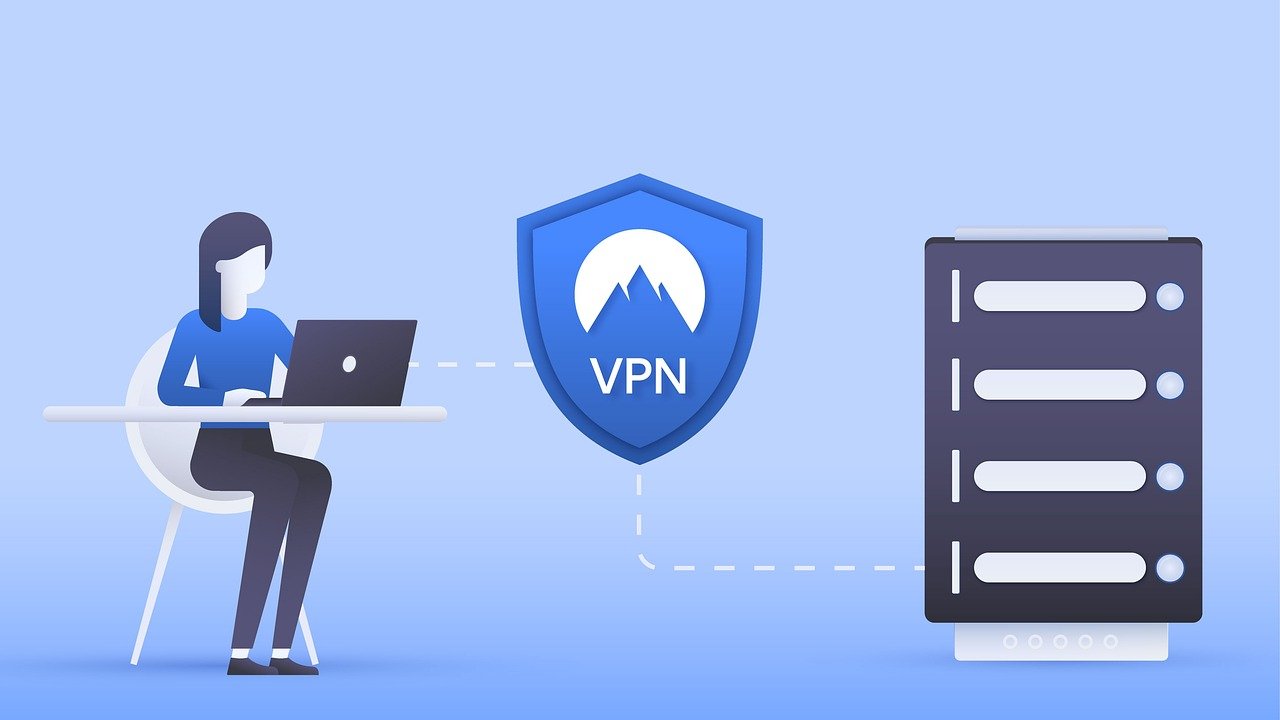
Connecting to public Wi-Fi hotspots is incredibly convenient, but it also opens the door to potential security risks. With cyber threats becoming more sophisticated, protecting your online activities is essential. A Virtual Private Network (VPN) offers a robust solution by encrypting your internet connection and masking your IP address. Understanding the various security features of a VPN will empower you to make informed decisions about your online privacy and security. This article delves deep into the essential security features that make a VPN a valuable tool in today’s digital landscape.
Encryption Protocols: The Foundation of VPN Security
What is Encryption and Why is it Important?
Encryption is the process of converting readable data into an unreadable format, known as ciphertext. This ensures that even if your data is intercepted, it cannot be deciphered without the correct decryption key. Encryption is the bedrock of VPN security, preventing eavesdropping and data theft. VPNs use different encryption protocols, each with its own strengths and weaknesses.
- Example: Imagine sending a postcard (unencrypted data) versus sending a message in a sealed envelope (encrypted data). The envelope protects the message’s contents from being read by anyone who handles it.
Popular Encryption Protocols
- OpenVPN: Widely regarded as the gold standard, OpenVPN is an open-source protocol that offers a high level of security and flexibility. It can be configured to use various encryption algorithms, such as AES (Advanced Encryption Standard), and supports multiple platforms. Its open-source nature allows for constant scrutiny and improvement by the security community.
Benefit: Highly secure and customizable, making it a reliable choice for privacy-conscious users.
- IKEv2/IPsec: A fast and stable protocol often used on mobile devices due to its ability to quickly re-establish a connection after interruptions. It is typically paired with the IPsec suite of protocols, which provides authentication and encryption.
Benefit: Offers a good balance between speed and security, ideal for mobile users.
- WireGuard: A relatively new protocol that boasts impressive speed and efficiency. It utilizes state-of-the-art cryptography and a leaner codebase, making it less vulnerable to attacks. WireGuard is gaining popularity due to its ease of use and strong performance.
Benefit: Fast, efficient, and secure, offering a modern alternative to traditional protocols.
- SSTP (Secure Socket Tunneling Protocol): Developed by Microsoft, SSTP uses SSL/TLS encryption, similar to HTTPS websites. It is generally considered secure but might be less favored by privacy purists due to its proprietary nature.
Benefit: Can bypass firewalls effectively, as it operates over the standard HTTPS port (443).
- Actionable Takeaway: Check which encryption protocols your VPN provider supports. Opt for VPNs offering OpenVPN, IKEv2/IPsec, or WireGuard for robust security. Avoid PPTP, as it’s considered outdated and vulnerable.
Kill Switch: Your Safety Net in Case of Connection Drops
What is a Kill Switch?
A kill switch is a crucial security feature that automatically disconnects your internet connection if the VPN connection drops unexpectedly. This prevents your real IP address and unencrypted data from being exposed to the internet.
- Example: You are downloading a torrent file via VPN, and the VPN connection suddenly drops. Without a kill switch, your IP address and torrenting activity would be visible to your ISP and other peers. The kill switch would immediately cut off your internet access, preventing this exposure.
Types of Kill Switches
- Application-Level Kill Switch: Closes specific applications if the VPN connection fails. This is useful if you only want to protect certain programs, like your torrent client or web browser.
- System-Level Kill Switch: Disconnects your entire internet connection if the VPN connection drops. This provides a more comprehensive layer of protection.
Why is a Kill Switch Important?
Without a kill switch, your online activity can be exposed if your VPN connection falters. This is particularly important for activities where privacy is paramount, such as:
- Torrenting
- Accessing sensitive financial information
- Bypassing censorship
- Actionable Takeaway: Ensure your VPN has a kill switch feature and that it is enabled in the settings. Test the kill switch by manually disconnecting your VPN connection to verify that your internet access is blocked.
DNS Leak Protection: Preventing Information Exposure
What is a DNS Leak?
DNS (Domain Name System) translates domain names (like google.com) into IP addresses that computers can understand. When you visit a website, your device sends a DNS request to a DNS server, usually provided by your ISP. A DNS leak occurs when your DNS requests are routed through your ISP’s DNS servers instead of the VPN’s DNS servers, revealing your browsing activity to your ISP, even when connected to a VPN.
- Example: Even if your VPN masks your IP address, a DNS leak can reveal that you visited a specific website, undermining your privacy.
How VPNs Prevent DNS Leaks
Reputable VPNs implement DNS leak protection to ensure that all DNS requests are routed through their own secure DNS servers. This prevents your ISP from tracking your online activity.
Testing for DNS Leaks
Several online tools can test for DNS leaks. Simply connect to your VPN and visit a DNS leak testing website. The results should show the VPN’s DNS server IP address, not your ISP’s.
- [dnsleaktest.com](https://www.dnsleaktest.com/) is a popular choice.
- Actionable Takeaway: Regularly test your VPN for DNS leaks using a reputable testing tool. If leaks are detected, contact your VPN provider or consider switching to a more secure service.
No-Logs Policy: Ensuring Your Data is Not Stored
What is a No-Logs Policy?
A no-logs policy is a commitment from a VPN provider that they do not collect or store any information about your online activity, including:
- Browsing history
- Connection timestamps
- IP addresses
- Data transferred
Why is a No-Logs Policy Important?
Even with encryption, your VPN provider potentially has access to your data. A strict no-logs policy ensures that even if the VPN provider is compelled by law enforcement to hand over data, there is nothing to share.
- Example: If a VPN provider logs your browsing history and is subpoenaed by authorities, they could be forced to provide that data, compromising your privacy.
Verifying a No-Logs Policy
- Read the VPN’s Privacy Policy: Carefully review the VPN provider’s privacy policy to understand their logging practices.
- Look for Independent Audits: Some VPN providers undergo independent audits by third-party security firms to verify their no-logs claims. This adds a layer of credibility.
- Consider Jurisdiction: The VPN provider’s jurisdiction (country of operation) can impact its privacy practices. Some countries have stricter data retention laws than others.
- Actionable Takeaway: Prioritize VPNs with a clearly stated and independently audited no-logs policy. Understand the VPN’s jurisdiction and its implications for your privacy.
Additional Security Features to Consider
Multi-Hop (Double VPN)
Routes your internet traffic through two separate VPN servers, providing an extra layer of encryption and anonymity. This makes it even more difficult to trace your online activity back to you.
Obfuscation
Disguises VPN traffic to make it appear as regular internet traffic. This is useful for bypassing VPN blocks implemented by governments or organizations.
Dedicated IP Addresses
Provides you with a static IP address that is only used by you. This can improve your online reputation and reduce the likelihood of being flagged as suspicious by websites.
Threat Protection/Malware Blocking
Some VPNs offer built-in threat protection features that block malicious websites, phishing attempts, and malware downloads.
Split Tunneling
Allows you to choose which applications or websites use the VPN connection and which use your regular internet connection. This can be useful for optimizing speed and bandwidth.
Conclusion
Choosing a VPN with robust security features is crucial for protecting your online privacy and security. Understanding encryption protocols, kill switches, DNS leak protection, and no-logs policies will empower you to make informed decisions and safeguard your digital life. By prioritizing these essential features and considering additional security options, you can enjoy a safer and more private online experience. Always remember that not all VPNs are created equal, so due diligence is key to selecting a provider that aligns with your privacy needs.


