
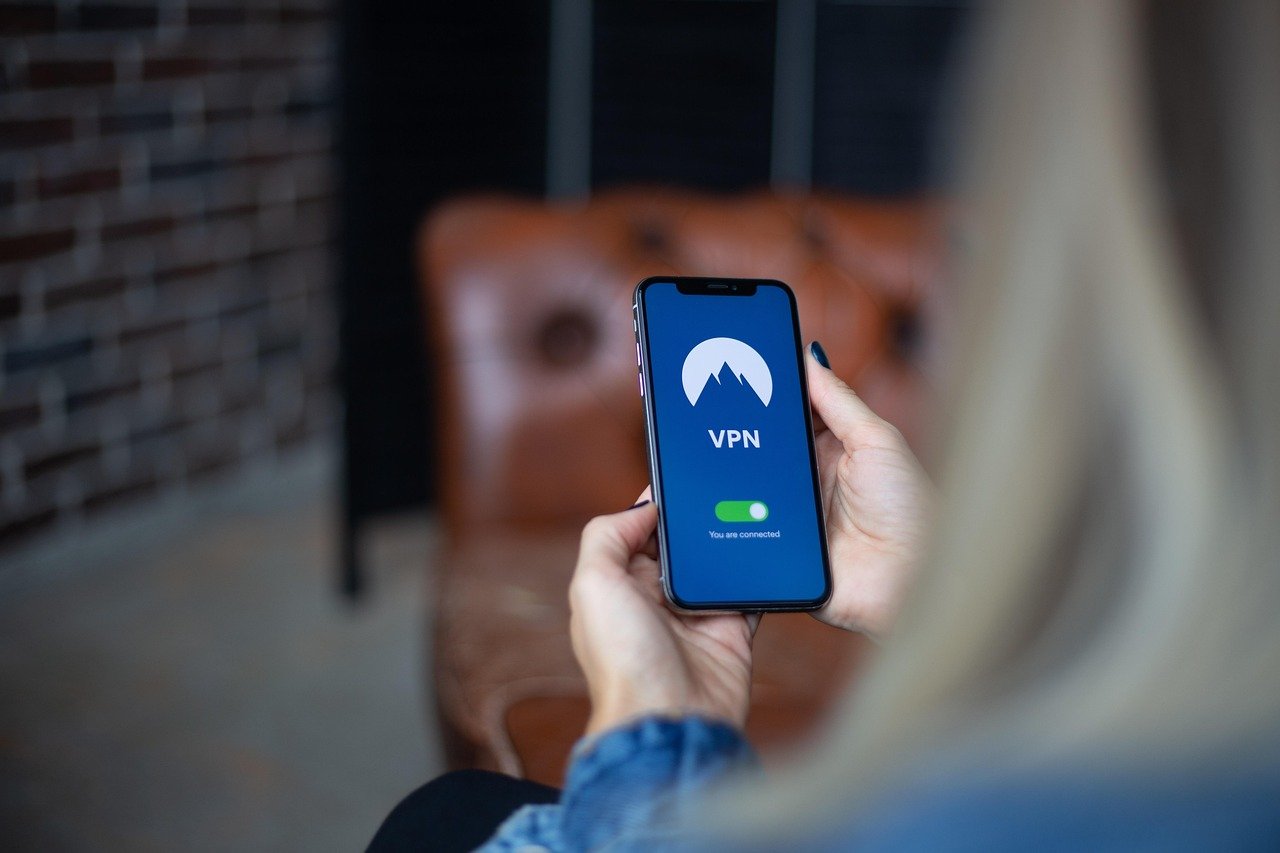
In today’s hyper-connected world, protecting your online privacy has become paramount. From targeted advertising to potential surveillance, your digital footprint is constantly under scrutiny. A Virtual Private Network (VPN) offers a powerful solution, acting as a shield to safeguard your sensitive data and online activities. This comprehensive guide explores how a VPN enhances your privacy, the features to look for, and practical tips for secure VPN usage.
Why You Need a VPN for Privacy
Understanding Online Privacy Risks
The internet, while a powerful tool, exposes users to numerous privacy risks. These risks include:
- Data Collection: Websites, social media platforms, and even internet service providers (ISPs) collect vast amounts of data about your browsing habits, location, and personal information.
- Surveillance: Government agencies and other entities may monitor your online activities.
- Targeted Advertising: Your browsing history is often used to create personalized advertising profiles, leading to intrusive and manipulative ads.
- Cybersecurity Threats: Unsecured connections can expose your data to hackers and malicious actors.
How a VPN Enhances Privacy
A VPN works by creating an encrypted tunnel between your device and a VPN server. This tunnel masks your IP address, making it difficult to track your online activities. Specifically, a VPN offers:
- IP Address Masking: Hides your real IP address, replacing it with the VPN server’s IP address.
Example: Instead of websites seeing your home IP address, they see the IP address of the VPN server located in another country.
- Encryption: Encrypts your internet traffic, preventing ISPs, hackers, and other third parties from intercepting your data.
Example: Your bank details, passwords, and browsing history are scrambled, making them unreadable to anyone who intercepts them.
- Bypassing Censorship: Allows you to access content that may be blocked in your region.
* Example: Accessing news websites or social media platforms that are censored in certain countries.
Key Features to Look for in a Privacy-Focused VPN
Strong Encryption Protocols
The encryption protocol used by a VPN is crucial for its security. Look for VPNs that use:
- OpenVPN: Considered one of the most secure and reliable protocols, often the gold standard.
- IKEv2/IPsec: A fast and secure protocol, often used on mobile devices.
- WireGuard: A relatively new protocol known for its speed and security.
Avoid VPNs that use outdated or weak protocols like PPTP, as they are vulnerable to security breaches.
Strict No-Logs Policy
A no-logs policy ensures that the VPN provider does not store any data about your online activities. This is essential for maintaining your privacy.
- Check the VPN’s Privacy Policy: Carefully review the policy to understand what data is collected and stored.
- Look for Independent Audits: VPNs that have undergone independent audits to verify their no-logs policy are generally more trustworthy.
- Avoid Free VPNs: Free VPNs often log your data and sell it to third parties to generate revenue.
Server Locations and Network Size
The number of server locations and the size of the VPN’s network can impact your speed and ability to access content from different regions.
- Wide Range of Server Locations: Allows you to connect to servers in different countries to bypass geo-restrictions.
- Large Network Size: Reduces the risk of server overload and ensures faster connection speeds.
Kill Switch and DNS Leak Protection
These features are crucial for preventing data leaks if your VPN connection drops.
- Kill Switch: Automatically disconnects your internet connection if the VPN connection drops, preventing your data from being exposed.
- DNS Leak Protection: Ensures that your DNS requests are routed through the VPN server, preventing your ISP from tracking your browsing activity.
Practical Tips for Secure VPN Usage
Choose a Reputable VPN Provider
Selecting a trustworthy VPN provider is the first and most important step. Consider the following:
- Research and Read Reviews: Look for user reviews and expert opinions on different VPN providers.
- Check the Provider’s Reputation: Choose a provider with a proven track record of protecting user privacy.
- Consider the Provider’s Jurisdiction: Some countries have stricter data retention laws than others.
Regularly Update Your VPN Software
VPN providers often release updates to improve security and fix vulnerabilities. Keep your VPN software up-to-date to ensure you have the latest security features.
Use Strong Passwords and Two-Factor Authentication
Protect your VPN account with a strong password and enable two-factor authentication (2FA) for added security. This will prevent unauthorized access to your account.
Combine VPN with Other Privacy Tools
For maximum privacy, consider using a VPN in combination with other privacy tools, such as:
- Encrypted Email: Use an encrypted email service like ProtonMail to protect your email communications.
- Privacy-Focused Browser: Use a browser like Brave or Tor that blocks trackers and enhances privacy.
- Password Manager: Use a password manager to generate and store strong passwords.
Common Misconceptions About VPNs and Privacy
VPNs Make You Completely Anonymous
While a VPN enhances your privacy, it does not make you completely anonymous online. Websites and other services can still track you through cookies, browser fingerprinting, and other techniques.
VPNs Protect You From All Online Threats
A VPN protects your data in transit, but it does not protect you from malware, phishing attacks, or other online threats. You still need to practice good cybersecurity habits and use antivirus software.
Free VPNs Are Just as Good as Paid VPNs
Free VPNs often have limitations, such as slower speeds, data caps, and a limited number of server locations. They may also log your data and sell it to third parties. Paid VPNs generally offer better performance, security, and privacy.
Conclusion
A VPN is a valuable tool for enhancing your online privacy, but it’s essential to choose a reputable provider, understand its limitations, and use it in conjunction with other privacy tools. By taking these steps, you can significantly reduce your digital footprint and protect your sensitive data from prying eyes. Make an informed decision, prioritize strong encryption and a strict no-logs policy, and enjoy a more private and secure online experience.


