
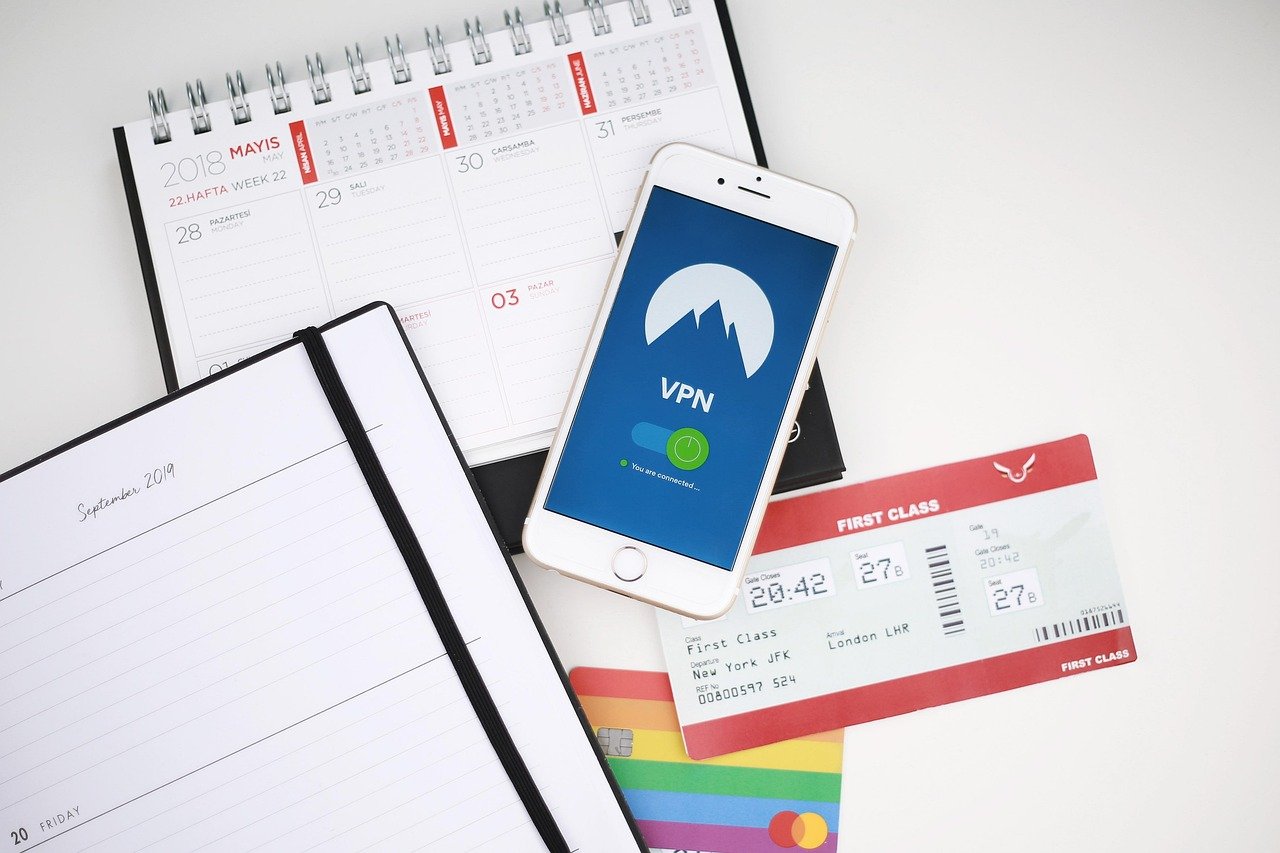
Navigating the digital world today requires a level of awareness and protection that wasn’t necessary even a decade ago. From safeguarding your personal data while browsing to accessing region-locked content, the need for a reliable and secure connection is paramount. That’s where a Virtual Private Network, or VPN, comes into play, acting as a shield for your online activities. This comprehensive guide will explore the intricacies of VPNs, explaining how they work, their benefits, and how to choose the right one for your needs.
What is a VPN and How Does it Work?
Understanding the underlying mechanisms of a VPN is essential before reaping its benefits. At its core, a VPN encrypts your internet traffic and routes it through a server in a location of your choosing, effectively masking your IP address.
VPN Encryption Explained
- Encryption Process: A VPN uses sophisticated encryption protocols to scramble your data, making it unreadable to prying eyes like hackers or your internet service provider (ISP). The most common and secure protocols include OpenVPN, IKEv2/IPsec, and WireGuard.
- Example: Imagine you’re sending a letter. Without a VPN, anyone intercepting the letter can read it. With a VPN, it’s like sending the letter in a locked box (encrypted), with only the recipient (the VPN server) holding the key.
- Data Protection: This encryption protects sensitive information like passwords, financial details, and browsing history from being intercepted, especially on public Wi-Fi networks which are notoriously insecure.
IP Address Masking
- Hiding Your Identity: Your IP address is a unique identifier that reveals your location and internet service provider. A VPN masks your real IP address with one from the VPN server, making it difficult to trace your online activities back to you.
- Example: When you visit a website without a VPN, the website sees your actual IP address. When you use a VPN, the website only sees the IP address of the VPN server, hiding your true location.
- Privacy Advantage: This masking provides a layer of anonymity, preventing websites and advertisers from tracking your online behavior as easily.
Tunneling Through VPN Servers
- Secure Connection: A VPN creates a secure tunnel between your device and the VPN server. All your internet traffic travels through this tunnel, shielded from eavesdropping.
- Server Location Options: You can choose a VPN server in a different country to bypass geo-restrictions and access content that may not be available in your region. For example, you could connect to a server in the UK to watch BBC iPlayer from outside the UK.
- Practical Application: Imagine you’re traveling abroad and want to access your home country’s Netflix library. Simply connect to a VPN server in your home country, and you’ll be able to stream your favorite shows as if you were still at home.
Benefits of Using a VPN
Using a VPN offers a multitude of benefits, ranging from enhanced security and privacy to accessing geographically restricted content.
Enhanced Security on Public Wi-Fi
- Vulnerability of Public Wi-Fi: Public Wi-Fi networks are often unsecured, making them a prime target for hackers looking to steal sensitive information.
- VPN Protection: A VPN encrypts your data, preventing hackers from intercepting your traffic on public Wi-Fi networks.
- Example: When using public Wi-Fi at a coffee shop, a VPN can protect your online banking transactions and social media logins from being compromised.
- Key Statistic: According to a study by Norton, public Wi-Fi users are 9 times more likely to be targeted by hackers.
Bypassing Geo-Restrictions and Censorship
- Accessing Restricted Content: Many websites and streaming services use geo-restrictions to limit access based on your location.
- VPN Solution: A VPN allows you to bypass these restrictions by connecting to a server in a country where the content is available.
- Example: If you want to watch a specific movie on Netflix that is only available in the US, you can connect to a US-based VPN server and access the content.
- Circumventing Censorship: In countries with strict internet censorship, a VPN can provide access to blocked websites and social media platforms.
Protecting Your Online Privacy
- Preventing Tracking: Websites and advertisers often track your online behavior using cookies and IP addresses.
- VPN Anonymity: A VPN masks your IP address and encrypts your traffic, making it more difficult for websites and advertisers to track you.
- ISP Monitoring: Your ISP can monitor your browsing history. A VPN prevents your ISP from seeing what websites you visit.
- Practical Tip: Use a VPN in conjunction with privacy-focused browsers and search engines for maximum online anonymity.
Secure File Sharing
- Protecting Sensitive Data: When sharing files online, especially via P2P networks, your IP address is often visible to others.
- VPN Security: A VPN hides your IP address, protecting your identity when sharing files and reducing the risk of being targeted for copyright infringement.
- Example: Using a VPN while torrenting can help protect your privacy and prevent legal issues.
Choosing the Right VPN Service
Selecting the right VPN service is crucial to ensure you receive the desired level of security, privacy, and performance. With countless options available, knowing what to look for is essential.
Key Features to Consider
- Security Protocols: Look for VPNs that support strong encryption protocols such as OpenVPN, IKEv2/IPsec, and WireGuard.
- No-Logs Policy: Choose a VPN with a strict no-logs policy, meaning they don’t store any information about your online activities.
- Server Locations: Opt for a VPN with a wide range of server locations to bypass geo-restrictions and improve connection speeds.
- Speed and Bandwidth: Check reviews and speed tests to ensure the VPN offers fast and reliable connection speeds.
- Device Compatibility: Ensure the VPN supports your devices (computers, smartphones, tablets) and operating systems.
- Customer Support: Look for VPNs that offer responsive and helpful customer support in case you encounter any issues.
Free vs. Paid VPNs
- Free VPN Limitations: Free VPNs often have limitations such as data caps, slower speeds, fewer server locations, and may even log your data and display intrusive ads.
- Paid VPN Benefits: Paid VPNs typically offer unlimited bandwidth, faster speeds, a wider range of server locations, and stronger security features.
- Security Risk: Some free VPNs may contain malware or track your data to sell to third parties, compromising your privacy.
- Recommendation: While free VPNs may seem tempting, investing in a reputable paid VPN is generally a safer and more reliable option.
Reading VPN Reviews and Comparisons
- Independent Reviews: Consult independent VPN review websites and forums to get unbiased opinions and comparisons.
- User Feedback: Pay attention to user feedback and ratings to gauge the overall satisfaction and reliability of a VPN service.
- Consider Trustworthiness: Research the VPN provider’s history and reputation to ensure they are trustworthy and have a proven track record of protecting user privacy.
- Actionable Advice: Be wary of VPN reviews that appear overly promotional or lack specific details.
Setting Up and Using a VPN
Once you’ve chosen a VPN service, setting it up is usually a straightforward process. Most VPN providers offer user-friendly apps and detailed instructions.
Installing the VPN App
- Download and Installation: Download the VPN app from the provider’s website or app store and follow the installation instructions.
- Compatibility: Ensure the app is compatible with your device and operating system.
- Configuration: Some VPNs may require additional configuration, such as selecting a specific protocol or enabling certain features.
Connecting to a VPN Server
- Server Selection: Choose a server location based on your desired outcome, such as accessing geo-restricted content or improving connection speeds.
- One-Click Connection: Most VPN apps offer a one-click connection option for ease of use.
- Verification: Verify that your IP address has been changed by visiting a website that displays your IP address.
Troubleshooting Common Issues
- Connection Problems: If you experience connection problems, try switching to a different server or protocol.
- Slow Speeds: If your connection speed is slow, try connecting to a server that is closer to your physical location or switching to a different protocol.
- DNS Leaks: Check for DNS leaks using online tools and ensure your VPN is properly configured to prevent them.
- Contact Support: If you encounter persistent issues, contact the VPN provider’s customer support for assistance.
Conclusion
A VPN is an invaluable tool for anyone seeking to enhance their online security, privacy, and freedom. By encrypting your data, masking your IP address, and allowing you to bypass geo-restrictions, a VPN provides a layer of protection and accessibility that is essential in today’s digital landscape. Choosing the right VPN and understanding how to use it effectively can significantly improve your online experience. Whether you’re concerned about protecting your data on public Wi-Fi, accessing restricted content, or simply maintaining your online privacy, a VPN is a smart investment in your digital well-being.


