
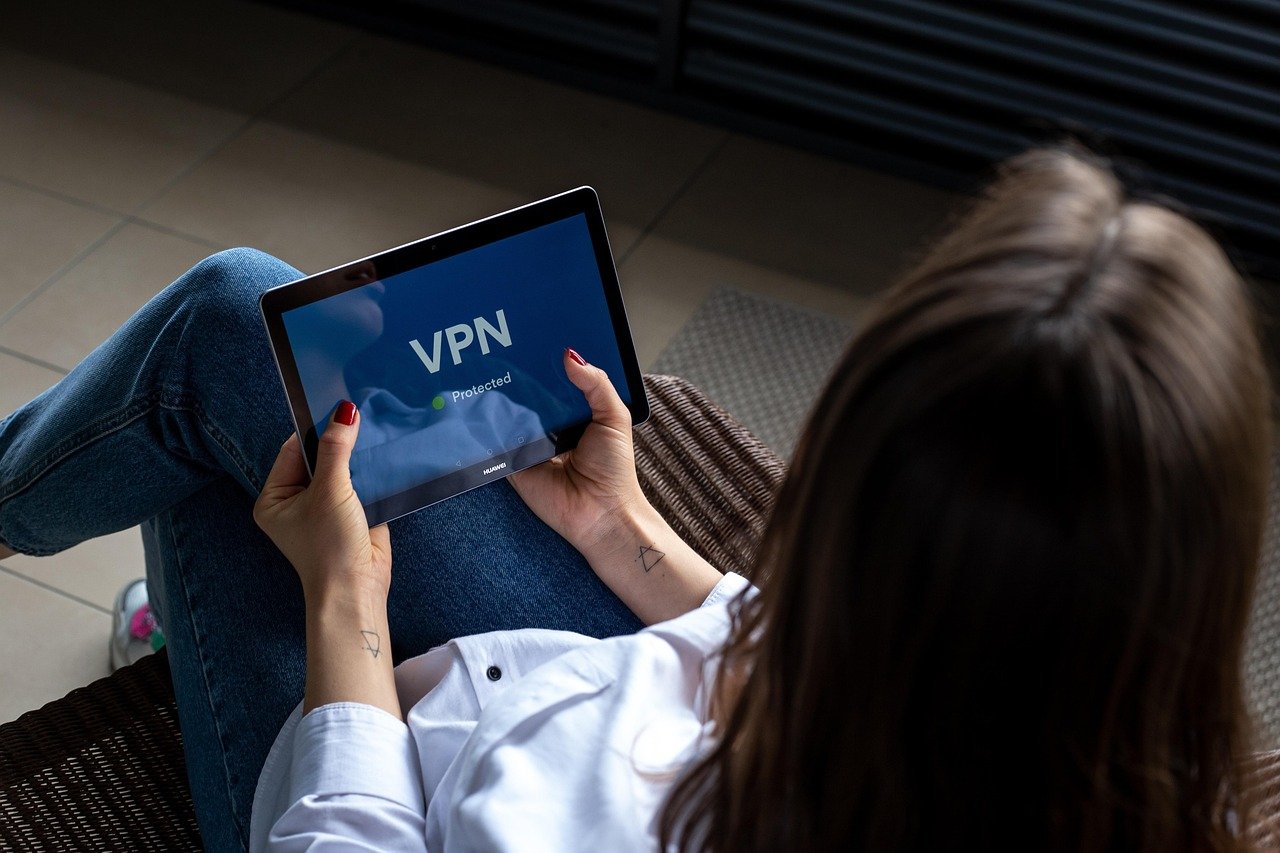
Virtual Private Networks (VPNs) have become indispensable tools for online privacy and security in today’s digital age. Before committing to a long-term subscription, many users seek a way to test the waters. A VPN trial provides that opportunity, allowing you to explore the features and benefits of a VPN service without financial risk. This blog post will delve into everything you need to know about VPN trials, helping you make an informed decision about which VPN is right for you.
Why Try a VPN with a Trial Period?
Understanding the Value of a VPN Trial
A VPN trial allows you to thoroughly evaluate a VPN service before committing to a paid plan. It’s essentially a test drive, enabling you to:
- Assess its speed and performance: Streaming, downloading, and browsing should be seamless.
- Test its compatibility: Ensure it works with your devices and operating systems.
- Evaluate its server network: Check server locations and their reliability.
- Examine its security features: Confirm encryption protocols, kill switch functionality, and DNS leak protection.
- Explore its user interface: Is it intuitive and easy to navigate?
Without a trial, you’re relying solely on marketing materials and reviews, which may not accurately reflect your personal experience.
Common Scenarios Where a VPN Trial is Beneficial
- Travel: Planning a trip abroad? Use a trial to ensure you can access your favorite streaming services and websites from your destination. For example, if you’re traveling to China, test whether the VPN can bypass the Great Firewall.
- Streaming Enthusiasts: Before committing to a VPN for unblocking streaming content, a trial period can help ensure you can successfully access platforms like Netflix, Hulu, and BBC iPlayer from different regions.
- Security-Conscious Users: A trial allows you to test the VPN’s security features and confirm that your data is properly protected from potential threats. Use online tools to check for IP and DNS leaks.
- Gamer: Lag can ruin your gaming experience. A VPN trial lets you assess the latency and stability of different server locations to optimize your connection for online gaming.
Finding and Evaluating VPN Trial Offers
Types of VPN Trials: Free vs. Money-Back Guarantees
VPN trials come in different forms, with varying terms and conditions:
- Completely Free Trials: These trials offer full access to the VPN’s features for a limited time, typically ranging from a few days to a week. No payment information is usually required upfront, making it a low-risk option.
- Money-Back Guarantees: This isn’t technically a “trial” in the purest sense, but it serves a similar purpose. You pay for a subscription, but have a specified period (often 30 days) to request a full refund if you’re not satisfied. Read the fine print carefully, as some providers may have restrictions or hidden fees.
- Limited Free Plans: Some VPNs offer a perpetually free plan, but with limitations on bandwidth, server locations, or features. While not a trial, it allows you to get a feel for the service’s basic functionality.
What to Look for in a Good VPN Trial
- Generous Trial Period: Opt for trials that offer at least 7 days to adequately test the VPN’s features.
- Full Feature Access: Ensure the trial includes access to all or most of the VPN’s premium features, not just a limited subset.
- No Data Logging Policy: Confirm that the VPN provider has a strict no-logs policy to protect your privacy during the trial period.
- Transparent Terms and Conditions: Read the fine print to understand any limitations, restrictions, or potential charges.
- Easy Cancellation Process: Ensure you can easily cancel the trial before it converts to a paid subscription.
Resources for Finding VPN Trial Offers
- VPN Provider Websites: Directly visit the official websites of VPN providers to check for trial offers.
- VPN Review Sites: Many reputable websites compile lists of VPN trials and provide detailed reviews. Examples include PCMag, TechRadar, and CNET.
- Online Forums and Communities: Explore online forums and communities dedicated to VPNs, where users often share information about trial offers and discounts.
Setting Up and Using Your VPN Trial
Step-by-Step Guide to Activating a VPN Trial
Optimizing Your VPN Connection During the Trial
- Experiment with Different Server Locations: Test different server locations to find the fastest and most reliable connection for your needs.
- Adjust VPN Protocols: Some VPNs offer multiple VPN protocols, such as OpenVPN, WireGuard, and IKEv2. Experiment with different protocols to find the best balance of speed and security.
- Enable the Kill Switch: The kill switch automatically disconnects your internet connection if the VPN connection drops, preventing your data from being exposed.
- Test for IP and DNS Leaks: Use online tools to check for IP and DNS leaks to ensure that your real IP address and DNS requests are not being exposed.
Monitoring Performance and Security
Throughout the trial period, consistently monitor your VPN’s performance and security:
- Speed Tests: Regularly run speed tests to assess the VPN’s connection speed.
- IP Leak Tests: Periodically check for IP leaks to ensure your IP address is masked.
- DNS Leak Tests: Regularly check for DNS leaks to ensure your DNS requests are routed through the VPN’s servers.
- Evaluate Customer Support: If you encounter any issues, contact the VPN provider’s customer support team to assess their responsiveness and helpfulness.
Avoiding Common Pitfalls During a VPN Trial
Reading the Fine Print: Understanding Limitations
Always carefully read the terms and conditions of the VPN trial to understand any limitations or restrictions:
- Data Caps: Some trials may impose data caps, limiting the amount of data you can use during the trial period.
- Server Restrictions: Certain trials may restrict access to specific server locations.
- Feature Limitations: Some trials may not include access to all of the VPN’s premium features.
- Automatic Conversion to Paid Subscription: Be aware of whether the trial automatically converts to a paid subscription after the trial period ends. Set a reminder to cancel if you don’t want to continue.
Security Risks of Unverified VPNs
Be wary of unverified or lesser-known VPNs offering seemingly generous trials, as they may pose security risks:
- Data Logging: Some VPNs may log your browsing activity and sell it to third parties.
- Malware: Unverified VPN apps may contain malware or other malicious software.
- Compromised Security: The VPN may not use strong encryption protocols or may have vulnerabilities that could expose your data.
Stick to reputable VPN providers with a proven track record of security and privacy.
Cancelling Your Trial Before It Converts
To avoid being charged for a paid subscription, remember to cancel your VPN trial before it expires. The cancellation process varies depending on the VPN provider, but it typically involves logging into your account on their website or contacting customer support. Mark the cancellation date on your calendar or set a reminder on your phone.
Conclusion
A VPN trial is an invaluable tool for evaluating a VPN service before making a financial commitment. By understanding the different types of trials, knowing what to look for in a good VPN, and following best practices for setup and usage, you can make an informed decision about which VPN best suits your needs. Remember to prioritize security, read the fine print, and cancel your trial before it converts to a paid subscription if you’re not satisfied. With a bit of due diligence, you can find the perfect VPN to protect your online privacy and security.


