
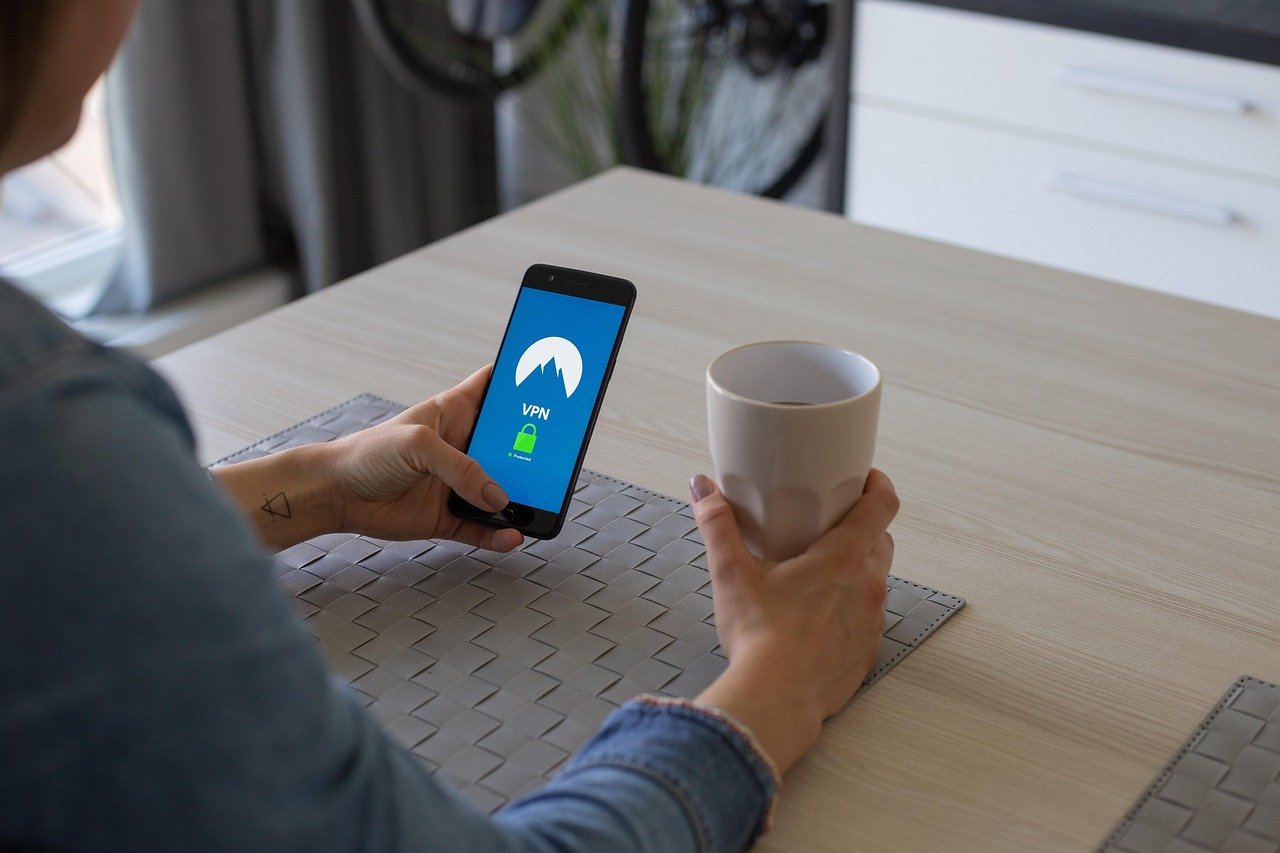
Imagine surfing the web with a personal bodyguard, shielding your every move from prying eyes. That’s essentially what a VPN, or Virtual Private Network, does for your online activity. In an era where digital privacy is increasingly under threat, understanding and utilizing VPN protection is no longer a luxury but a necessity. This guide will walk you through everything you need to know to stay safe and secure online.
What is VPN Protection and Why Do You Need It?
Understanding VPN Fundamentals
At its core, a VPN creates a secure, encrypted connection over a less secure network. Think of it as a private tunnel for your internet traffic. When you connect to a VPN server, your data is encrypted, making it unreadable to anyone intercepting it. Your IP address is also masked, replaced with the VPN server’s IP address, effectively hiding your true location.
Why VPN Protection is Crucial in Today’s Digital Landscape
The need for VPN protection stems from several factors:
- Privacy: Protect your browsing history, search queries, and personal information from being tracked by ISPs, advertisers, and government agencies.
- Security: Secure your data when using public Wi-Fi hotspots, which are notoriously vulnerable to hacking. A VPN encrypts your connection, making it harder for hackers to steal your passwords, financial details, and other sensitive information.
- Circumventing Censorship: Bypass geographical restrictions and access content that may be blocked in your region. This is especially useful for travelers and those living in countries with strict internet censorship.
- Enhanced Anonymity: Mask your IP address to prevent websites and online services from tracking your location and online activities.
- Example: Let’s say you’re working from a coffee shop and connecting to their public Wi-Fi. Without a VPN, a hacker on the same network could potentially intercept your data and steal your login credentials for email or banking. A VPN encrypts that data, rendering it unreadable even if intercepted.
How Does a VPN Work?
The VPN Encryption Process
The magic behind VPN protection lies in encryption. When you connect to a VPN server, your data is encrypted using protocols like AES (Advanced Encryption Standard), which is virtually unbreakable. This encrypted data travels through the VPN tunnel to the VPN server. Once it reaches the server, it’s decrypted and sent to its destination (e.g., the website you’re visiting). The return data follows the same encrypted path back to your device.
VPN Protocols: Choosing the Right One
Several VPN protocols exist, each with its own strengths and weaknesses. Some of the most common include:
- OpenVPN: Considered one of the most secure and reliable protocols. It’s open-source, meaning it’s constantly vetted by the security community.
- IKEv2/IPsec: Fast and stable, particularly on mobile devices. It’s often used for its ability to quickly re-establish connections after interruptions.
- WireGuard: A relatively new protocol that promises faster speeds and improved security. It’s becoming increasingly popular among VPN providers.
- L2TP/IPsec: An older protocol that’s generally considered less secure than OpenVPN or WireGuard.
- PPTP: An outdated protocol with known security vulnerabilities and should be avoided.
- Practical Tip: When choosing a VPN provider, prioritize those that offer OpenVPN, IKEv2/IPsec, or WireGuard protocols for optimal security and performance.
The Role of VPN Servers
VPN servers are strategically located around the world. When you connect to a VPN, you can choose a server in a specific country to mask your IP address and appear as if you’re browsing from that location. This allows you to bypass geographical restrictions and access content that may be blocked in your region.
Choosing the Right VPN Provider
Key Features to Look For
Selecting the right VPN provider is crucial for ensuring your privacy and security. Here are some key features to consider:
- Strong Encryption: Look for providers that use AES-256 encryption or higher.
- No-Logs Policy: Ensure the provider has a strict no-logs policy, meaning they don’t track or store your browsing activity.
- Server Locations: Choose a provider with a wide range of server locations to bypass geographical restrictions and improve performance.
- Fast Speeds: Opt for a provider with optimized servers and fast connection speeds to avoid buffering and lag.
- User-Friendly Interface: Select a VPN with an intuitive and easy-to-use interface, especially if you’re new to VPNs.
- Multiple Device Support: Ensure the provider supports multiple devices so you can protect all your computers, smartphones, and tablets.
- Kill Switch: A kill switch automatically disconnects your internet connection if the VPN drops, preventing your data from being exposed.
- 24/7 Customer Support: Choose a provider with responsive and helpful customer support in case you encounter any issues.
Free vs. Paid VPNs: Understanding the Trade-offs
While free VPNs may seem appealing, they often come with significant drawbacks:
- Limited Bandwidth: Free VPNs typically impose bandwidth restrictions, limiting how much data you can use.
- Slower Speeds: Free VPNs often have congested servers, resulting in slower speeds and a frustrating browsing experience.
- Data Logging: Some free VPNs log your browsing activity and sell it to third-party advertisers.
- Security Risks: Free VPNs may contain malware or other security threats.
- Limited Server Locations: Free VPNs usually offer a limited number of server locations, restricting your ability to bypass geographical restrictions.
- Actionable Takeaway: Investing in a reputable paid VPN is generally recommended for better security, performance, and privacy.
Researching VPN Providers
Before choosing a VPN provider, do your research. Read reviews, compare features, and check for independent security audits. Look for providers that are transparent about their policies and practices. Sites like TechRadar, PCMag, and CNET often provide detailed VPN reviews.
Setting Up and Using Your VPN
Installing the VPN Software
Most VPN providers offer user-friendly software for various devices, including Windows, macOS, iOS, and Android. Simply download the software from the provider’s website and follow the installation instructions.
Connecting to a VPN Server
Once the software is installed, launch it and log in with your credentials. You’ll typically see a list of available server locations. Choose a server in the desired country and click the “Connect” button.
- Example: If you want to access content that’s only available in the US, connect to a VPN server located in the United States.
Verifying Your VPN Connection
After connecting to the VPN, verify that your IP address has been successfully masked. You can use online tools like “WhatIsMyIP” or “IPLocation” to check your IP address and location. The results should reflect the VPN server’s IP address and location, not your actual IP address and location.
Using VPNs on Different Devices
- Computers: Download and install the VPN software for your operating system.
- Smartphones and Tablets: Download the VPN app from the App Store (iOS) or Google Play Store (Android).
- Routers: Some routers support VPN connections, allowing you to protect all devices connected to your home network. This requires more technical knowledge and may impact your internet speed.
Advanced VPN Features and Usage
Split Tunneling
Split tunneling allows you to choose which apps or websites use the VPN connection and which use your regular internet connection. This can be useful for optimizing bandwidth and improving performance.
- Example: You might want to use the VPN for browsing sensitive websites but use your regular internet connection for streaming video, which can consume a lot of bandwidth.
Double VPN (Multi-Hop)
Double VPN, also known as multi-hop, routes your internet traffic through two VPN servers instead of one, providing an extra layer of encryption and anonymity. While this increases security, it can also reduce your internet speed.
Onion Over VPN
Onion Over VPN combines the anonymity of the Tor network with the security of a VPN. This is a more advanced configuration that’s often used by individuals with high privacy needs. However, it can significantly slow down your internet speed.
VPN for Streaming
Many people use VPNs to access streaming services that are geographically restricted. However, some streaming services actively block VPN connections. Look for VPN providers that specialize in bypassing these restrictions.
- Practical Tip: Before subscribing to a VPN, check whether it supports the streaming services you want to access.
Conclusion
VPN protection is an essential tool for safeguarding your online privacy and security in today’s digital world. By understanding how VPNs work, choosing the right provider, and utilizing advanced features, you can significantly enhance your online protection and enjoy a safer, more secure internet experience. Don’t wait until your data is compromised – take proactive steps to protect yourself with a VPN today.


