
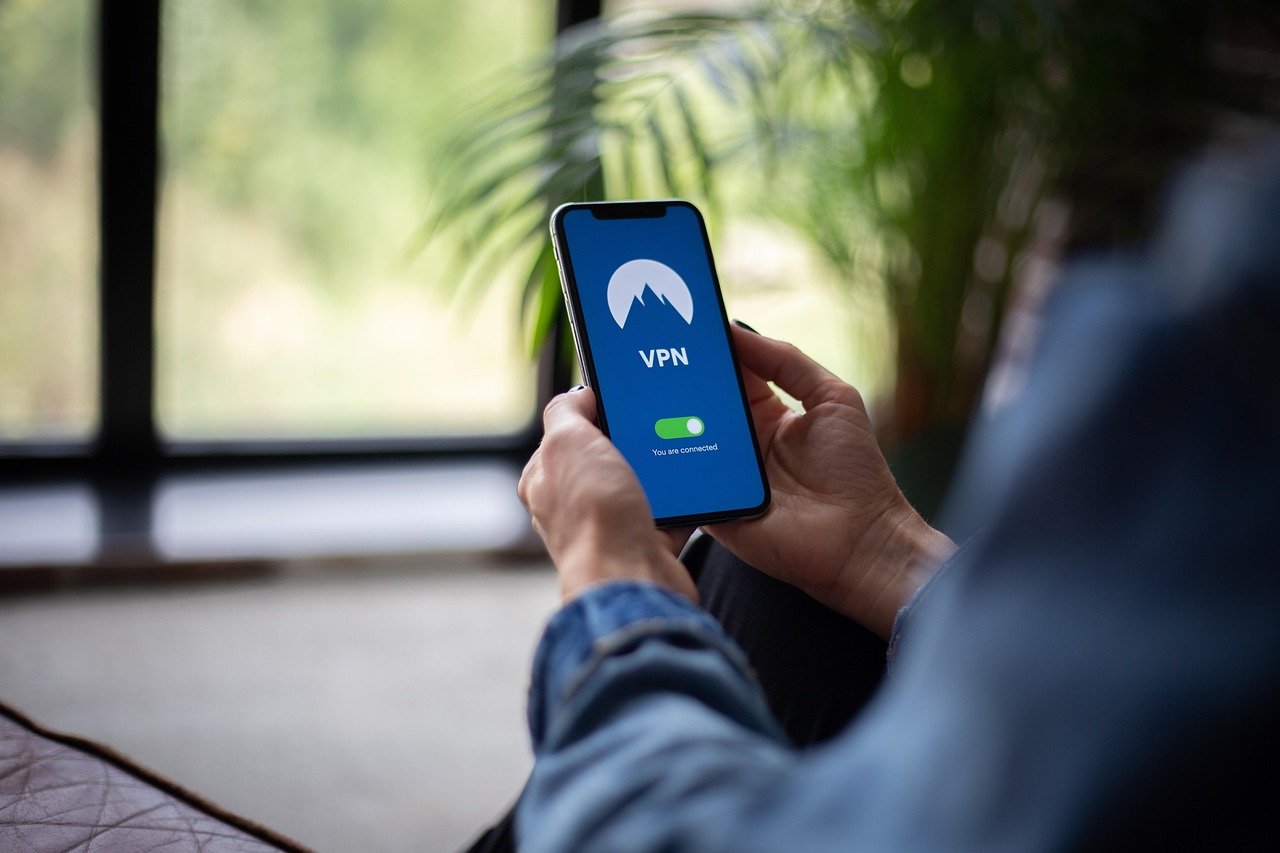
Level up your gaming experience! Tired of lag, region restrictions, or security vulnerabilities while playing your favorite games? A VPN (Virtual Private Network) could be the key to unlocking a smoother, safer, and more versatile gaming adventure. This guide will dive deep into the world of VPNs for gaming, covering everything from improved connection speeds to bypassing geographical limitations and protecting yourself from DDoS attacks. Get ready to transform your online gaming life.
Why Use a VPN for Gaming?
Reduced Lag and Ping Times
One of the most compelling reasons gamers use VPNs is to potentially reduce lag and improve ping times. While it might seem counterintuitive, a VPN can sometimes optimize your connection route to the game server, bypassing congested or inefficient paths used by your ISP.
- How it works: VPNs route your internet traffic through their own servers. If a VPN server is closer to the game server than your default route, your data can travel a shorter distance, resulting in lower latency.
- Example: If you’re playing a game hosted in Europe but located in North America, a VPN with a server in Europe could provide a significantly faster connection.
- Actionable Takeaway: Experiment with different VPN server locations to find the one that offers the lowest ping for your game server. Use in-game ping monitors or network diagnostic tools to assess performance.
Bypassing Geo-Restrictions and Early Access
Many games and in-game content are region-locked, meaning they are only available in specific countries. A VPN allows you to circumvent these restrictions.
- Access restricted content: Unlock downloadable content (DLC), special events, or even entire games that are not available in your region.
- Early access: Some games release in certain regions earlier than others. By connecting to a VPN server in that region, you can potentially gain early access to the game.
- Example: A new game might be released in Australia before your region. Connect to an Australian VPN server to access the game earlier.
- Actionable Takeaway: Research the release times of games in different regions and use a VPN server in the region with the earliest release to play sooner. However, always check the game’s Terms of Service as bypassing region locks may violate their rules.
Protection Against DDoS Attacks
Gamers can be targeted by Distributed Denial of Service (DDoS) attacks, which flood their IP address with traffic, knocking them offline and ruining their gaming experience. A VPN hides your real IP address, making you much harder to target.
- How it works: The VPN server acts as an intermediary, masking your actual IP address and providing a new, shared IP address.
- DDoS protection: Even if an attacker attempts to DDoS the VPN server’s IP address, your real IP address remains hidden, keeping you safe.
- Actionable Takeaway: Choose a VPN with strong DDoS protection and regularly change your VPN server to further enhance your security.
Enhanced Security and Privacy
A VPN encrypts your internet traffic, protecting your data from eavesdropping by hackers, your ISP, or other third parties. This is especially important when gaming on public Wi-Fi networks.
- Data encryption: VPNs use encryption protocols like OpenVPN or WireGuard to scramble your data, making it unreadable to unauthorized parties.
- Public Wi-Fi security: Protect your account credentials and personal information when gaming on unsecured public Wi-Fi networks.
- ISP monitoring: Prevent your ISP from monitoring your gaming activity and potentially throttling your bandwidth.
- Actionable Takeaway: Always use a VPN when gaming on public Wi-Fi, and choose a VPN with a strong encryption protocol.
Choosing the Right VPN for Gaming
Key Features to Look For
Selecting the right VPN is crucial for an optimal gaming experience. Here are some essential features to consider:
- Fast speeds and low latency: Opt for a VPN with a large server network and optimized servers for gaming.
- Server locations: Choose a VPN with servers in regions where your favorite game servers are located.
- Strong security and encryption: Look for VPNs that use robust encryption protocols like OpenVPN or WireGuard.
- DDoS protection: Select a VPN that offers protection against DDoS attacks.
- No-logs policy: Ensure the VPN provider has a strict no-logs policy, meaning they don’t track your online activity.
- Compatibility: The VPN should be compatible with your gaming device (PC, console, mobile).
- Customer support: Choose a VPN provider with responsive and helpful customer support.
Top VPN Recommendations for Gamers
Based on the key features mentioned above, here are a few top VPN recommendations for gamers:
- NordVPN: Known for its fast speeds, large server network, and strong security features.
- ExpressVPN: Offers excellent speeds, user-friendly interface, and a wide range of server locations.
- Surfshark: Provides unlimited simultaneous connections and affordable pricing.
- CyberGhost: Features dedicated gaming servers and a user-friendly interface.
How to Test VPN Performance
Before committing to a VPN, it’s important to test its performance to ensure it meets your gaming needs.
- Speed tests: Use online speed test tools to measure your download and upload speeds with and without the VPN connected.
- Ping tests: Use the in-game ping monitor or a network diagnostic tool to check your ping times to the game server with and without the VPN.
- Trial period: Take advantage of free trials or money-back guarantees to test the VPN before committing to a long-term subscription.
- Actionable Takeaway: Test different VPN server locations and gaming servers to find the optimal configuration for your setup.
Setting Up a VPN for Gaming
Installing and Configuring the VPN Client
The process of setting up a VPN for gaming is generally straightforward:
VPNs on Gaming Consoles
Setting up a VPN directly on gaming consoles like PlayStation, Xbox, or Nintendo Switch can be more complex, as they don’t natively support VPN software. There are two main methods:
- Router configuration: Configure the VPN on your router, so all devices connected to the router, including your console, are protected by the VPN.
- PC/Laptop as a hotspot: Connect your PC or laptop to the VPN, and then share the internet connection with your console.
- Actionable Takeaway: Check your router’s compatibility with VPNs and follow your VPN provider’s instructions for setting up the VPN on your router.
Troubleshooting Common VPN Issues
Connection Problems
If you experience connection problems with your VPN, try the following:
- Check your internet connection: Ensure your internet connection is stable and working properly.
- Restart the VPN client: Close and reopen the VPN client.
- Try a different server: Connect to a different VPN server location.
- Change the VPN protocol: Experiment with different VPN protocols, such as OpenVPN or WireGuard.
- Contact customer support: If the problem persists, contact your VPN provider’s customer support for assistance.
Speed Issues
If you experience slow speeds with your VPN, try the following:
- Choose a server closer to your location: Connect to a VPN server that is geographically closer to your location.
- Switch to a faster server: Some VPN servers are faster than others. Try connecting to a different server.
- Close unnecessary applications: Close any applications that are consuming bandwidth, such as streaming services or file-sharing programs.
- Upgrade your VPN plan:* Some VPN providers offer faster speeds with premium plans.
Conclusion
A VPN can be a valuable tool for gamers, offering a range of benefits from reduced lag and access to region-locked content to enhanced security and privacy. By choosing the right VPN, configuring it properly, and troubleshooting common issues, you can optimize your gaming experience and enjoy a smoother, safer, and more versatile online adventure. So, gear up and use a VPN to unlock the full potential of your gaming world!


